
Overview
The Clear Associated Center Fields action lets you automatically remove or reset field values from the Center record linked to a family in your automation. Use this when you need to clear outdated center information like tags, addresses, or custom fields that no longer apply.
What This Action Does
Use this action to:
- Automatically clear or reset selected Center fields linked to a family
- Remove outdated information such as tags, locations, or custom statuses
- Maintain data accuracy when a family changes centers or withdraws
Important: This action clears existing values from the specified fields—it does not delete the center record or break the association between the family and center.
If you need to edit field values instead of clearing them, use the Update Associated Center action.
How to Set It Up
1. Select Fields to Clear
Choose one or more fields from the associated Center record that should be cleared. You can select standard fields (like Industry, Domain, or Address) or any custom fields you've created in your platform.
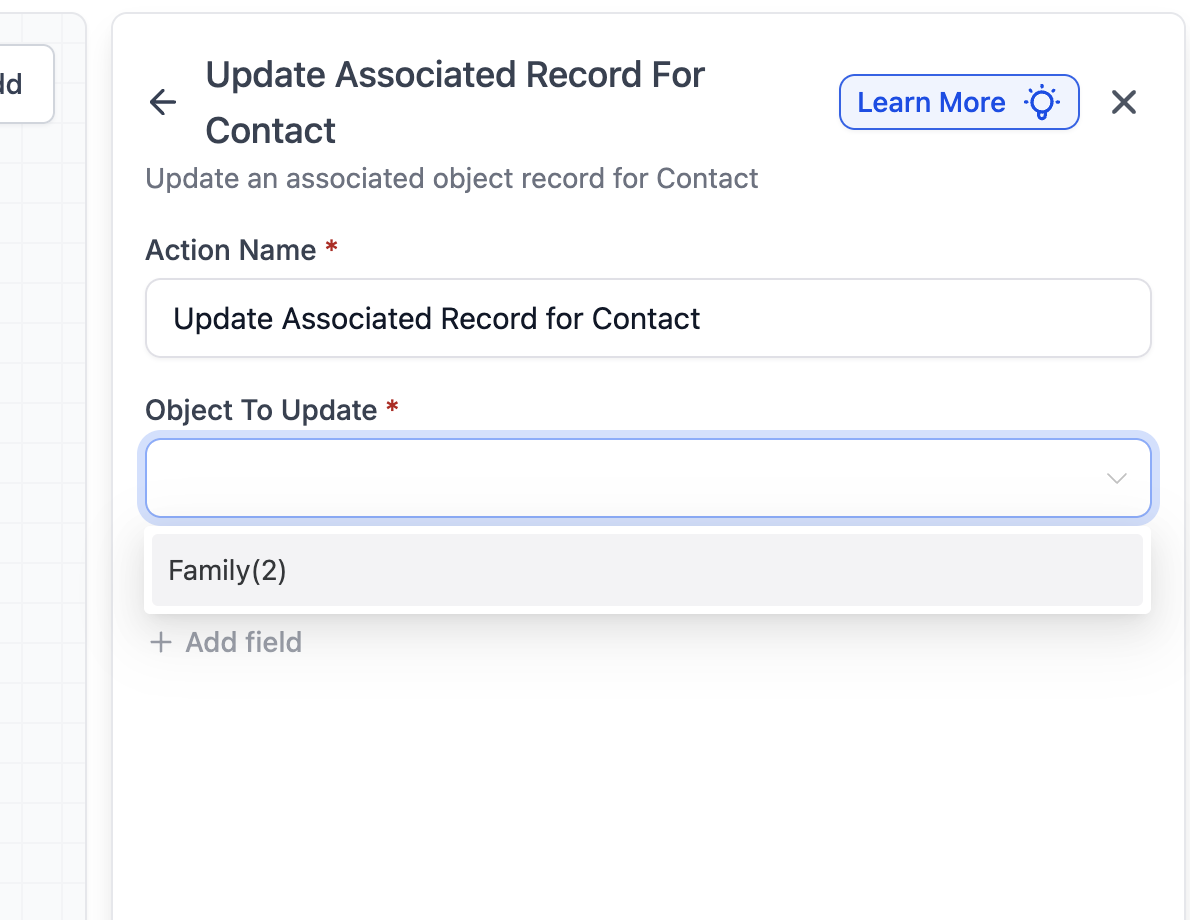
2. Add Multiple Fields (Optional)
You can clear multiple fields in a single action by adding them to the list. For example, clear Tags, Address, and Website simultaneously.
3. Understand the Clear Behavior
The action clears the selected field values for the Center associated with the family that triggered the automation. If no associated center exists, the action will be skipped automatically.
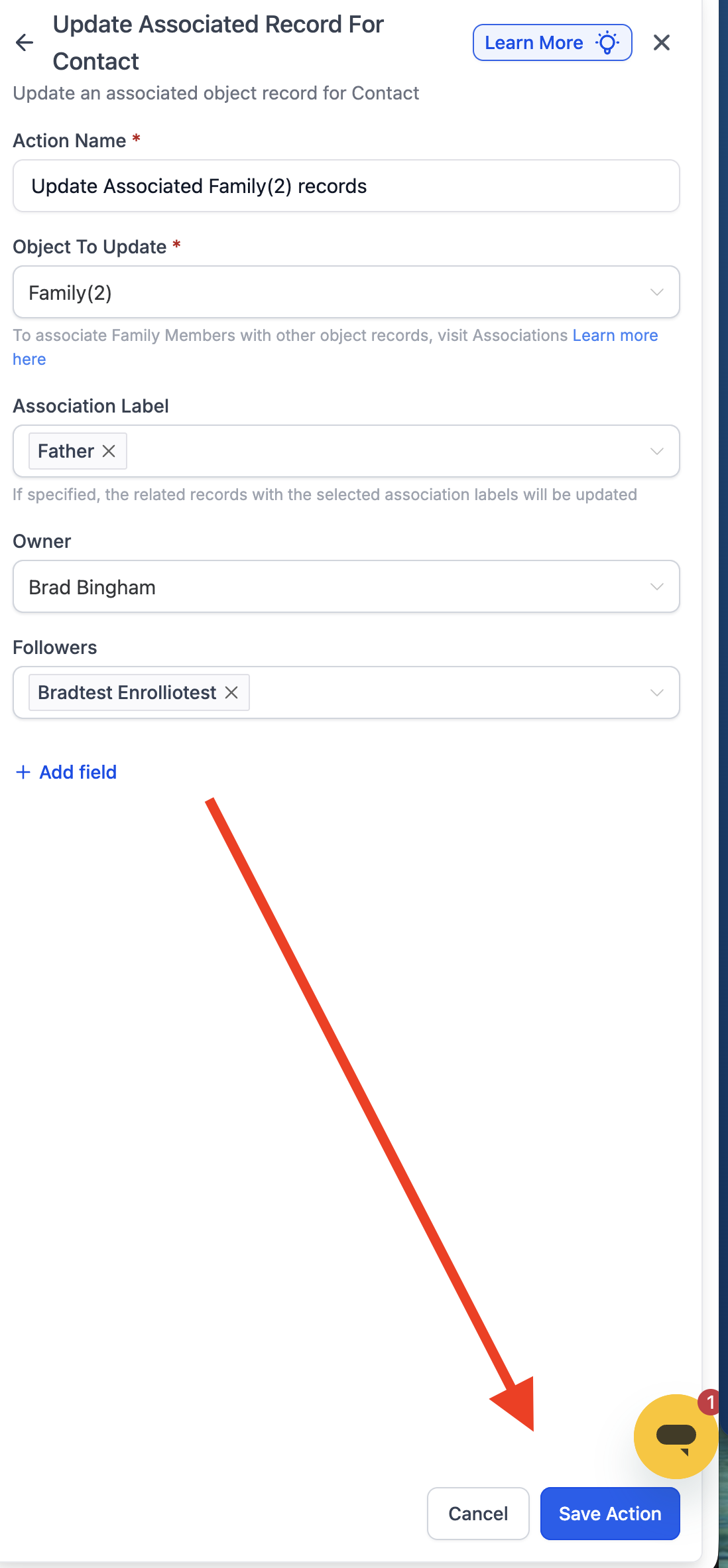
4. Save Your Action
Click Save Action. When the automation runs, the chosen fields in the linked center record will be reset (emptied).
Important Notes
- This action is only available in family-based automations
- You cannot clear family fields with this action—only center fields linked to the family
- If the family has multiple center associations, the action targets the primary associated center
Example: Clear Old Center Tags When a Family Changes Locations
Goal: Remove the "Primary Contact" tag from the previous center when a family switches to a new location.
Setup:
- Automation Type: Family-based
- Trigger: Family record changed → Center Name field updated
- Action: Clear Associated Center Fields
- Fields to Clear: Primary Contact tag
How it works:
- A family updates their center name to a new location
- Automation triggers this action
- Primary Contact tag is cleared from the old associated center record