
Overview
The Update Associated Company action lets you automatically update details of the company linked to a parent or family contact in your automation. This keeps your company records in sync whenever related contact information changes—like when parents submit forms or update their profiles.
If no company is associated with the contact, Enrollio skips this action automatically.
When to Use This Action
Use this action to:
- Automatically update company fields when a parent's information changes
- Map data from forms or webhooks directly to company records
- Keep parent and company data synchronized without manual updates
Note: This action updates existing company records only. To create a new associated company, use the Create Associated Company action instead.
How to Set It Up
Step 1: Add the Action to Your Automation
This action is only available in Parent/Family-based automations. Add it to your automation flow where you want company updates to occur.
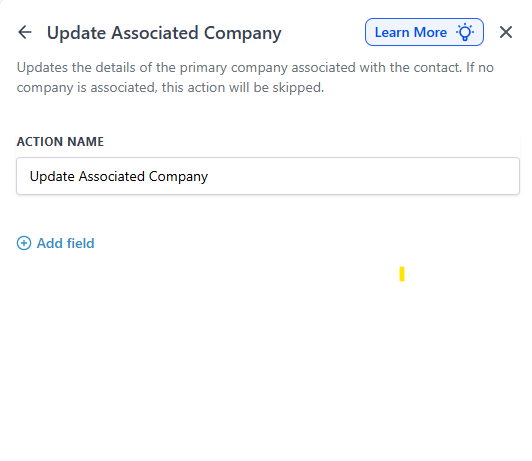
Step 2: Map Your Fields
Choose which company fields you want to update and where the new values should come from.
Example mappings:
- Company Name → {{contact.company_name}}
- Industry → {{inboundWebhookRequest.body.industry}}
- Domain → Extract from {{contact.email}}
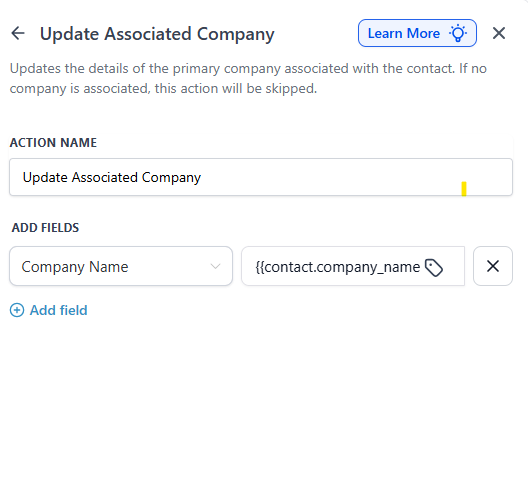
Step 3: Choose Your Data Sources
You can pull values from:
- Contact fields — like company_name, email, city, or any custom field
- Webhook data — like {{inboundWebhookRequest.body.domain}}
- Fixed text — like "Active Client" or a specific status
Step 4: Add Multiple Fields (Optional)
Click + Add Field to update multiple company properties at once. Each field-value pair represents one update operation.
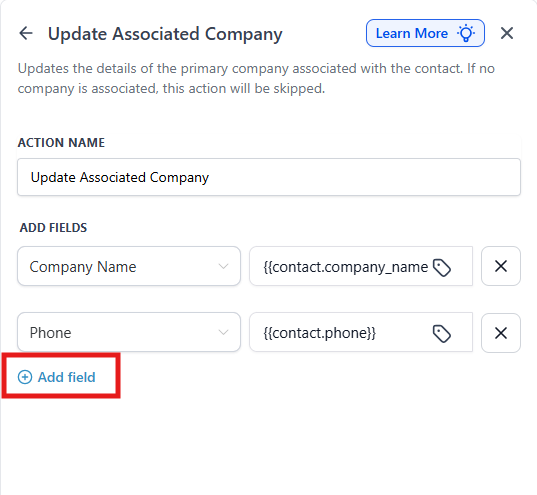
Step 5: Save Your Action
Click Save Action. When your automation runs, Enrollio will update the associated company record with your configured values.
How It Works
The action updates the primary company linked to the parent or family contact. If the contact isn't linked to any company, Enrollio automatically skips this step—no errors, no issues.
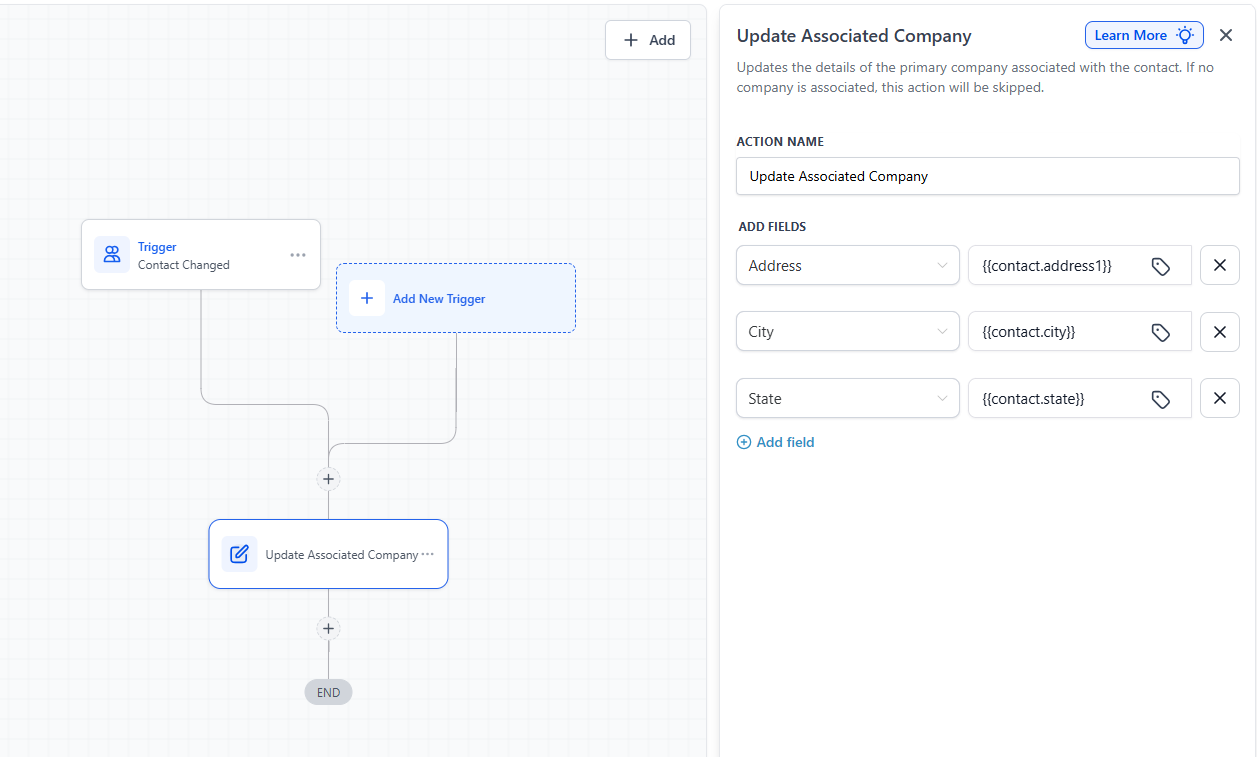
Example: Update Company Address When Parent Moves
Goal: Automatically update the company's address when a parent updates their address.
Setup:
- Trigger: Contact Changed → Address field updated
- Action: Update Associated Company
-
Field Mappings:
- Address → {{contact.address}}
- City → {{contact.city}}
- State → {{contact.state}}
Flow:
- A parent updates their address in your system
- The automation triggers
- The associated company's address fields update automatically
💡 Pro Tip
This action is perfect for childcare centers managing parent companies or employers. When a parent's work information changes, you can automatically update the employer record without manual data entry.
Important Notes
- Only available in Parent/Family-based automations
- Cannot create new companies—use Create Associated Company for that
- Skips automatically if the contact has no associated company