
Understanding Missing Opportunities
If enrollment opportunities are disappearing from your pipeline, don't panic. There are a few common reasons this happens, and they're usually easy to fix.
Common Causes
1. The Opportunity Was Marked as Won or Lost
When you or a team member marks an enrollment opportunity as won (enrolled) or lost (declined), it automatically moves out of your active pipeline view. This is normal behavior — it keeps your pipeline focused on active prospects.
To check: Go to your Enrollment Pipeline and change the filter from "Active" to "All" or "Won/Lost" to see if the opportunity appears there.
2. Automated Pipeline Movement
If you have automations set up, they may be moving opportunities between stages or marking them as complete based on parent actions or time triggers.
To review: Click Settings → Automations and look for any automations that update enrollment opportunity stages or statuses.
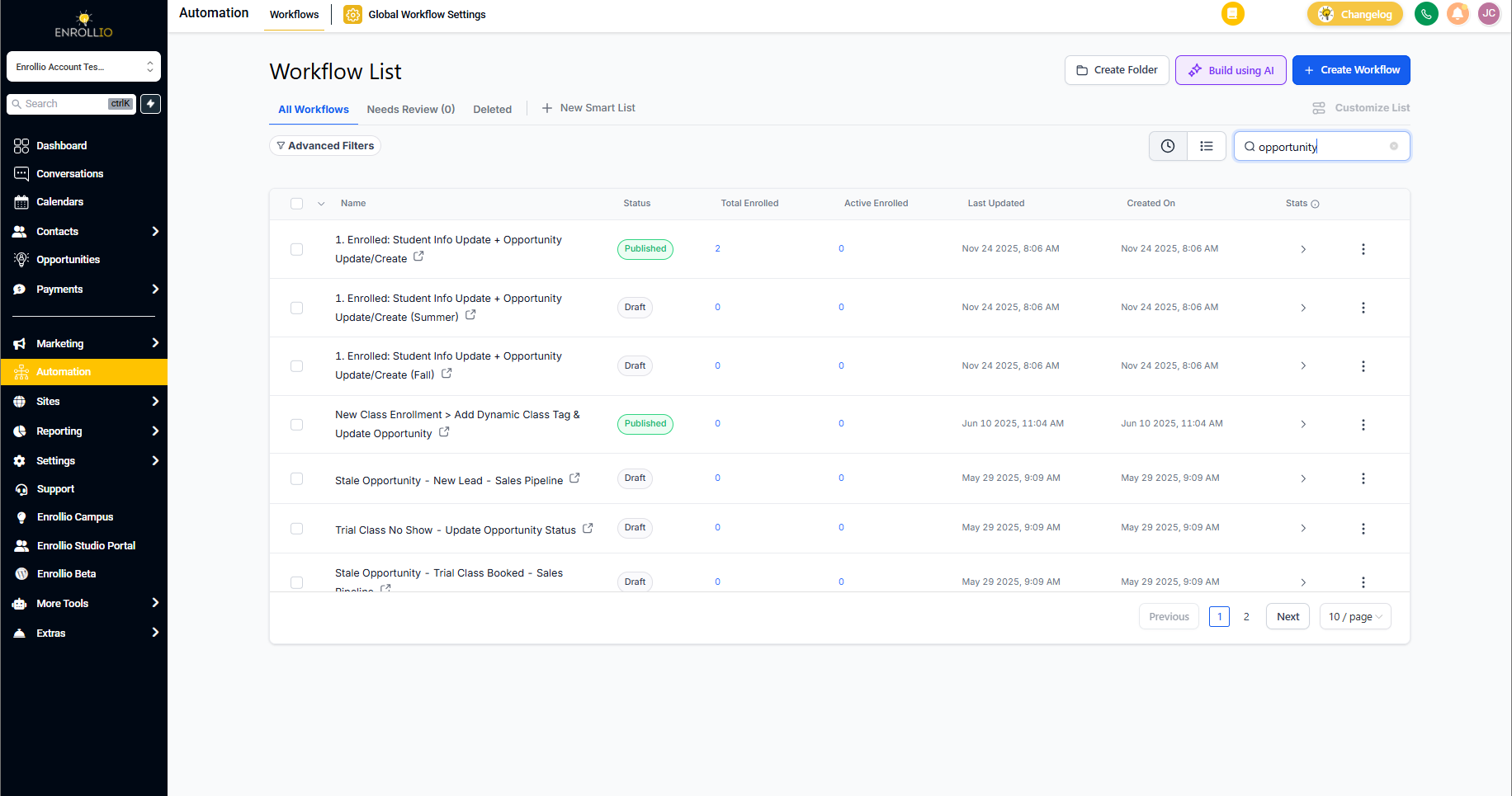
3. Stale Opportunity Automation
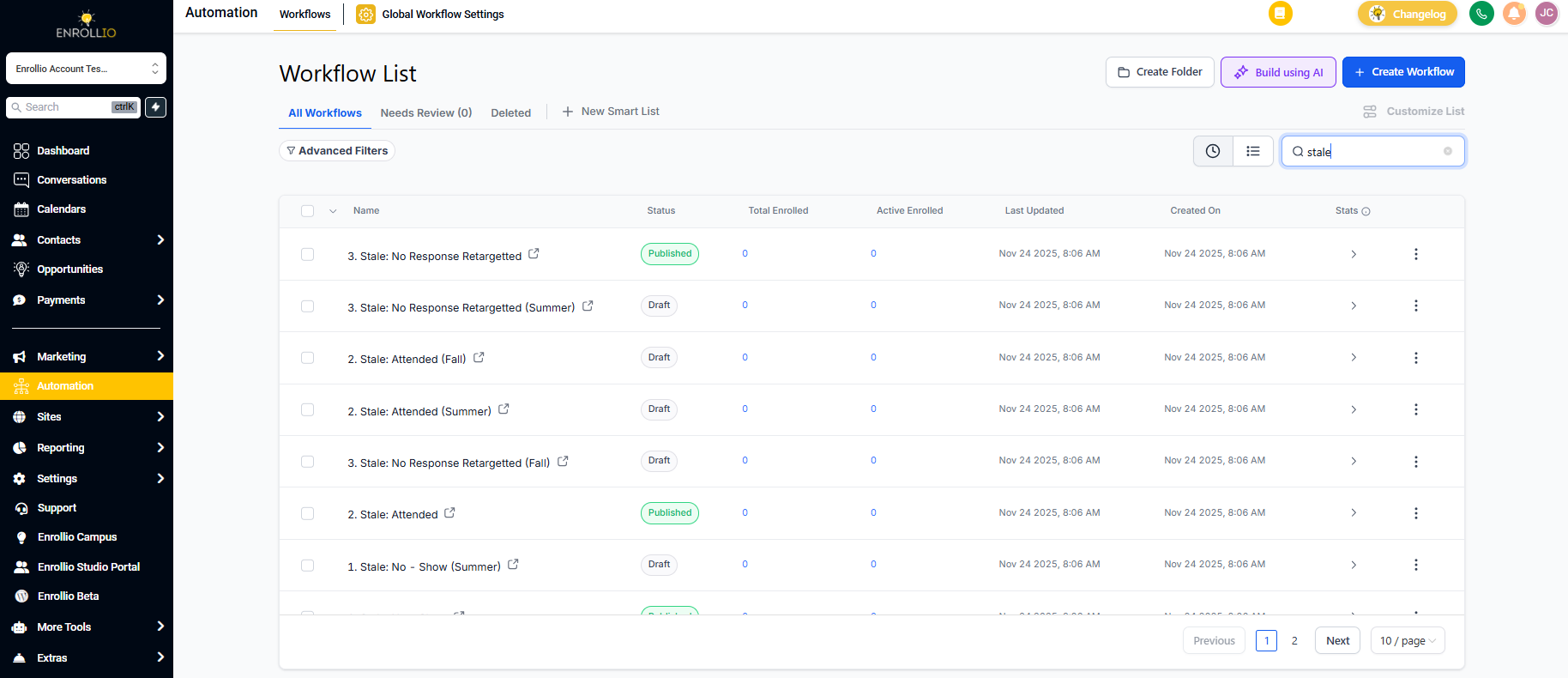
You may have a "stale opportunity" automation enabled that automatically moves or archives opportunities that haven't been updated in a certain number of days. This helps keep your pipeline clean, but can surprise you if you're not expecting it.
To check: Go to Settings → Automations and search for "stale" to see if this automation is active and review its settings.
4. Pipeline View Filters
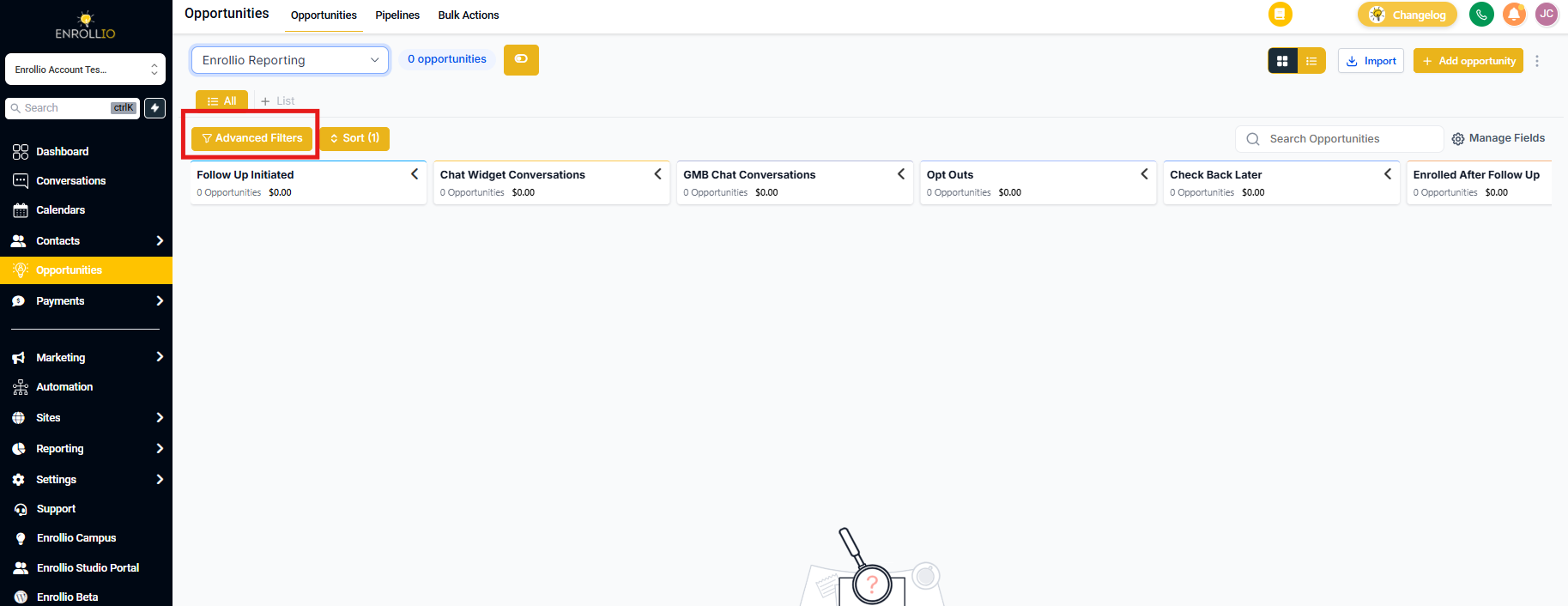
Sometimes opportunities aren't actually gone — they're just filtered out of your current view.
Check your filters:
- Date range filters
- Stage filters
- Status filters (Active vs. All)
- User/owner filters
5. Deleted by Mistake
If an opportunity was accidentally deleted, you can restore it within 30 days.
To restore: Go to Settings → Enrollment Pipelines → Trash. Find the deleted opportunity and click Restore.
Pro Tip: Set Up Activity Tracking
To prevent future confusion, turn on activity logging for your pipeline. This creates a record every time an opportunity moves stages or changes status, so you can always see what happened and who made the change.
Go to Settings → Enrollment Pipelines → [Your Pipeline] → Enable Activity Log.
Still Can't Find It?
If you've checked all of the above and still can't locate your enrollment opportunity, reach out to Enrollio support with the family name and approximate date the opportunity was created. We can help trace what happened.