
By default, when you create an enrollment opportunity for a family, both are owned by the same staff member. But sometimes you need flexibility — maybe your admissions coordinator manages the family, while your director handles enrollment decisions.
This feature lets you assign different owners to families and their enrollment opportunities.
How to Enable Different Owners
- Click Settings in your account
- Scroll to "Allow different owners for families and enrollment opportunities"
- Toggle the setting to On
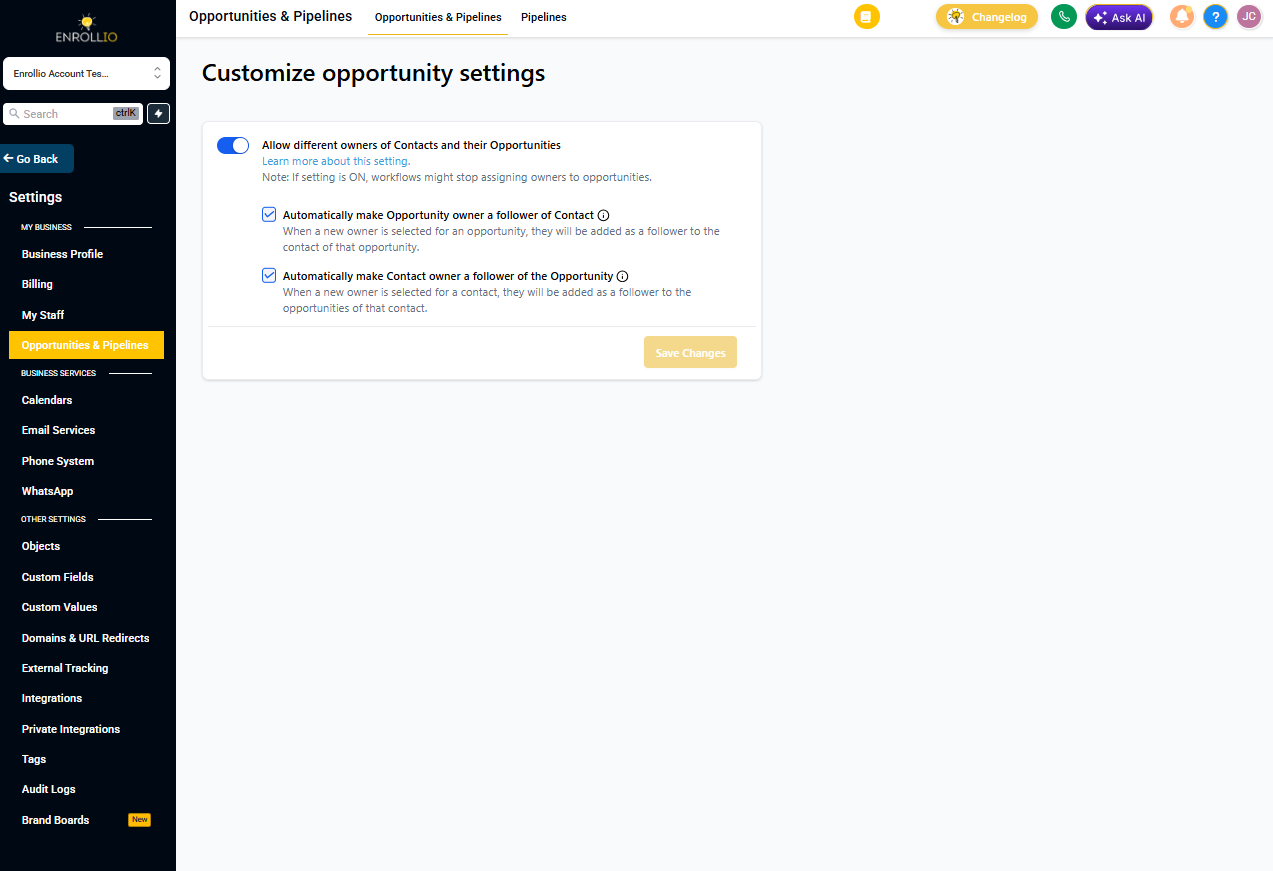
Once enabled, families and their enrollment opportunities can be owned and managed by different staff members on your team.
How Ownership Works
Default behavior: When you create a new enrollment opportunity, the owner defaults to whoever owns the family record. You can change this at any time to assign the opportunity to a different staff member.
Independent ownership: After enabling this feature, you can update the owner of a family without affecting who owns their enrollment opportunities, and vice versa.
Coming Soon: Automation Actions
We're building automation actions that will let you automatically assign owners based on triggers — like assigning all new tours to your admissions coordinator, or reassigning opportunities when they reach certain stages.