
Overview
Writing custom code in automations just got smarter, faster, and easier—thanks to AI! We're excited to introduce Code with AI (Beta), enabling you to generate custom code snippets with just a simple description.
Previous Behavior
Previously, creating custom code within automations required you to write JavaScript code from scratch, which was time-consuming and required programming expertise.
You had to:
- Manually map input properties from previous automation steps to use within the code
- Test and debug code manually before implementation
This process demanded a significant investment of time and technical skill.
What's New?
Now we have AI-Assisted Code Generation. With Code with AI, the process is streamlined:
- AI-Powered Code Generation – Describe the desired functionality in plain language, and AI will generate JavaScript code for you
- Automated Property Integration – AI intelligently incorporates relevant input properties based on your description
- One-Click Implementation – Quickly review and insert AI-generated code into your automation
- Regenerate if Needed – Not happy with the first result? Click Generate again for a fresh version
How to Use It
- Select: Choose Custom Code action in your automation.
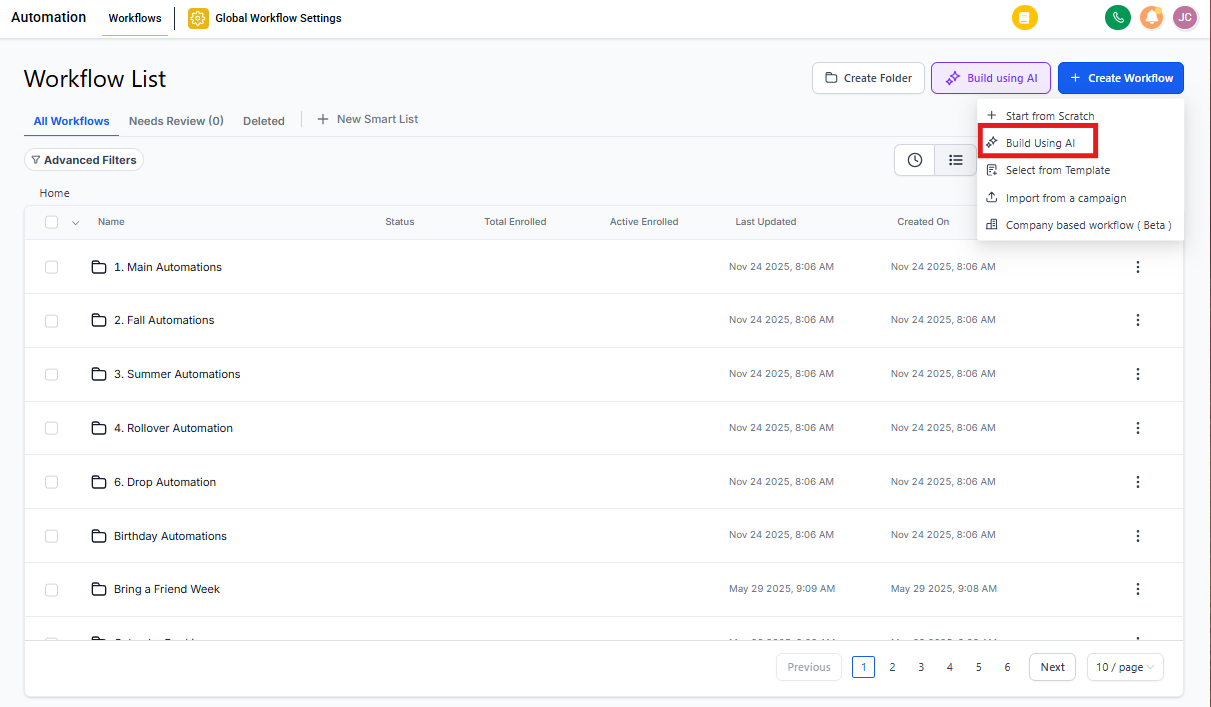
- Activate AI: Click "Build with AI" to open the AI assistant.
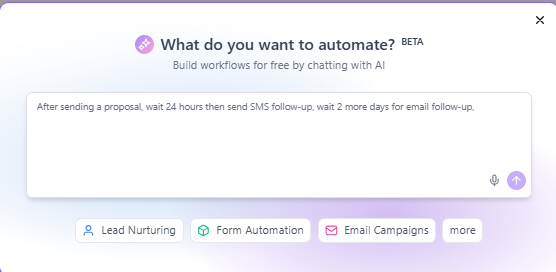
- Describe: Input your desired functionality (e.g., "I have an API that returns a date in MM-DD-YYYY format. Can you help me convert it to YYYY-MM-DD.").
- Generate: Click Generate and let AI craft the code for you.
- Regenerate: Want to make changes to the code? Mention the changes in the text box and click "Regenerate."
- Implement: Review the output and click Use Code to insert it into your automation.
Use Cases for Childcare Centers
Data Formatting
Automatically format phone numbers or dates to match your preferred style. For example, convert parent phone numbers from various formats into a consistent format for text messaging.
API Integration
Generate code to connect with external services via HTTP requests. This is useful when integrating with state licensing systems or background check providers.
Mathematical Calculations
Compute tuition rates, sibling discounts, or deposit percentages dynamically based on enrollment details.
String Manipulation
Extract key details from text, such as email addresses from inquiry forms or child names from registration submissions.
Conditional Logic
Implement custom decision-making processes, like routing tour requests to specific staff based on age group or program type.