The Scenario
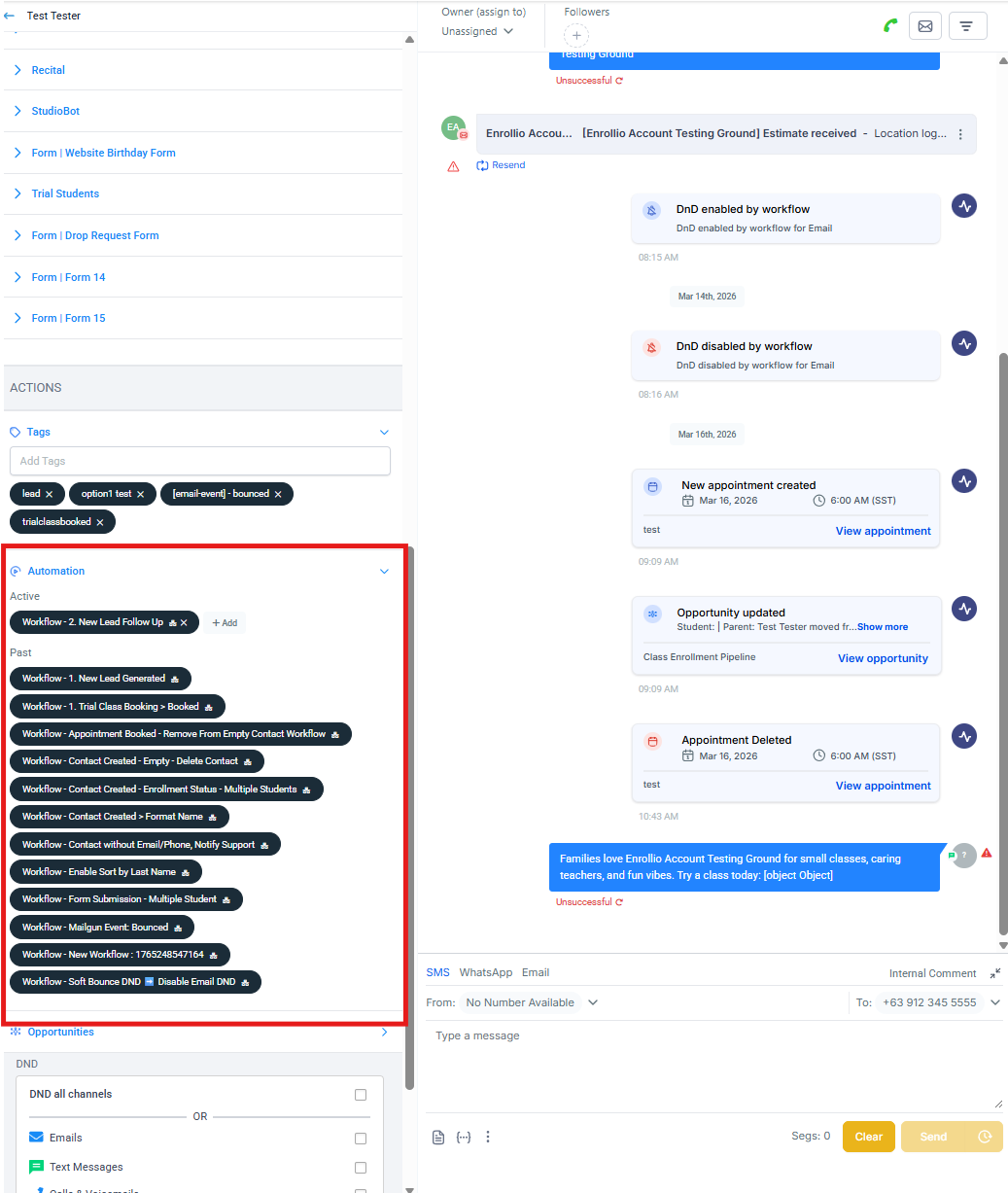
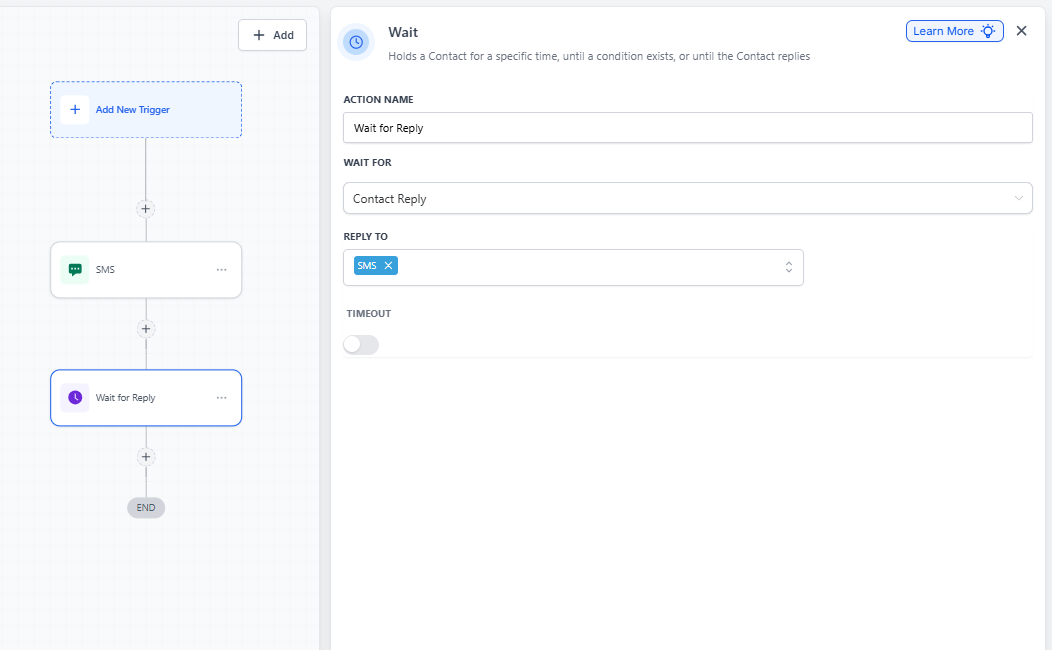
You've built an automation that sends a text message to a parent, then waits for their reply before continuing. But what happens if someone on your team manually texts that same parent while they're waiting in the automation?
Why Manual Texts Can Disrupt Automations
When you manually send a text to a parent who's currently in an automation with a "Wait for Parent Reply" step, it can break the automation's ability to track their response. Here's what's happening behind the scenes:
Text Messages Don't Thread Like Emails
Unlike email conversations where replies are linked to specific messages in a thread, text messages don't work that way. Enrollio can't tell which text message a parent is replying to when multiple messages have been sent.
The Automation Gets Confused
When your team sends a manual text after the automated one, any reply from the parent might not be recognized by the automation. The system won't know if they're responding to your automated message or the manual one you just sent.
Parents Get Stuck in the Wait Step
Because the automation can't attribute the reply to the original automated text, the parent will remain at the wait step indefinitely — even if they've already responded. The automation simply won't recognize their reply and move them forward.
Best Practice: Coordinate Your Messaging
The solution is simple: don't manually text parents who are currently in an automation with a "Wait for Reply" step.
If you need to reach out to a parent who's in an active automation, either:
- Wait until the automation completes
- Remove them from the automation first, then send your manual text
- Use the automation itself to send all messages in sequence