
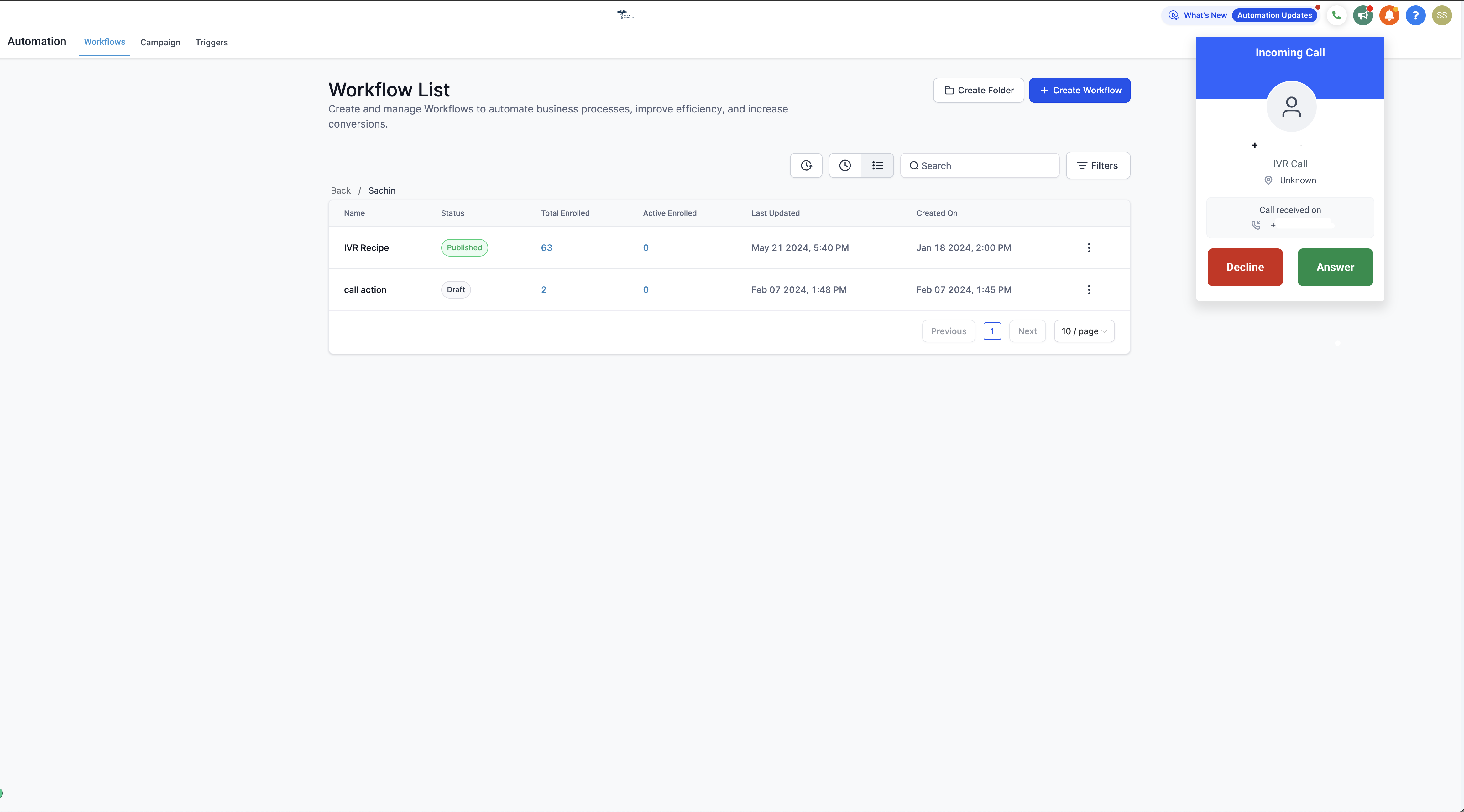
You can now choose where you want to receive calls routed through your IVR (phone menu) system — including directly in the Enrollio app on your computer or phone.
What This Means for You
Previously, IVR calls could only ring your physical phone number. Now you have options: take calls through the Enrollio web app, mobile app, your regular phone number, or even a desk phone.
This gives you flexibility to manage parent calls however works best for your schedule.
How to Set Your Preferred Call Channel
- Go to Settings → My Staff
- Click Edit next to your name
- Scroll to the Call & Voicemail Settings section
- Choose your preferred option from Default channel for IVR
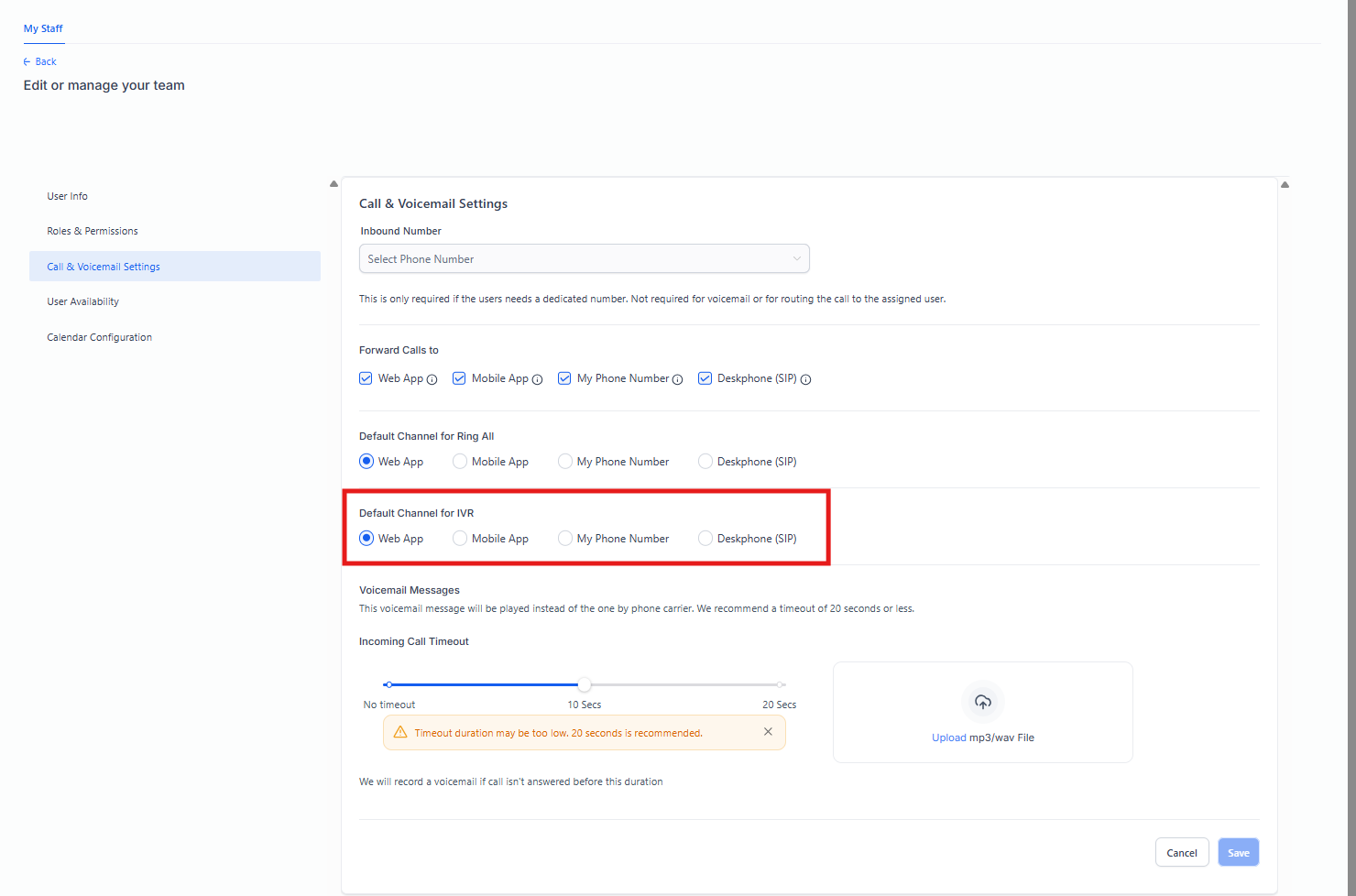
Available Channel Options
You can select one of these as your default way to receive IVR calls:
- Web app — Answer calls directly in Enrollio on your computer browser
- Mobile app — Take calls through the Enrollio mobile app
- My Phone number — Route calls to your personal or work phone
- Desk Phone — Send calls to your physical desk phone
Can I Choose Multiple Channels?
Right now, you can only select one default channel for receiving IVR calls. The option to ring multiple devices simultaneously isn't available yet.
If you need to change your channel preference — for example, switching from mobile app to desk phone on days you're in the office — just update your settings following the steps above.