
Campaigns Feature Has Been Retired
Enrollio has evolved significantly, and our Automations feature now provides a more powerful way to manage your parent communication and enrollment workflows. As part of this evolution, we've retired the old Campaigns feature.
Why Did We Make This Change?
Automations give you more flexibility and control over your childcare center's communication. They're easier to build, maintain, and customize for your specific enrollment and parent engagement needs.
What This Means for You
As of April 15, 2024, the Campaigns feature is no longer available. Here's what changed:
- You can no longer create new Campaigns or Triggers
- The Campaigns tab has been removed from your dashboard
- All automation functionality now lives in the Automations section
Moving Your Campaigns to Automations
If you were using Campaigns before April 2024, you'll need to rebuild those workflows using Automations. The good news? Automations are more powerful and easier to manage.
To get started with Automations:
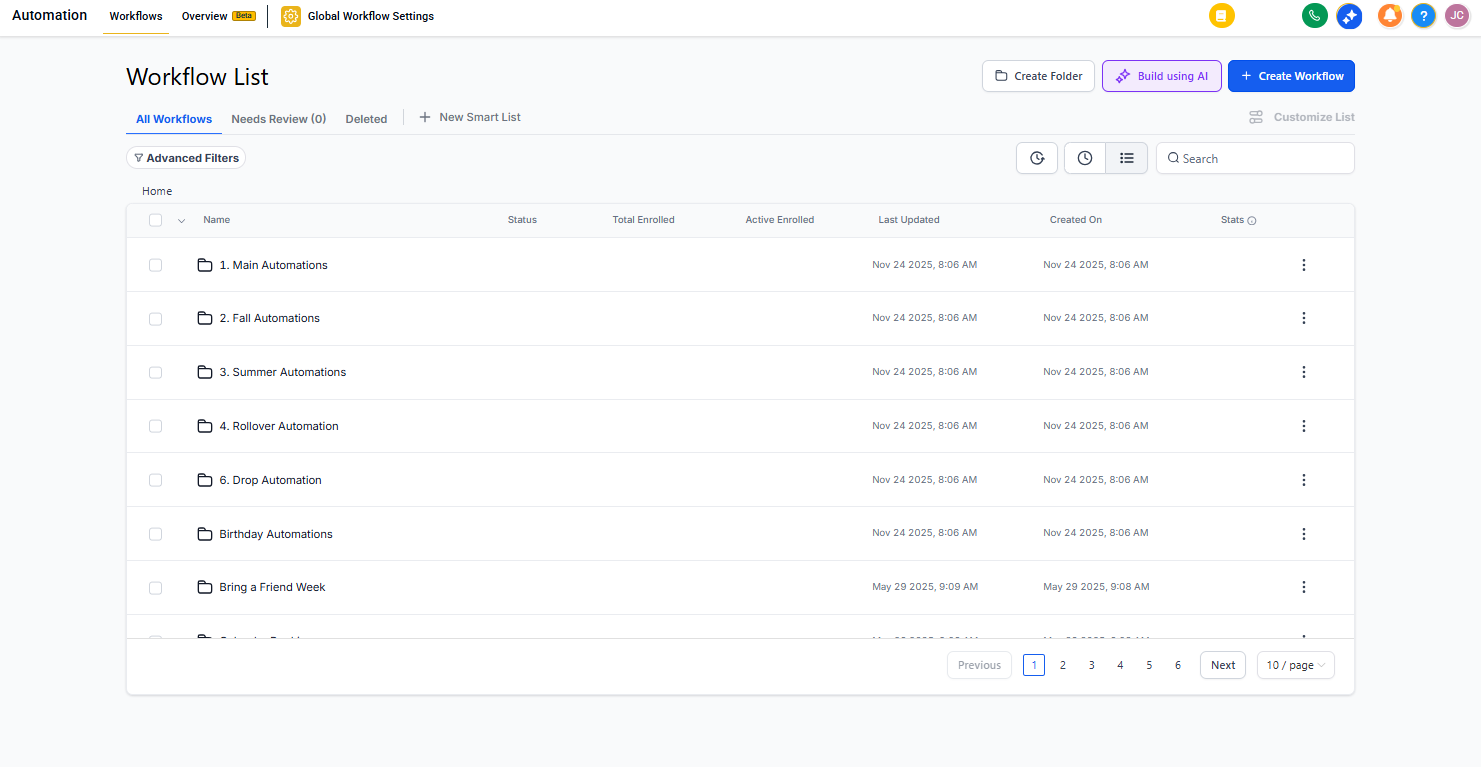
- Click on Automations in your left sidebar
- Click Create Automation
- Choose a trigger (when the automation should start)
- Add actions (what should happen)
- Save and activate your automation
Need Help?
Check out our Automation Builder Walkthrough for a complete guide to creating your first automation. If you need help recreating a specific Campaign, contact our support team — we're here to help.