
New Discover Button in Automation Builder
We've made it easier to discover and install marketplace apps directly within the automation builder. You no longer need to visit the marketplace separately — everything you need is right where you're building.
What's New
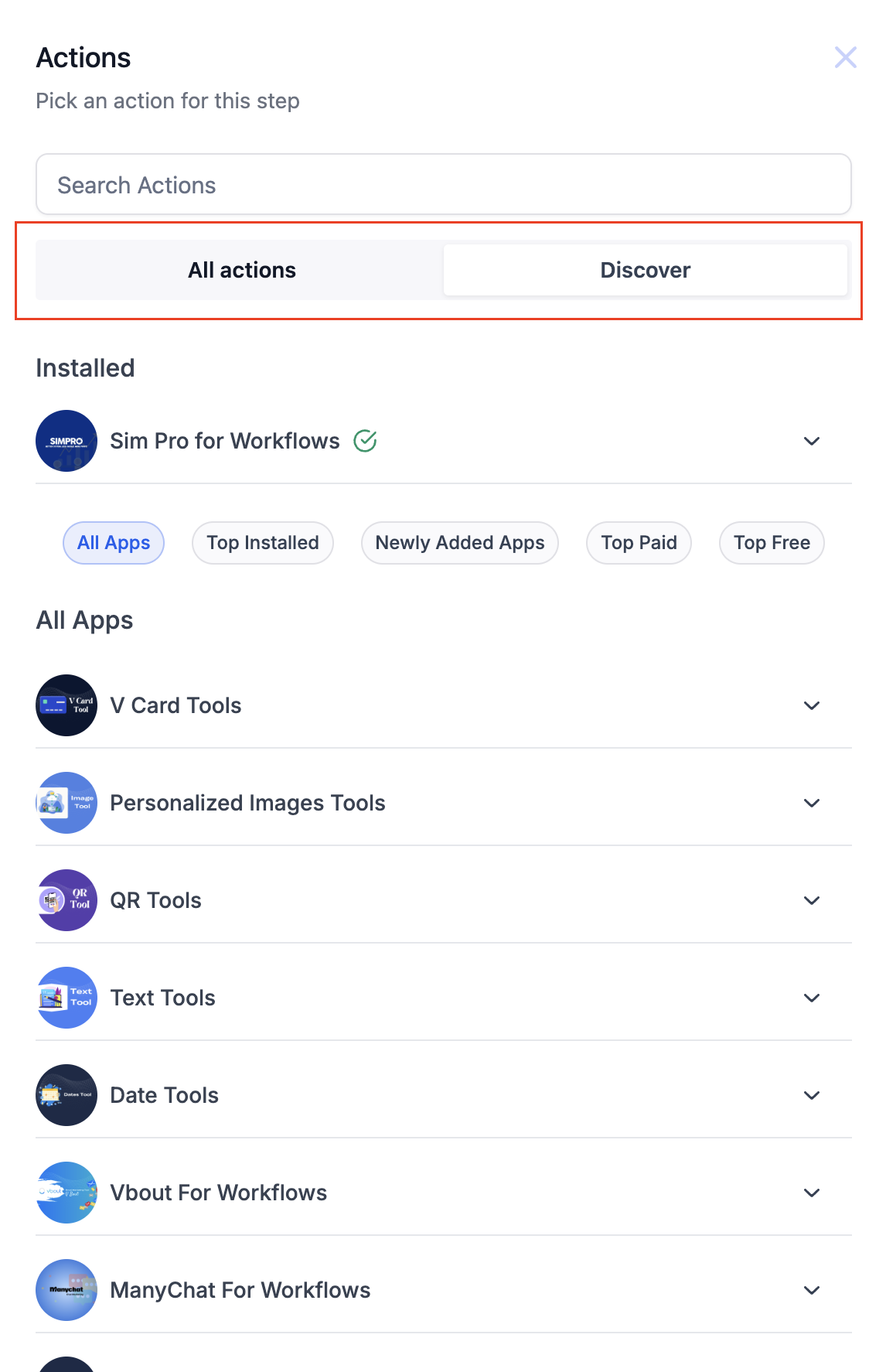
New "Discover" Button
Access a comprehensive list of marketplace apps right from the automation builder. The "Discover" button brings all available apps to you, making it simple to find the right tools for your automations.
App Categorization
Browse apps organized by helpful categories:
- Top Installed: The most popular apps based on user installs
- Top Free: The best free apps available in the marketplace
- Top Paid: Premium apps to enhance your automations
- Newly Added: The latest additions to the marketplace
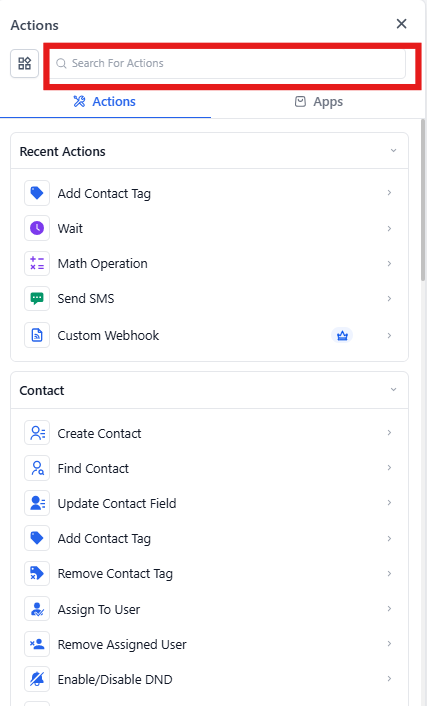
Global Search Bar
Search seamlessly across actions, marketplace actions, and triggers using the new global search bar. Quickly find the app or action you need without browsing through categories.
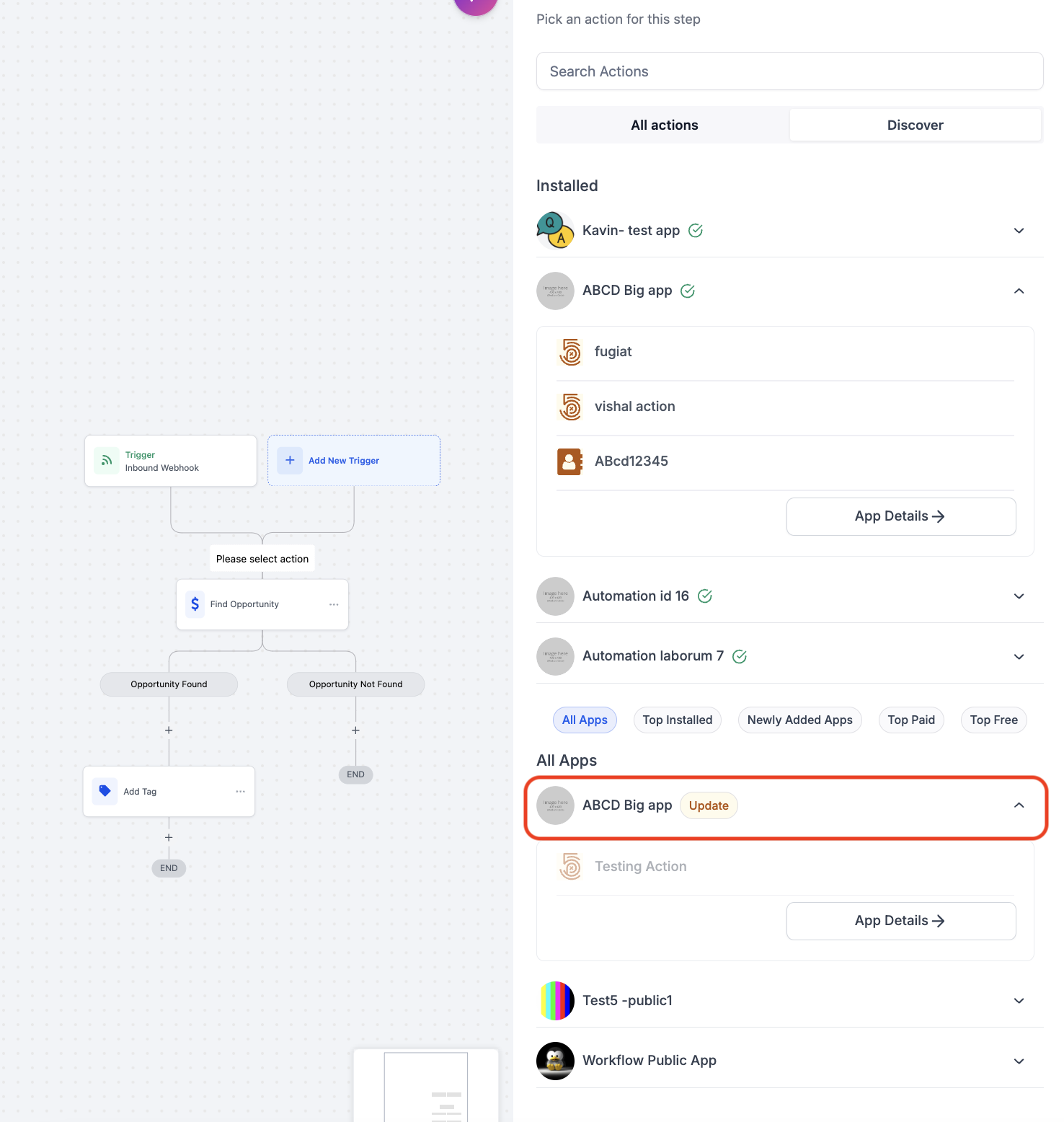
Update Tag for Installed Apps
Stay current with new features. Apps you've previously installed will display an "Update" tag when new actions are available, so you know when additional functionality has been added.
Install and View App Details
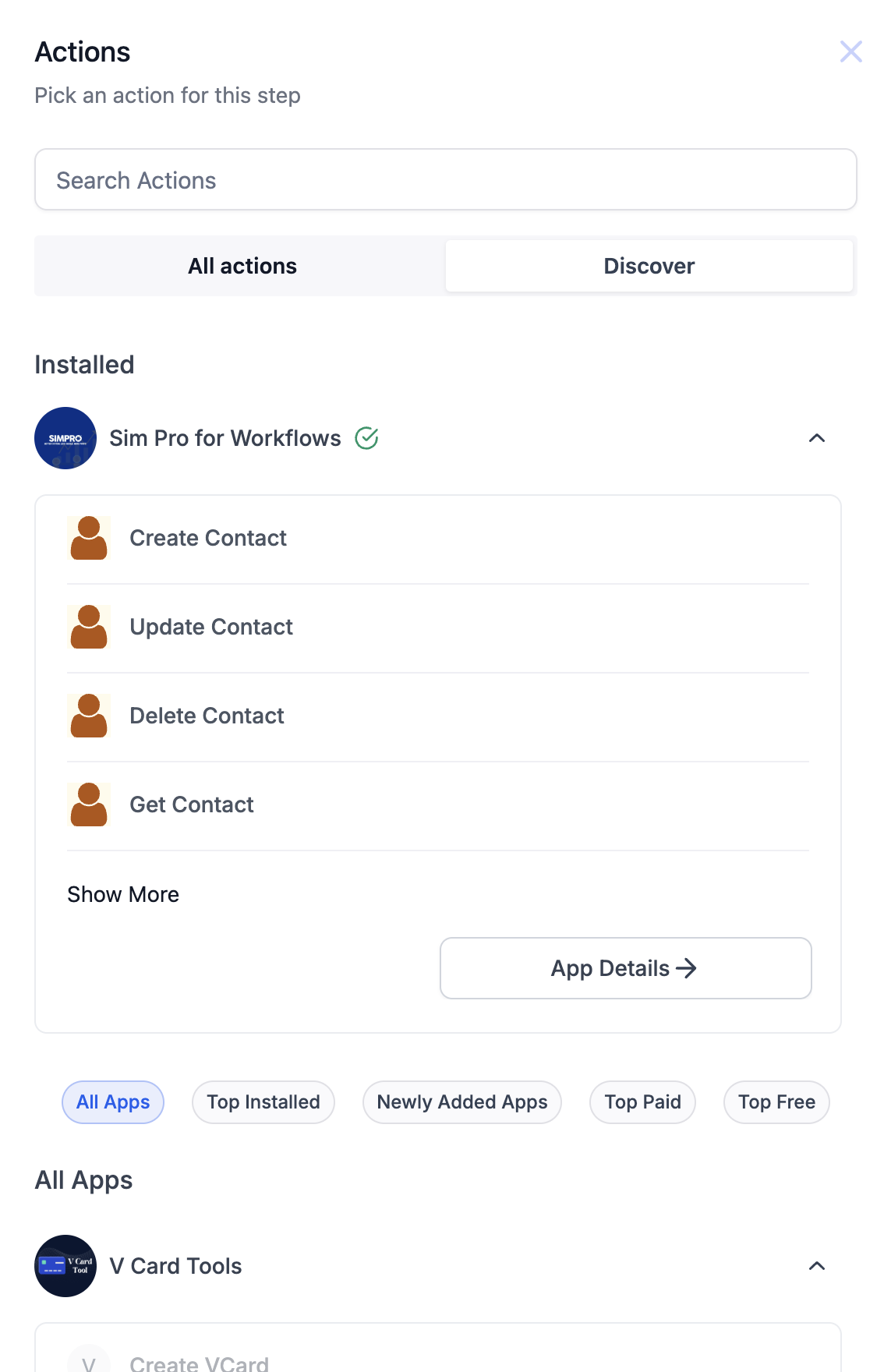
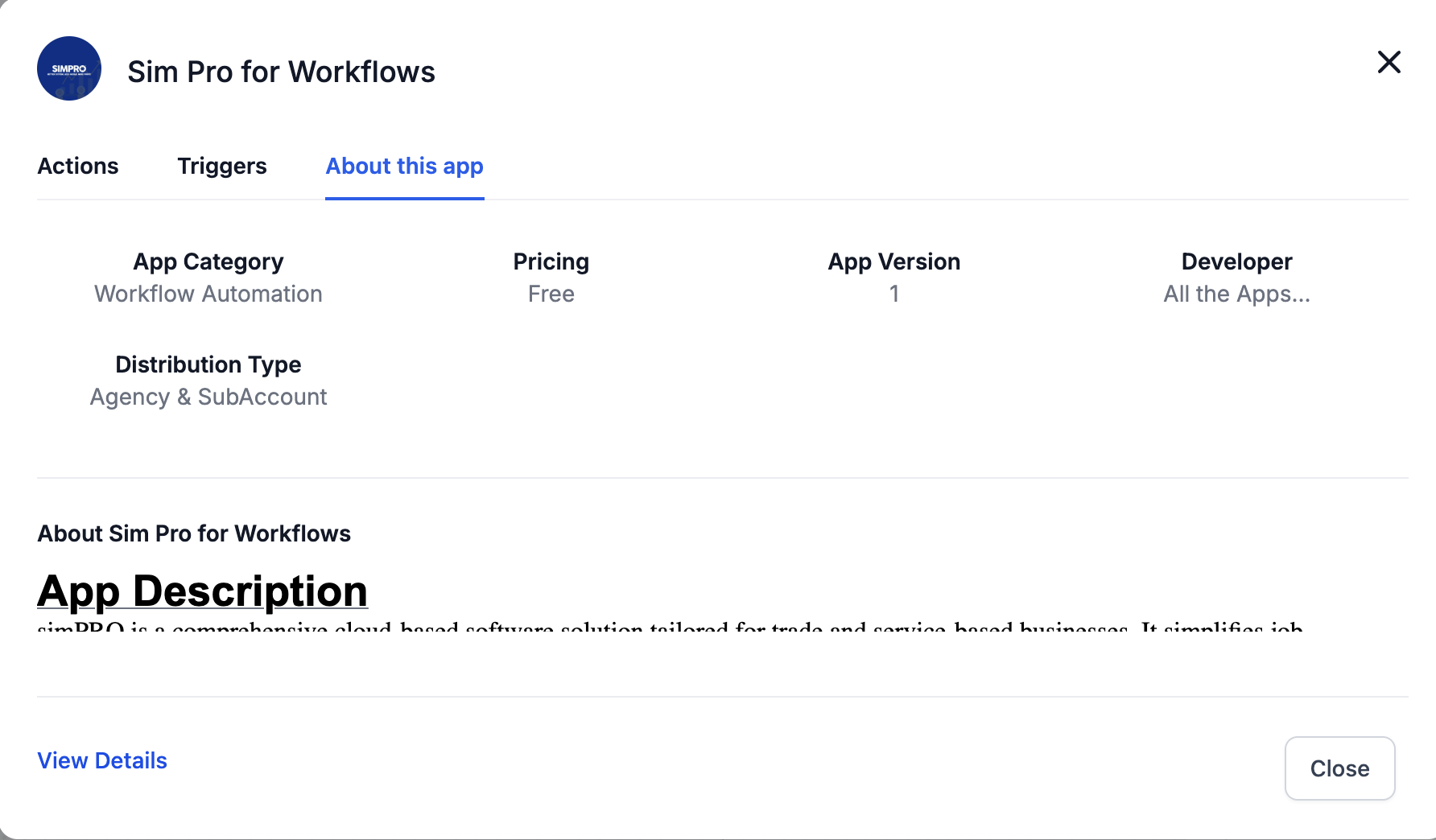
Within the automation builder, you can view installation options and detailed information about each app through the "Details" tab. This helps you make informed decisions before installing an app.
Installed Apps in "All Actions"
Actions for apps you've already installed appear in the "All actions" section, just like your standard automation actions. This makes them easy to access when building or editing your automations.