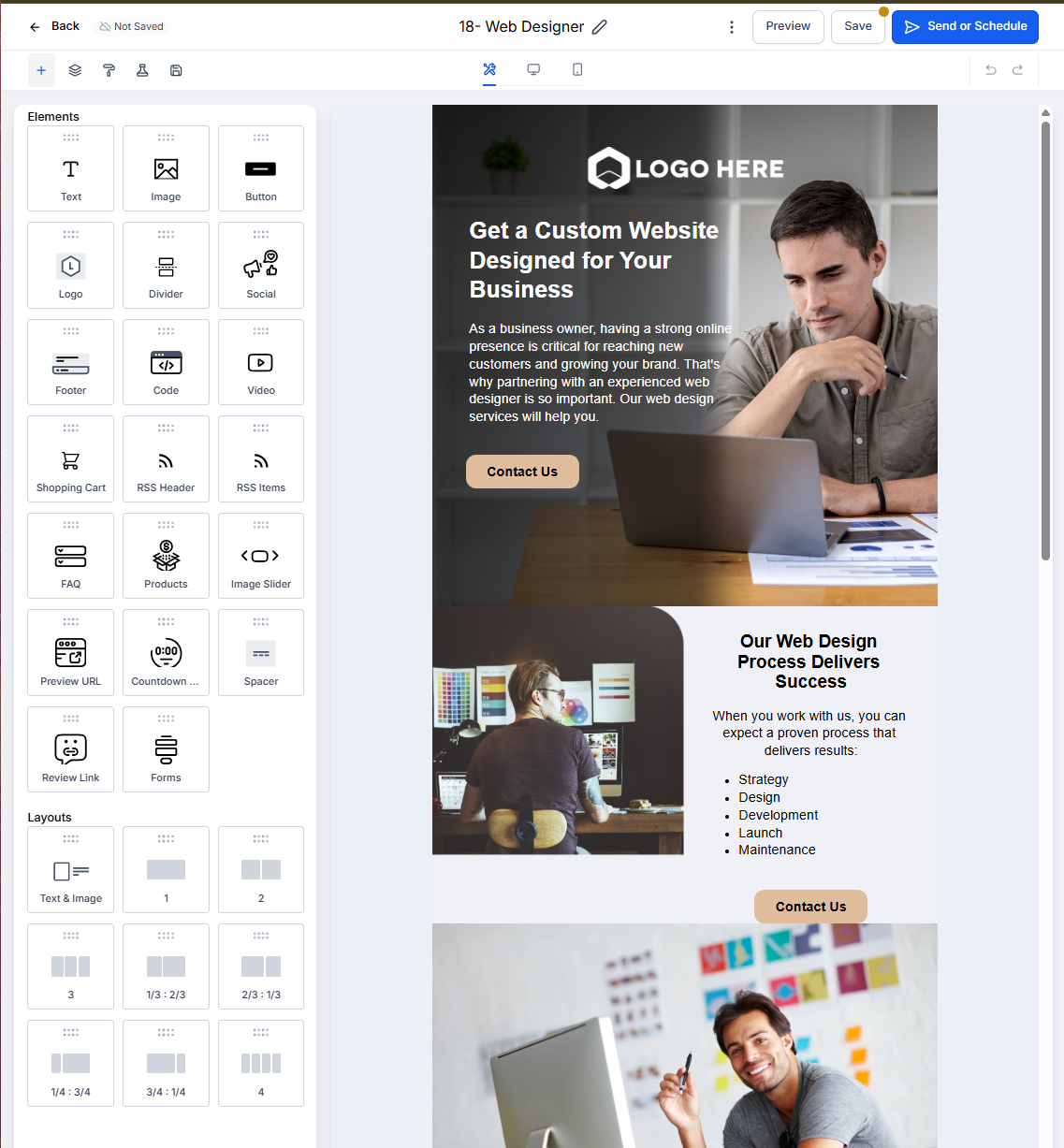
Understanding Templates and Campaigns
A template is a reusable email layout that serves as your starting point. A campaign is the actual email message you customize and send to parents and families.
Think of it this way: templates are your foundation, campaigns are what you build on top of them.
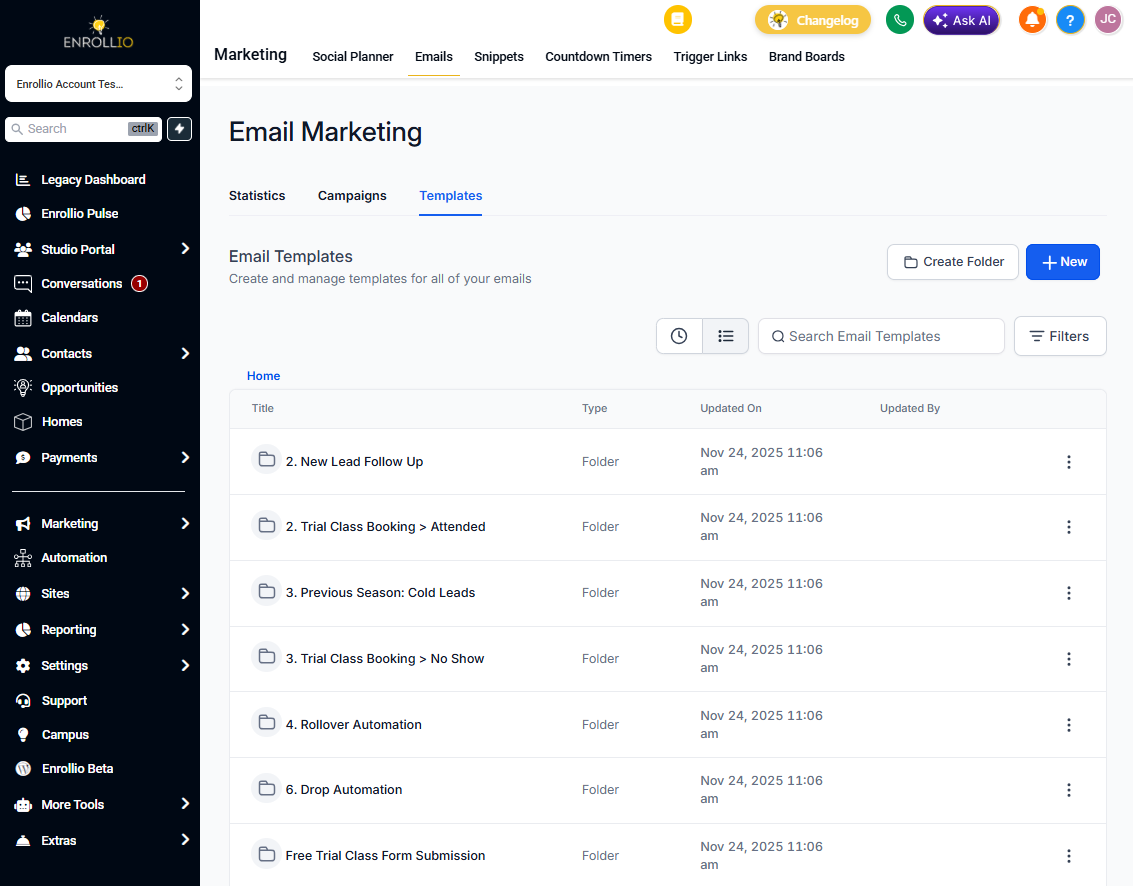
Email Templates: Your Reusable Layouts
Email Templates are preset layouts you can use again and again for different purposes. For example, you might create templates for:
- Monthly newsletters to current families
- Tour confirmation emails
- Enrollment welcome messages
- Waitlist updates
You can insert your logo, commonly used images, standard footer information, and recurring content blocks into your templates. This saves time when creating future campaigns.
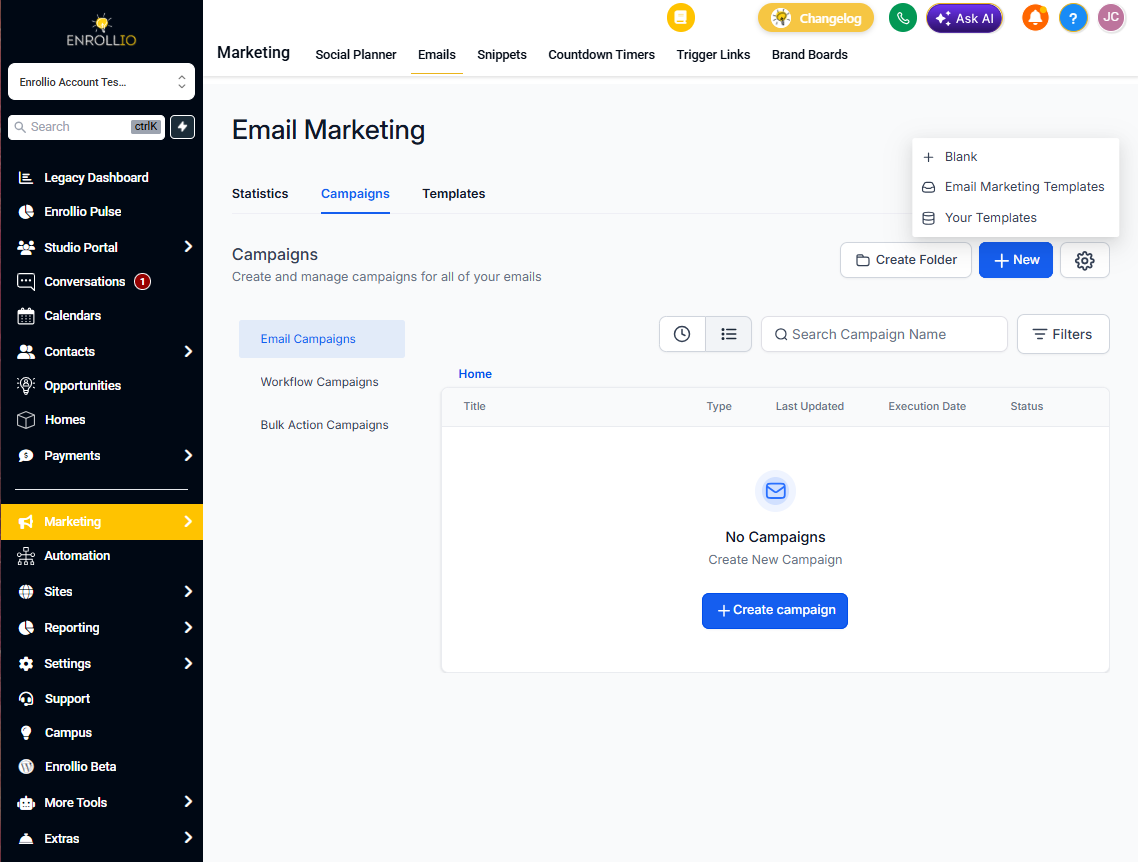
Email Campaigns: Your Actual Messages
Email Campaigns is where you choose a template, customize it for your specific message, and send it to parents and families. You can send to:
- Individual contacts
- Smart lists (like "All Current Families" or "Waitlist - Infants")
- Groups based on tags
Each campaign can be scheduled for immediate or future delivery. You can also clone previous campaigns and customize them before sending — perfect for recurring monthly updates.
How They Work Together
Step 1: Create or select an Email Template with your desired layout and branding.
Step 2: In Email Campaigns, choose that template as your starting point.
Step 3: Customize the content for your specific message (tour reminders, enrollment deadlines, etc.).
Step 4: Select your recipients and schedule delivery.
Customizing Your Email Campaigns
When building campaigns in the Email Builder, you can easily duplicate, delete, and rearrange element blocks. This gives you flexibility to adapt any template to your current needs while maintaining your brand consistency.