
Dance studios can now connect Notion directly inside Enrollio workflows — no Zapier or third-party tools required. This makes it easier to capture client and student data, streamline updates, and build dynamic knowledge bases without leaving Enrollio.
What’s New
Triggers (from Notion → Enrollio):
New Database Item
Updated Database Item
Updated Page
Actions (from Enrollio → Notion):
Create Page / Database Item
Update Database Item
Add Content to Page
Add Comment
Archive / Restore Database Item
Retrieve Page, Block Children, Database
Get Page Comments
Find Page / Database Item
Find or Create Database Item / Comment
Polling Interval: Notion triggers run on a 5-minute polling cycle. Enrollio checks for updates every few minutes.
Why This Matters for Dance Studios
With Notion integrated into Enrollio automations, studios can:
Capture parent/student form submissions directly into a Notion database.
Build dynamic wikis for class schedules, choreography notes, or internal team resources.
Auto-generate proposals or class outlines when a contract is signed.
Eliminate duplicate work and manual updates by syncing everything seamlessly.
Example Use Cases for Dance Studios
Onboarding Forms → Notion Client Database: Parent form submissions automatically create a Notion record.
Consultations → Logged in Notion: Track potential enrollments or trial lessons in Notion.
Signed Contracts → Proposals: When a contract is marked complete in Enrollio, a proposal or info page is generated in Notion.
How to Connect
Go to Workflows in Enrollio and search for Notion actions or triggers.
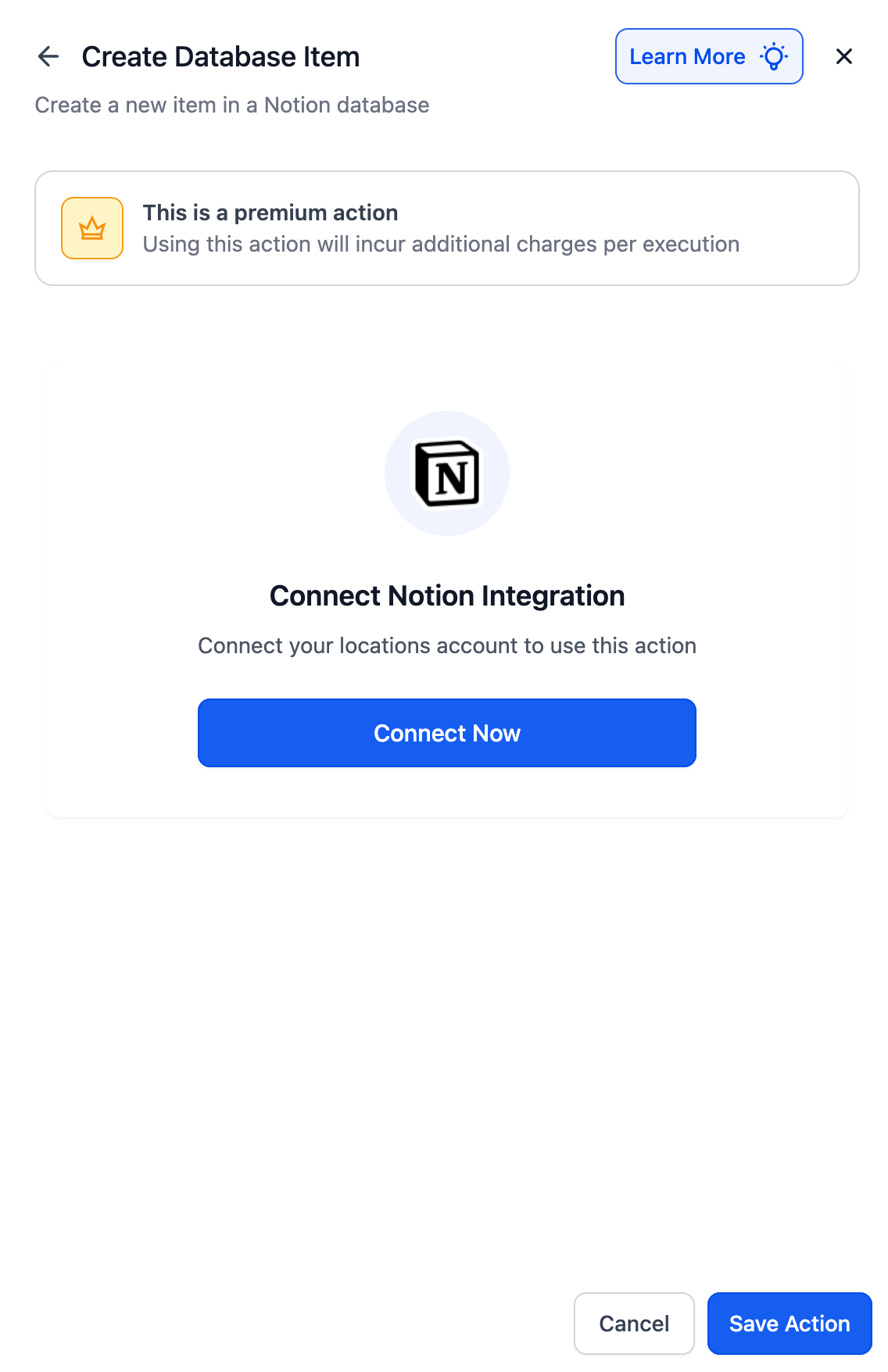
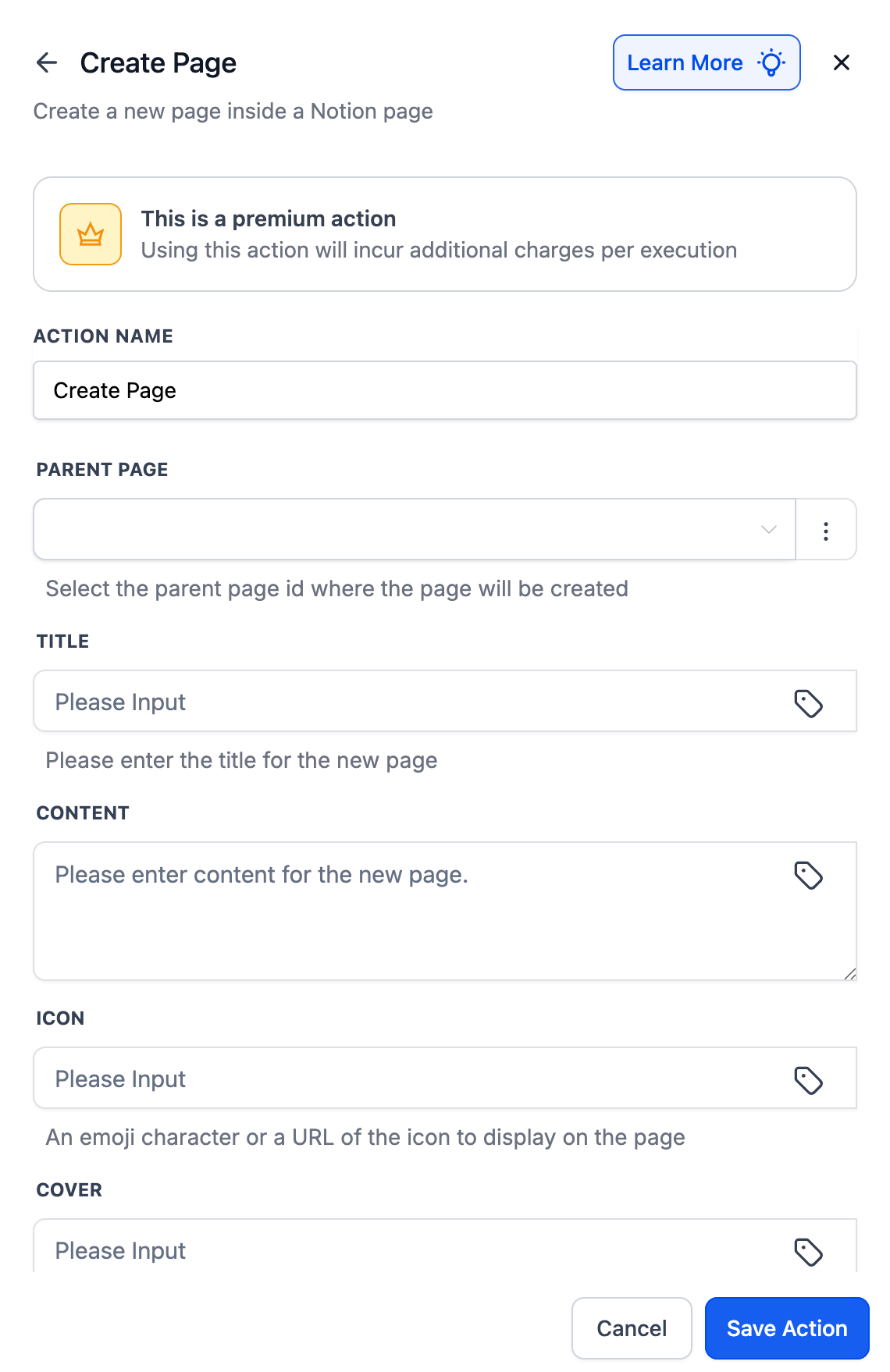
If your Notion account is already connected, fields will appear for setup.
If not, click Connect Now and complete the OAuth flow.
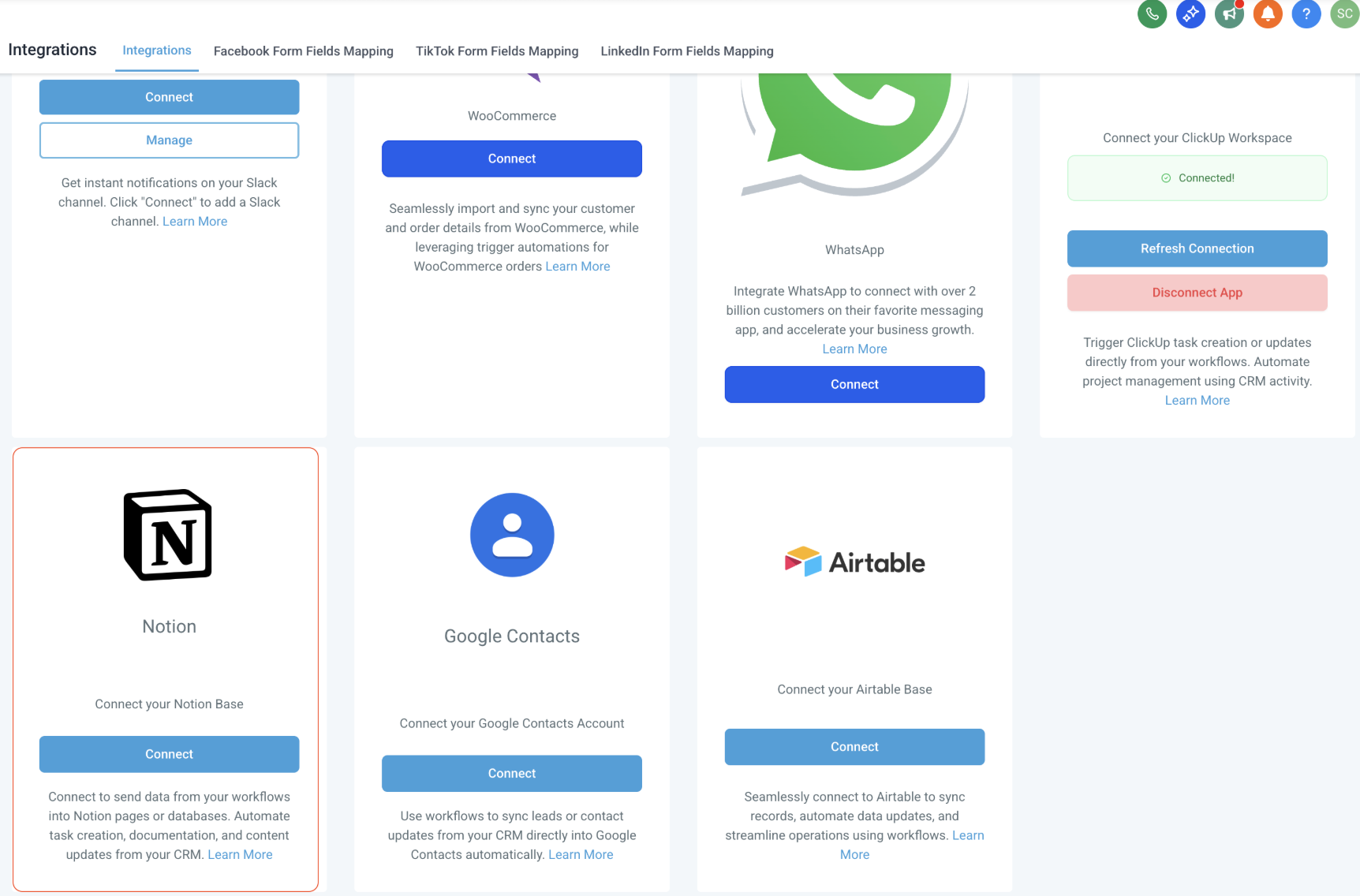
Alternatively, go to Settings → Integrations → Notion to connect your workspace first.
For any questions or support, please contact support@enrollio.a