
Now you can easily rearrange custom fields in opportunities to better organize your data and streamline your workflow.
Customization Limitation:
Please note that only custom fields, not standard fields, can be reordered. The same applies to folders.
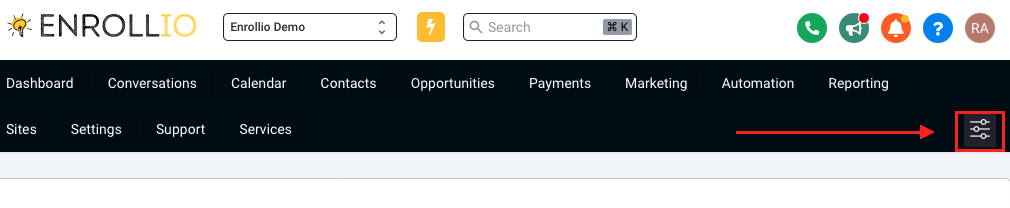
Step 1: Click Settings.
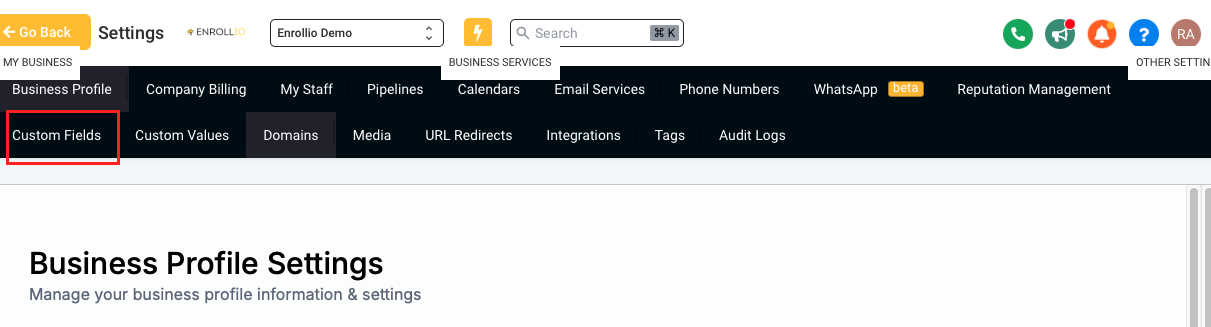
Step 2: Go to Custom Fields.
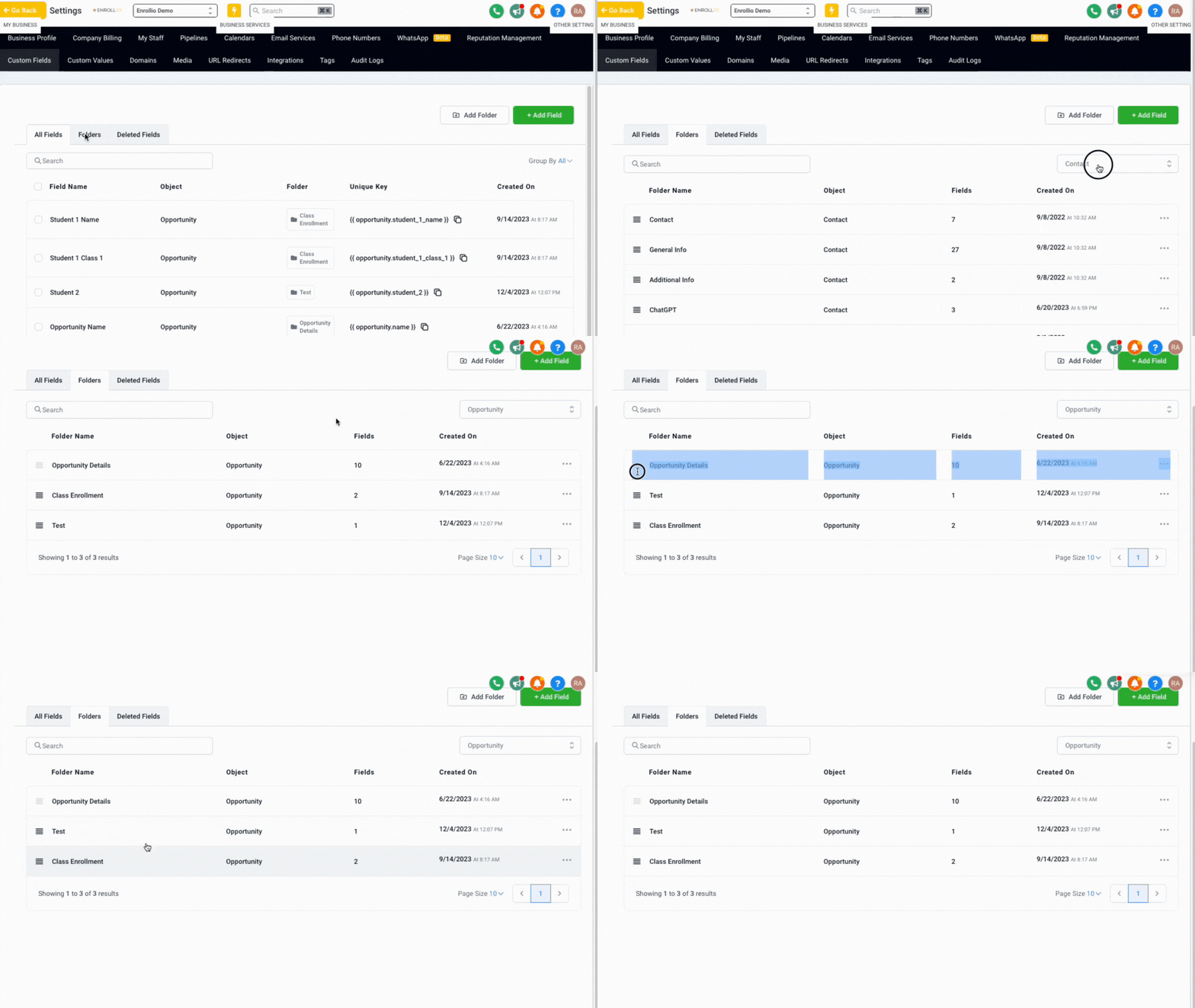
Step 3: Select "Opportunity" from the dropdown.
Step 4: Drag and drop fields to reorder them according to your preferences.
You can change how things look to fit what you want and how you work best.