
How to Manage the Setting
For existing workflows, there will be no changes made, and the previous settings will remain intact. However, for newly created workflows, the "Allow Re-Entry" setting will now be enabled by default. If you wish to switch off this setting for a specific workflow, you can easily do so by following these steps:
Go to Workflow Builder
-
Go to the "Settings" tab
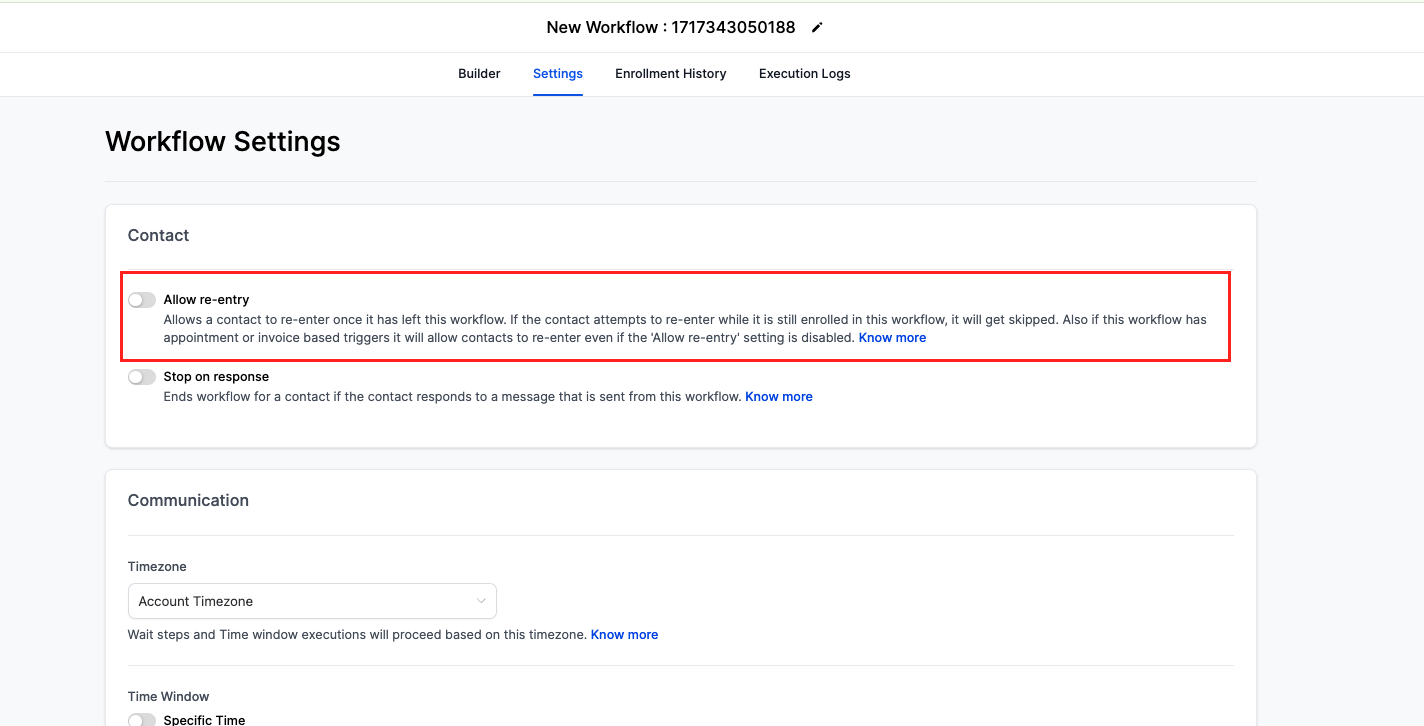
Look for the "Allow Re-Entry" option and switch it "Off" if needed.