
This article explains how to add instructors to the Studio Portal. You'll learn how to create instructor profiles and assign them to classes.
1. Introduce Adding Instructors
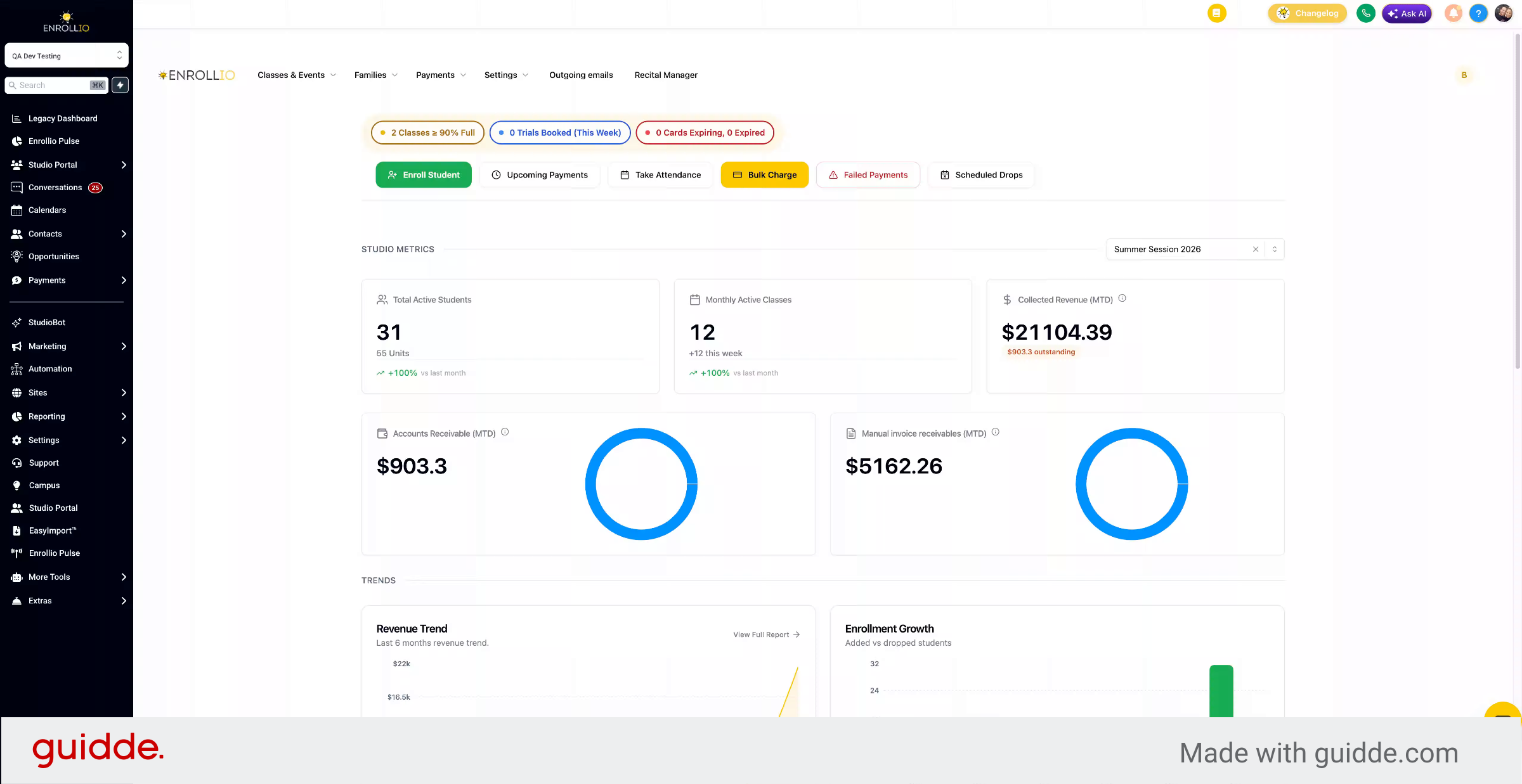
In this video, we'll walk through how to add instructors to the Studio Portal.
2. Explain Staff vs Instructor Access
This is separate from staff permissions. If you want your staff to access the Studio Portal, that's covered in a separate video. In this one, we're adding instructors for class creation.
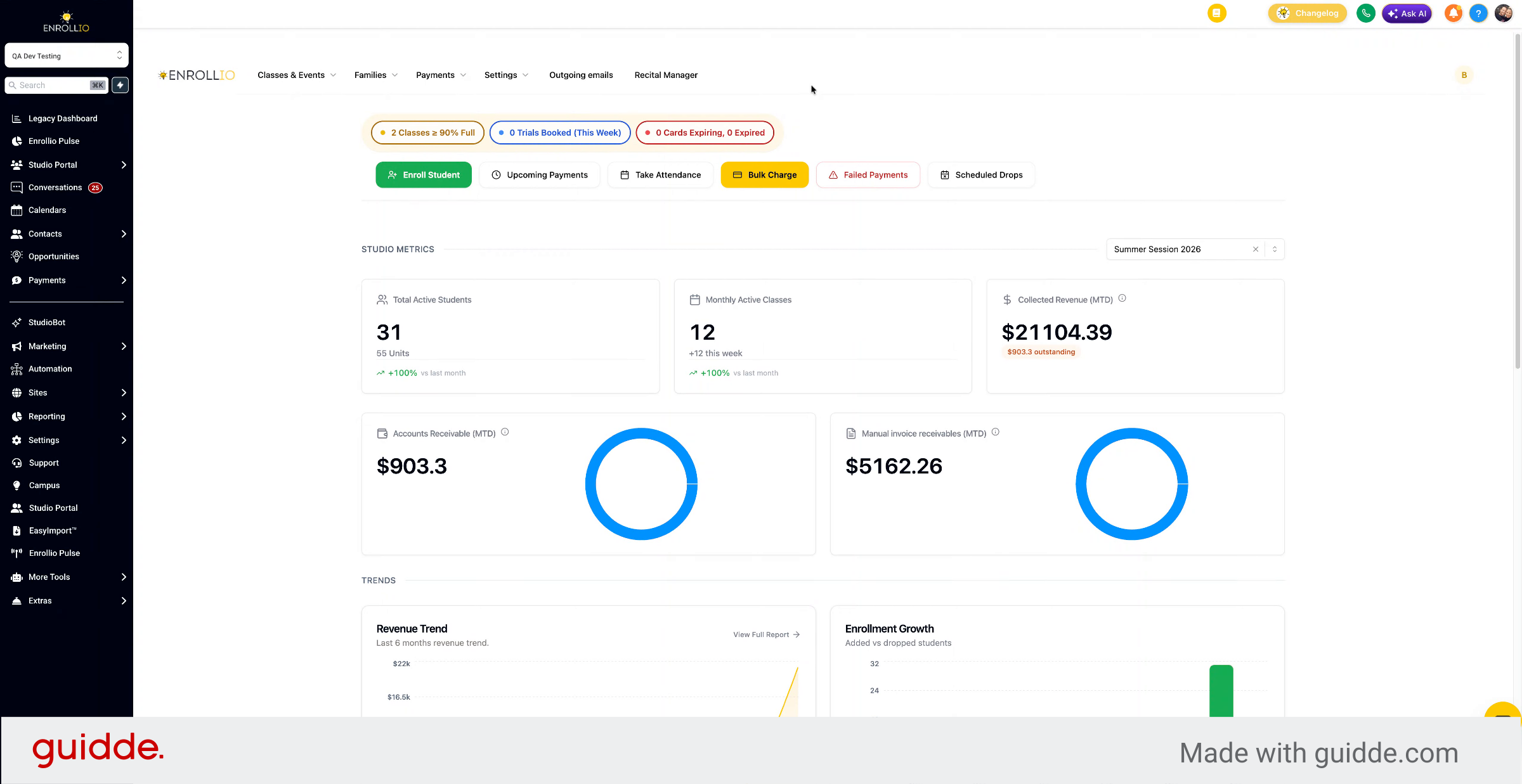
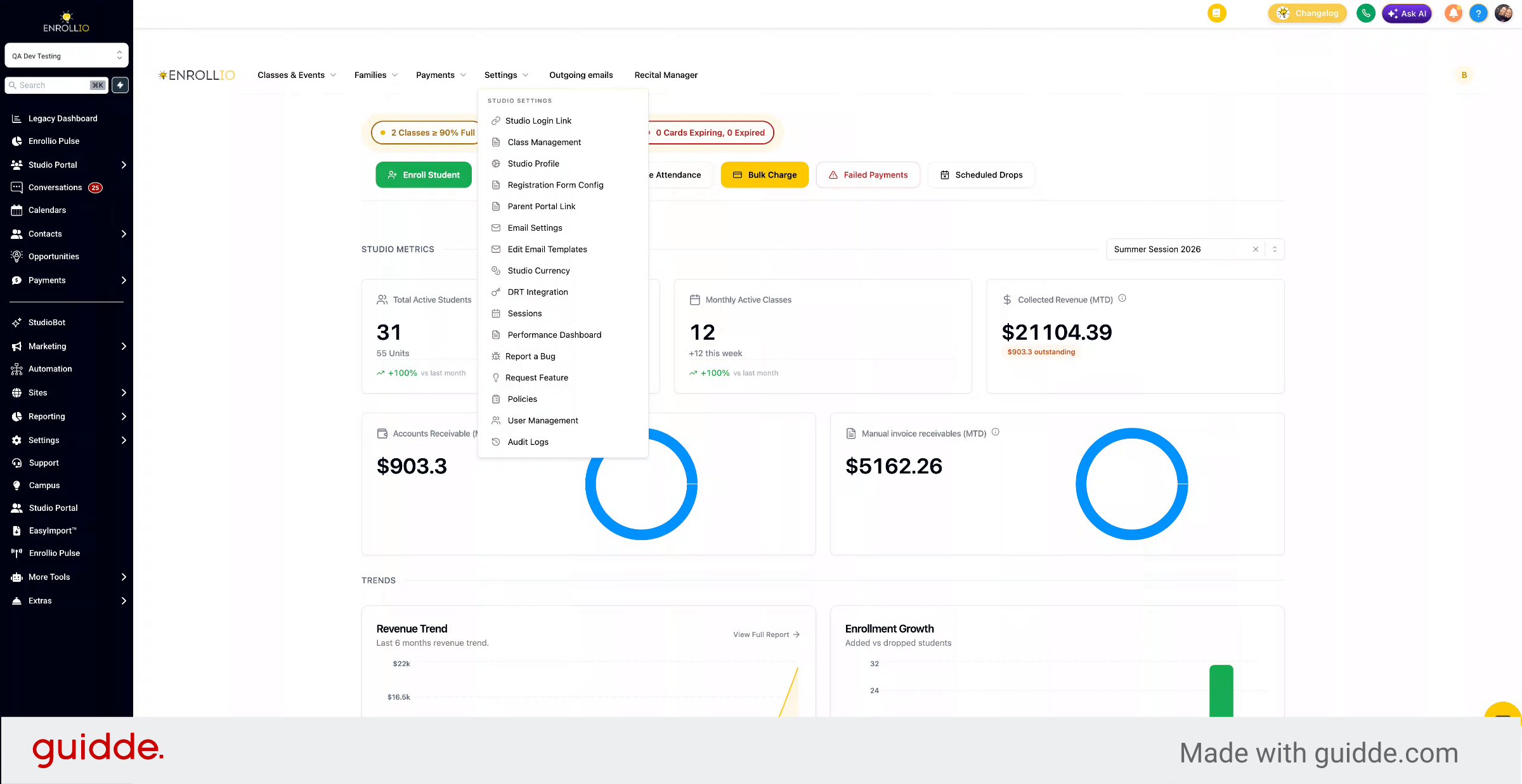
3. Go to Class Management
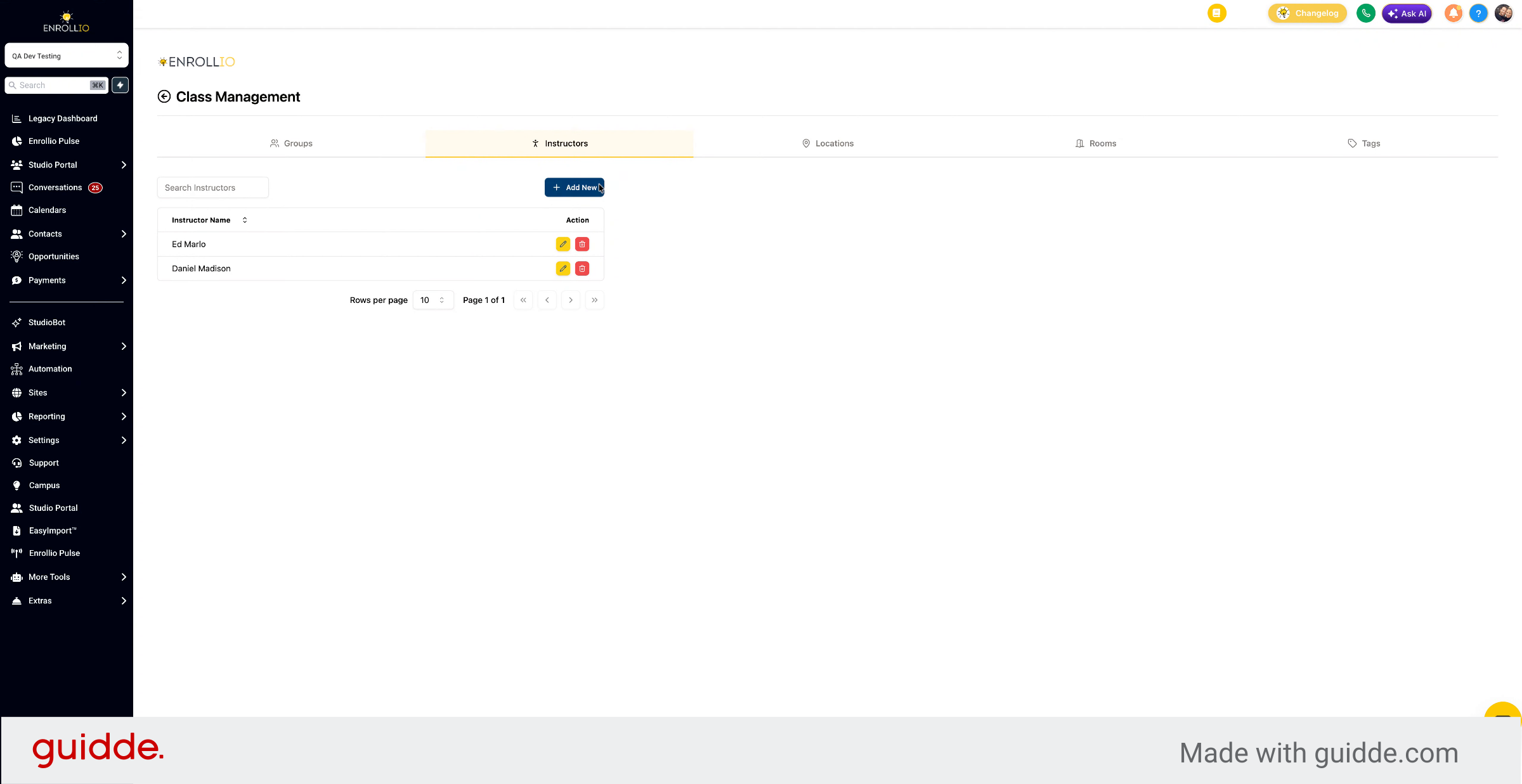
Go to Settings and Class Management.
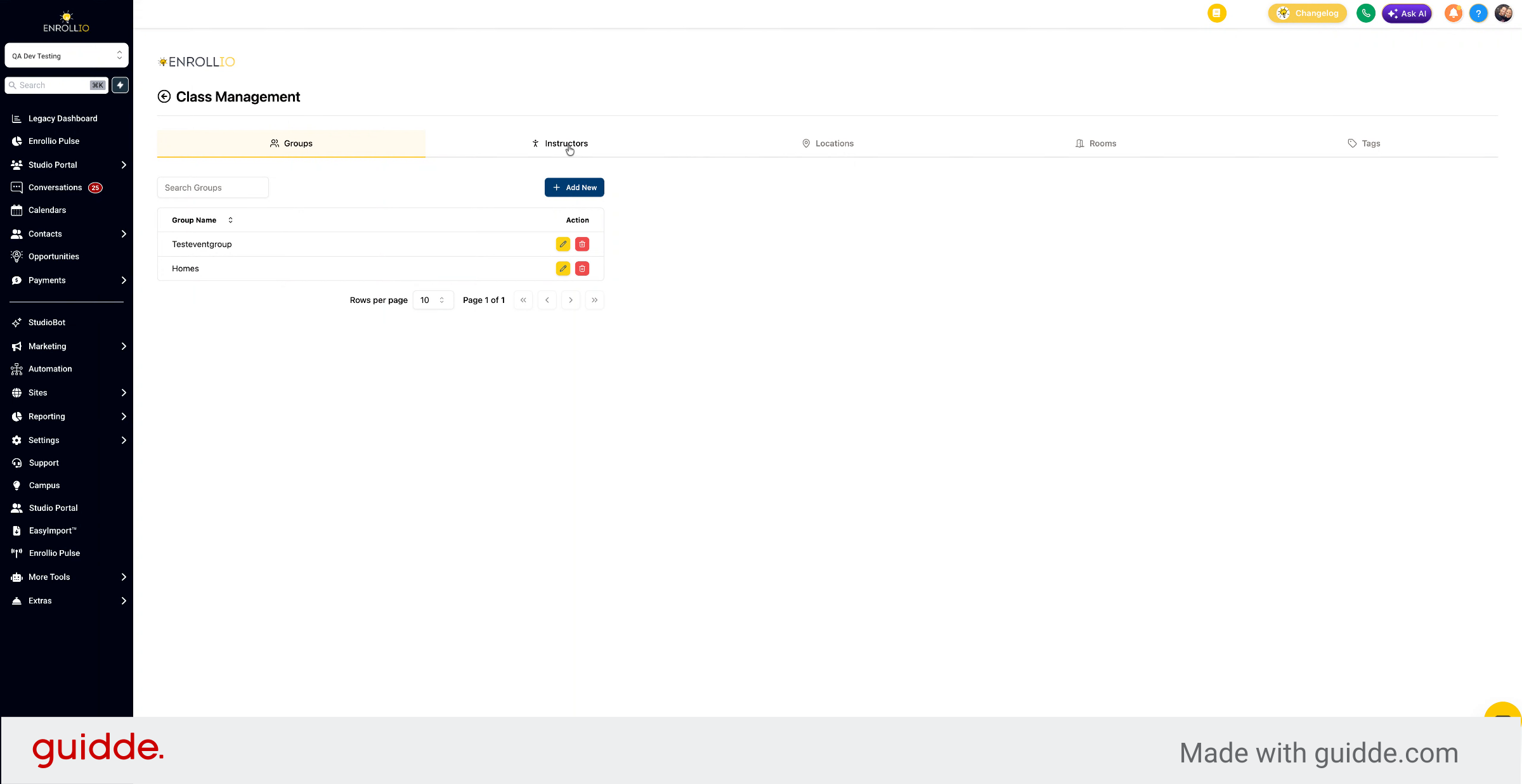
4. Access Instructors Tab
Click the Instructors tab and select Add New.
5. Enter Instructor Name
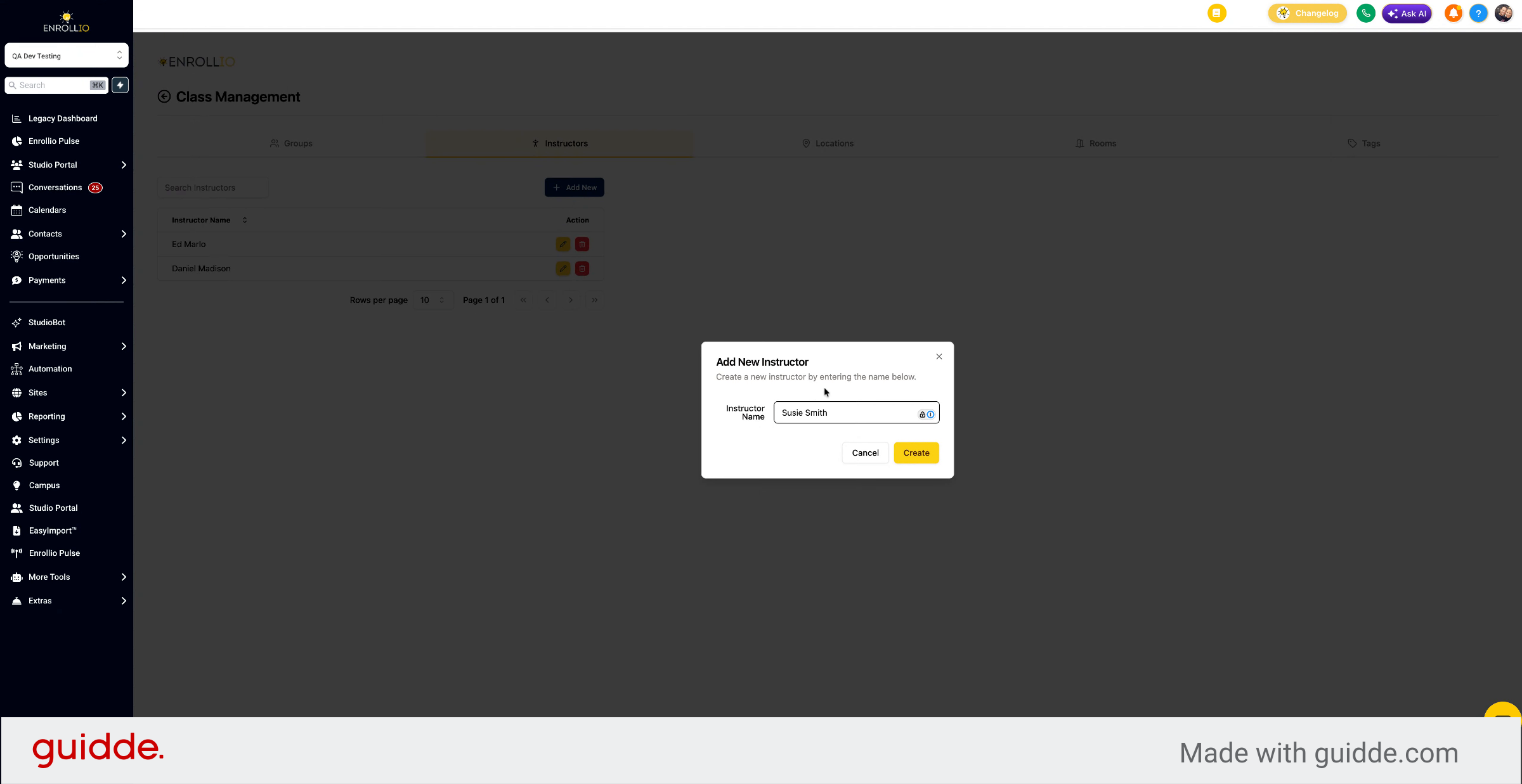
Enter the instructor's name.
6. Create New Instructor
Give the instructor a name and click Create. The instructor profile is now ready to use.
7. Select Instructors For Classes
When you create a class, you can select one or multiple instructors to assign to it.
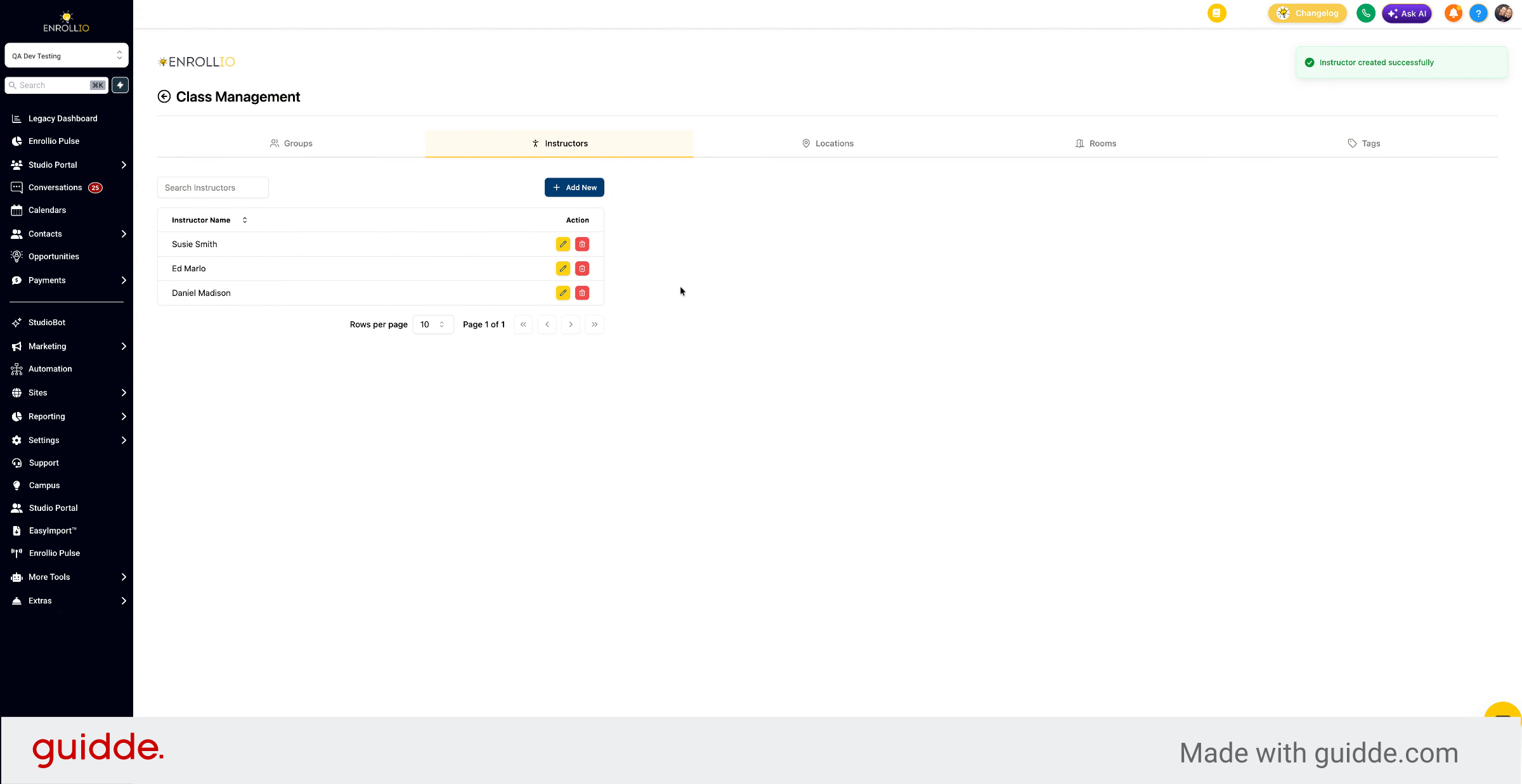
You now know how to add instructors to the Studio Portal for class creation, including navigating to class management, adding new instructors, and selecting them for classes.