
This article introduces the Enrollio Studio Portal and its key features. You'll learn how to access the portal, manage classes and families, and get support through live chat.
1. Welcome to Enrollio Studio Portal
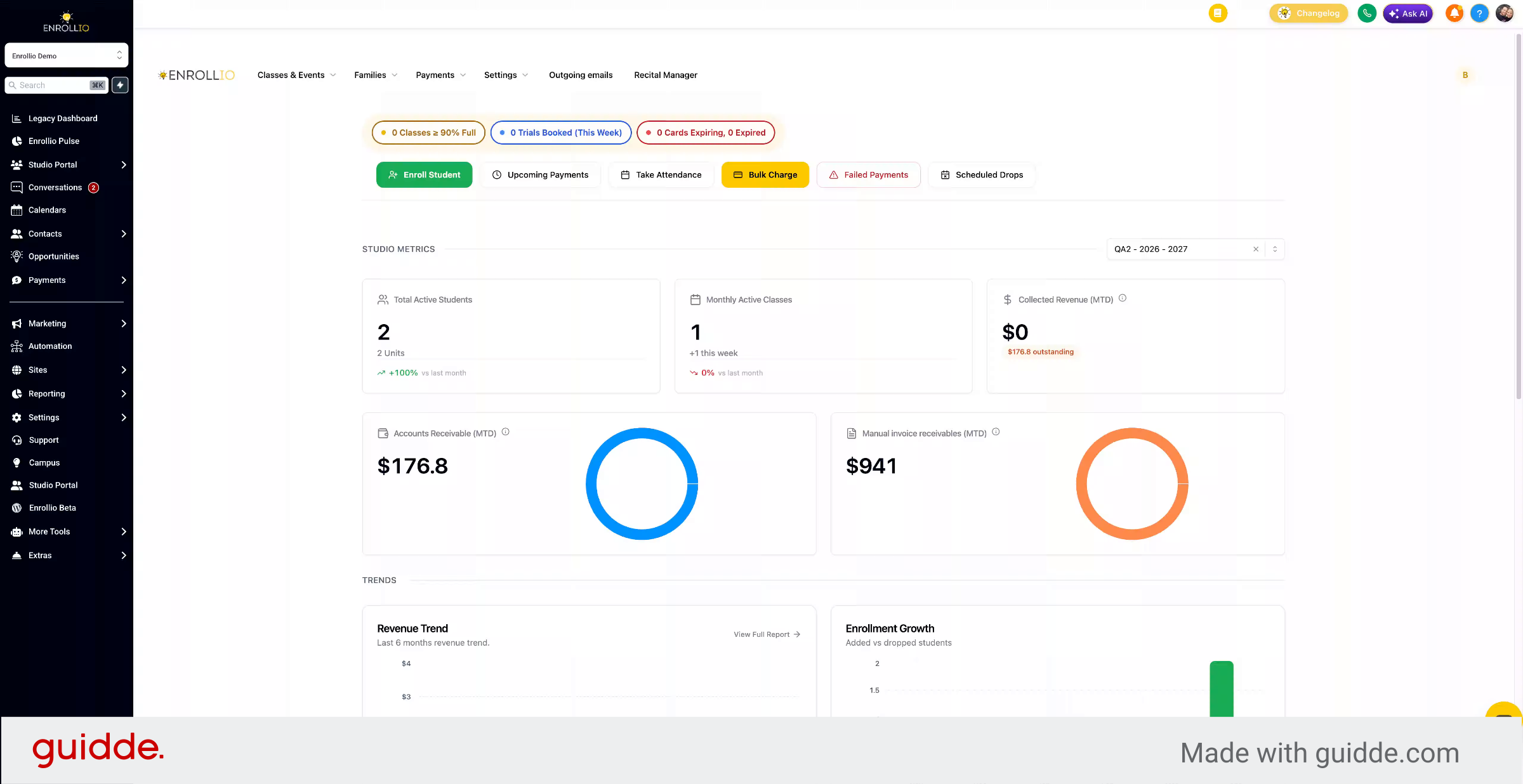
Welcome to the Enrollio Studio Portal.
2. Overview of Studio Portal Features
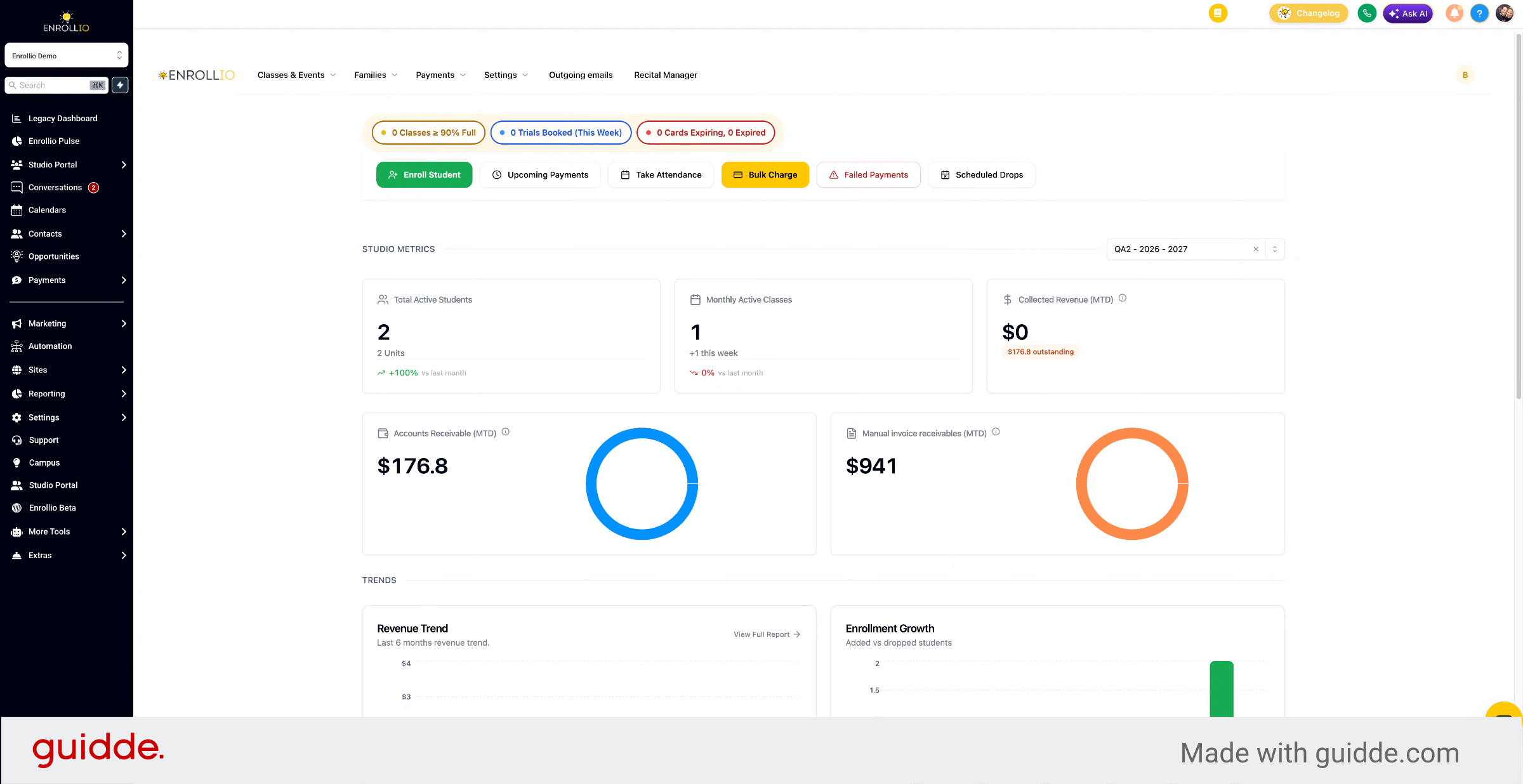
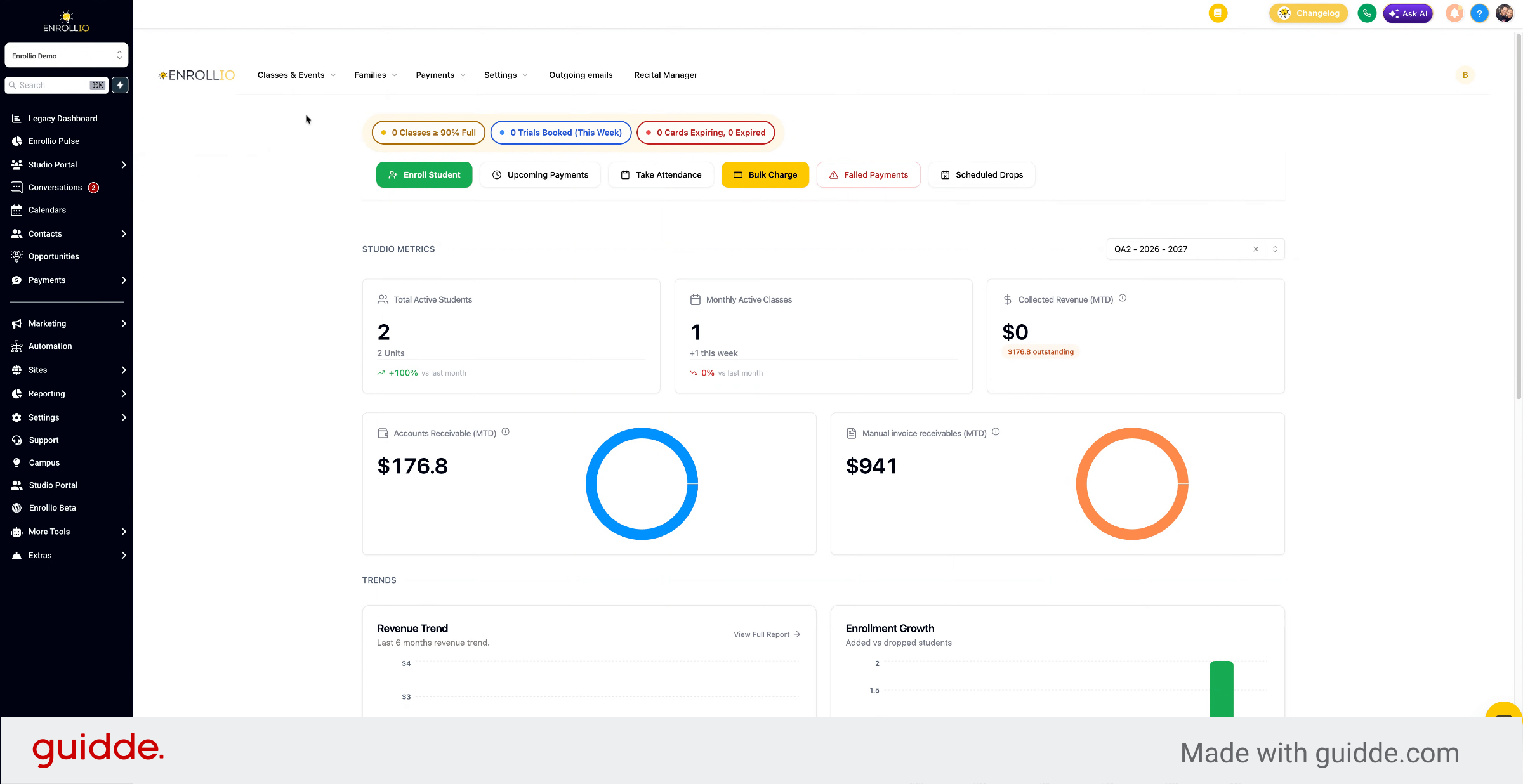
The Studio Portal is where you access all of your classes, set up your classes, manage your families, and manage your payments.
3. Explore Parent Portal Capabilities
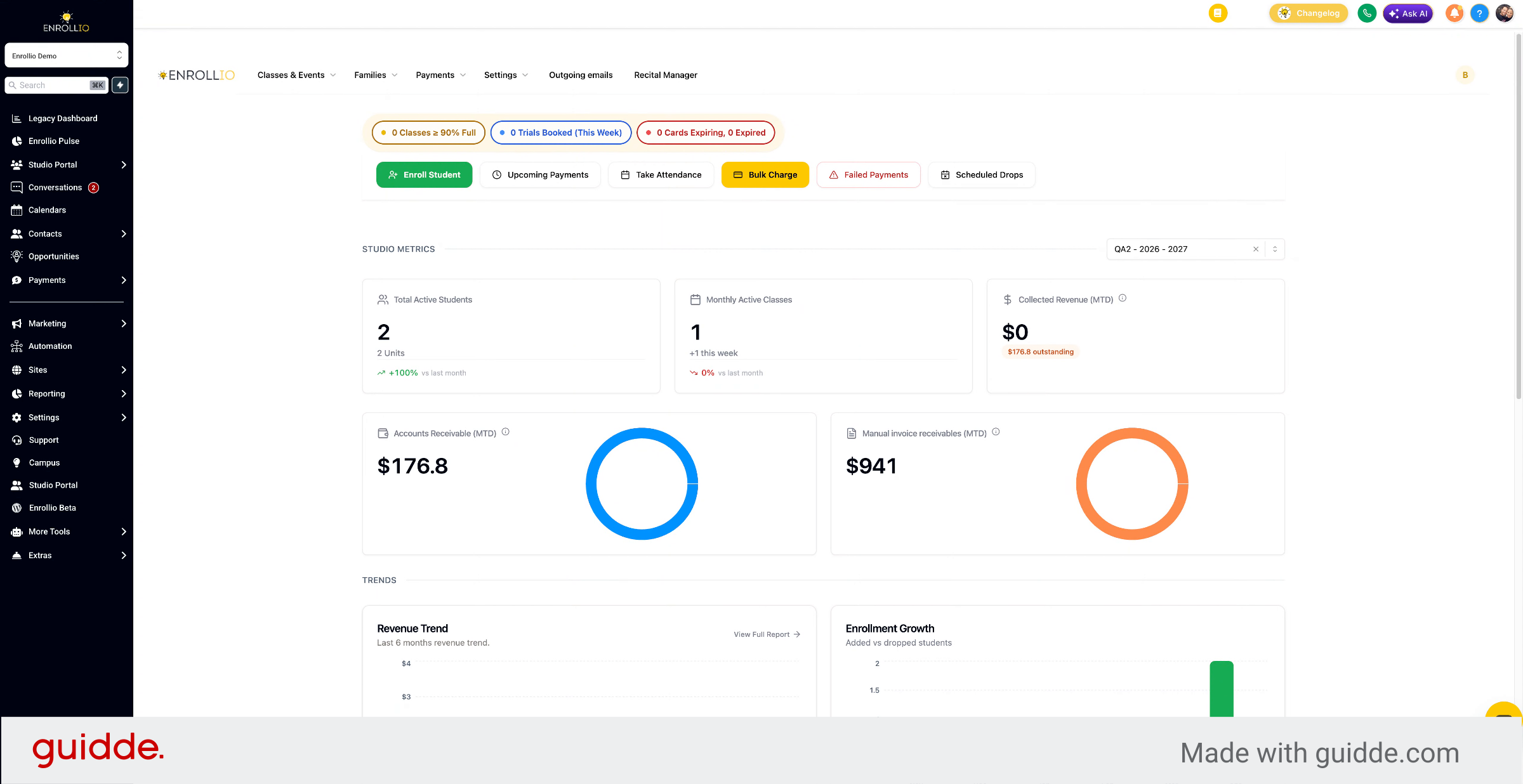
We also have the Parent Portal, where parents can sign in to view classes, sign up for classes, manage payments on file, and track attendance for their students and see outstanding balances. To access the Studio Portal, click the left sidebar.
4. Navigate to Studio Portal
From the CRM, go to Studio Portal and click Studio Portal.
5. Use Studio Portal Menu Options
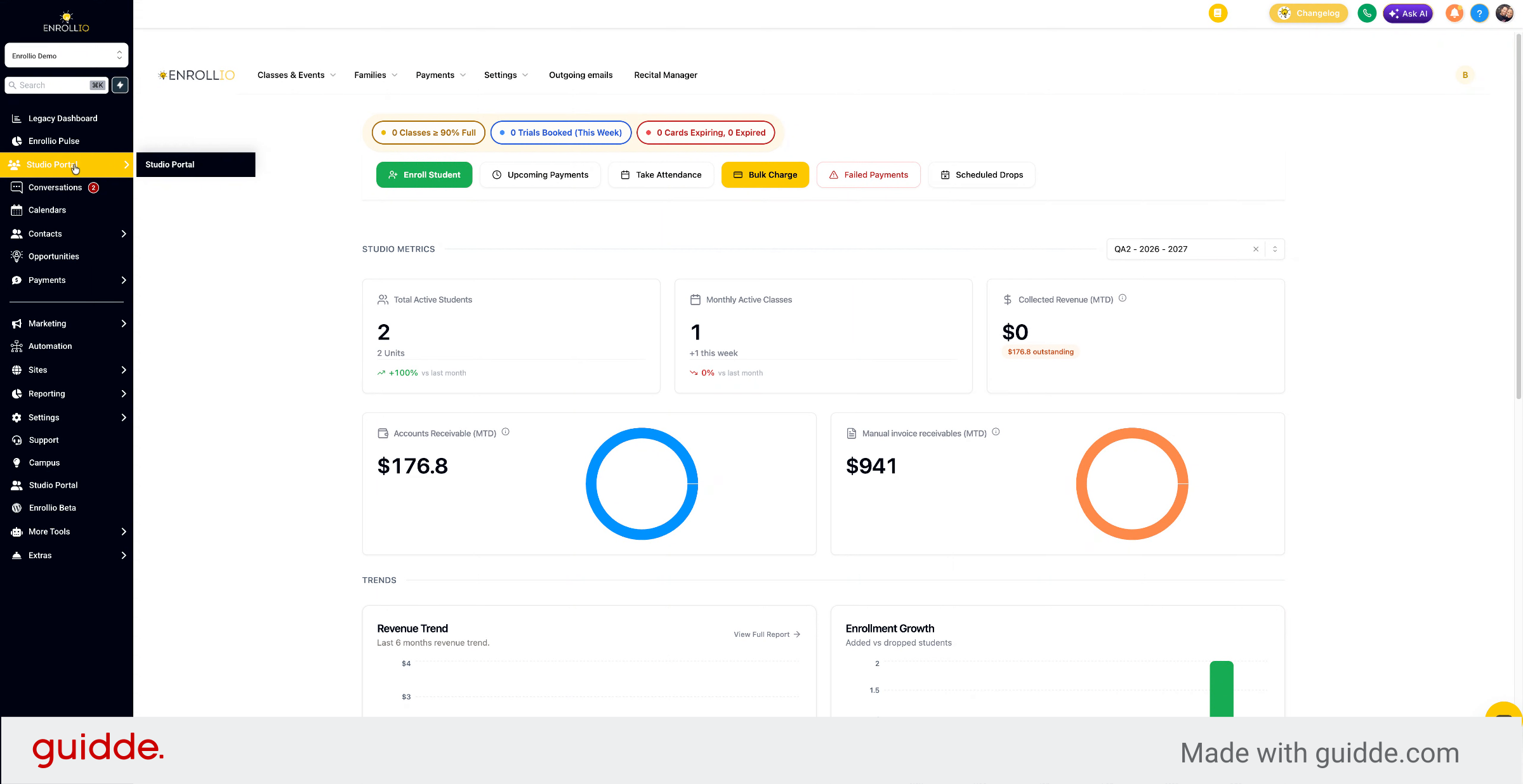
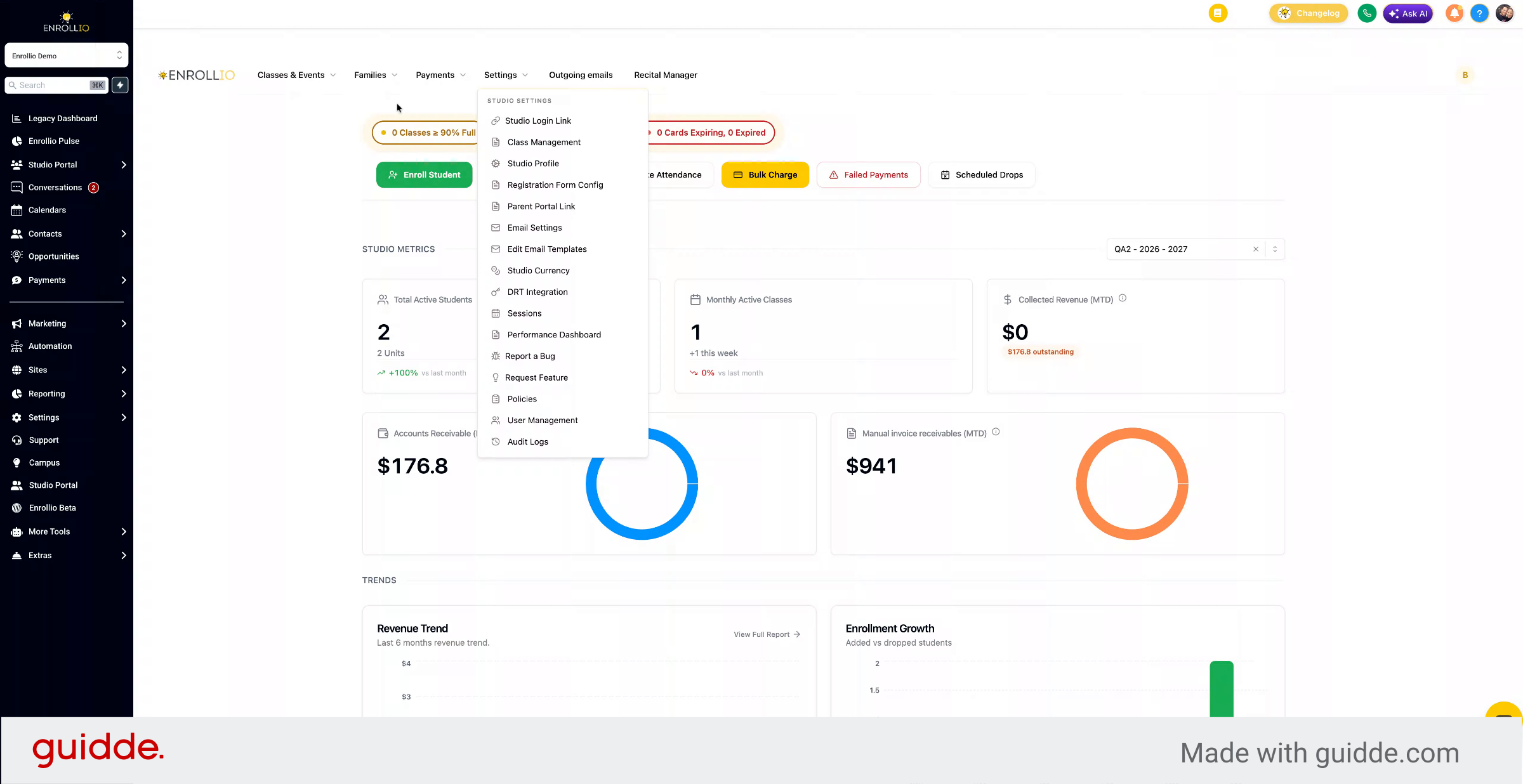
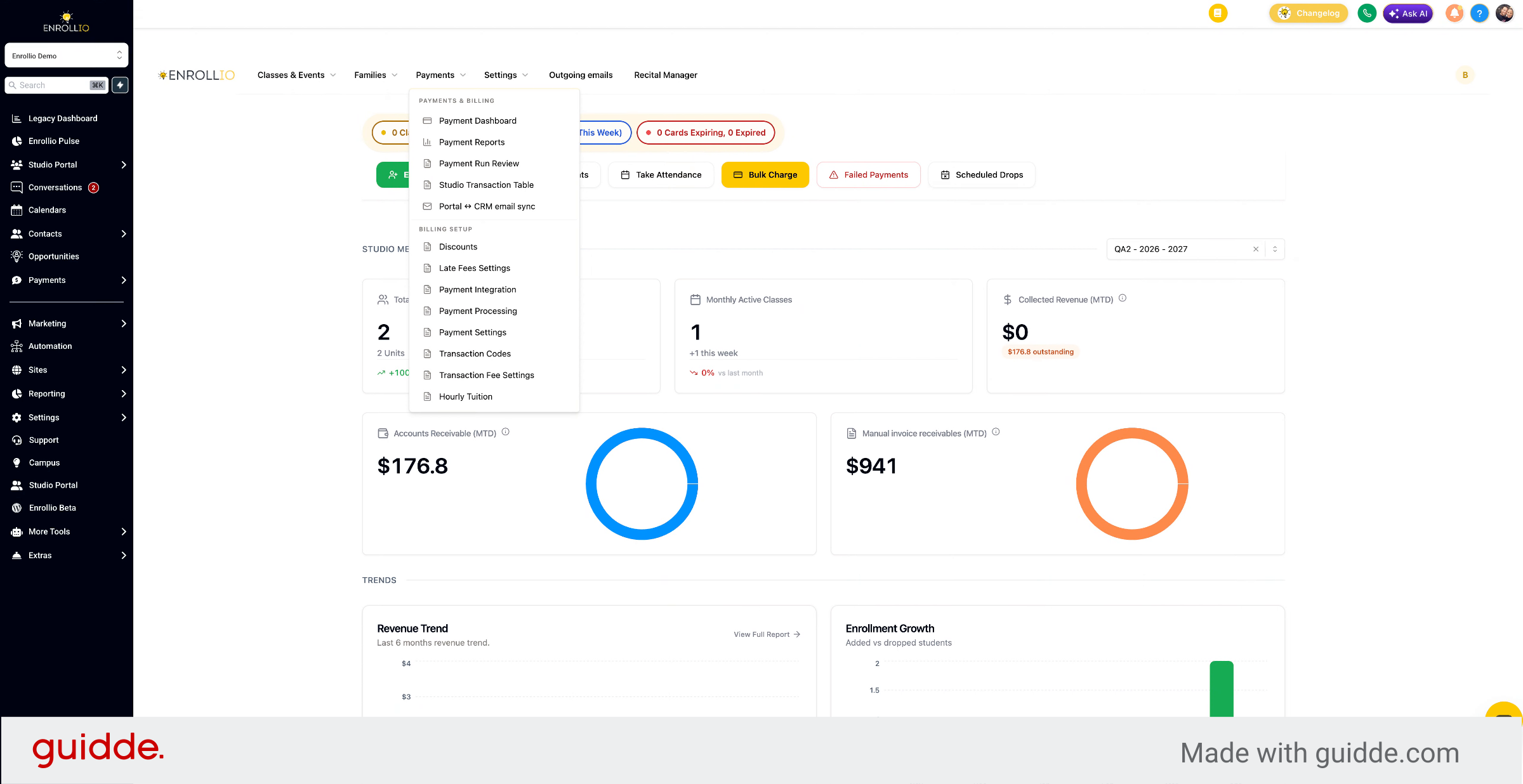
From here, you have several drop-down menus at the top: Classes and Events, Families, Payments, and Settings.
6. Access Help Library Articles
Within the Help Library, you'll find articles for each of these settings and how to use them.
7. Contact Live Chat Support
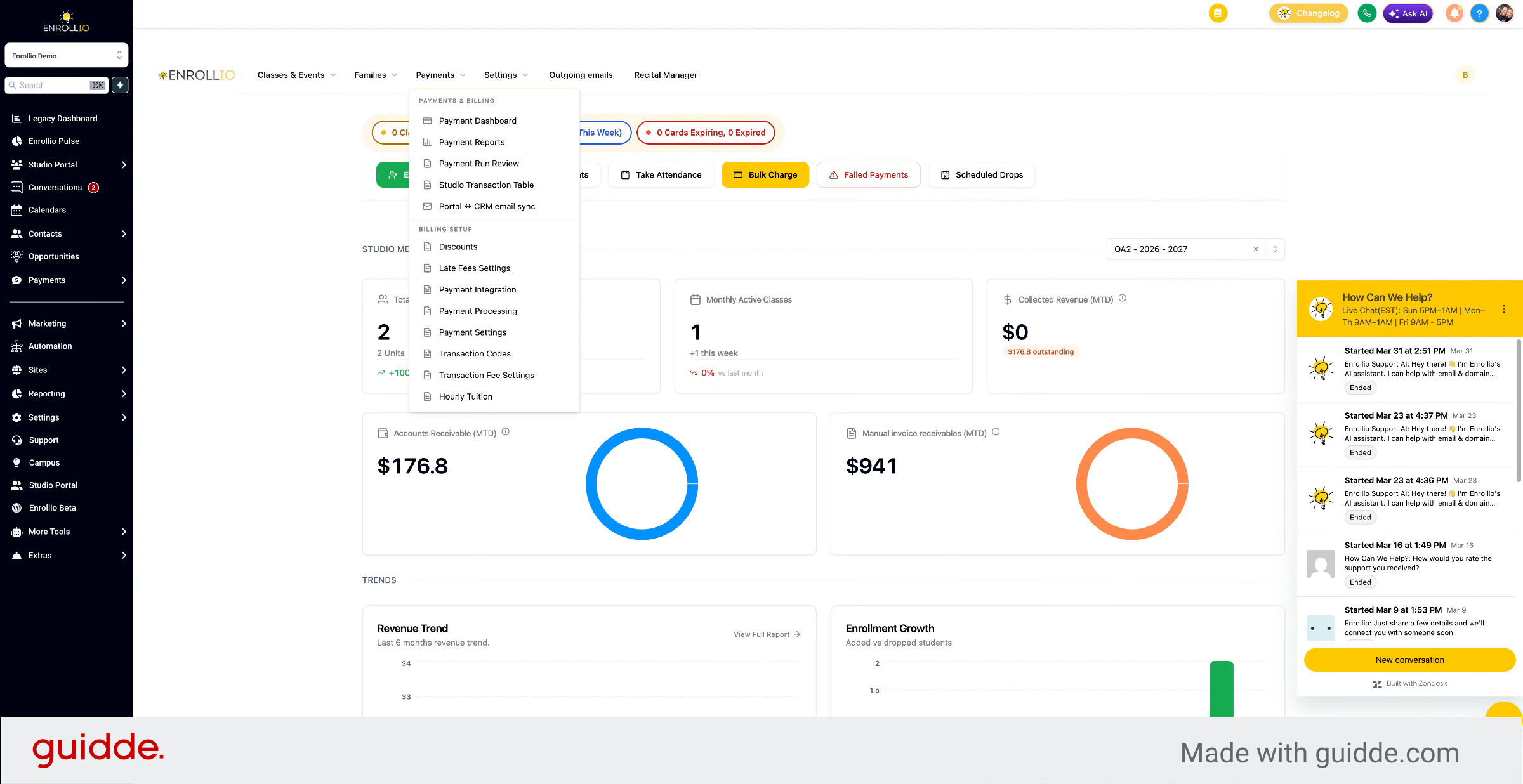
If you have any questions, please don't hesitate to reach out to our live chat support in the bottom right.
8. Start a New Chat Conversation
You can start a chat by clicking new conversation anytime you have questions.
This article guided you through accessing and navigating the Enrollio Studio Portal, exploring its features, and using support resources like the Help Library and live chat.