
Step 1: Navigate to the Form Builder
- Log in to your Enrollio account.
- Navigate to the correct client account if managing multiple centers.
- In the left-hand menu, click on Sites → Forms.
- Click the + Create New Form button to start a new form.
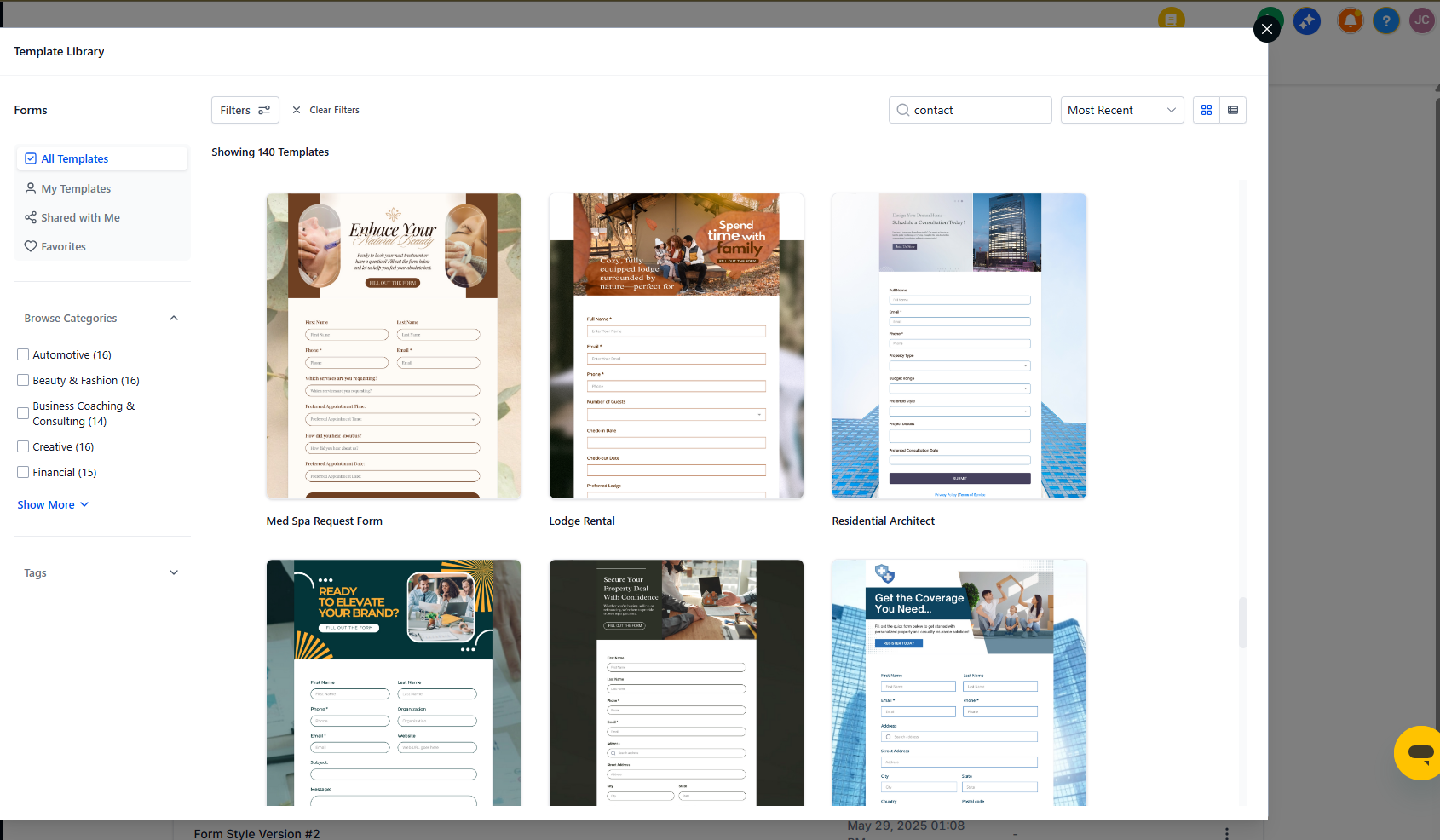
You can choose from existing contact form templates or create a custom one that fits your childcare center's needs.
Step 2: Add Form Fields
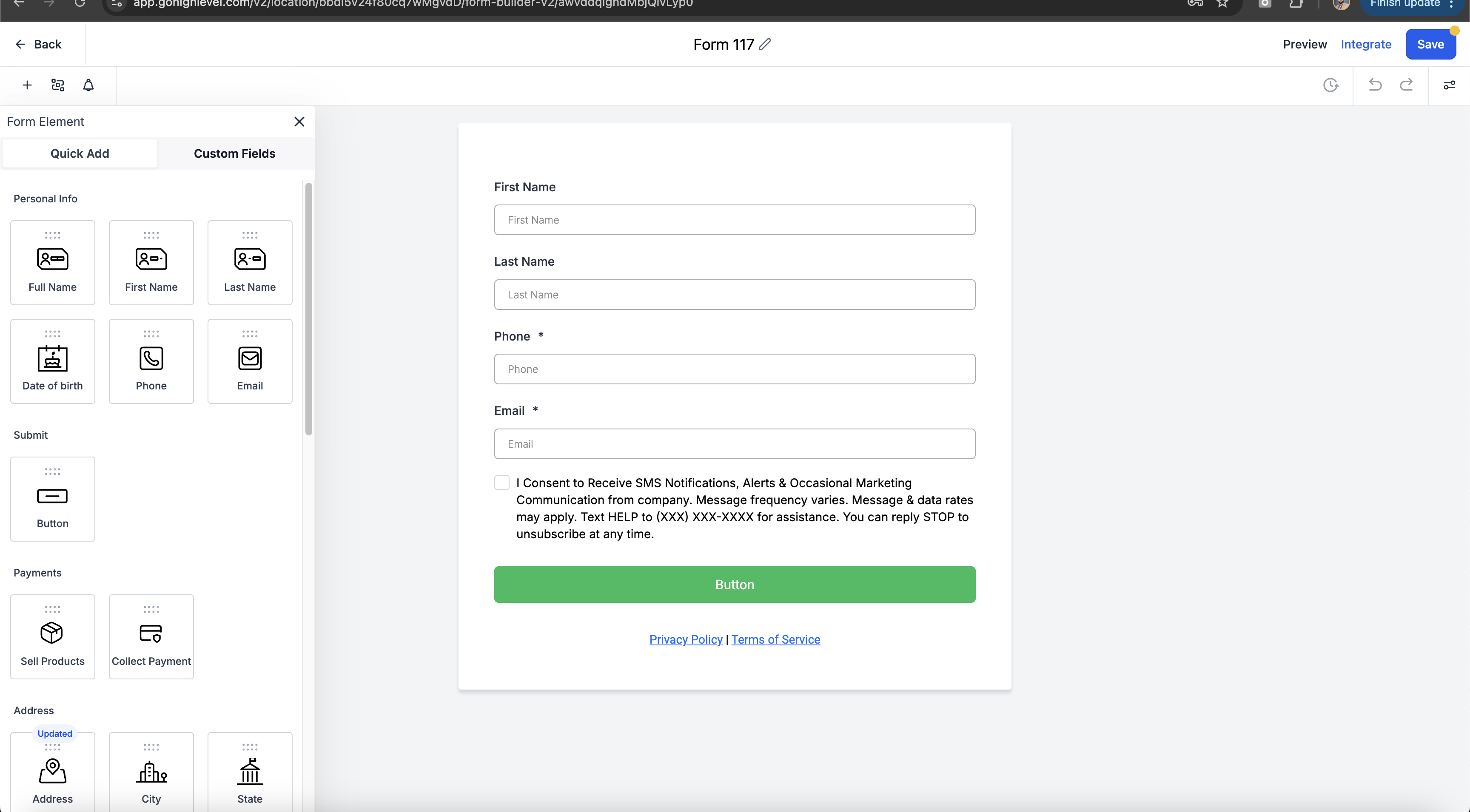
Drag and drop the fields you need from the Form Elements section. Common fields for childcare centers include:
- Full Name (parent/guardian)
- Phone Number
- Child's Name and Age
- Message or Inquiry
- Preferred Start Date
Need more flexibility? Add custom fields to collect specific information like:
- Dropdowns for program type (infant, toddler, preschool, etc.)
- Checkboxes for days of care needed
- Radio buttons for preferred tour times
Rearrange fields by dragging them into your preferred order. Put the most important information first — busy parents appreciate quick forms.
Step 3: Customize Form Settings
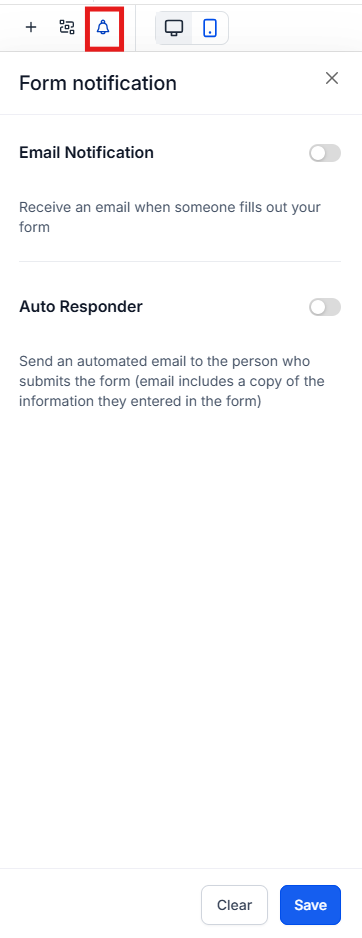
Notifications
Set up email notifications so you never miss an inquiry. You can send notifications to:
- Your enrollment coordinator or front desk
- The prospective family (confirmation that you received their inquiry)
Form Style & Design
Click the Styles tab to match your form to your center's branding:
- Adjust background and text colors
- Modify spacing and layout
- Toggle Full Width for mobile-responsive design
Form Actions
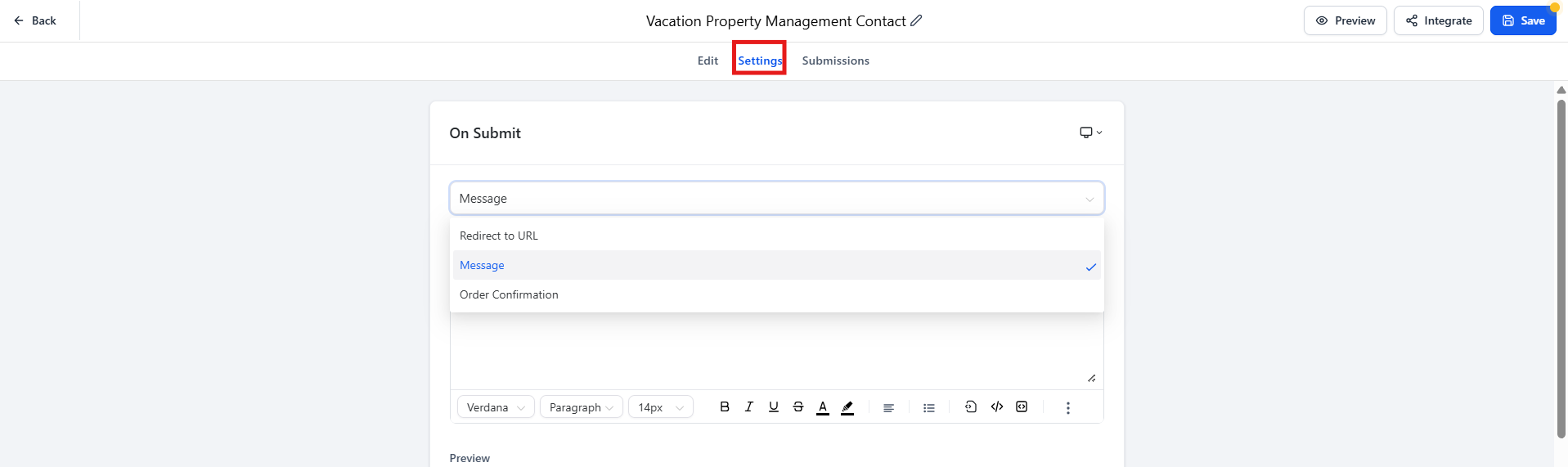
Under Settings, choose what happens after a family submits the form:
- Show a Thank You Message — Display a custom confirmation message
- Redirect to Another Page — Send them to your tour booking page or program details
- Trigger an Automation — Automatically send a welcome email or add them to your follow-up sequence
Step 4: Save & Embed the Form
- Click Save Form when you're satisfied with your setup.
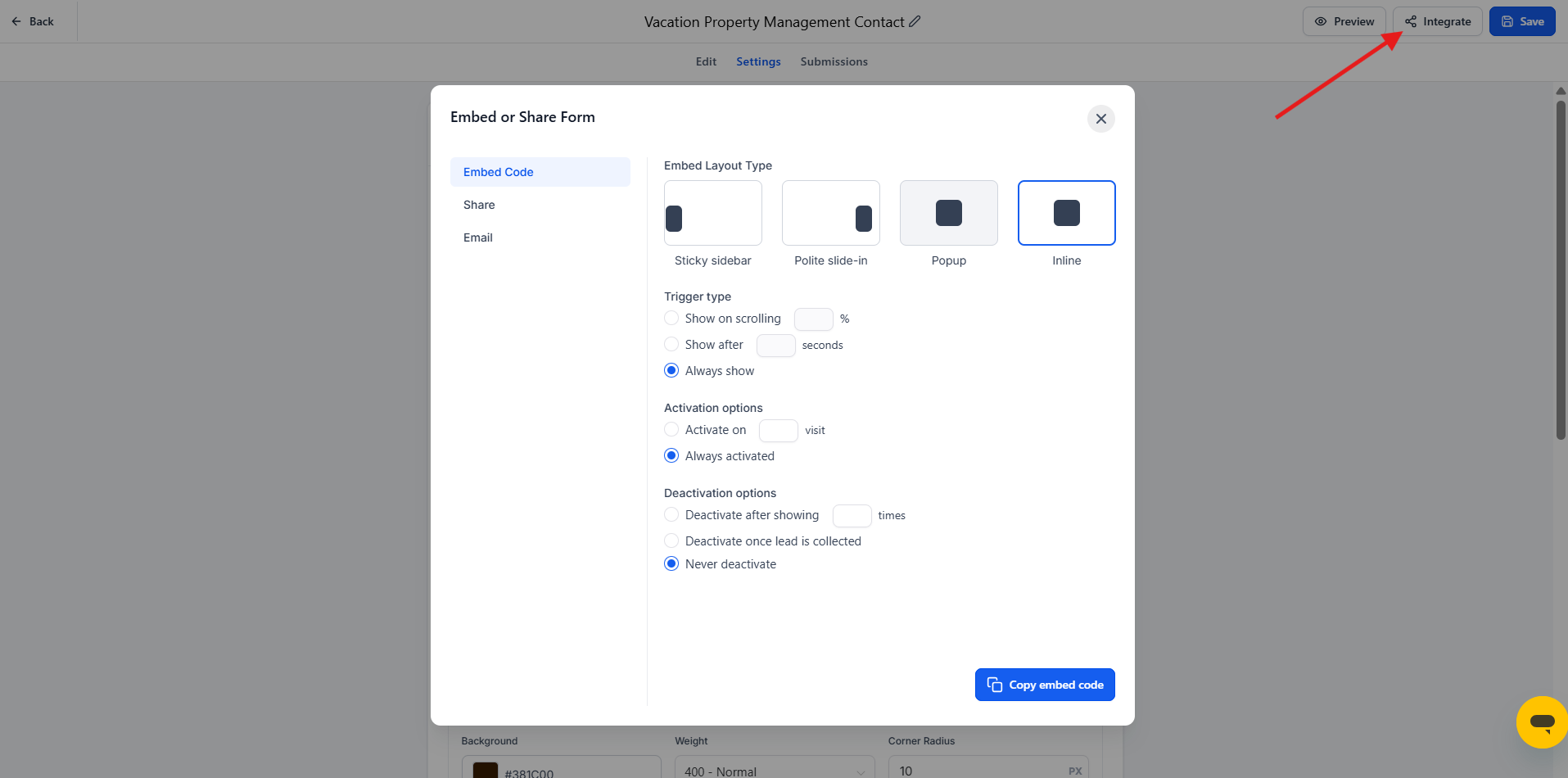
- Click the Integrate Form button to see your embedding options.
- Copy the embed code and add it to your enrollment site, landing pages, or anywhere families can reach you.
That's it! You now have a fully functional contact form ready to capture inquiries from prospective families. Every submission will create a new family record in Enrollio, making it easy to track and follow up on leads.