
Building beautiful enrollment pages just got easier. The design sidebar in Enrollio includes prebuilt elements that save you time and make your pages look professional right out of the box.
You'll find ready-to-use buttons, images, social media icons, and progress bars — all designed to help busy childcare owners create pages that convert without needing design skills.
What's Included
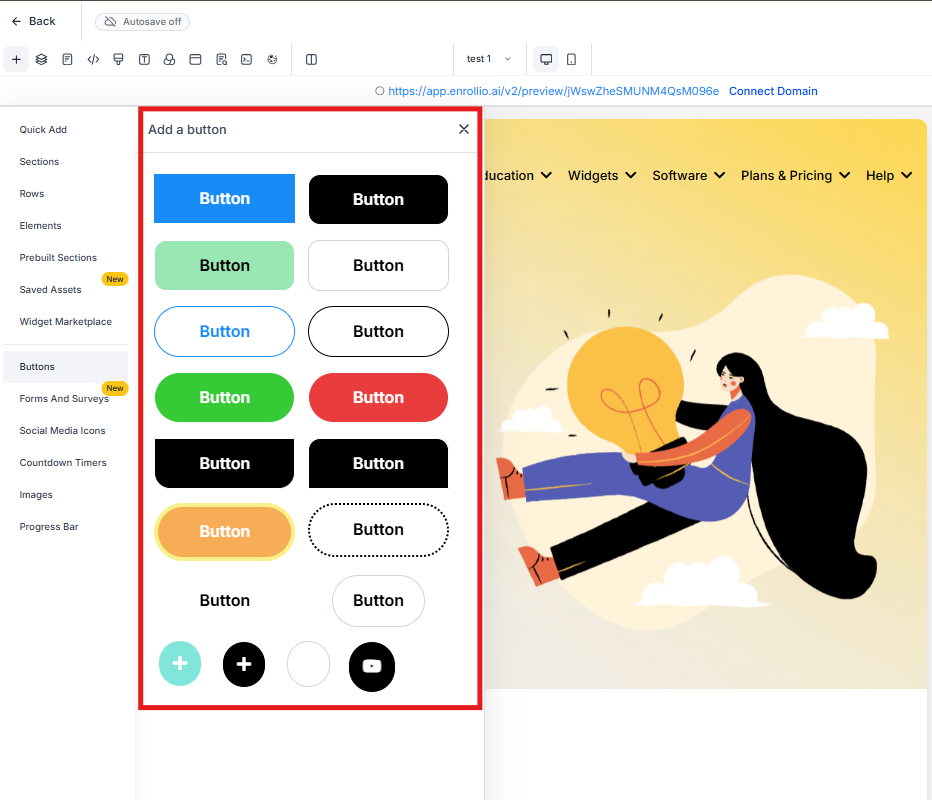
Prebuilt Buttons
Choose from a collection of professionally designed buttons that you can drop right into your pages. Each button is styled and ready to use — just customize the text and link.
Prebuilt Images
Access a library of high-quality, royalty-free images perfect for childcare settings. Drag and drop them directly onto your pages to add visual appeal without leaving the editor.
Social Media Icons
Connect with families on the platforms they use most. You'll find icons for Facebook, Instagram, Twitter, LinkedIn, and all major social networks — predesigned and ready to link.
Progress Bars
Show families where they are in your enrollment process with clean, visual progress indicators. These work great on multi-step enrollment forms or tour booking pages.
How to Access Prebuilt Elements
- Open your enrollment page or site in the page builder
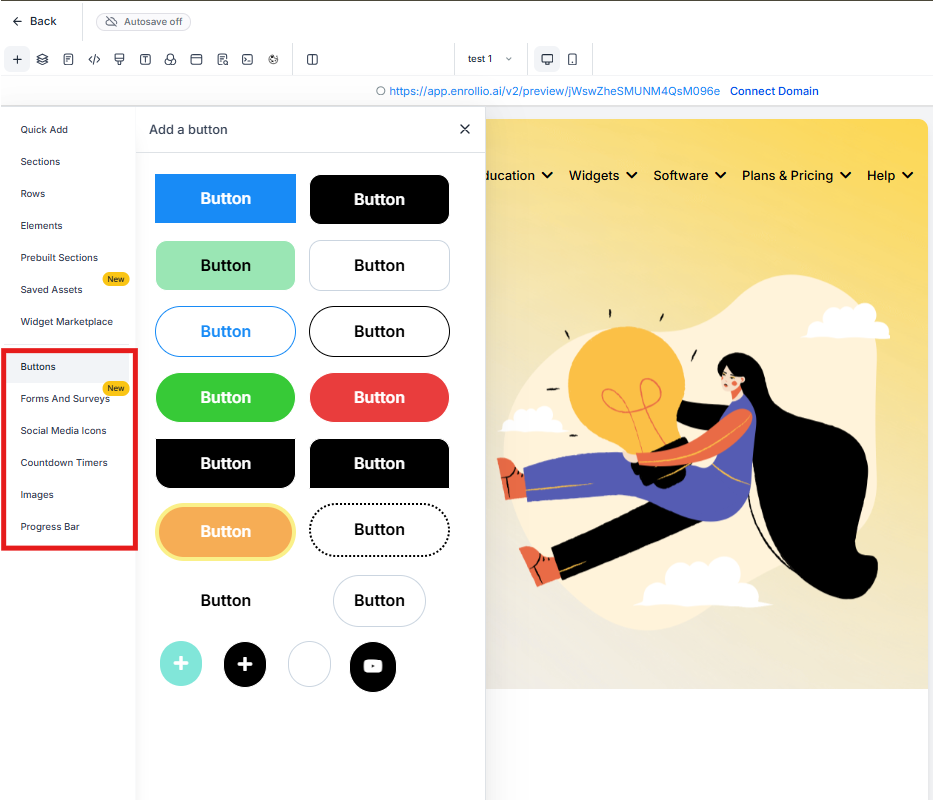
- Look at the left sidebar
- Scroll to find sections for Buttons, Images, Social Media Icons, and Progress Bars
- Drag any element onto your page
- Customize colors, text, and links to match your center's branding
Why Use Prebuilt Elements
Save Time: Build professional pages in minutes instead of hours. No need to design buttons or hunt for images online.
Stay Consistent: All elements follow proven design patterns that work well together. Your pages will look cohesive even if you're not a designer.
Increase Engagement: Social media icons make it easy for families to follow and share your center. Progress bars help families complete enrollment without confusion.
Pro Tip: Start with a prebuilt element and then customize it to match your brand colors. This gives you a professional starting point while keeping your unique look.
Common Uses
For Tour Booking Pages: Use prebuilt buttons for "Schedule Your Tour" and progress bars to show booking steps.
For Enrollment Forms: Add social media icons to your confirmation page so happy families can share their enrollment with friends.
For Program Pages: Use prebuilt images to showcase your classrooms and play areas without stock photo costs.