
Understanding Payment Method Visibility
If you're using Stripe to collect enrollment fees, registration payments, or tuition, you might notice that payment methods like Klarna, Afterpay, or certain card types don't always show up at checkout. This is normal — Stripe dynamically decides which payment methods to display based on each transaction.
Even if you've enabled a payment method in both Stripe and Enrollio, Stripe may still hide it for specific payments.
Why Payment Methods Might Not Appear
Stripe determines which methods to show based on several conditions:
- Your Stripe account default currency
- Presentment currency (the currency of the enrollment fee or invoice being paid)
- Payer location and IP address
- Eligibility restrictions on the payment method for your account
- Transaction amount limits for that method
- Geographic support — whether the method works in the payer's country or region
Because Stripe's Payment Element adapts for each payer and transaction, different families may see different payment options when enrolling.
How to Troubleshoot Missing Payment Methods
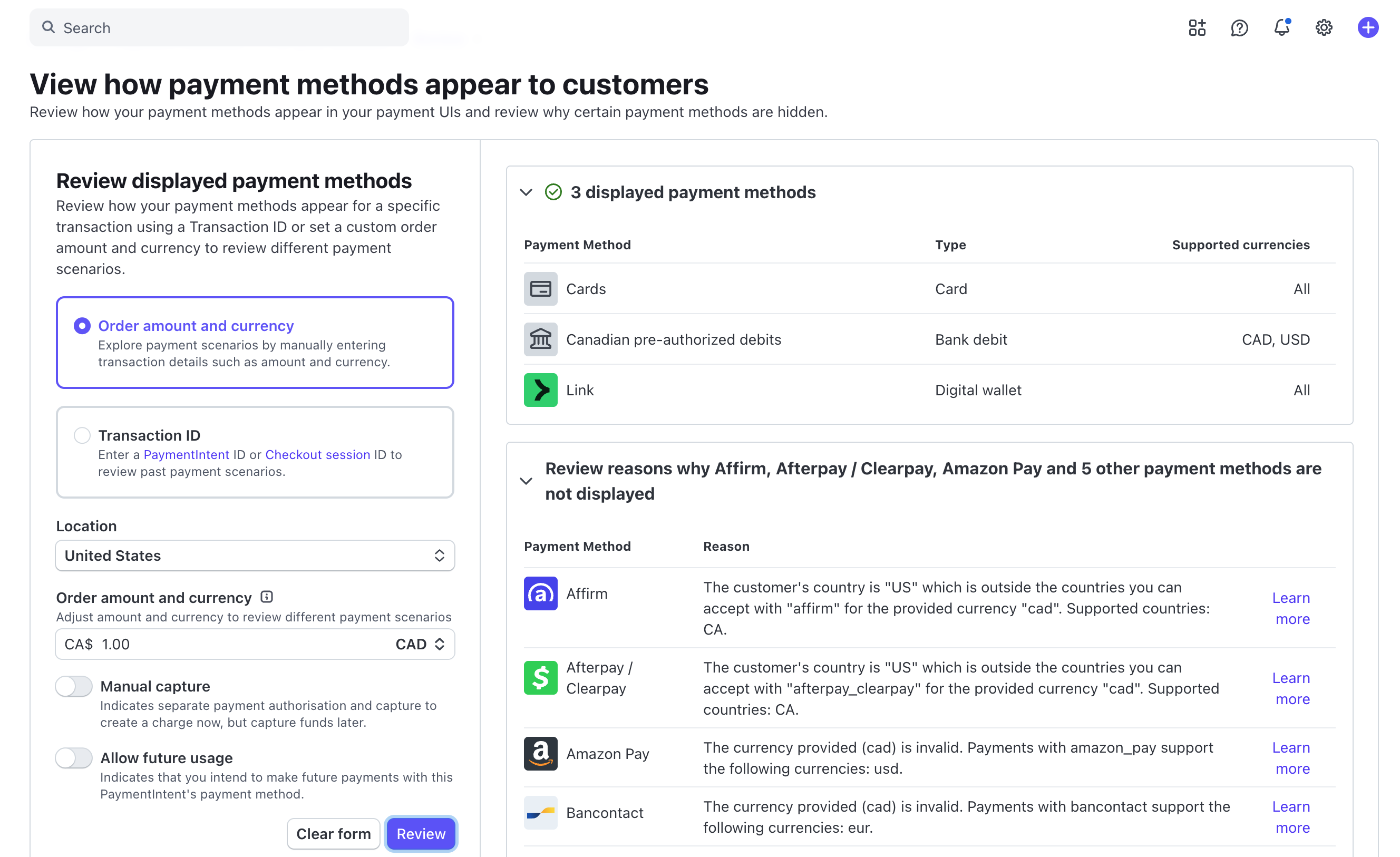
You can investigate why a payment method isn't appearing using two approaches:
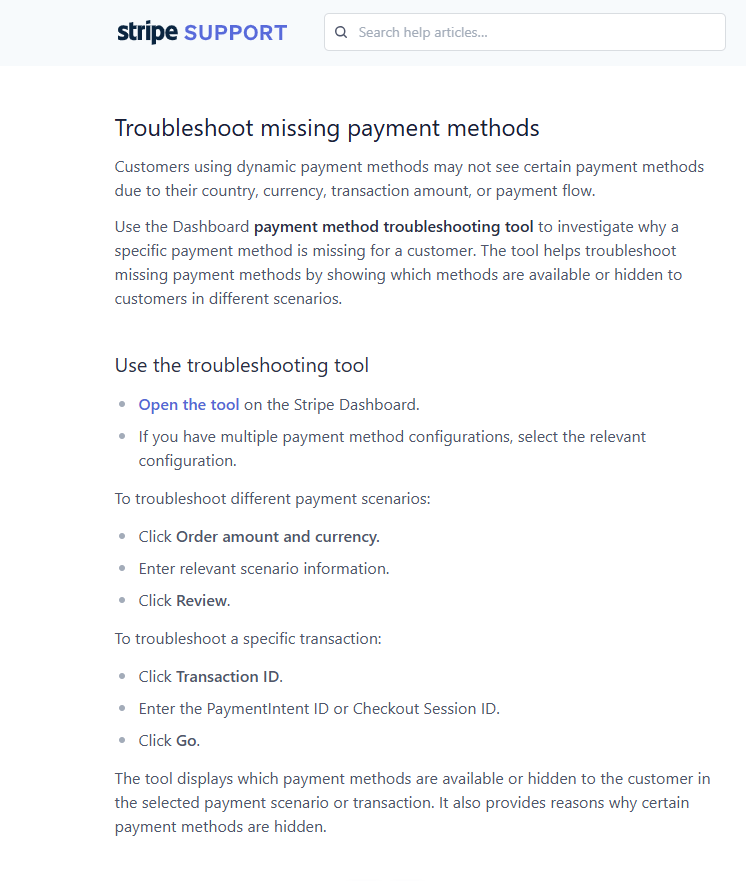
Option 1: Use Stripe's Troubleshooting Tool
Stripe provides a dedicated tool to debug missing payment methods:
https://support.stripe.com/questions/troubleshoot-missing-payment-methods
Option 2: Check Method Requirements in Your Stripe Dashboard
- Open your Stripe Dashboard
- Click Settings (top right gear icon)
- Under Product settings, select Payments
- Open the Payment methods tab
- Find the payment method your families can't see
- Click View details
A panel will open showing the method's requirements and eligibility details.
Common Reasons Methods Are Hidden
Stripe often hides payment methods due to:
- Transaction amount limits — the enrollment fee is too high or too low for that method
- Presentment currency mismatch — the method doesn't support your currency
- Customer location restrictions — the parent's location isn't supported
- Geographic availability — the method isn't available in that region
Example: Klarna might only work if your parent is in the USA or Puerto Rico and the transaction currency is USD. If either condition isn't met, Stripe won't display Klarna as an option.
What Enrollio Can Control
Stripe fully renders the checkout element and decides which payment methods appear based on eligibility rules. Enrollio only controls whether a payment method is globally enabled on your account.
If Stripe shows a message like "blocked by Enrollio payments," that means the method hasn't been enabled for Enrollio yet and may require our support team to activate it after internal testing.
Even when a method is enabled in Enrollio, Stripe still decides whether to display it based on the payer's location, transaction details, and eligibility requirements.
Pro Tip: If a specific payment method is important for your families (like Afterpay for larger tuition payments), check its requirements in Stripe first. You may need to adjust your currency settings or confirm your account is approved for that method in your region.