
A fast-loading page is critical for conversions, parent experience, and SEO. If your enrollment page or site feels slow, here are steps you can take to improve page speed.
1. Optimize Images
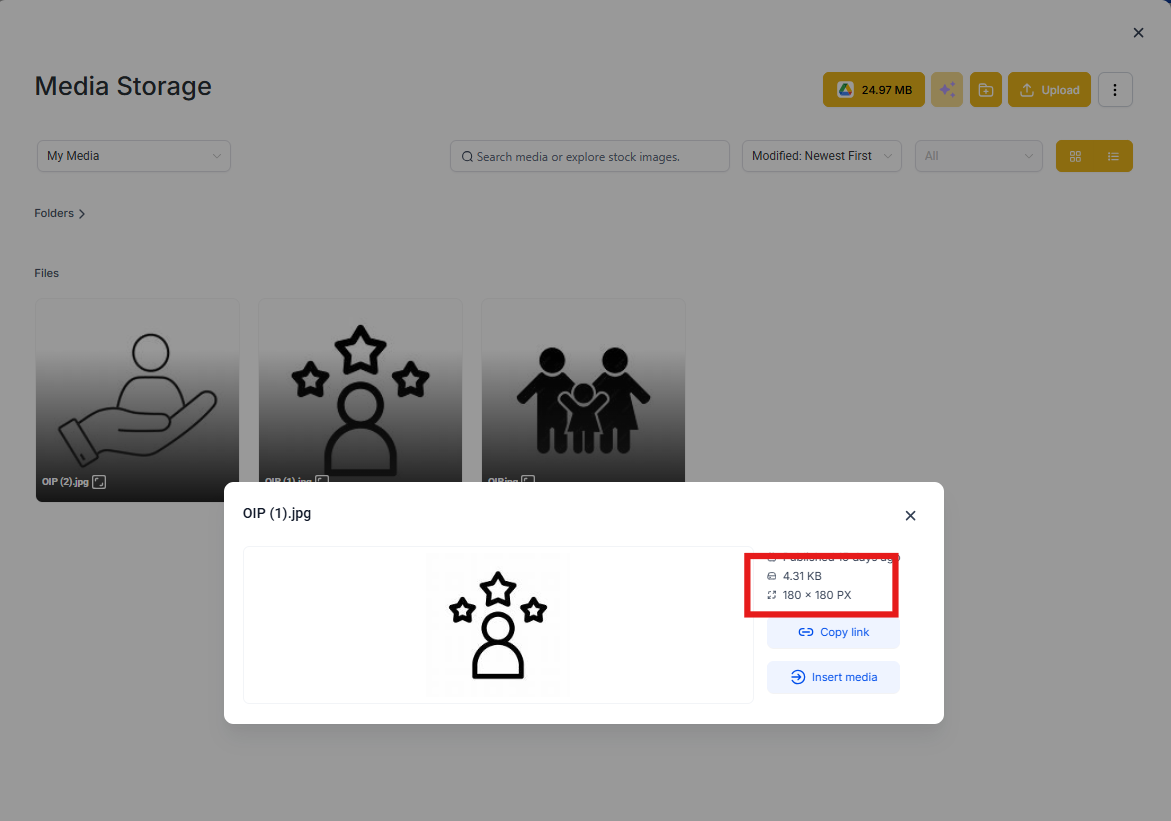
Resize before upload: Don't upload giant images and expect the platform to resize them. Keep them close to the display size.
Use compressed formats: Save images as JPG or WebP for photos and PNG for graphics with transparency.
Limit the number of images: Fewer images = fewer requests = faster load time. Use images only where they add real value (e.g., one strong hero image instead of several).
2. Limit Heavy Elements
Reduce video backgrounds: Use short loops and smaller files for video backgrounds.
Limit animations and widgets: Too many moving parts slow down rendering.
Keep scripts minimal: Avoid stacking third-party tracking scripts unless absolutely needed.
Avoid heavy elements above the fold: Ensure the first screen loads quickly by keeping it simple and lightweight.
3. Clean Up Your Pages
Remove unused sections: Don't leave hidden or duplicate blocks you aren't using.
Simplify layouts: Fewer rows, columns, and elements = faster rendering.
Check for oversized files: Upload optimized PDFs or downloadable content like enrollment forms and handbooks.
4. Use Platform Features Wisely
Global Sections: Reuse blocks for efficiency instead of duplicating large layouts across multiple pages.
Forms & Surveys: Use Enrollio's native forms instead of third-party versions—they load faster and integrate seamlessly with your parent records.
Custom Code: Keep injected CSS lightweight.
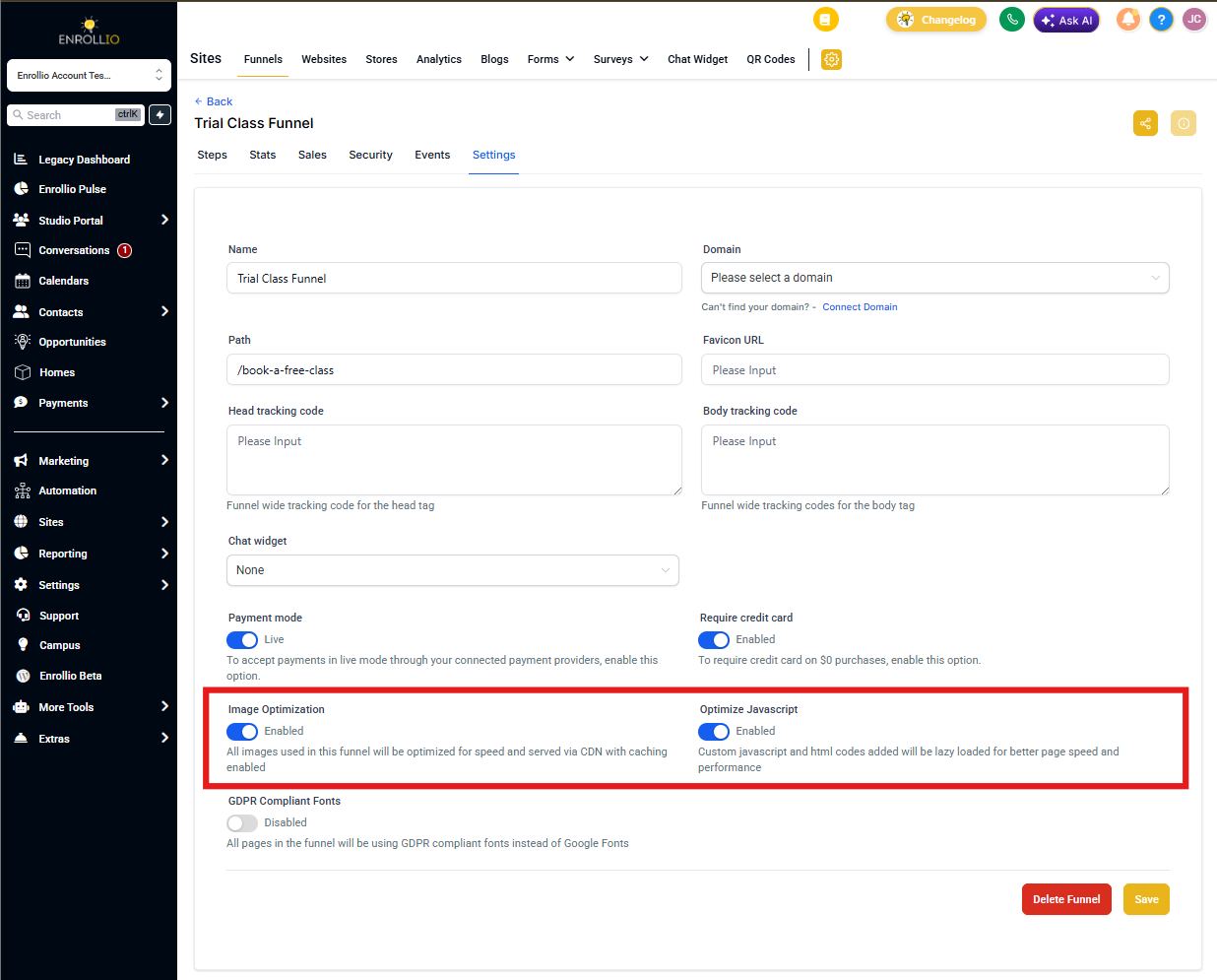
Check your settings:
- Ensure "Optimise Javascript" is enabled in your page settings
- Ensure "Image optimisation" is enabled in your page settings
- Use the browser's developer tools to check the Network tab and spot any large images slowing down page load
5. Leverage Browser & Hosting Optimizations
Enable caching: Returning visitors (like parents coming back to complete enrollment) load pages faster with cached assets.
Use a custom domain with SSL: This speeds up delivery and improves trust with prospective families.
Check your domain setup: Enrollio uses a global CDN, but a clean custom domain setup avoids extra redirects that slow things down.
6. Test and Monitor Performance
Use free tools like:
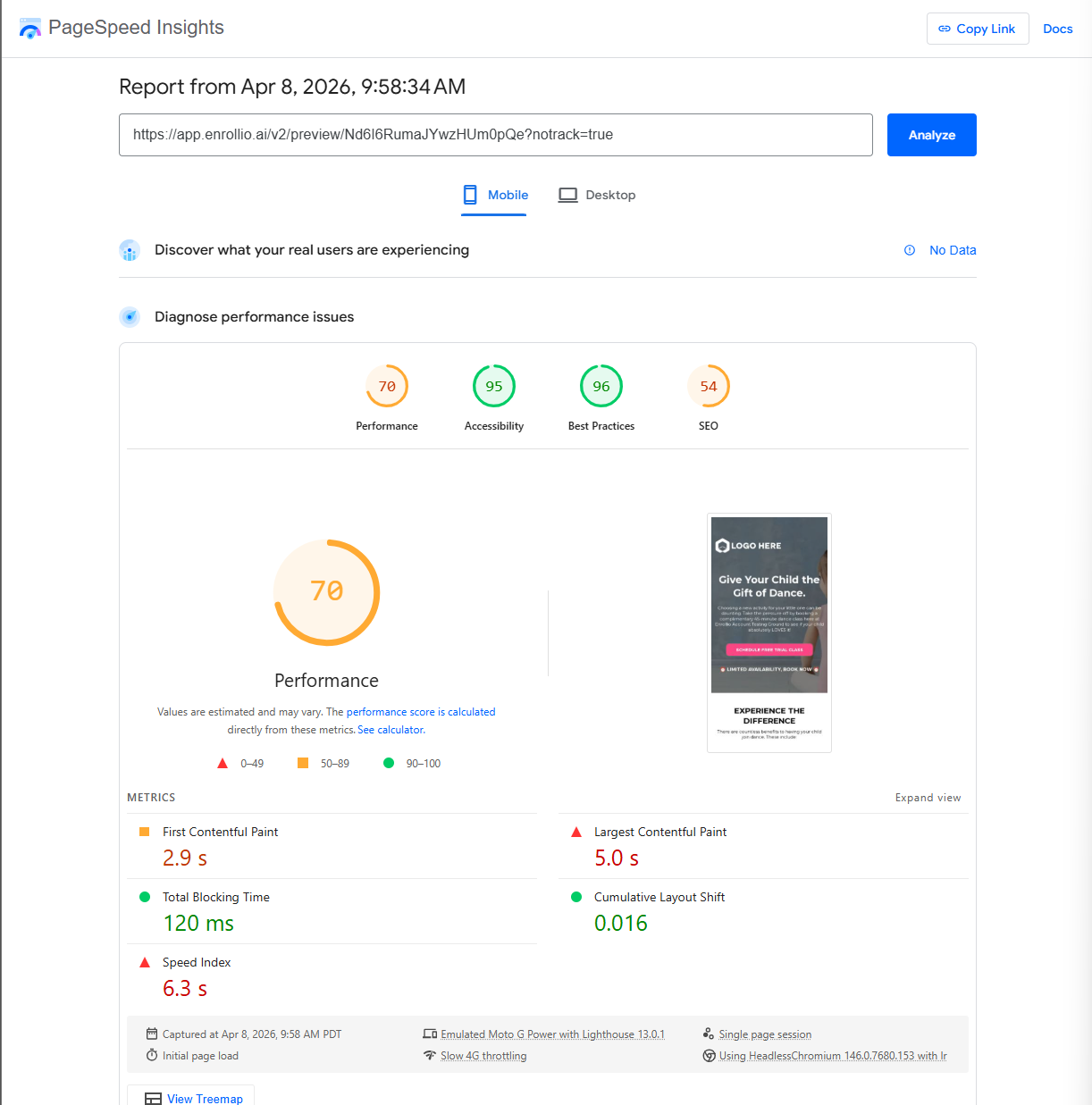
- PageSpeed Insights
- GTMetrix
Run tests on both desktop and mobile (mobile is usually slower). Apply suggested fixes from the tools for best results.
When to Contact Support
If your enrollment page or site is still extremely slow after following these steps, reach out to Support with:
- Your enrollment page or site link
- PageSpeed test results
- Steps you've already tried
This helps our team troubleshoot faster and get your pages running smoothly.