
Payments Widget - Dashboard Overview
Your Enrollio Dashboard includes a powerful Payments Widget that helps you track revenue, monitor payment health, and understand your childcare center's financial performance at a glance.
This guide walks you through each report available in the Payments Widget, so you can make informed decisions about your enrollment and billing operations.
Revenue Dashboards
Total Revenue (Last Month)
View the total revenue collected during the previous calendar month. This gives you a quick snapshot of your center's monthly income.
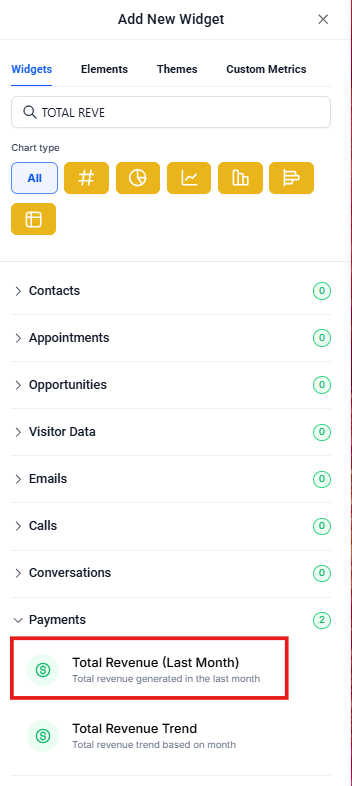
Total Revenue Trend
Track how your total revenue changes over time. Use this trend to identify growth patterns, seasonal fluctuations, or potential concerns that need attention.
One Time Revenue Trend
Monitor revenue from one-time payments like registration fees, field trip charges, or supply fees. This excludes recurring tuition payments.
Recurring Revenue Trend
View your recurring tuition income from subscription-based enrollments. This helps you track the stability of your monthly income stream and predict future revenue.
Customer & Payment Performance
Paying Customer Trend
See how many unique paying families you have over time. This metric helps you understand your active enrollment base.
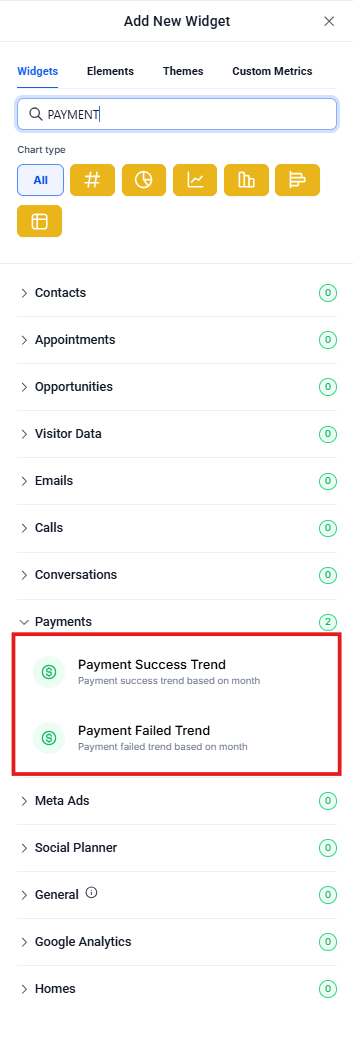
Payment Success Trend
Track the number of successful payment transactions. A healthy success rate means your families are paying on time and your payment system is working smoothly.
Payment Failed Trend
Monitor failed payment attempts to identify billing issues early. High failure rates may indicate expired cards, insufficient funds, or families experiencing financial difficulties.
Channel & Subscription Insights
Revenue by Channels
Break down your total revenue by different payment channels. See which methods families prefer when paying tuition and fees.
Subscription Creation Trend
Track how many new tuition subscriptions (recurring enrollments) you create over time. This directly correlates with new family enrollments at your center.
Subscription Cancellation Trend
Monitor subscription cancellations to understand family retention. Rising cancellations may signal the need to improve family satisfaction or address competitive pressures.
Coupon & Discount Tracking
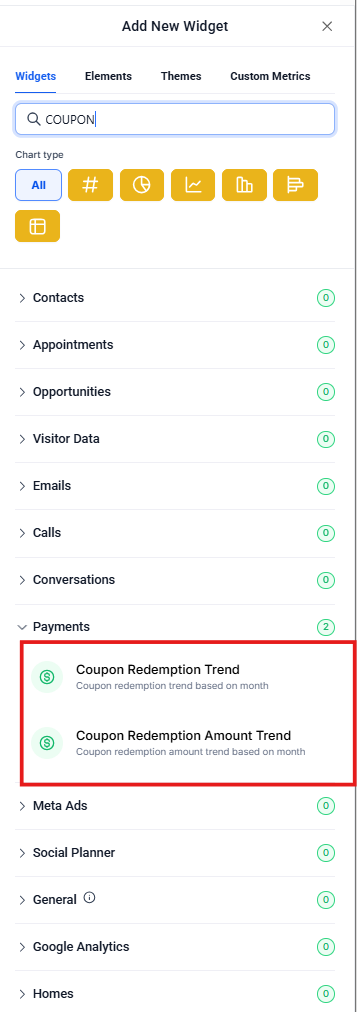
Coupon Redemption Trend
See how many times promotional codes or discounts have been redeemed. This helps you measure the success of enrollment promotions or sibling discounts.
Coupon Redemption Amount Trend
Track the total dollar value of discounts you've given through coupons. Use this to understand the cost of your promotional campaigns.
Invoice Management
Invoice Sent Trend
View how many invoices you've sent to families over time. This includes tuition statements, additional charges, and any custom billing.
Invoice Paid Trend
Track how many invoices families have successfully paid. Compare this with invoices sent to identify your collection rate.
Refund Tracking
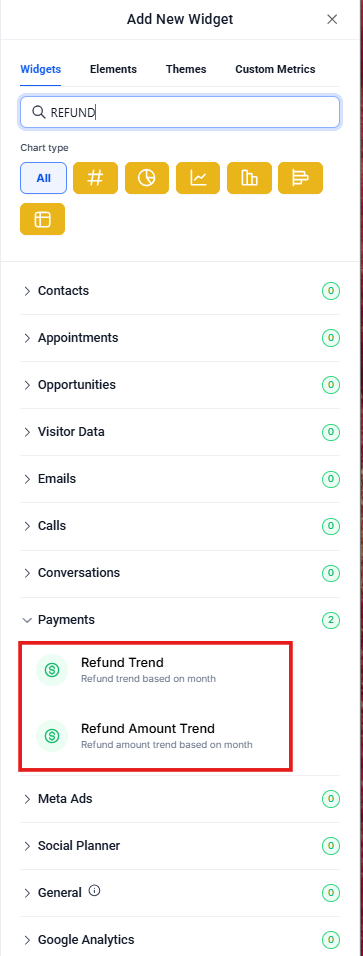
Refund Trend
Monitor the number of refunds you've processed over time. This includes tuition refunds, overpayments, or adjustments.
Refund Amount Trend
Track the total dollar value of refunds issued. High refund amounts may indicate billing errors or policy issues that need attention.
Using Your Payment Data Effectively
The Payments Widget gives you a complete picture of your center's financial health. Here's how to make the most of these reports:
- Review weekly: Check payment success and failed trends to catch billing issues early
- Track monthly: Compare revenue trends with your enrollment goals
- Monitor retention: Watch subscription cancellations and reach out to families before they leave
- Optimize promotions: Use coupon redemption data to refine your enrollment marketing
- Improve collections: Identify patterns in failed payments and take proactive steps
Next Steps
Now that you understand the Payments Widget, explore these related features:
- Learn how to create custom dashboard views for your specific needs
- Set up payment reminders to reduce failed payments
- Configure subscription templates for different enrollment types
Questions about your payment reports? Contact our support team—we're here to help you make sense of your data.