
You can capture and store parent information as families move through your survey, even if they don't finish it. This ensures you never lose a potential enrollment lead.
What Partial Contact Creation Does
When you enable this feature, Enrollio automatically saves parent information as soon as they complete the first slide of your survey. Even if they exit before finishing, you'll have their contact details to follow up.
This is especially valuable for enrollment applications, tour requests, or waitlist forms where you want to capture family information immediately.
How to Enable Partial Contact Creation
- Go to Sites → Surveys → Builder
- Click Add Survey or open an existing survey
- Click Options in the survey builder
- Toggle on "Create Contact on Partial Submission"
- Place parent contact fields (name, email, phone) on your first slide
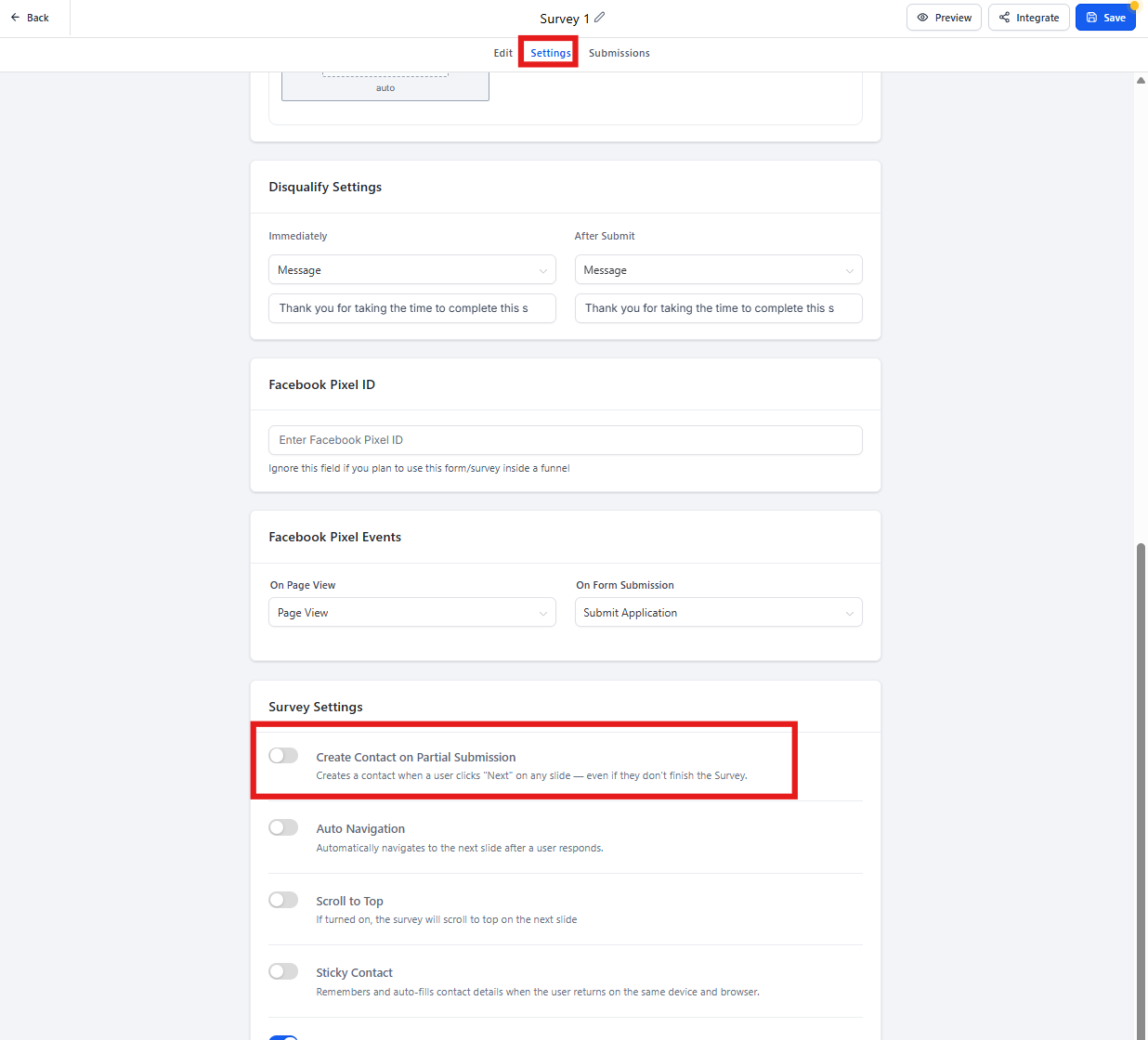
How It Works
When a parent fills out the first slide and clicks Next, Enrollio creates their contact record immediately. This happens before they complete or submit the rest of the survey.
You can then follow up with them even if they never finished the form. The contact record will include whatever information they provided on that first slide.
Important Limitations
If you're using slide logic (conditional questions that skip to different slides based on answers), be aware of these limitations:
- Last Slide Skips: If your logic skips directly to the last slide, the partial contact won't be created. The system treats the last slide as final submission only.
- Second-to-Last Slide: When skipping to the second-to-last slide, contact information isn't updated until final submission.
Best Practice: Keep your essential contact fields on the first slide, without any skip logic. This ensures you capture parent information right away, regardless of their answers.
Why This Matters for Childcare
Parents are busy. They might start an enrollment application during naptime and get interrupted. Or they might browse your waitlist form on their phone and lose their place.
With partial contact creation enabled, you capture their information immediately and can reach out to help them complete the process. This dramatically increases your lead capture rate.