
What’s New
The Pricing Table now gives you more flexibility and control when showcasing your studio’s plans, memberships, or packages. With new layouts, versatile pricing models, and customizable buttons, you can present offerings in a more engaging and professional way.
New Layout Options
Grid Mode – Clean card layout with up to 5 columns.
Carousel Mode – Sliding plans with auto-play and pause on hover.
Classic Table – Traditional table view with horizontal scrolling.
Comparison Table – Sticky first column for easy side-by-side plan comparisons.
Flexible Pricing Models
Display fixed prices, subscriptions, “starting at,” price ranges, per unit, free, or custom text.
Highlight discounts, strikethrough old prices, and add captions for clarity.
Better Buttons
Set buttons to link to a URL, open a popup, move to a step, or do nothing.
Customize text, captions, and visibility for complete control.
How to Use
Drag the Pricing Table onto your page.
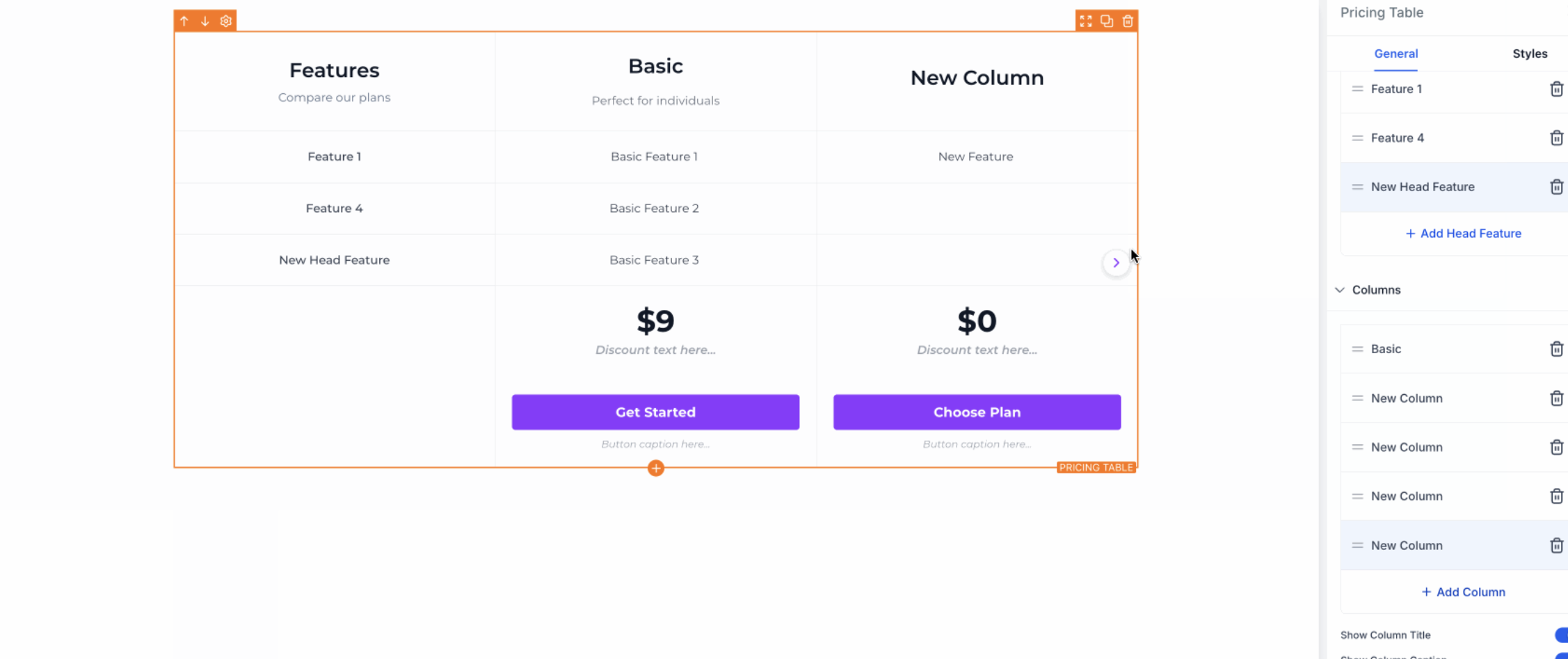
Select a layout option.
Add your pricing model and features.
Customize the design and style.
Configure button actions.
Preview and publish.
Why It Matters
Dance studios can now showcase tuition, packages, or trial offers in a clearer, more visually appealing way. These updates ensure families see the right options, understand value at a glance, and can take action quickly.
Support
For questions or assistance with your Pricing Table setup, reach out to support@enrollio.ai