
What’s New
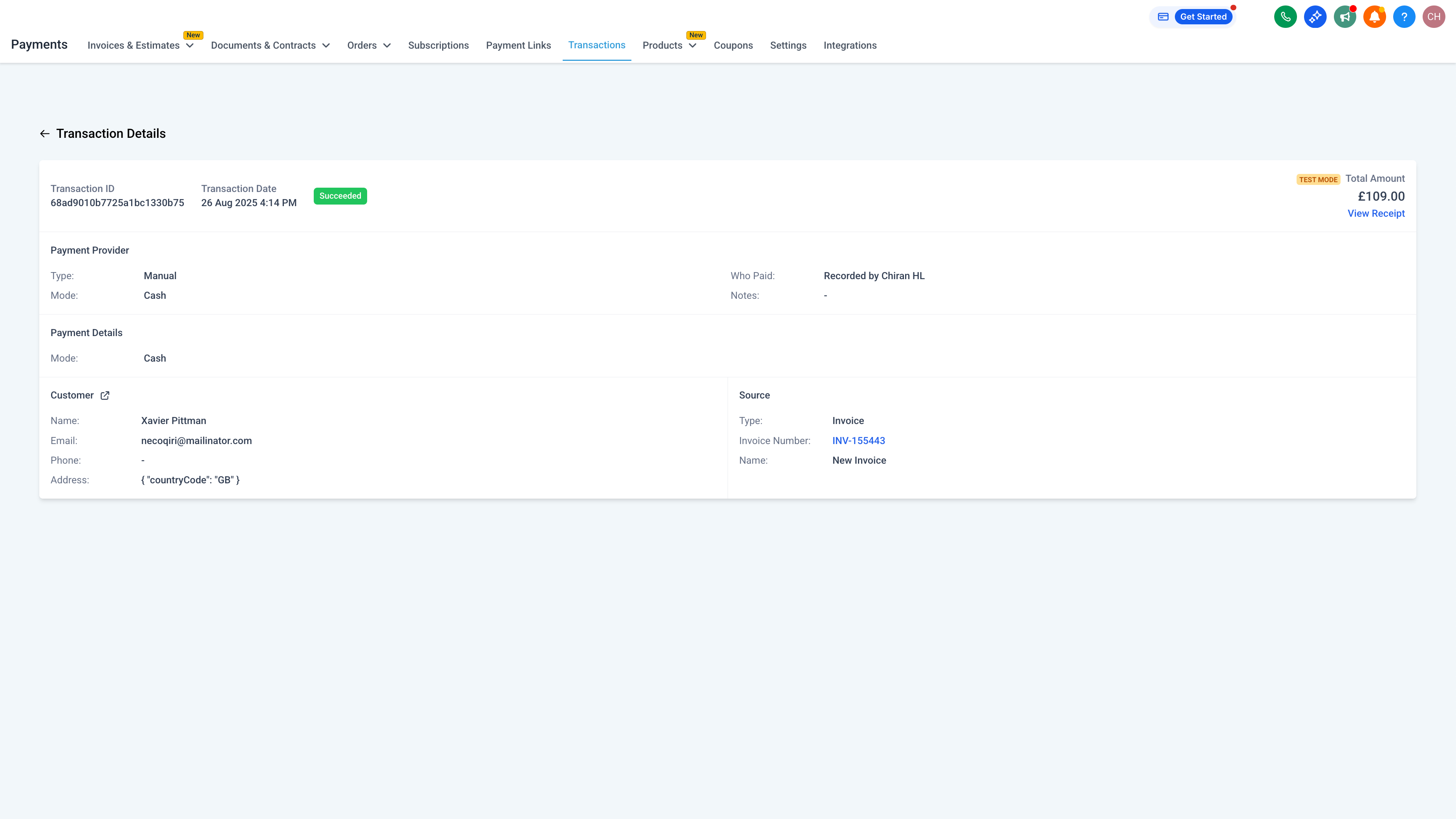
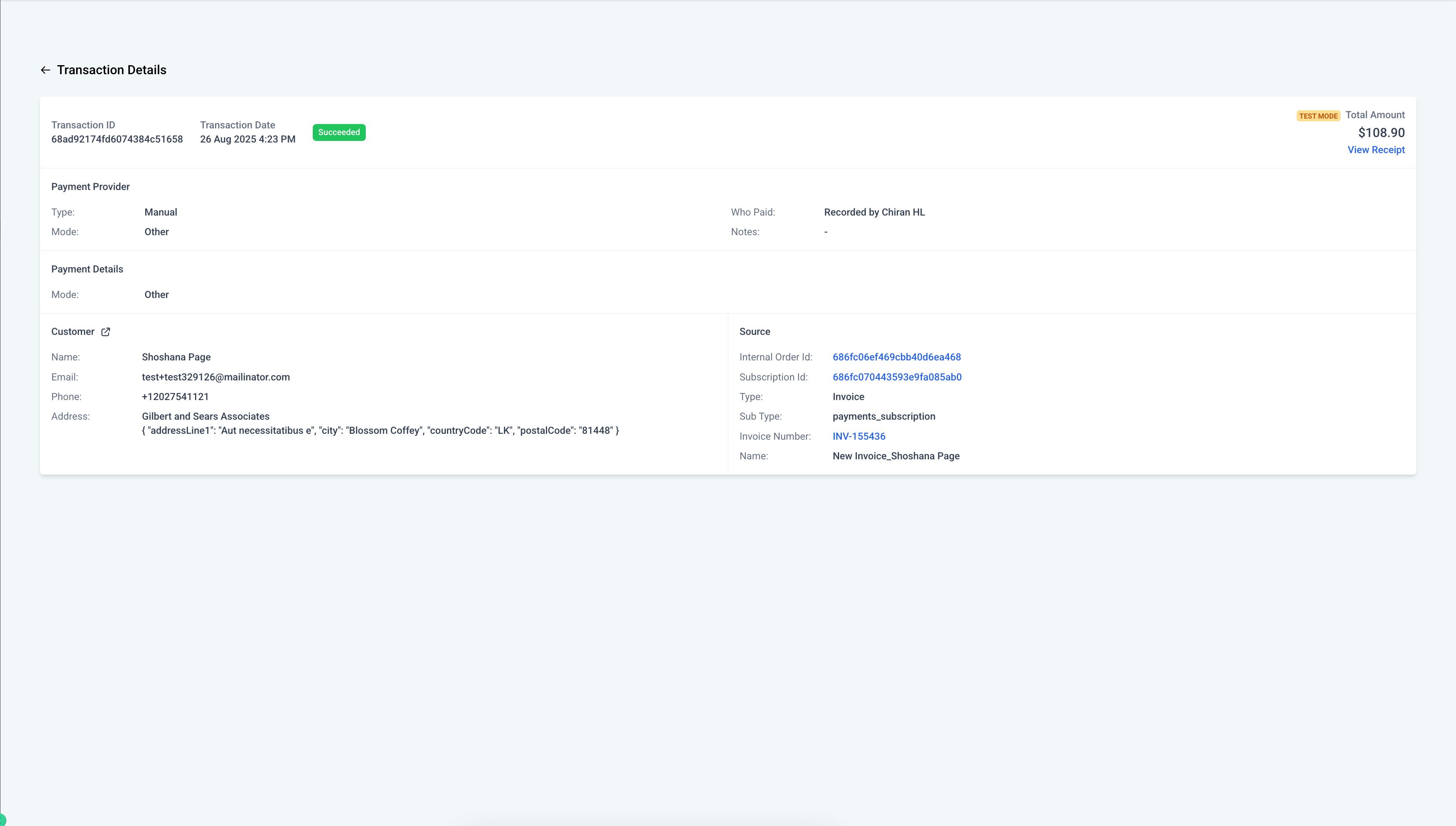
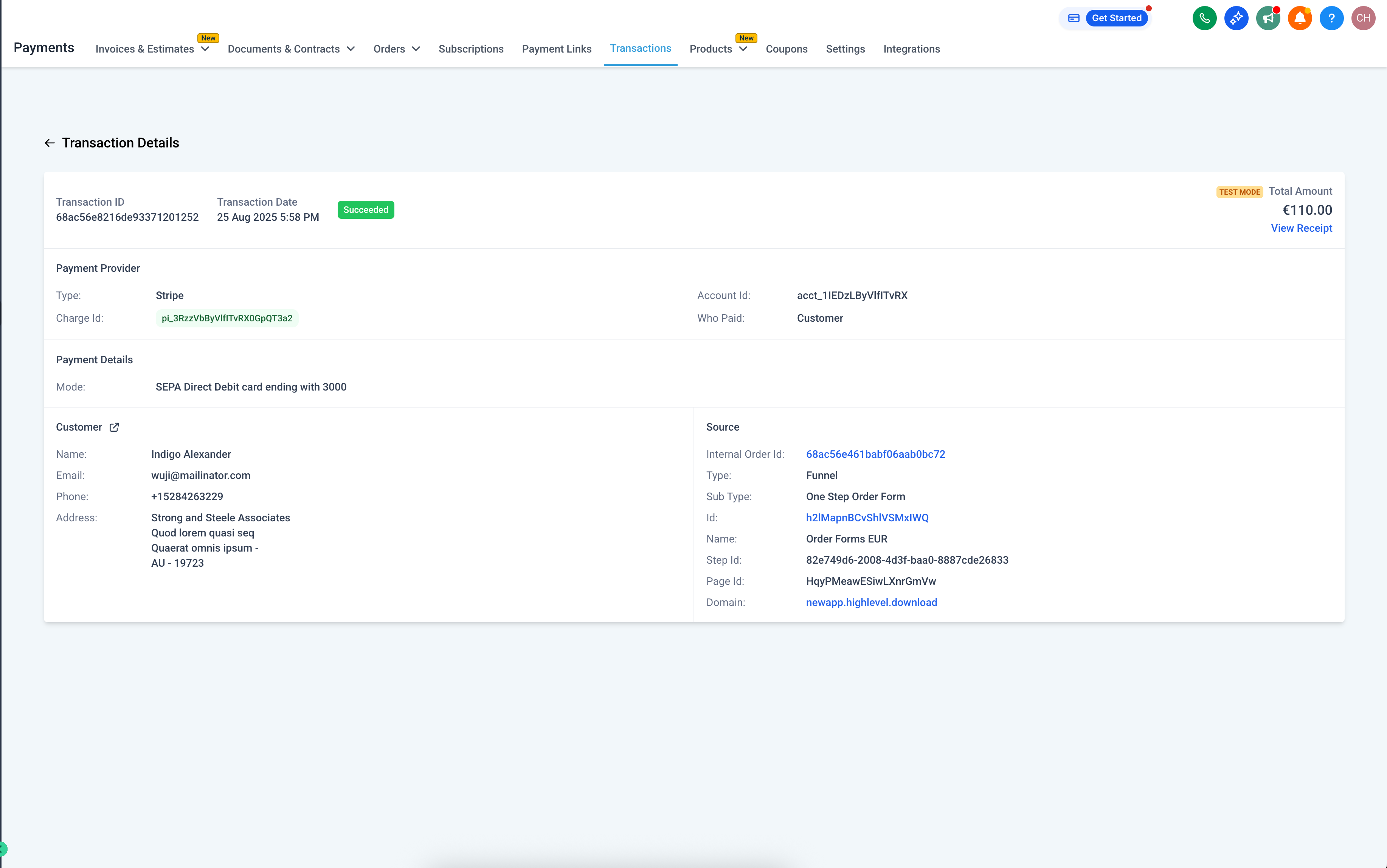
We’ve expanded the details available on Subscription Details and Transaction Details pages, giving businesses a clearer picture of billing, payment methods, and subscription lifecycles. This update makes it easier to handle inquiries, confirm payment sources, and track overall subscription progress.
Payment Method Details
For card payments, you’ll now see the card brand, last four digits, and expiry date.
For non-card methods, relevant details are shown under a unified Payment Details section.
PayPal and custom payment providers display available information. If not available, a clear fallback message is shown.
Subscription Lifecycle Information
End Date (if set) and Cancellation Date (if cancelled) are now displayed.
Total Payments Due shows when an end date is defined—either directly (via Update Subscription) or based on the fixed number of payments for a Subscription Product.
Total Payments Completed is now tracked and displayed.
Dates are presented in a clear, consistent format.
Where to Find It
Go to Payments → Subscriptions → View → Subscription Details
Or Payments → Transactions → View Transaction → Transaction Details
Data exposure through public APIs to support reporting and external workflows.
Additional data fields available in CSV exports and filters across payment module pages.
Why This Matters for Dance Studios
Studios can now confidently check parent billing details, track subscription commitments (like class packages or recital installments), and quickly resolve payment questions—without needing manual workarounds.
Support
For assistance or questions, contact us at support@enrollio.ai.