
Overview
You can now connect Xero directly to your account to sync contacts, invoices, and tax rates. This integration helps you save time, avoid duplicate work, and keep reporting accurate.
What’s New
-
Contact Sync: Existing and new contacts in Xero auto-sync on setup and ongoing.
-
Invoices (One-Way Sync): Create invoices and they instantly appear in Xero with names, numbers, taxes, and payment status.
-
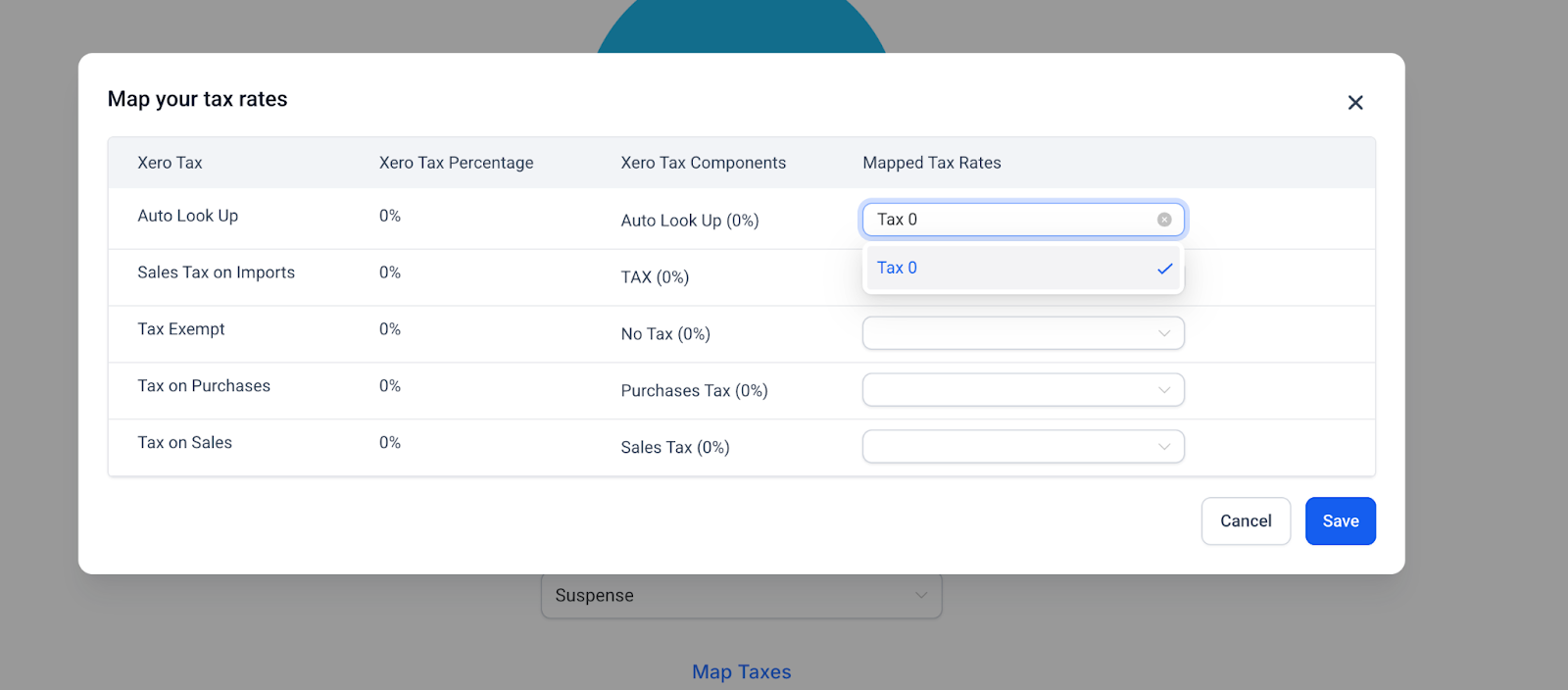
Tax Mapping: Match tax rates (including multi-component taxes) for compliance and accuracy.
-
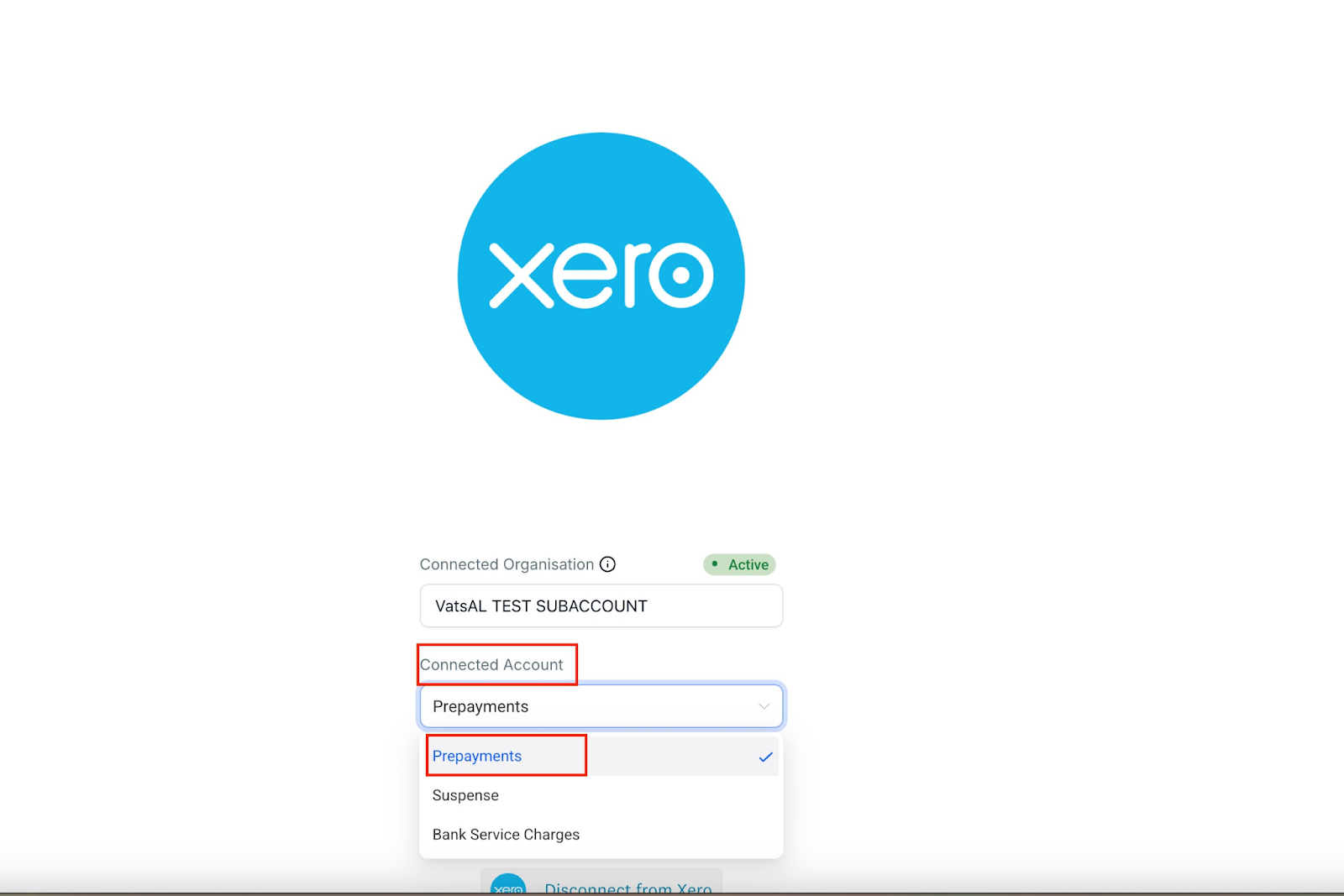
Accounts Visibility: Only accounts with payments enabled (excluding bank accounts) can sync.
How It Works
- Go to Settings → Integrations → Xero → Connect.
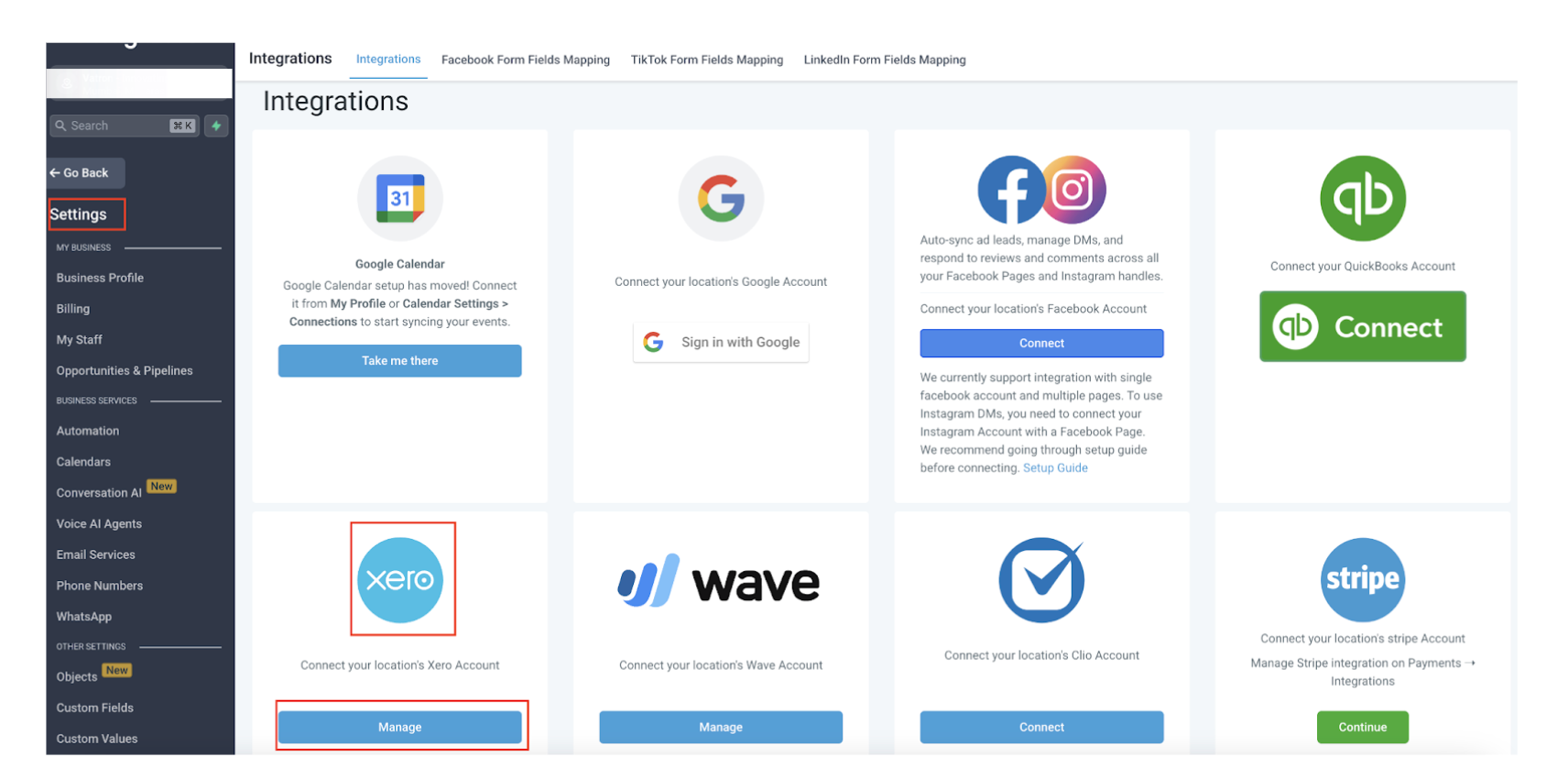
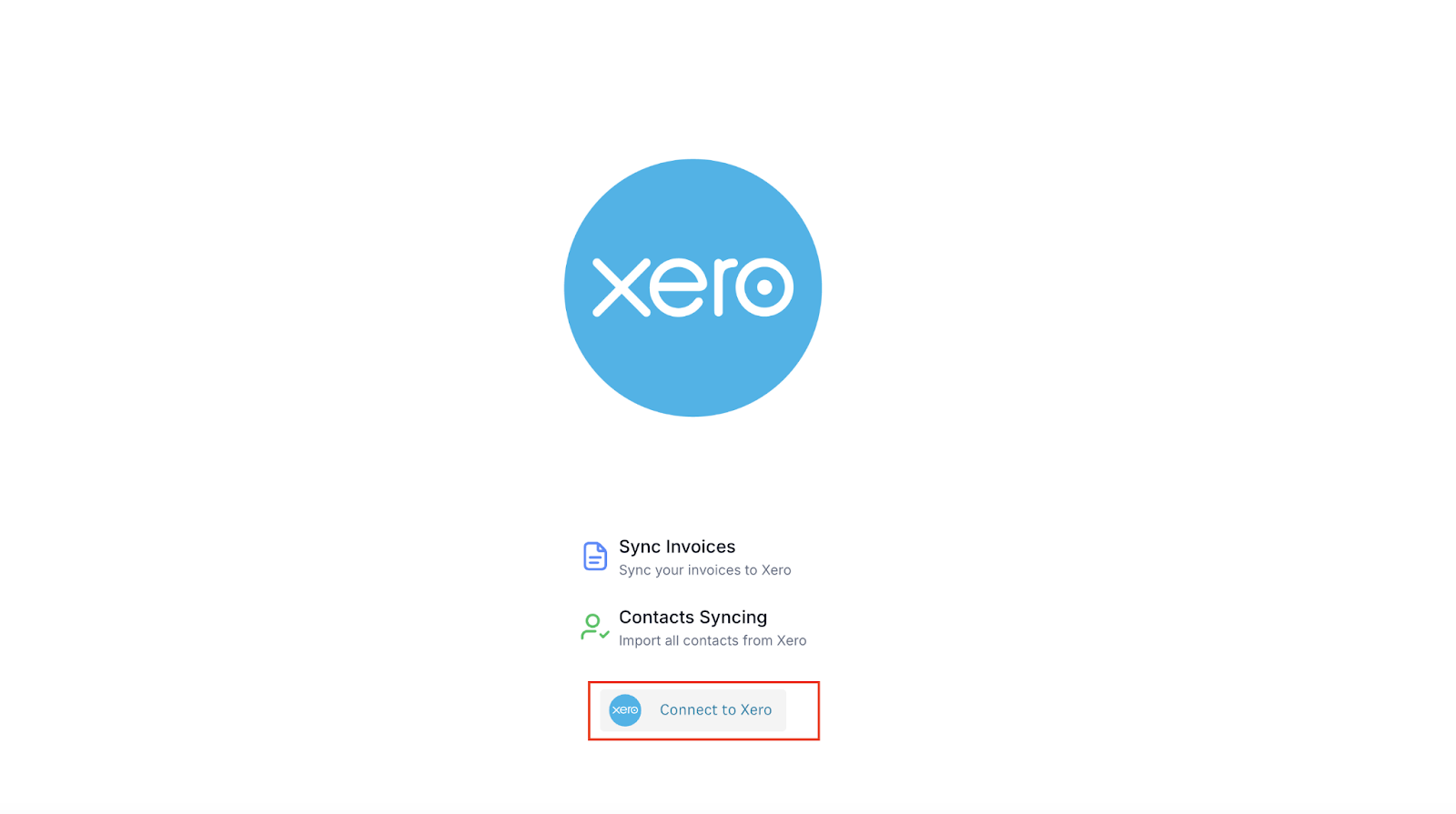
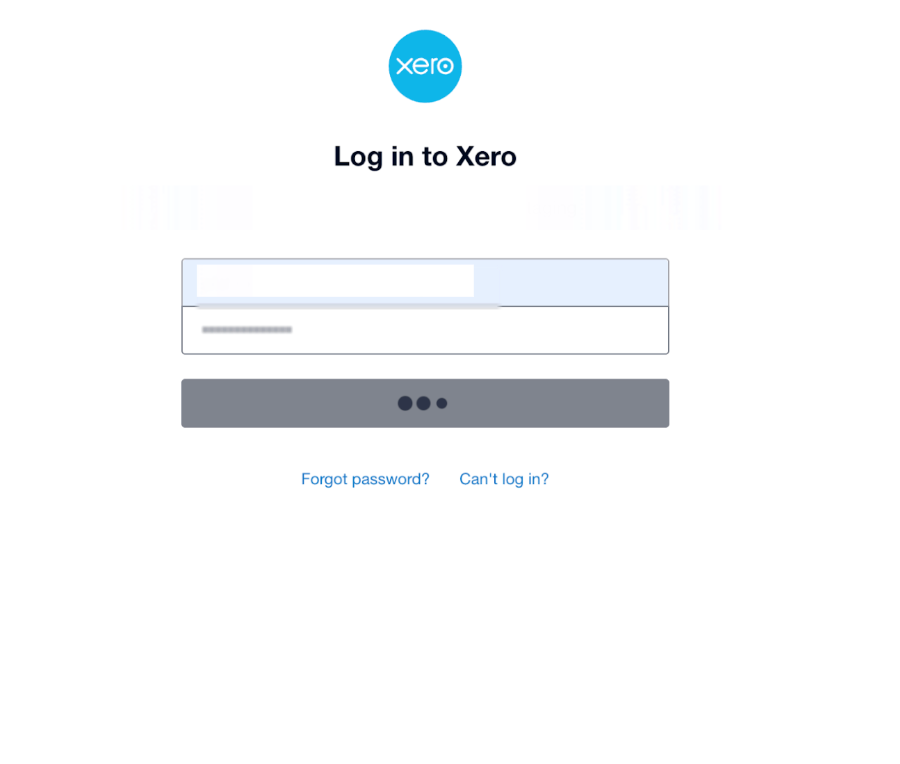
- Enter your credentials and connect your organization.
- Select your chart of accounts (if it’s not visible, enable payments in Xero).
- Map tax rates for accurate reporting.
Why It Matters
This integration keeps your CRM and accounting in sync, cutting down errors and saving hours of manual work.
📌 Coming Soon
- Choose which contact groups to import from Xero.
- Receipt syncing from Xero.
Support Reminder
If you have any questions, please reach out to support@enrollio.ai and our team will be happy to help.