
We’ve added gradient backgrounds and blur effects to the Page Builder, giving you more creative control over your page designs. Background settings are now also organized into a cleaner tab view for easier editing.
What’s New
-
Multi-color gradients: Create smooth blends with up to 10 colors.
-
3 gradient styles: Linear, Radial, and Angular options for different looks.
-
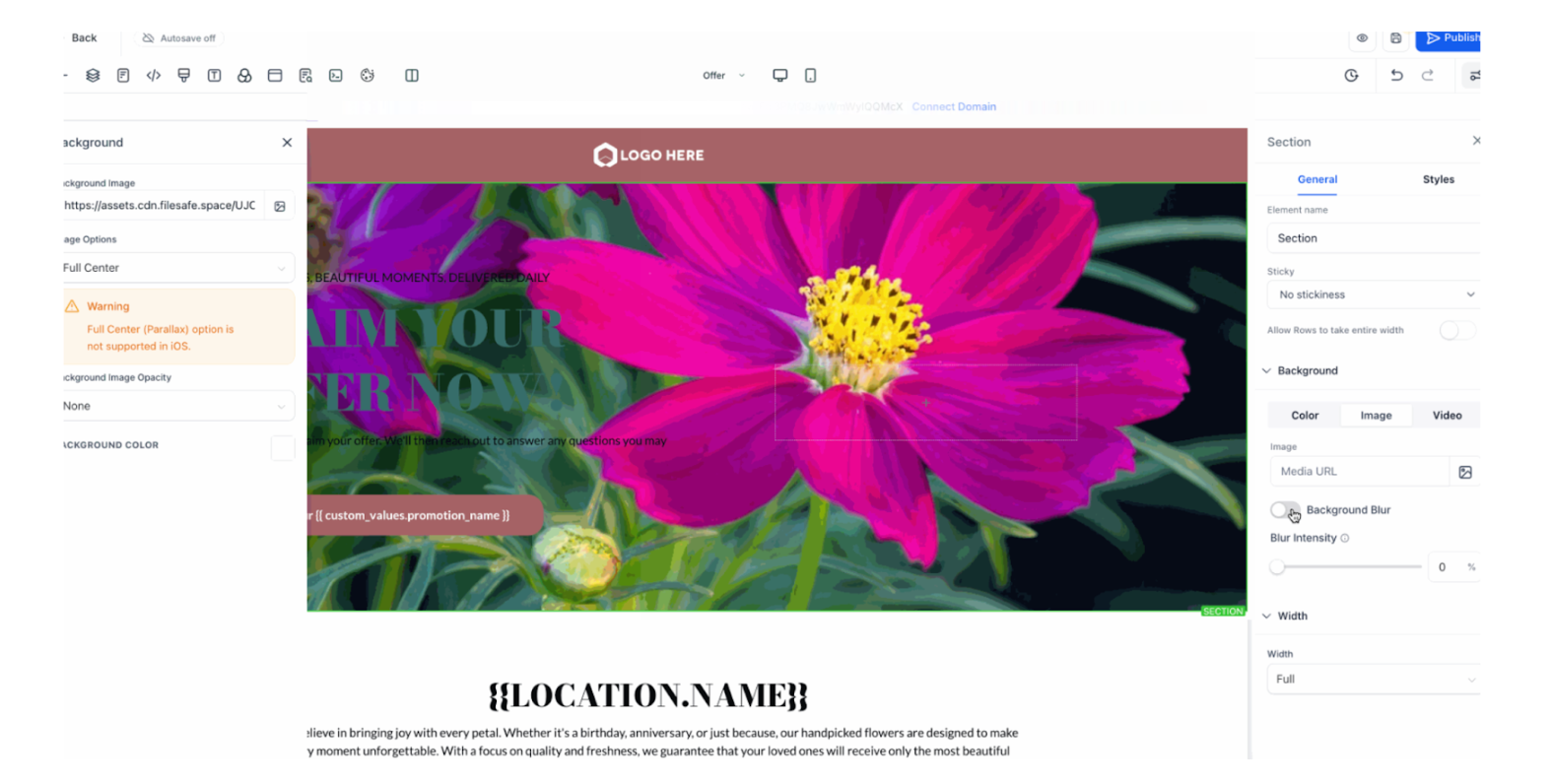
Adjustable blur effect: Toggle blur on/off and set intensity for added depth (works best with semi-transparent colors).
-
Cleaner background tabs: Switch easily between Color, Image, and Video tabs.
How It Works
-
Go to Page Builder → Background Settings in the right-hand sidebar.
2. Choose Gradient to design dynamic multi-color backgrounds.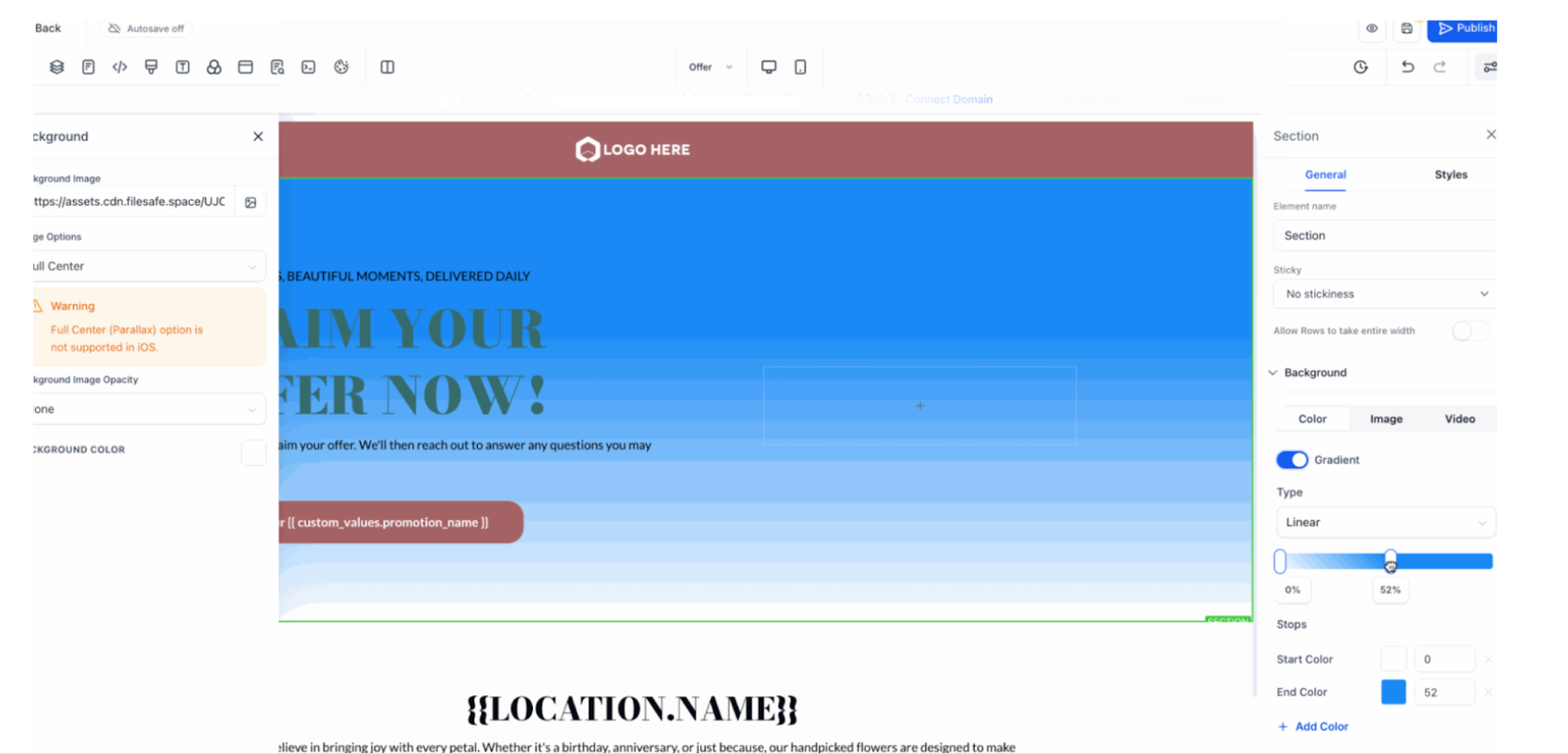
3. Use the Blur toggle to soften backgrounds.
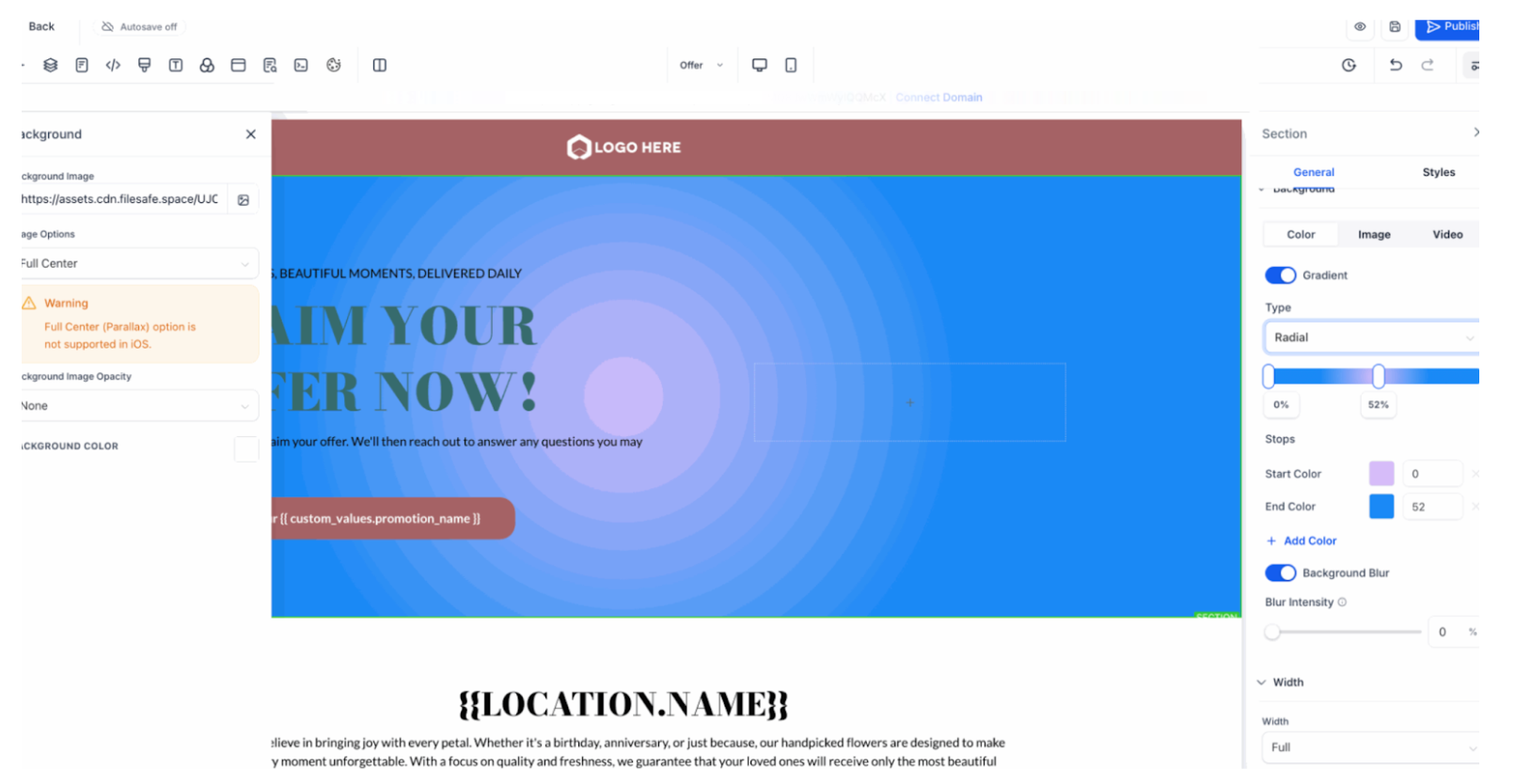
4. Easily switch between Color, Image, and Video for a streamlined experience.
Why It Matters
This update makes it simple to build modern, eye-catching layouts with less effort. Whether you want subtle blur for depth or bold gradients for impact, you now have the flexibility built right into the editor.Notes
- Existing background images and videos are not affected.
- Gradients support multiple colors.
- Demo GIF may appear lower resolution, but in the editor colors are sharp and smooth.
Support ReminderIf you have any questions, please reach out to support@enrollio.ai and our team will be happy to help.