
Purpose
This guide explains how to schedule manual payments in Enrollio. With this new update, you can set up future-dated charges for individual students or for multiple students at once, giving your studio more flexibility and control over billing.
What It’s For
Dance studios often need to plan ahead for tuition, costume fees, or other charges. Instead of waiting until the last minute, you can now schedule payments in advance — making billing smoother for both your staff and your families.
Step-by-Step Instructions
-
Go to the Payments Section
-
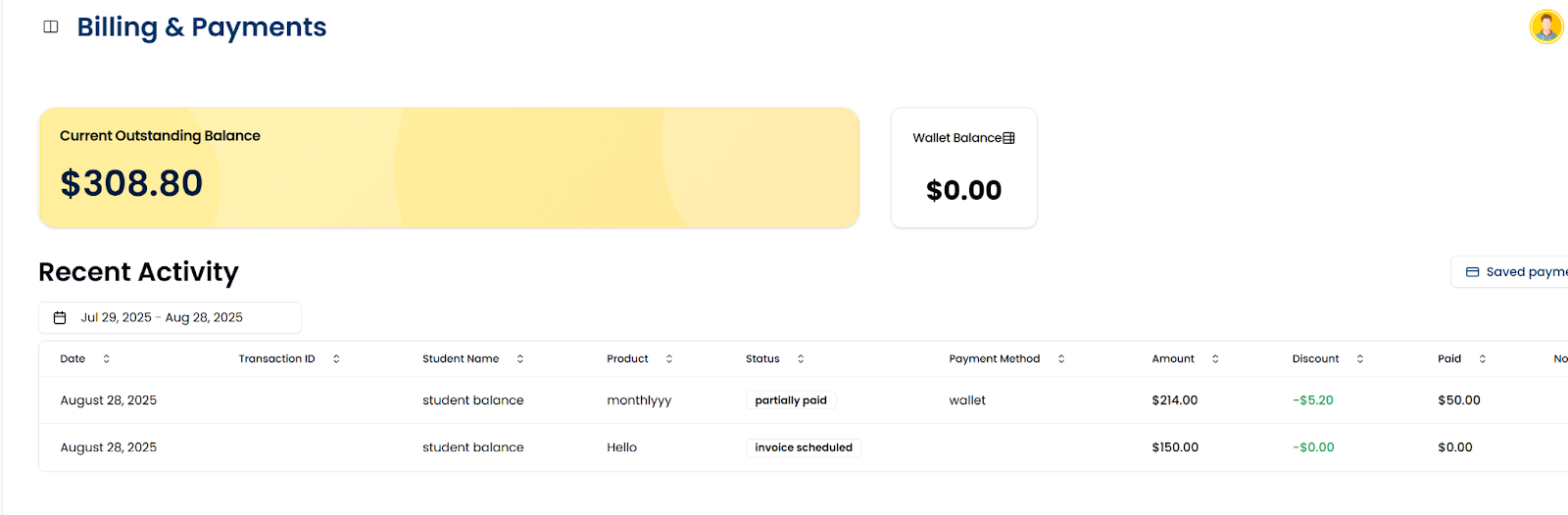
Open your Enrollio portal and navigate to Payments.
-
-
Choose the Payment Type
-
Select whether you want to schedule a payment for:
-
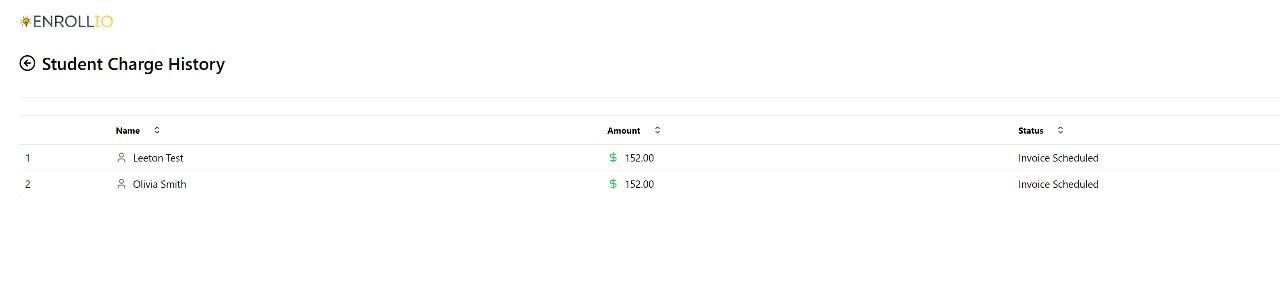
A single student
-
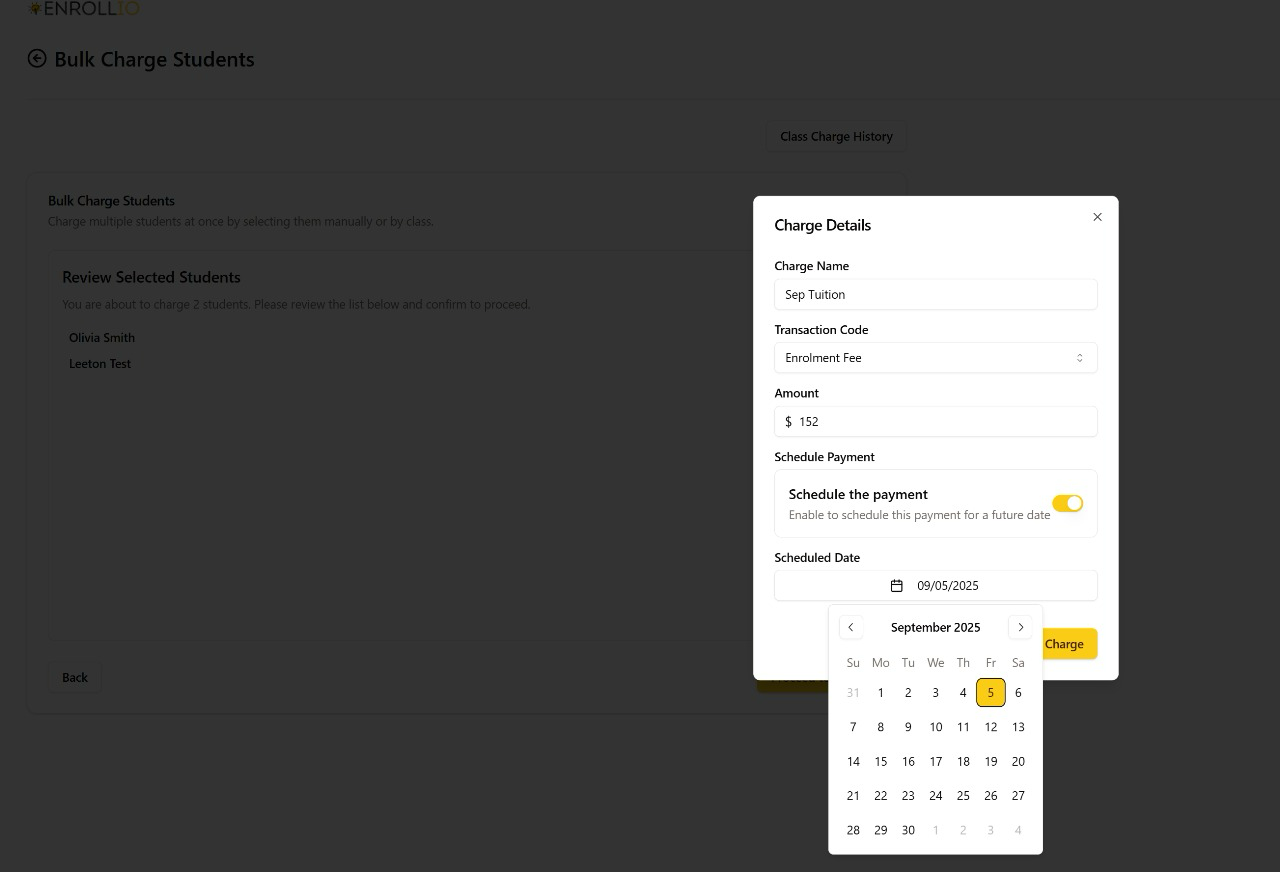
Multiple students (bulk scheduling)
-
-
-
Set Up the Payment
- Enter the payment amount.
- Choose the due date when the payment should be processed.
-
Add any notes if needed.
- Enter the payment amount.
-
Confirm and Save
- Review the payment details.
- Click to confirm and schedule the payment.
- Review the payment details.
Notes / Tips
📌 Use cases:
- Scheduling tuition or fees in advance.
- Bulk scheduling payments for multiple students at once.
- Reducing last-minute billing stress.
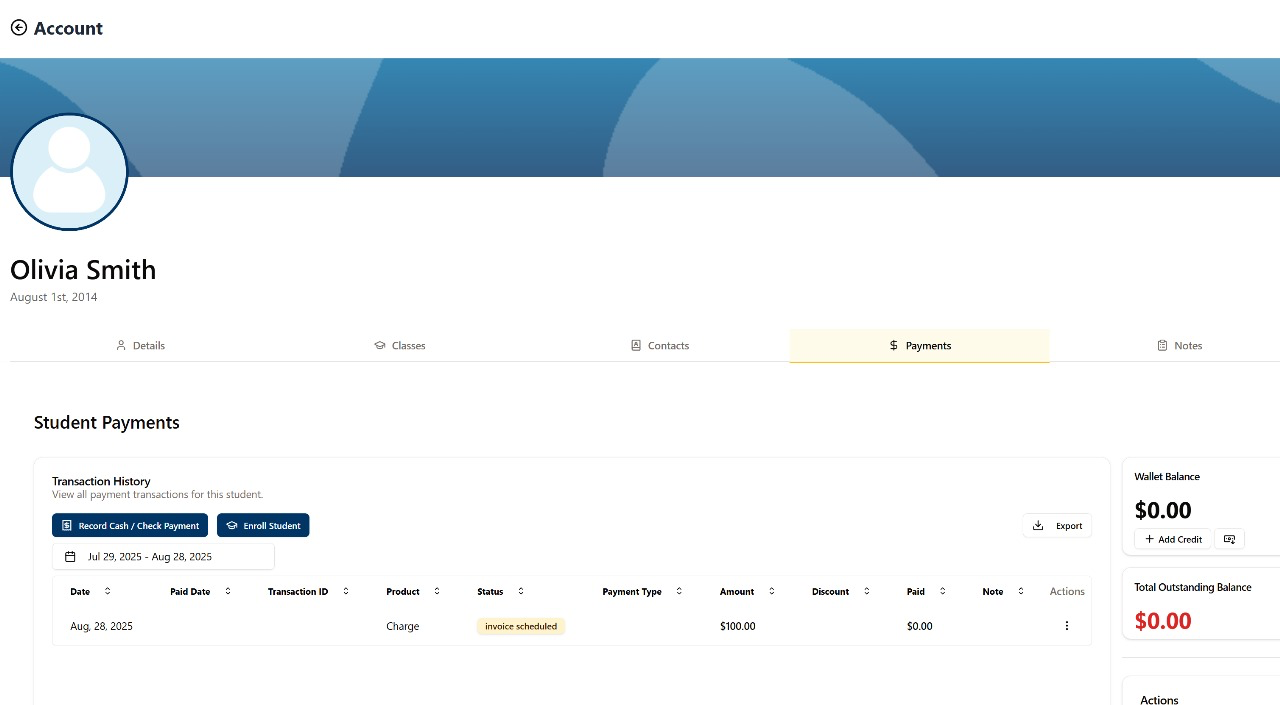
📌 You can always review scheduled payments in your Payments dashboard.
Support Reminder
If you have any questions, please reach out to support@enrollio.ai and our team will be happy to help.