
Issue
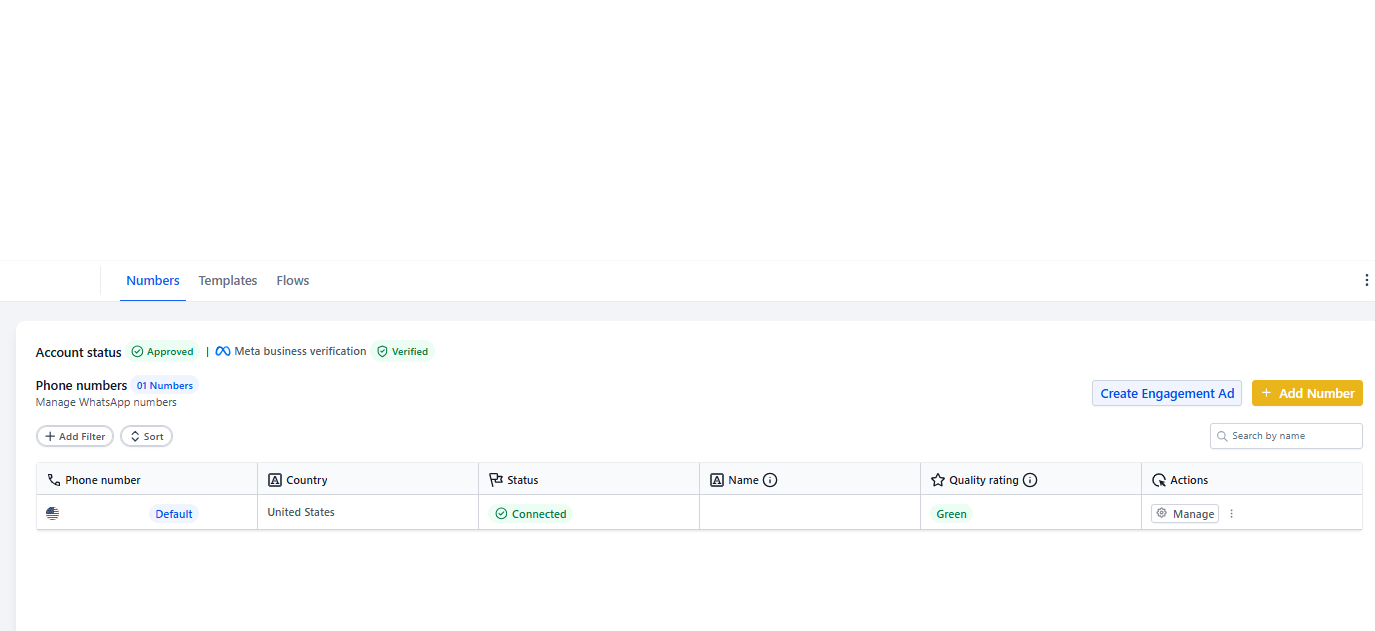
Your WhatsApp integration has been stuck in a pending state for several days or longer.
Solution
The most common cause is that your WhatsApp number is already connected to another platform or device. WhatsApp Business numbers can only be active in one location at a time.
Steps to Resolve
- Disconnect your WhatsApp number from any mobile device where it's currently registered
- Check if the number is connected to any other business platform (Meta Business Suite, other CRM systems, etc.)
- Remove the number from those platforms
- Wait a few minutes, then retry connecting in Enrollio
Pro Tip: If you're switching from another platform to Enrollio, make sure you fully disconnect WhatsApp from the old system before connecting it here. The number must be completely free.
How to Check if Your Number is Already Registered
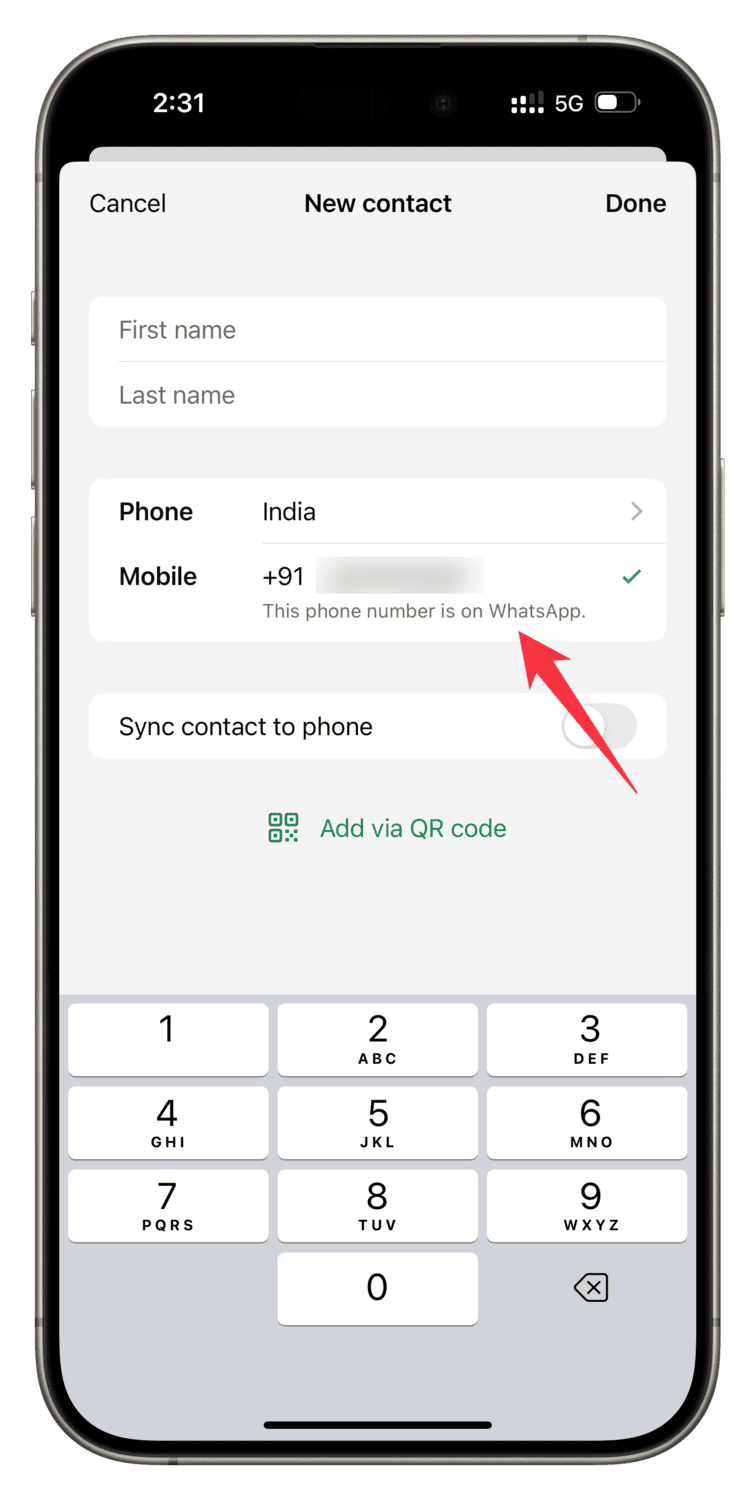
Open WhatsApp on your phone and check if the business number is active there. If you see messages or an active account, that's likely blocking the Enrollio connection.
Still Having Issues?
If you've disconnected from all other platforms and the status is still pending after 24 hours, contact Enrollio support. We'll help verify your WhatsApp Business API setup.