
Troubleshooting a Restricted WhatsApp Business Account
If your WhatsApp Business account is restricted, you're temporarily unable to send or respond to messages. This restriction may be applied for security reasons or if WhatsApp detects activity that doesn't comply with its policies.
Why Is My WhatsApp Business Account Restricted?
Your account may have been restricted due to:
- Violation of WhatsApp Business Terms of Service
- Non-compliance with WhatsApp Business Messaging Policy
- Activity that doesn't follow the WhatsApp Commerce Policy
If you believe your account was restricted by mistake, you can request a review.
How to Request a Review for Your Restricted Account
Follow these steps to request a review of your restricted WhatsApp Business account:
Step 1: Access Business Support Home
- Go to Business Support Home
- Scroll down and locate your restricted WhatsApp Business account
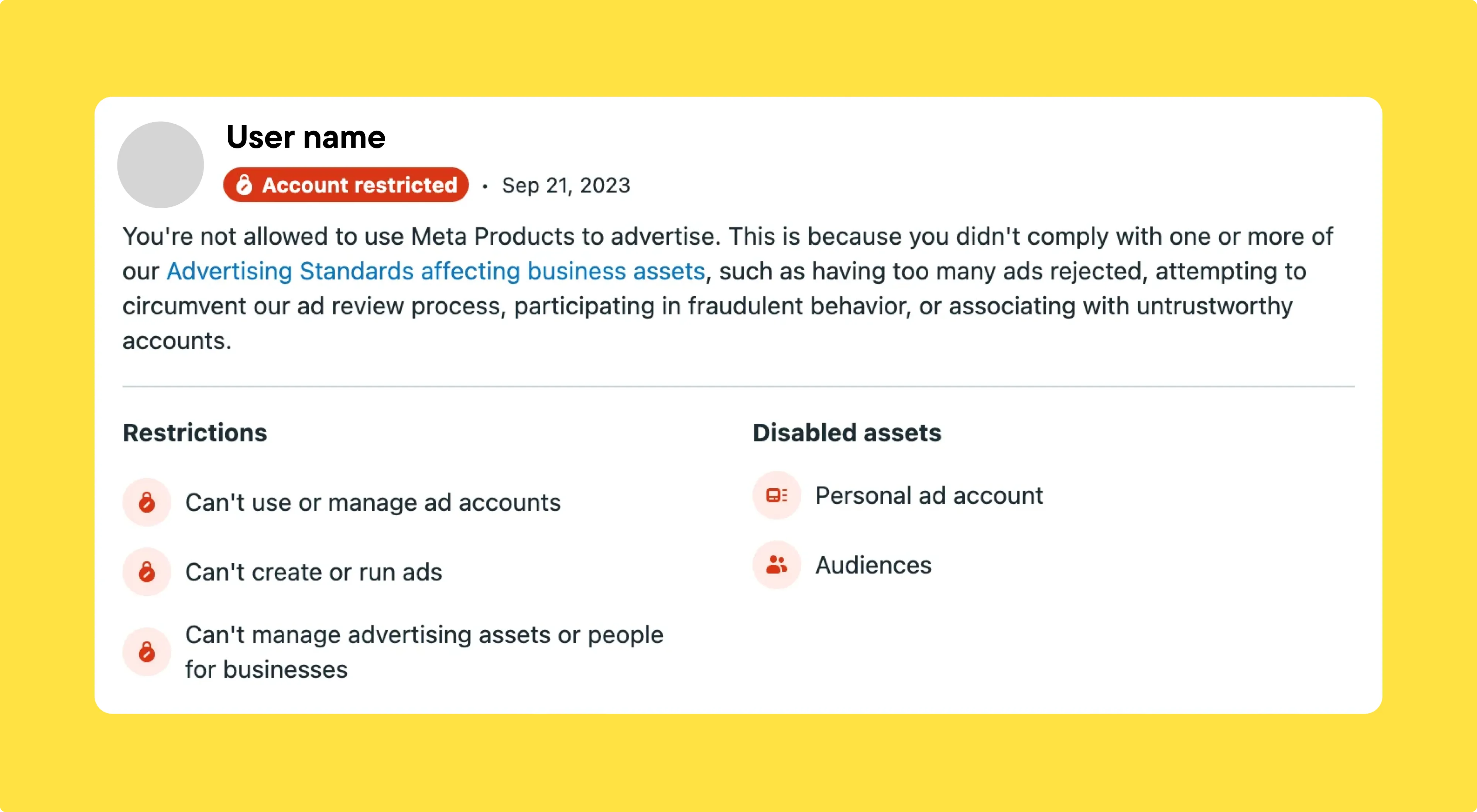
Step 2: Request a Review
- Click on Request Review
- Check the box to confirm you're a real person
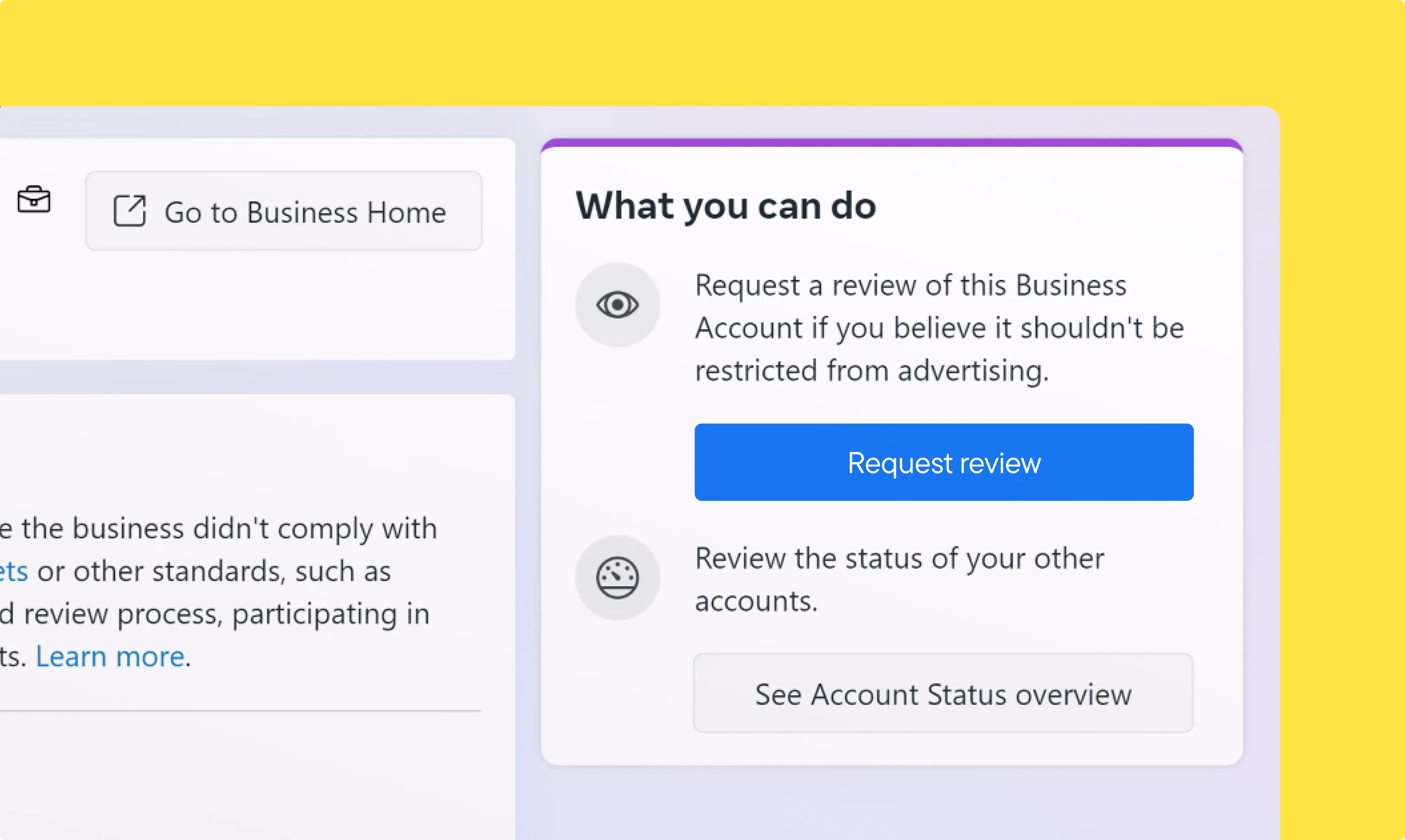
Step 3: Verify Your Identity
- Enter your mobile phone number
- Choose to receive a confirmation code via SMS or WhatsApp
- Enter the received code and click Continue
If you don't receive a code, click Get another code.
Step 4: Upload Your Photo ID
Upload a valid photo ID, such as a passport, driver's license, or other official identification. This is required to verify that the account belongs to you.
WhatsApp ensures your personal information remains secure.
Step 5: Submit Your Request
- Click Continue to complete the request
- A confirmation message will indicate that your request has been submitted
What Happens Next?
WhatsApp aims to review and respond within 48 hours, though in some cases it may take longer.
Until the review is complete, your account will remain restricted, and you won't be able to send or receive messages to families.
If your appeal is approved, your WhatsApp Business account will be restored. If not, WhatsApp will provide reasons for the restriction.
Frequently Asked Questions
What does it mean when my WhatsApp Business account is restricted?
A restricted WhatsApp Business account means you cannot send or respond to messages. This restriction may be applied due to security reasons or non-compliance with WhatsApp policies.
Why was my WhatsApp Business account restricted?
Your account may have been restricted due to:
- Violation of WhatsApp Business Terms of Service
- Non-compliance with WhatsApp Business Messaging Policy
- Activity that doesn't adhere to the WhatsApp Commerce Policy
How can I check if my WhatsApp Business account is restricted?
Visit Business Support Home. If your account is restricted, you'll see a notification indicating the restriction.
Can I request a review if I believe my account was mistakenly restricted?
Yes, you can request a review if you think your account was restricted in error. Follow the steps above to submit your request.
What happens after I submit the review request?
WhatsApp will review your request and typically respond within 48 hours. If your request is approved, your account will be restored. If the restriction remains, WhatsApp will provide reasons for the decision.
Can I still use my WhatsApp Business account while waiting for review?
No. While your account is under review, it remains restricted, meaning you cannot send or receive messages.
How long does it take for WhatsApp to review my request?
The review process usually takes up to 48 hours, but in some cases it may take longer.
What type of photo ID do I need to submit for verification?
You need to upload an official photo ID, such as:
- Passport
- Driver's license
- Other government-issued identification
Will my personal information be secure when I submit my ID?
Yes. WhatsApp ensures the security of your personal information and follows strict privacy guidelines to protect your data.
What should I do if my review request is denied?
If your request is denied, WhatsApp will provide a reason for the decision. Review WhatsApp's policies and make necessary adjustments before appealing again.