Understanding the Error
When creating or updating a WhatsApp message template in Enrollio, you might see this error:
Error: "New English (US) content can't be added while the existing English (US) content is being deleted. Try again in 4 weeks or consider creating a new message template."
Why This Happens
Meta (WhatsApp's parent company) has strict rules about template management. If you recently deleted English (US) content from a template, Meta enforces a 4-week waiting period before you can add English (US) content to that same template again.
This cooling-off period is part of Meta's compliance system to ensure consistent and approved use of language in WhatsApp templates.
How to Fix This
You have two options:
Option 1: Wait 4 Weeks
After 4 weeks from when you deleted the content, you can add English (US) content back to the same template name.
Option 2: Create a New Template (Recommended)
Instead of waiting, create a brand new template with different naming:
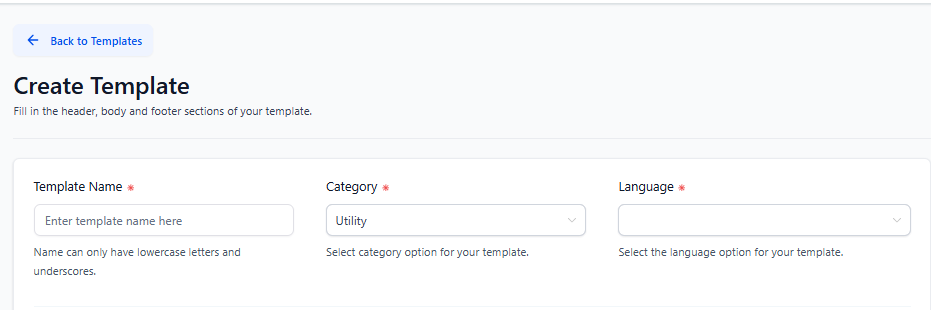
- Go to Marketing → Templates in your Enrollio dashboard
- Click Create New Template
- Choose WhatsApp as the channel
- Give your template a unique name (for example, if your original was
tour_reminder, trytour_reminder_v2ortour_reminder_new) - Add your English (US) content and submit for Meta review
Preventing This Issue
Before deleting a WhatsApp template, consider whether you might need similar English (US) content in the near future. If you're updating messaging, create the new template first, get it approved, then delete the old one.