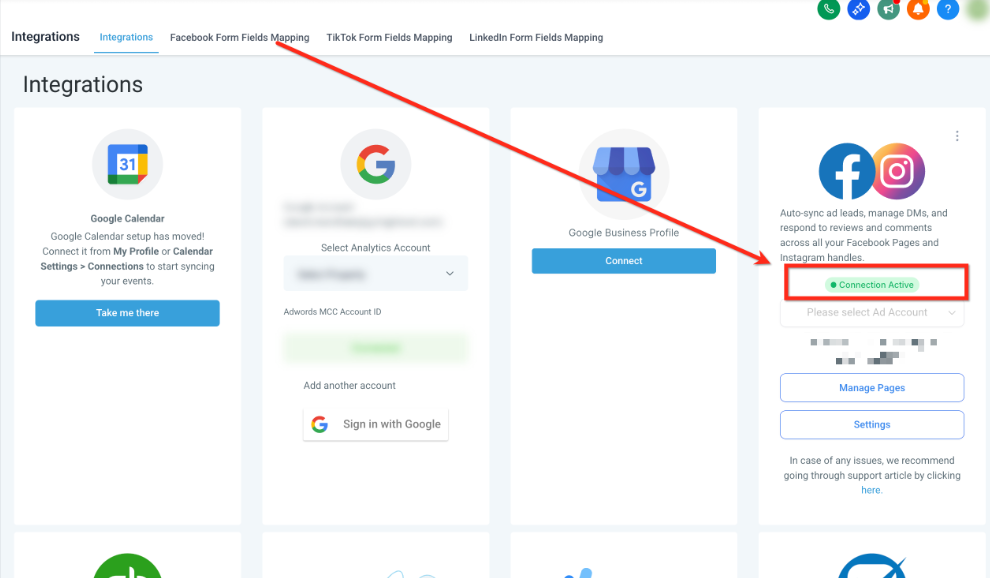
Facebook Integration Troubleshooting
Having trouble connecting your Facebook business page to Enrollio? This guide will help you resolve the most common integration issues.
Common Issues You Might See
You may encounter one of these problems when trying to integrate Facebook:
- The loading wheel keeps spinning after you go through the Facebook integration process in Settings → Integrations
- Clicking "Connect" on Facebook redirects you to a broken page
- The Facebook Form Fields Mapping section doesn't show the lead forms from your Facebook business page
Quick Fix: Clear Your Browser
Start with this simple step — it solves most integration issues:
- Clear your browser's cache and cookies
- Log out of Enrollio completely
- Close your browser
- Reopen your browser and log back in
- Try the Facebook integration again
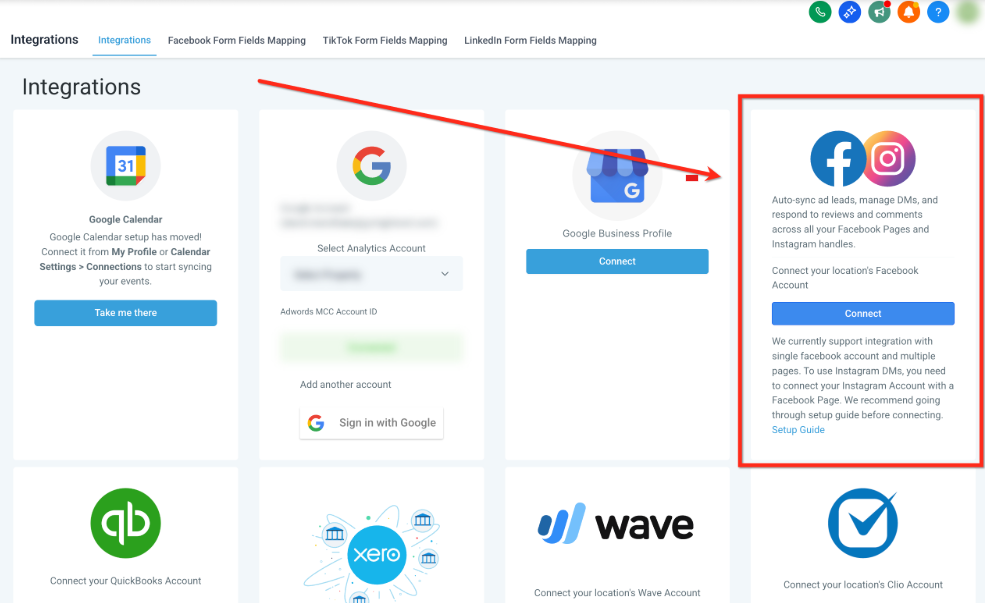
Check Your Login URL
If clearing your browser doesn't work, the issue might be how you're accessing Enrollio:
- Look at the URL in your address bar
- If you see "app.gohighlevel.com" or similar, that's the problem
- Instead, log in using your custom Enrollio URL (the one provided during your setup)
- Once logged in with the correct URL, try connecting Facebook again
Pro Tip: Bookmark your correct Enrollio login URL to avoid this issue in the future.
Still Having Issues?
If you've tried both troubleshooting steps and Facebook still won't connect, reach out to Enrollio support. We'll help you get connected so you can start capturing leads from your Facebook ads.
Why Connect Facebook?
Once connected, you can:
- Automatically capture leads from Facebook ads directly into Enrollio
- Follow up with prospective families immediately via text or email
- Track which ads bring in the most tour requests
- Create automations that respond to Facebook leads instantly