
Overview
Enrollio's Social Planner lets you upload PDFs and convert them into carousel posts on LinkedIn. You can also import PDFs and turn each page into separate images for posting across LinkedIn and other social platforms.
LinkedIn carousels have become one of the most popular formats for sharing information about your childcare center — whether it's program highlights, enrollment tips, or parent resources.
How to Create a LinkedIn Carousel Post
- Navigate to Marketing > Social Planner
- Connect your LinkedIn account (either a page or profile)
- Click New Post to open the post composer
- Select LinkedIn from the social platform dropdown
- Add your post content
- Click the file upload icon (located between the image and video upload icons)
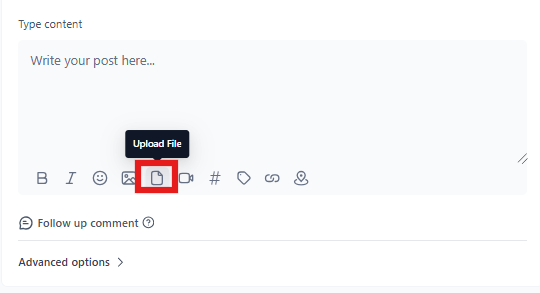
Uploading Your PDF
- Upload one or more PDFs for your LinkedIn carousel, or import photos to post as a PDF
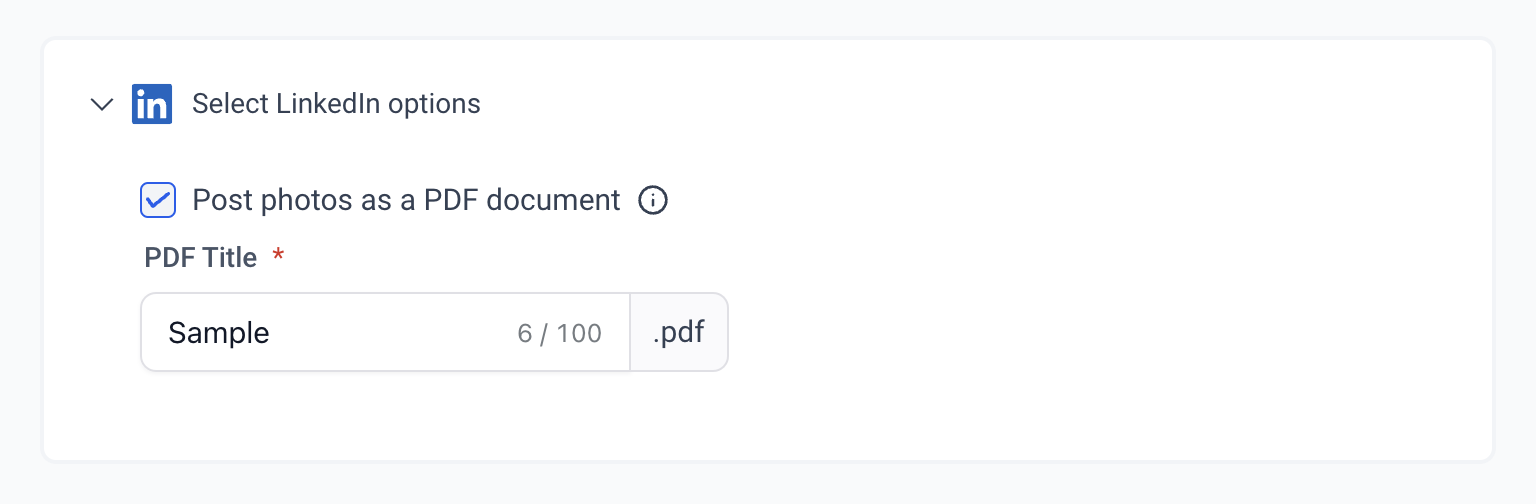
- Customize the PDF name and add a watermark if needed
Important Constraints
- LinkedIn limits: Up to 300 pages and 100 MB per document
- Instagram compatibility: PDFs are converted to images when imported. If Instagram is selected, images are automatically cropped to meet Instagram's aspect ratio requirements
- Post as PDF: When you select "post as PDF," all images are converted into a single PDF and posted to LinkedIn
Managing Your Media
You can delete media by clicking the 'X' that appears when you hover over the media preview.
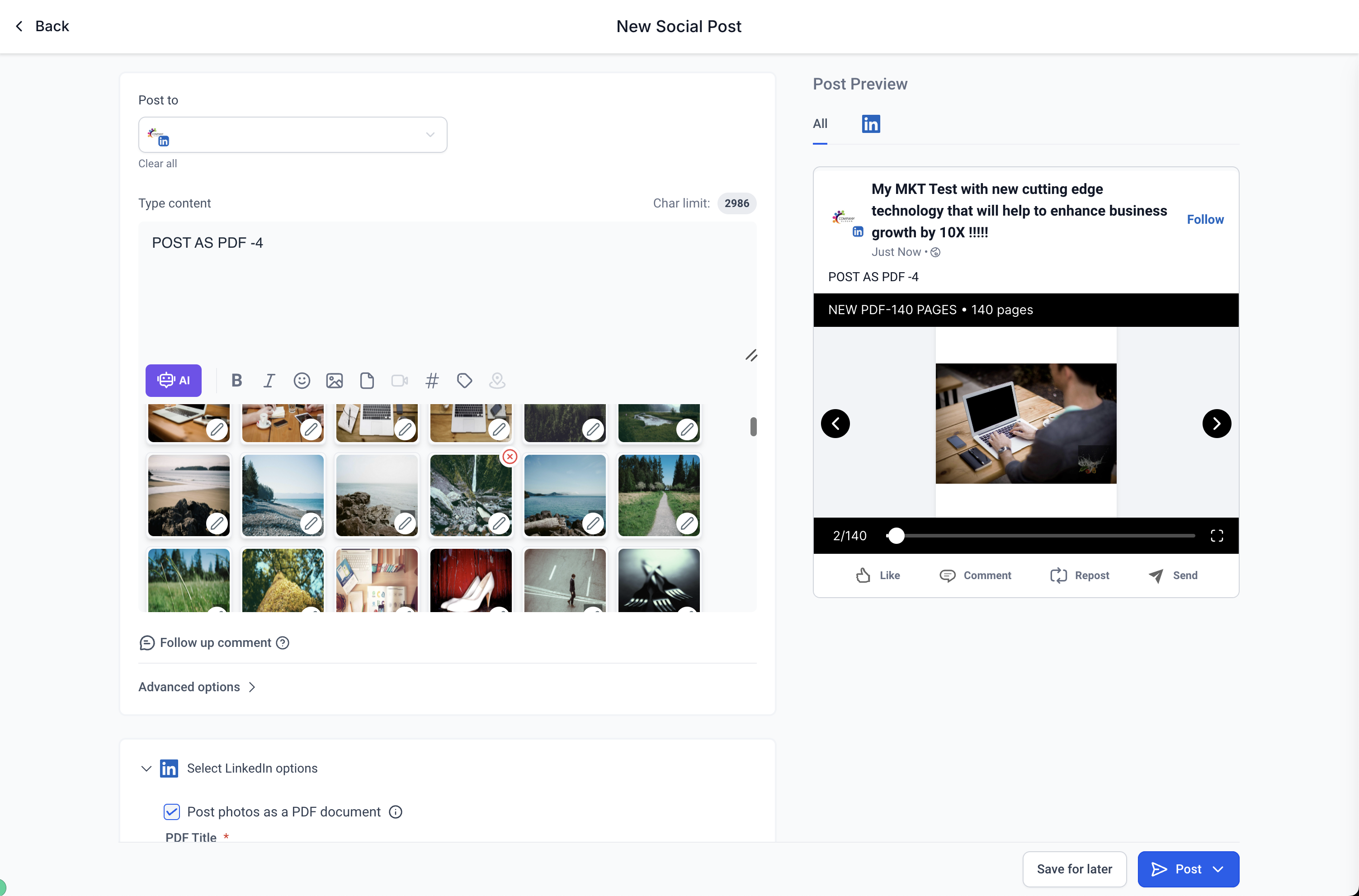
Pro Tip: Use PDF carousels to share your enrollment guides, program calendars, or parent handbooks directly on LinkedIn. Each page becomes a swipeable slide that keeps parents engaged.