
Why This Matters for Your Studio
Coordinating rehearsals, announcing snow days, or sending class reminders just got a whole lot easier. With Group SMS Chat in Enrollio:
Everyone stays in the loop.
Replies are visible to the whole group.
Communication feels simple and stress-free—for you and your dance families.
How to Start a Group SMS Chat
Go to Conversations in Enrollio.
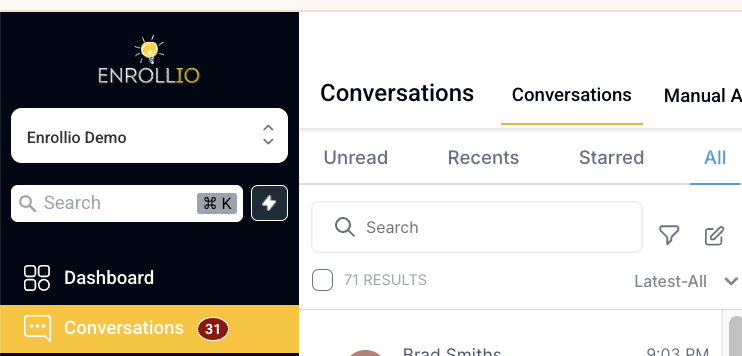
Click to Start a New Group Chat.
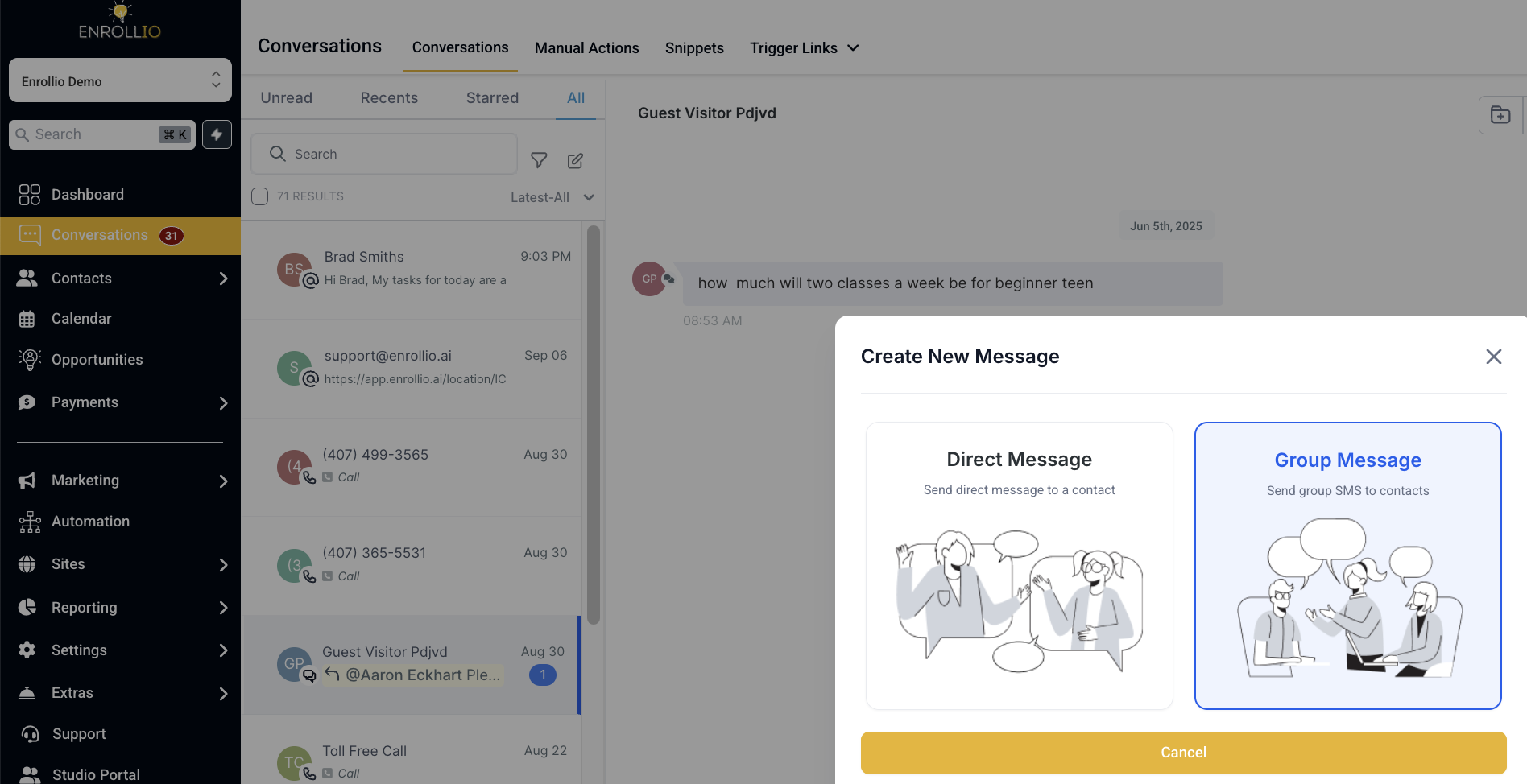
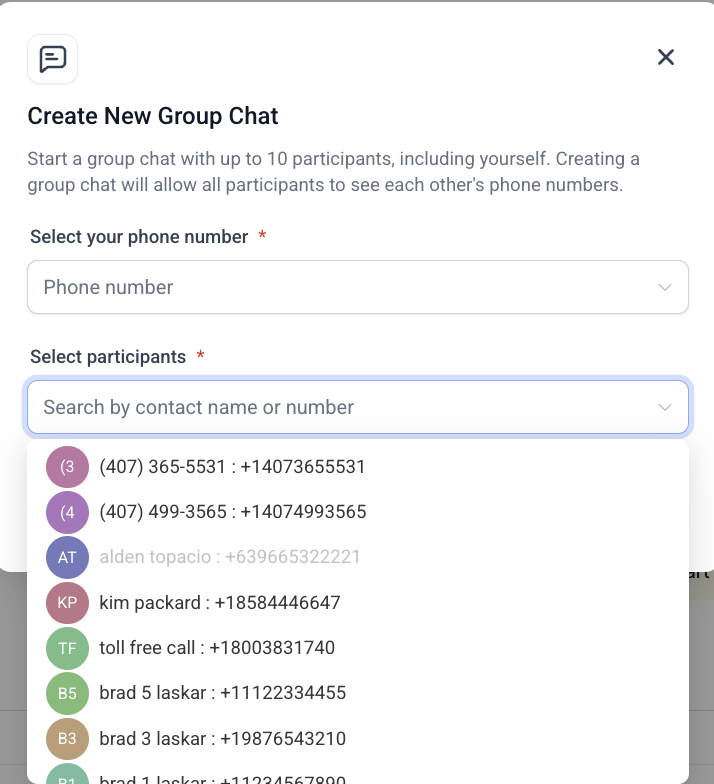
3. Select the contacts you need—parents, dancers, instructors, or a mix.
4. Type your message and hit Send.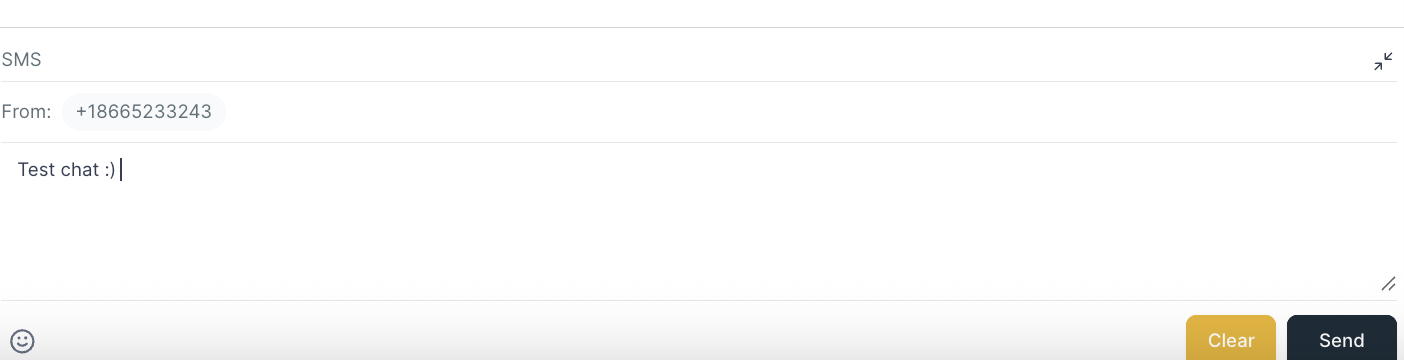
Everyone will receive the message as a group text. Any replies are added into the same thread, so you always keep the full conversation in one place.
Real-Life Example
Your advanced jazz group has a costume fitting this Friday. Instead of sending texts one by one, create a group chat called “Jazz Group – Friday Fitting.” Send the update once, and parents can ask questions in the same thread. Everyone sees the replies, so no more duplicate messages or missed info.
Need Help?
If you have questions about using Group SMS Chat, reach out to our support team anytime or visit Enrollio Campus for tutorials and tips. We’re here to help your studio shine.