
Why the Edit Button Only Appears Once
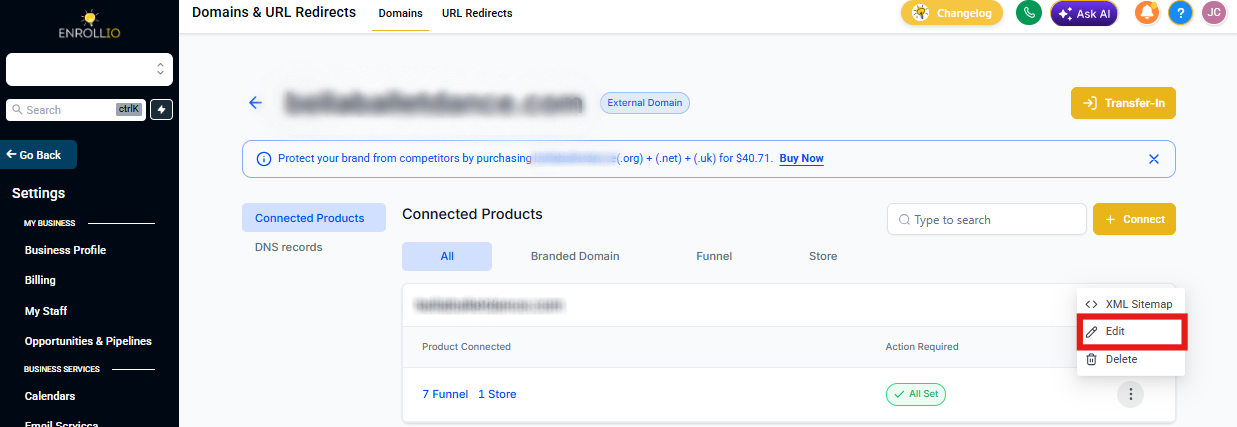
When you set up a custom domain in Enrollio, you'll notice the Edit button only appears in one location — where you originally added the domain.
This is by design. Your default enrollment page can only point to one location, so the Edit button won't appear in other areas of the platform.
Where to Find the Edit Button
To edit your domain settings, go back to the location where you first added the domain. This is typically in your site or enrollment page settings.
Need to Change Your Default Page?
If you need to update which enrollment page or site is connected to your domain, navigate to the original setup location. Click the Edit button there to make your changes.
Pro tip: Keep track of where you first set up each domain. This makes it easier to find the Edit button when you need to make changes later.