
What’s New
We’ve combined Domains and URL Redirects into one streamlined experience under a single Domains & URL Redirects tab. This unified view makes it easier to manage both your domains and redirects in one place, without jumping between separate sections.
How It Works
Navigate to Sub-Account Settings → Domains & URL Redirects in the left-hand menu.
-
Inside this tab, you’ll see two sections:
Domains – Manage connected domains and subdomains.
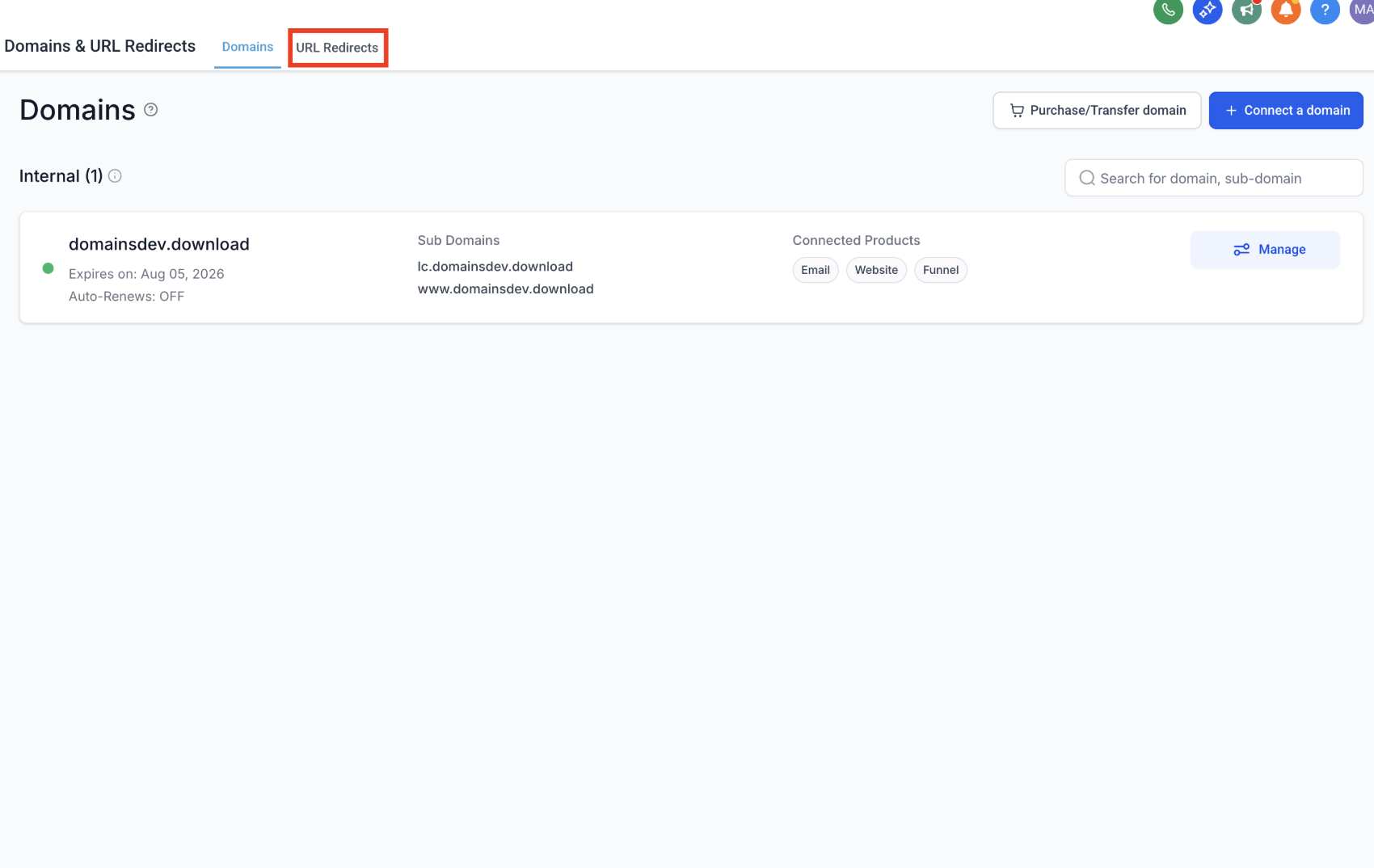
URL Redirects – Create and manage redirects for your domains.
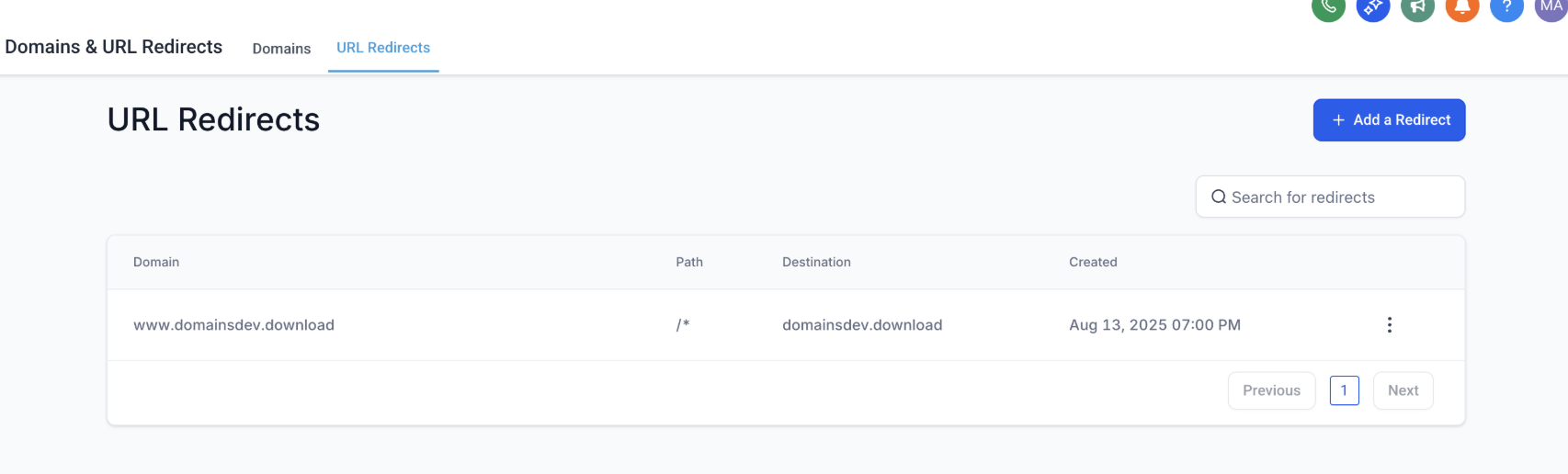
A toggle at the top lets you seamlessly switch between the two views without leaving the page.
Why It Matters
Simplifies domain-related workflows for dance studios that manage multiple websites or landing pages.
Improves clarity by consolidating domain and redirect settings into one location.
Saves time by reducing clicks and eliminating confusion around where to set up redirects.
Important Notes
The previous standalone URL Redirects menu item has been removed.
All existing redirects and domain configurations remain intact.
This update also includes minor UI/UX fixes for improved usability and performance.
Support
If you have questions or need help managing your domains or redirects, please reach out to support@enrollio.ai