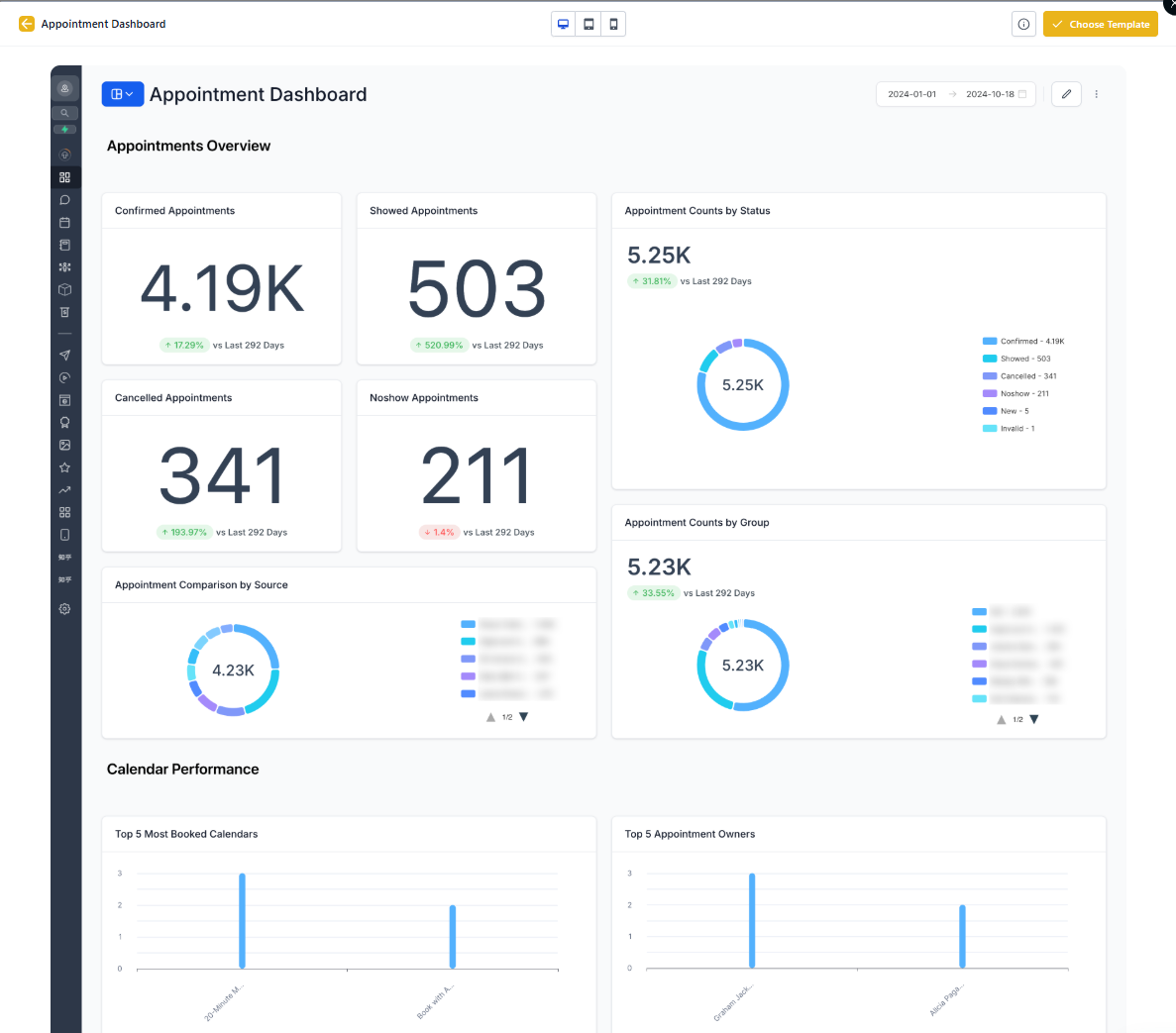
Appointment Report
The Appointment Report gives you a complete view of your tour and consultation scheduling data. Track which calendars are busiest, identify booking patterns, and spot potential issues before they impact your enrollment.
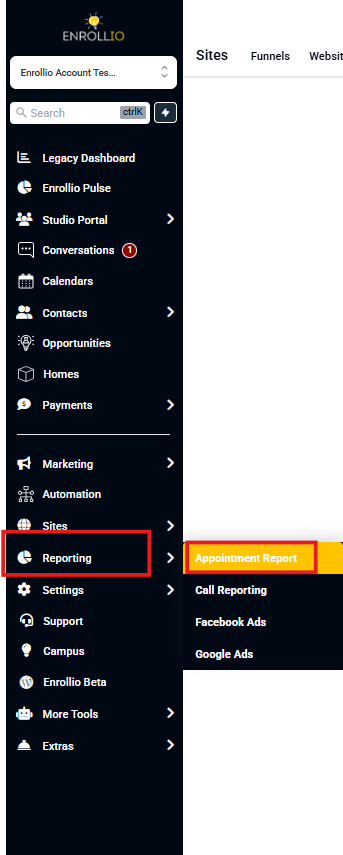
You'll find this report under Reporting > Appointment Report in your left-hand menu.
Key Metrics at a Glance
When you open the Appointment Report, you'll see several visual breakdowns of your appointment data:
Appointment Status Overview
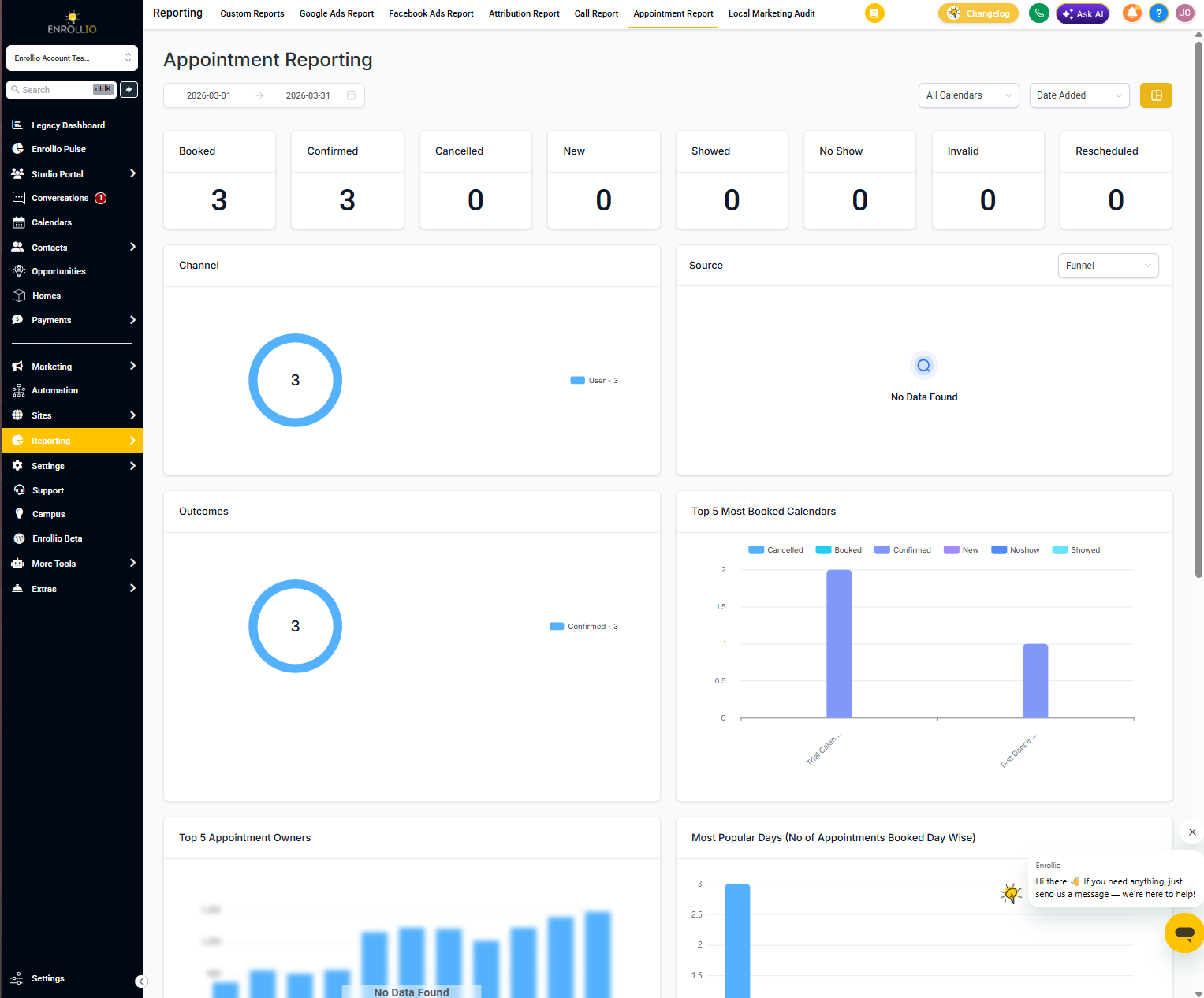
Quick counts showing appointments by status: booked, confirmed, cancelled, and new. This helps you see at a glance how many tours are scheduled versus completed.
Appointment Sources and Channels
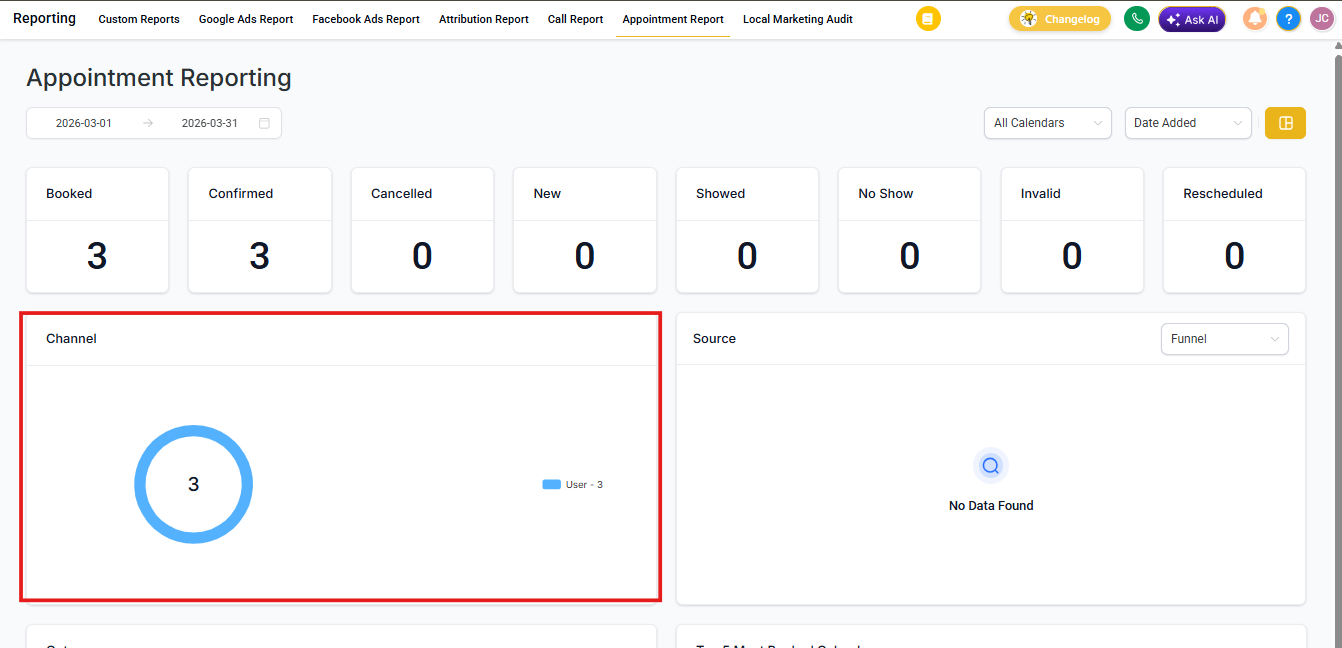
See where your tour bookings are coming from — landing pages, specific staff members, or synced calendars. This breakdown helps you understand which marketing efforts drive the most tours.
Top Performing Calendars
Quickly identify which tour calendars get the most bookings. If your infant tour calendar consistently tops the list, you know where demand is highest.
Top 5 Staff by Appointments
See which team members are booking the most tours. This helps you recognize high performers and identify who might need additional support or training.
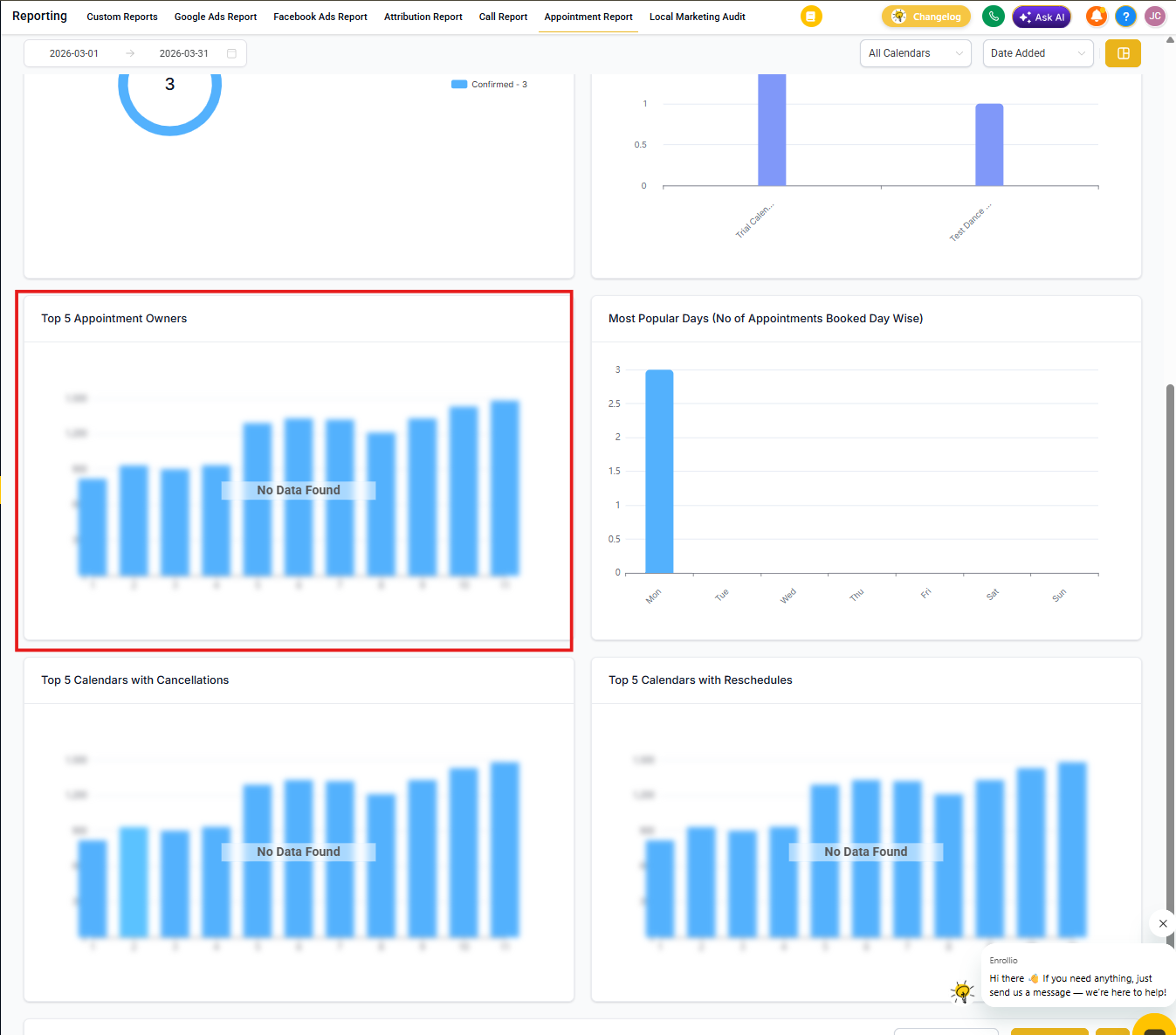
Most Popular Days
Discover which days of the week families prefer for tours. Use this data to optimize your staff scheduling and ensure you have enough coverage on peak days.
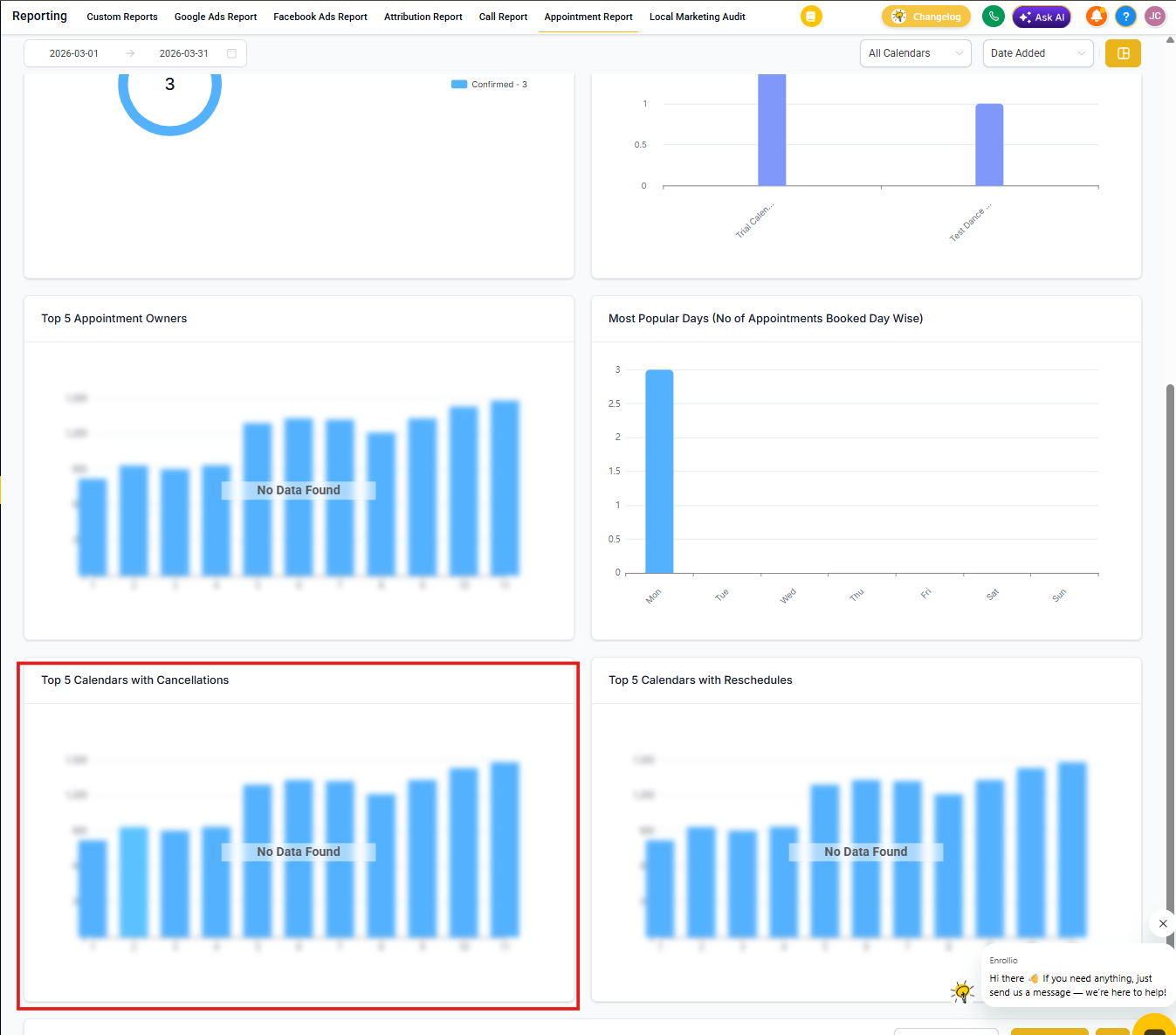
Top 5 Calendars with Cancellations
Track which calendars have the highest cancellation rates. If one calendar consistently appears here, investigate whether there's a scheduling conflict, unclear booking details, or other issues causing families to cancel.
Top 5 Calendars with Reschedules
Monitor which calendars see the most reschedule requests. Frequent rescheduling might indicate scheduling friction or availability issues you can address.
Creating Custom Views
For more customized appointment reporting, use the Custom Dashboard feature. You can add and modify widgets to display the specific metrics that matter most to your center.
Learn more in our Custom Dashboard Widgets guide.