
Overview
When importing families into Enrollio, you need to format phone numbers correctly so they work with our communication features. This guide shows you how to format both US and international phone numbers.
US Phone Number Format
For US phone numbers, use the full 10-digit format with the country code. Include the plus sign (+) at the beginning.
Format: +1XXXXXXXXXX
Example: +15551234567
International Phone Number Format
For international numbers, start with the plus sign (+) followed by the country code and the phone number. Remove any leading zeros from the local number.
Format: +[Country Code][Phone Number]
Examples:
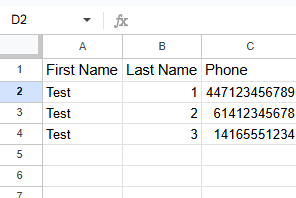
- UK: +447123456789
- Australia: +61412345678
- Canada: +14165551234
Preparing Your Import File
When creating your CSV file for import:
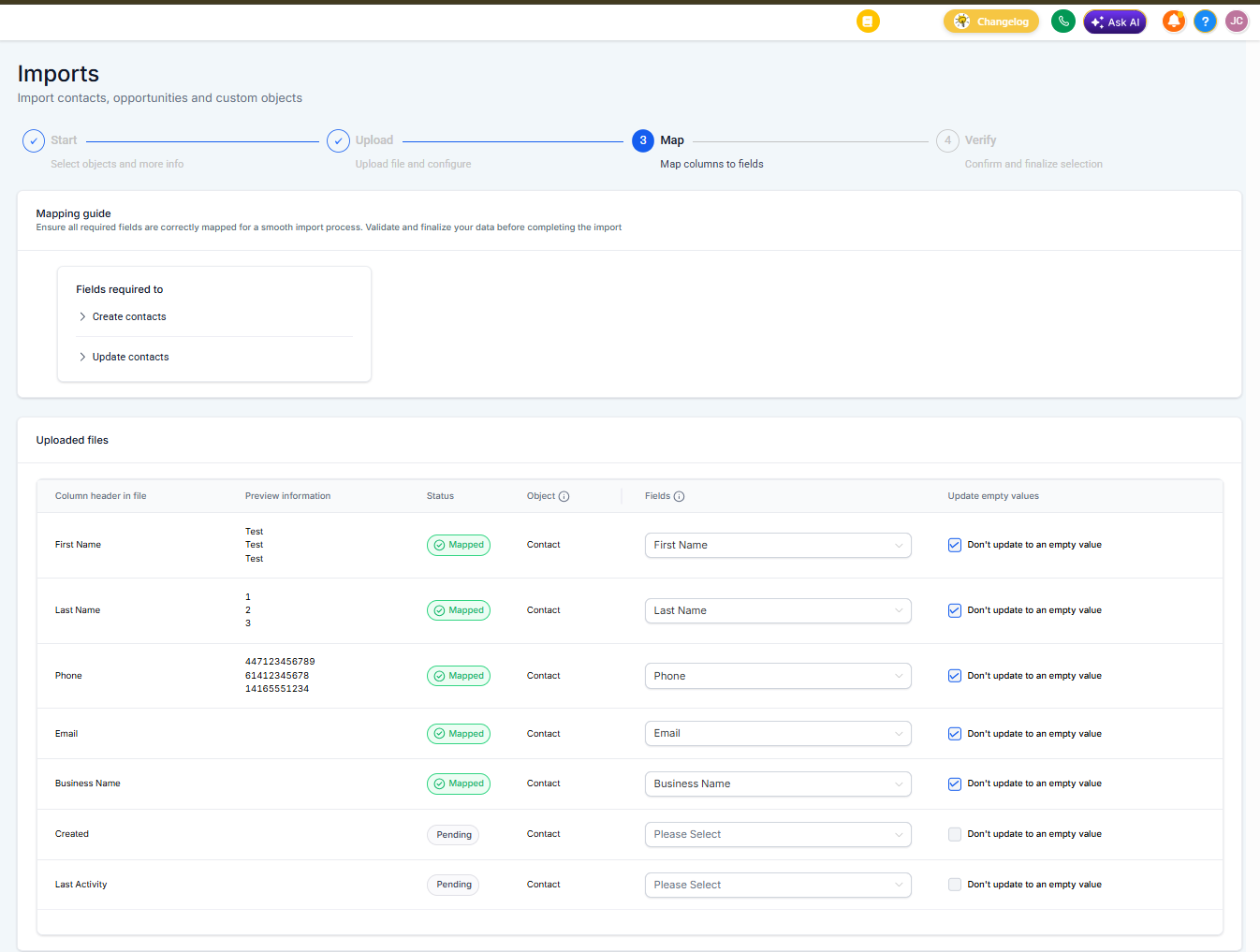
- Add a column labeled "phone" or "Phone"
- Format all phone numbers with the country code and plus sign
- Remove any formatting characters (spaces, dashes, parentheses)
- Double-check that international numbers don't have leading zeros after the country code
Common Mistakes to Avoid
- Missing the plus sign (+) at the beginning
- Including spaces or special characters
- Forgetting to add the country code
- Leaving leading zeros in international numbers
After Importing
Once you've imported your families, Enrollio automatically validates and formats the phone numbers. You'll see them displayed in a user-friendly format throughout the platform.
If a phone number fails validation during import, you'll receive a notification. You can then correct the format and re-import or manually update the family's record.