
Overview
All documents and contracts related to a parent or family are now organized in one convenient location within their contact record. This makes it easy to track enrollment forms, policies, agreements, and other important paperwork — whether the parent signed as the primary contact or was copied as a secondary recipient.
What You'll See
The document management section shows both sent and completed documents. You can download PDFs, view the original document in the editor, and copy shareable links for documents that haven't been signed yet.
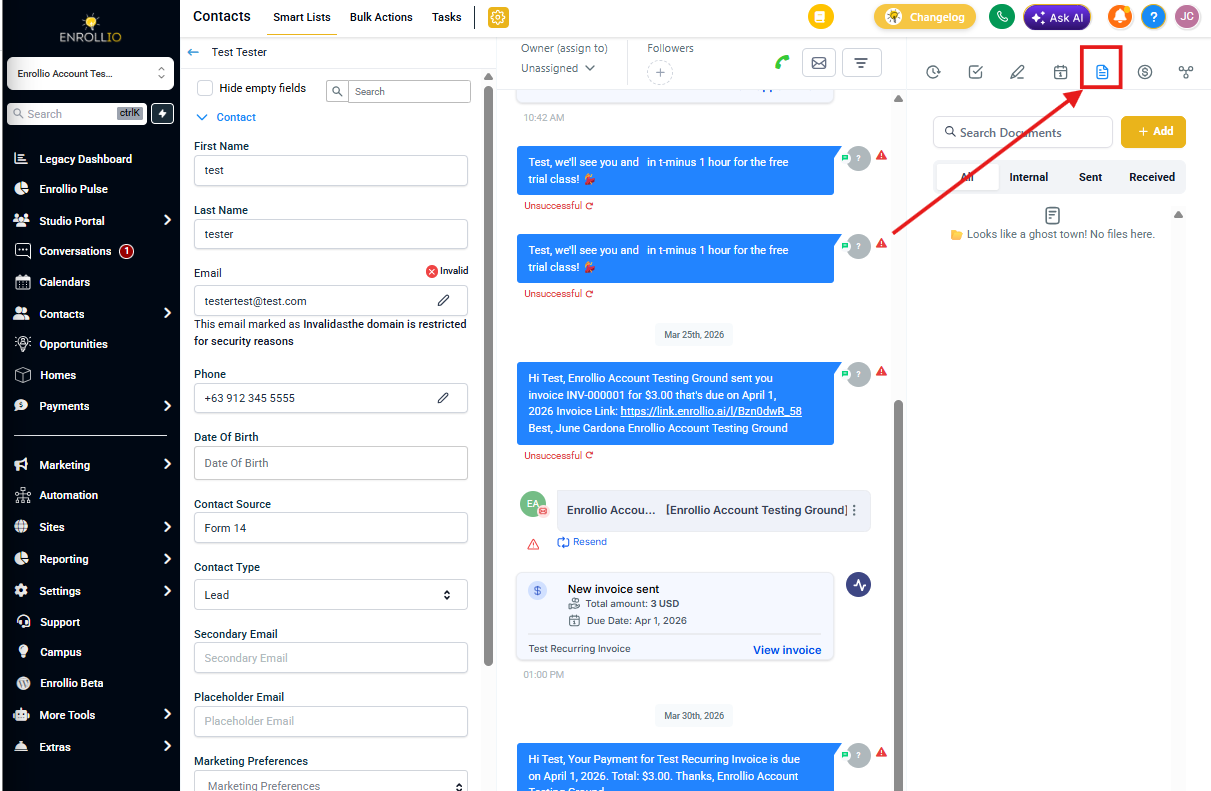
How to Access Documents for a Parent
- Open the parent or family record you want to review
- Click the Document Management icon in the top toolbar
- View all documents under the All tab
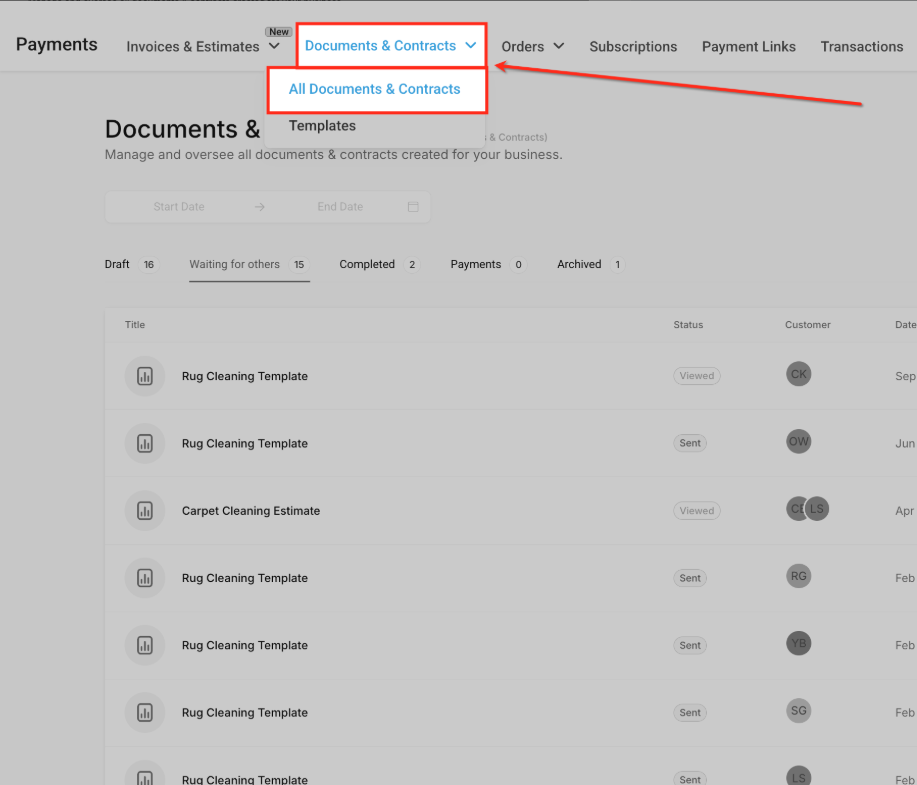
Working with Documents
For each document, you can:
- Download — Save a PDF copy to your computer
- View Source — Open the document template in the editor
- Copy Link — Get a shareable link for sent documents that haven't been completed yet
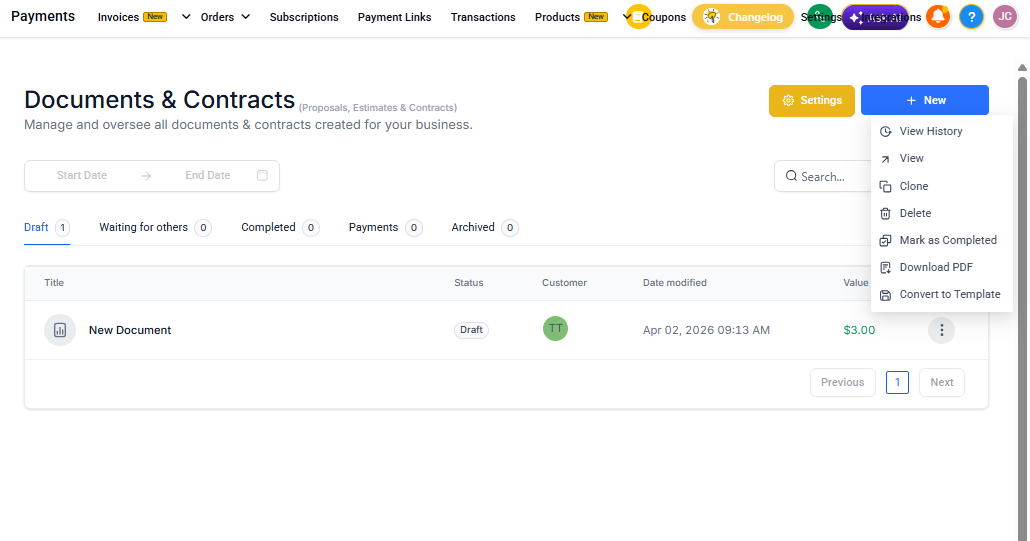
Document Status
Each document displays its current status so you can see at a glance which forms are complete and which still need attention. This is especially useful during enrollment season when you're managing multiple families at once.