
You can now add custom fields as columns in your Parent Contacts and Enrollment Opportunities table widgets. This gives you more flexibility to display the data that matters most to your childcare center—all in one view.
What You Can Do
Add Custom Fields to Tables
Display your custom fields as columns in both Parent Contacts and Enrollment Opportunities widgets.
Include Birthdate Information
The Birthdate field is now available as a selectable column in Parent Contacts widgets—perfect for tracking student ages and eligibility.
Works in Dashboards and Reports
These custom field options are available in both your main Dashboards and Custom Reports.
How to Add Custom Fields
1. Enter Edit Mode
Go to your dashboard or custom report and click Edit to start making changes.
2. Add a Table Widget
Click Add Widget, then choose either a Parent Contacts or Enrollment Opportunities table widget.
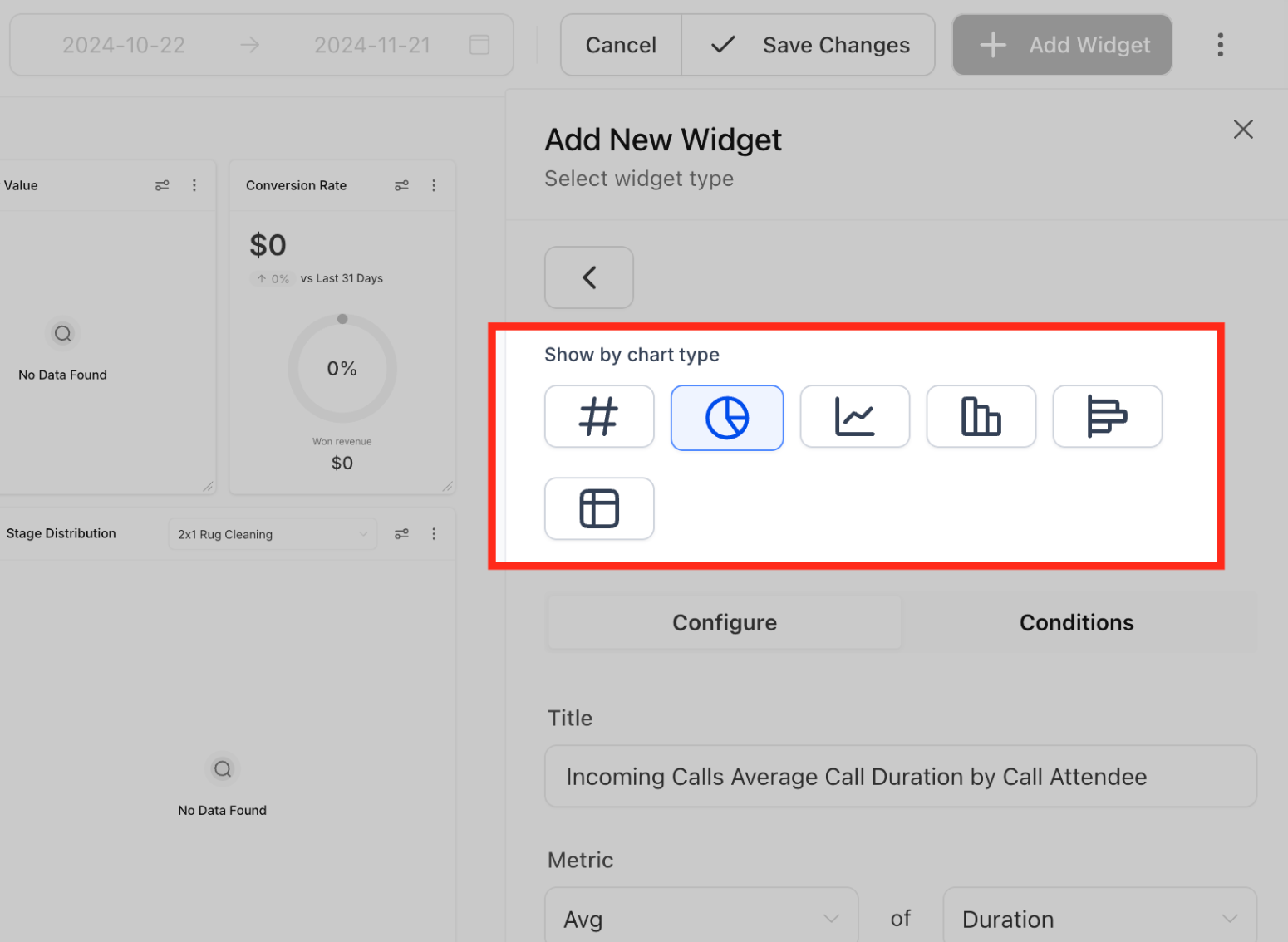
3. Select Your Columns
Open the column selector for your table widget. You'll see all your custom fields listed alongside standard fields.
Check the boxes next to the fields you want to display in your table.
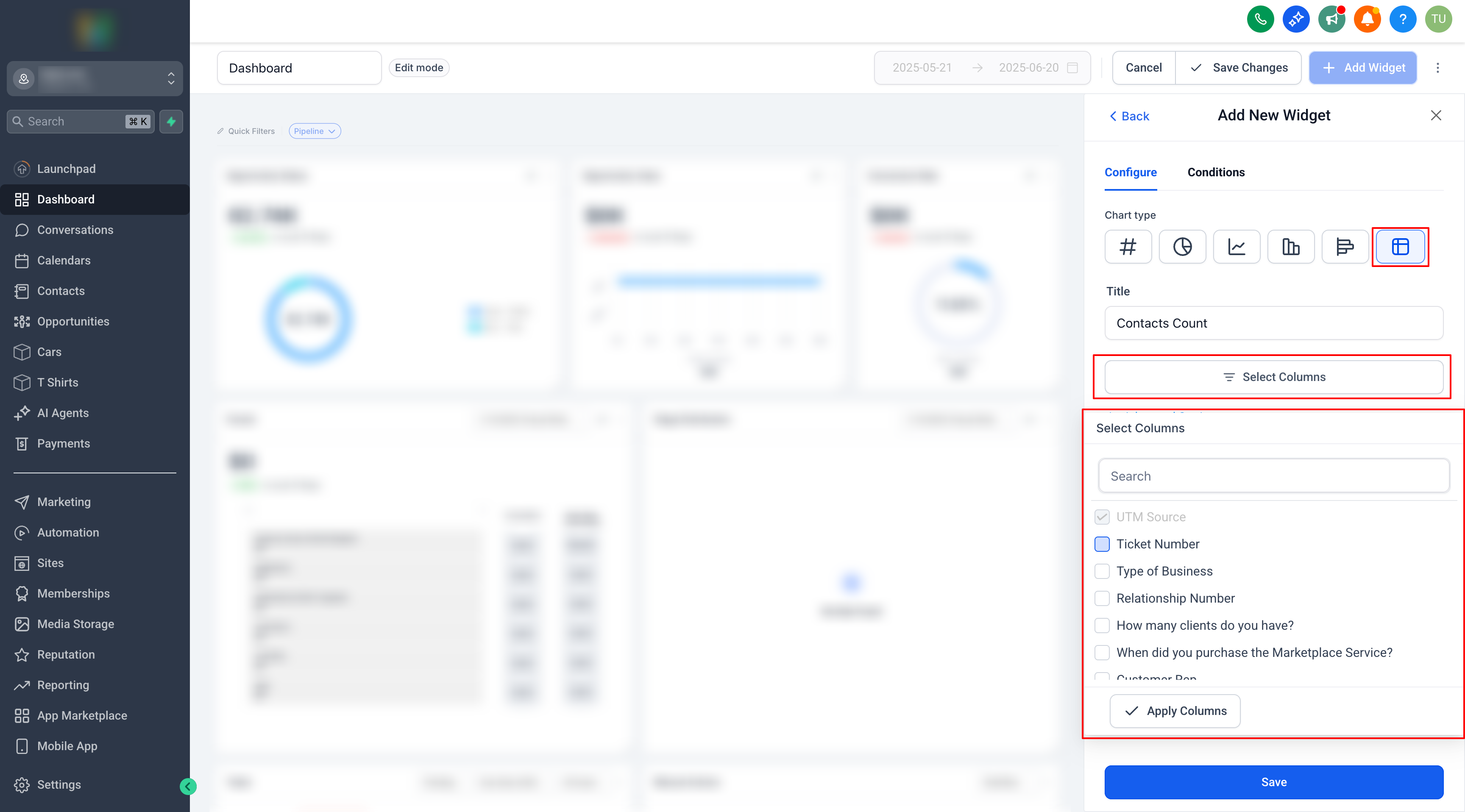
4. Save and View
Click Save to apply your changes. Your selected custom fields will now appear as columns in the table.
Why This Matters
Custom fields in dashboard tables let you:
- Track enrollment-specific data like child ages, program preferences, or start dates at a glance
- Create personalized views for different staff members or reporting needs
- Eliminate the need to export data or switch between screens
Frequently Asked Questions
Which widgets support custom fields?
Custom fields work in both Parent Contacts and Enrollment Opportunities table widgets.
Can I use these fields in both dashboards and reports?
Yes. Custom fields are available in both Dashboards and Custom Reports.
Is Birthdate available as a column option?
Yes. Birthdate is now a selectable column specifically for Parent Contacts widgets—helpful for tracking child eligibility and classroom placement.
Do I need admin permissions to add custom fields to a widget?
You only need permission to edit the dashboard or report. No additional setup is required.
Will adding fields to a widget change my actual data?
No. Adding fields to a widget only changes how data is displayed in your dashboard or report—it doesn't modify the underlying information.