
You can now add relevant dashboard widgets directly from key pages in Enrollio — making it easier to track metrics without leaving your workflow.
What This Does
Bring important analytics into your dashboard while you're working. No need to switch contexts or dig through settings.
Supported Pages
- Enrollment Opportunities
- Appointment Report
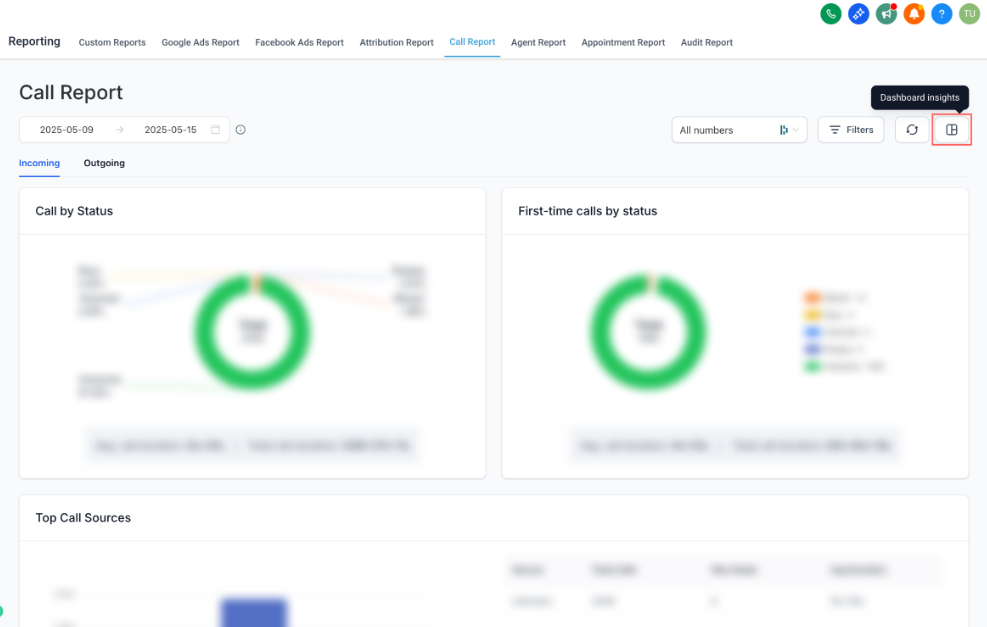
- Call Report
How to Add Widgets
Step 1: Navigate to one of the supported pages listed above.
Step 2: Click the Dashboard Insights icon.
Step 3: Select the dashboard where you want to add widgets.
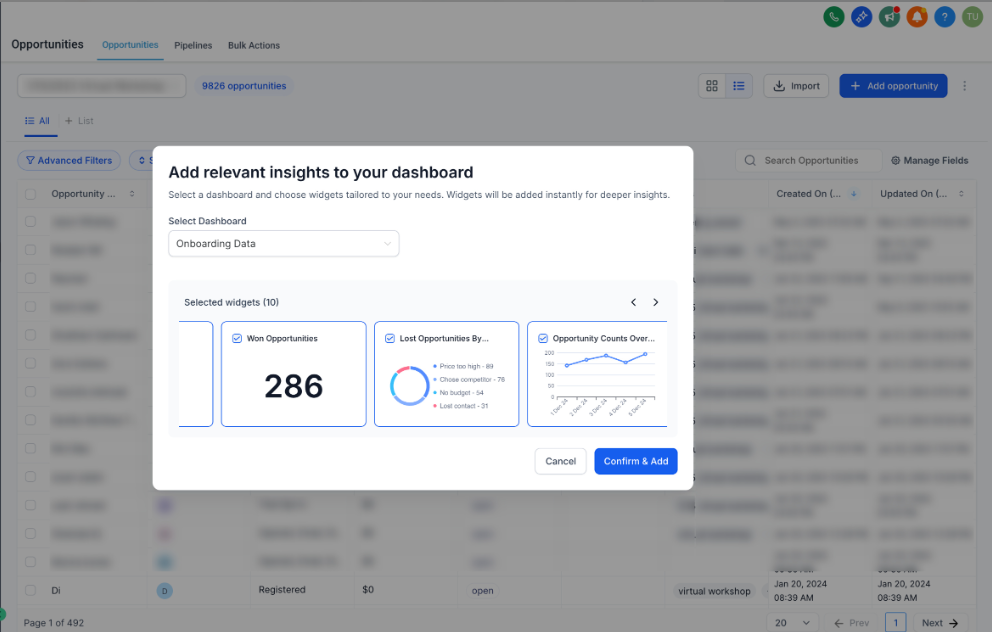
Step 4: Review the suggested widgets and confirm your selection.
Enrollio will recommend widgets relevant to the page you're on — like enrollment conversion rates on the Opportunities page or call volume on the Call Report.
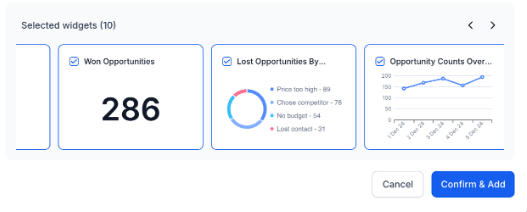
Step 5: Click Add — the widgets will be added to your chosen dashboard.
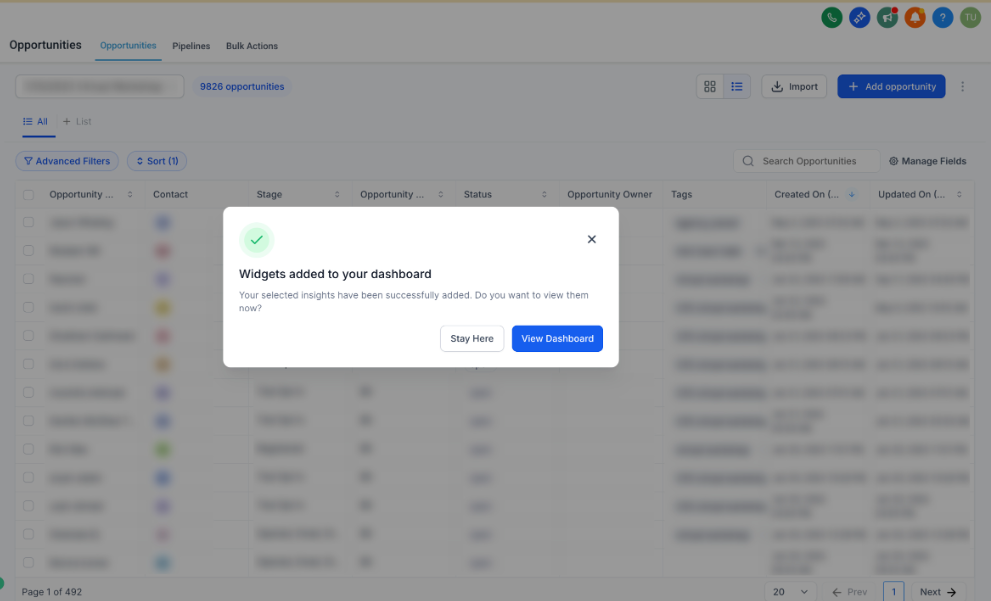
Step 6: You can stay on the current page or click View Dashboard to see your new widgets in action.
More Pages Coming Soon
We're expanding this feature to more pages in Enrollio. Check back regularly to see what's new.