
General Questions
Which plans offer access to custom dashboard widgets?
Multiple custom dashboards, widgets, and custom reports are available on the $297 and $497+ plans.
Why does the widget data show a different time/date format compared to other sections of the platform?
Currently, dashboard widgets use a system timezone and date format for consistency. We understand this may not be ideal for all users.
We're actively working to provide you with the flexibility to switch time and date formats within dashboard widgets for a more tailored experience. Stay tuned for this upcoming feature!
Which roles have access to custom widgets?
Dashboards can be modified using custom widgets by Enrollio Admins and Enrollio Users on the $497 plan or higher.
For accounts on the $497 plan or above, dashboard access varies based on roles:
- Enrollio Admin → Complete Edit and View Access
- Enrollio User → Complete Edit and View Access
- Account Admin → View Access
- Account User → View Access, based on user permissions
How do permissions work for the dashboard?
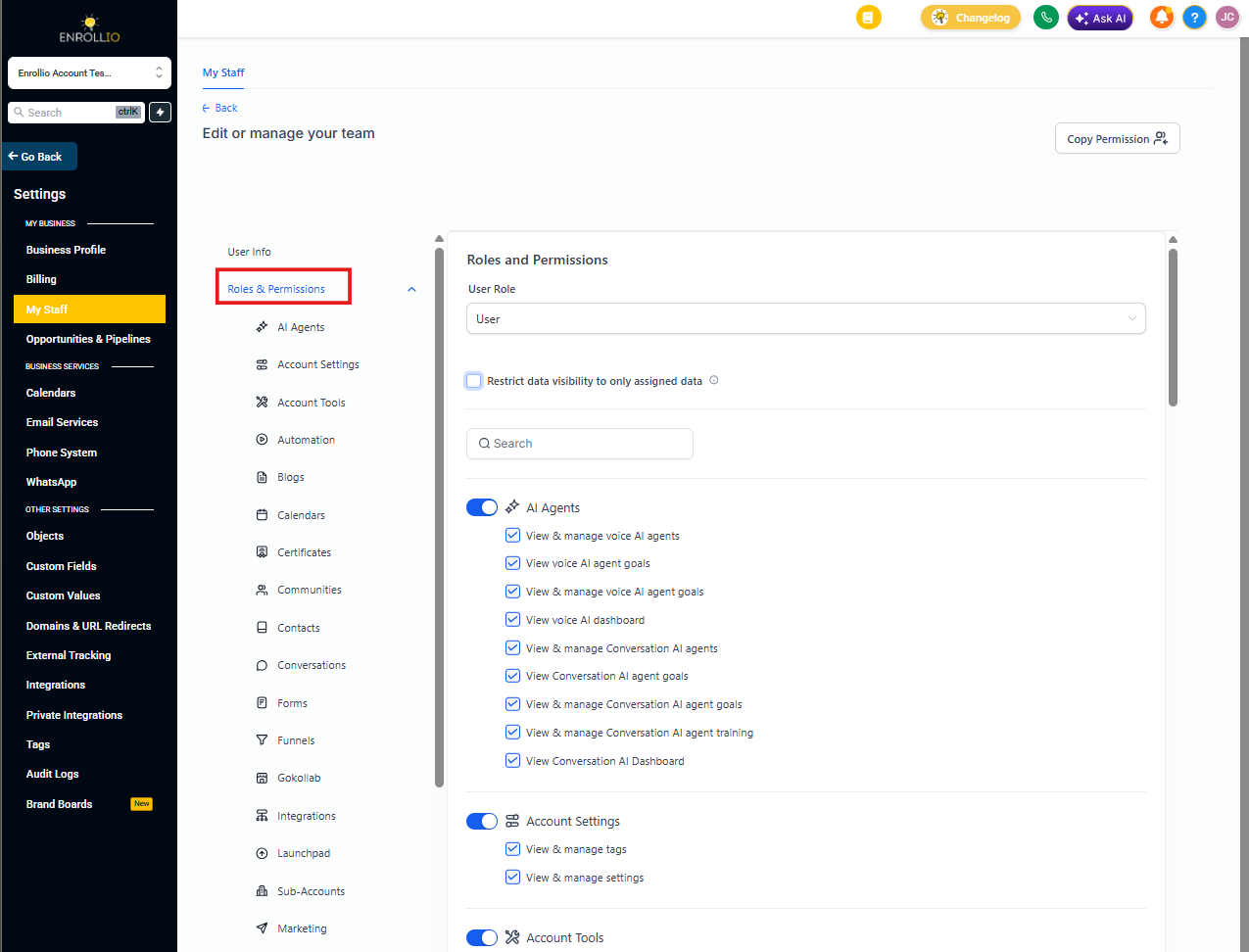
To modify user permissions for the dashboard:
- Navigate to Settings and click My Staff
- Click Edit next to the user you want to adjust
- In the User Permissions section, make your changes
The following dashboard permissions are available:
- Dashboard Stats — Grants access to the entire Dashboard (view only for Account Admin and Account Users)
- Parents/Families — Provides access to all parent/family profiles and related widgets
- Enrollment Opportunity — Provides access to all enrollment opportunities and opportunity-related widgets
- Appointment — Provides access to all appointments and appointment-related widgets
- Lead Value — Provides access to value (monetary) related widgets on the dashboard
- Only Assigned Data — No data will be visible on custom widgets if enabled
How can I configure widgets to display data specific to the team member viewing the dashboard?
To enable team members to view their own data exclusively on dashboard widgets, set a condition for each widget using USER → LOGGED IN USER under the conditions tab.
This configuration ensures that each team member sees only their data on the widgets.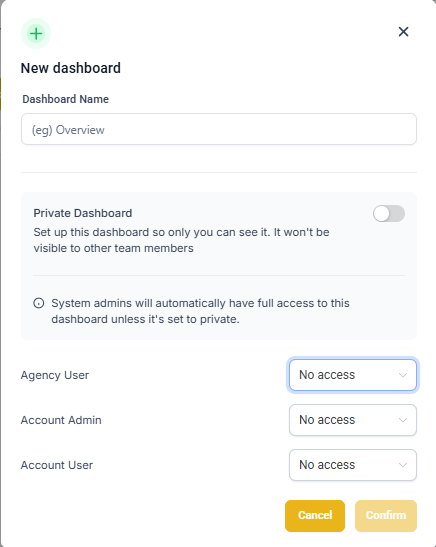
Why is there a mismatch in enrollment opportunities on the new dashboard?
We've shifted to considering the "Last Status Change" date for enrollment opportunities, moving away from the previous "Created" date. The mismatch in opportunity counts on the new dashboard is due to updates in older opportunities contributing to the overall chart count.
To address this, you can customize the date property used on the widgets:
For General Widgets:
- Click the filter icon on the widget
- Switch the date property
Changing it on one filter will automatically update it for the remaining general filters.
For Users on the $497 and Higher Plans:
Custom widgets can be added, allowing you to specify the date property in the widget settings for a more tailored experience. This is an exclusive feature for users on plans $497 and higher.
Why can't I select Session Source or Medium in the "Group By" or "View By" options?
This happens when multiple filter groups are used in the widget settings.
If you're trying to use Session Source or Session Medium as a grouping option, only one filter group is allowed. That group must include the Attribution Type filter (either First Touch or Last Touch).
Adding more than one filter group will disable attribution-based groupings for accuracy and consistency.