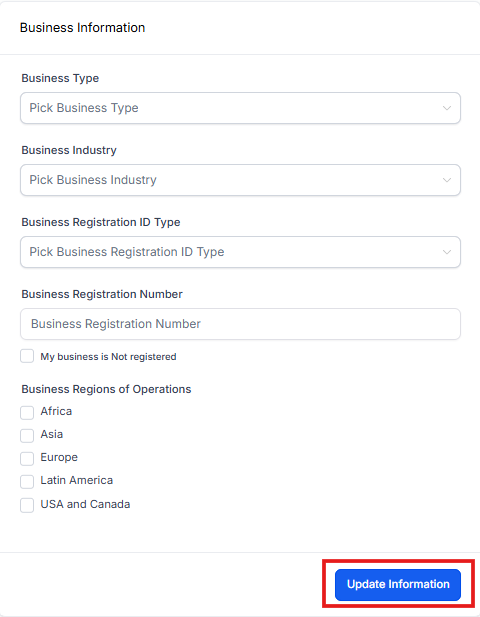
Business Profile Settings - Business Information
Your business information helps Enrollio verify your childcare center and ensures smooth approval for text messaging and other compliance-related features. Fill this out completely to avoid delays.
For an overview of Business Profile Settings and how to access this section, see: Business Profile Settings Overview
Table of Contents
- Business Type
- Business Industry
- Business Registration ID Type
- Business Registration Number
- Business Regions of Operation
- Save Your Changes
Why This Information Matters
Accurate business details are required for text messaging approval (A2P 10DLC) and other compliance checks. Make sure your registration type, number, and operating regions match your official business documents.
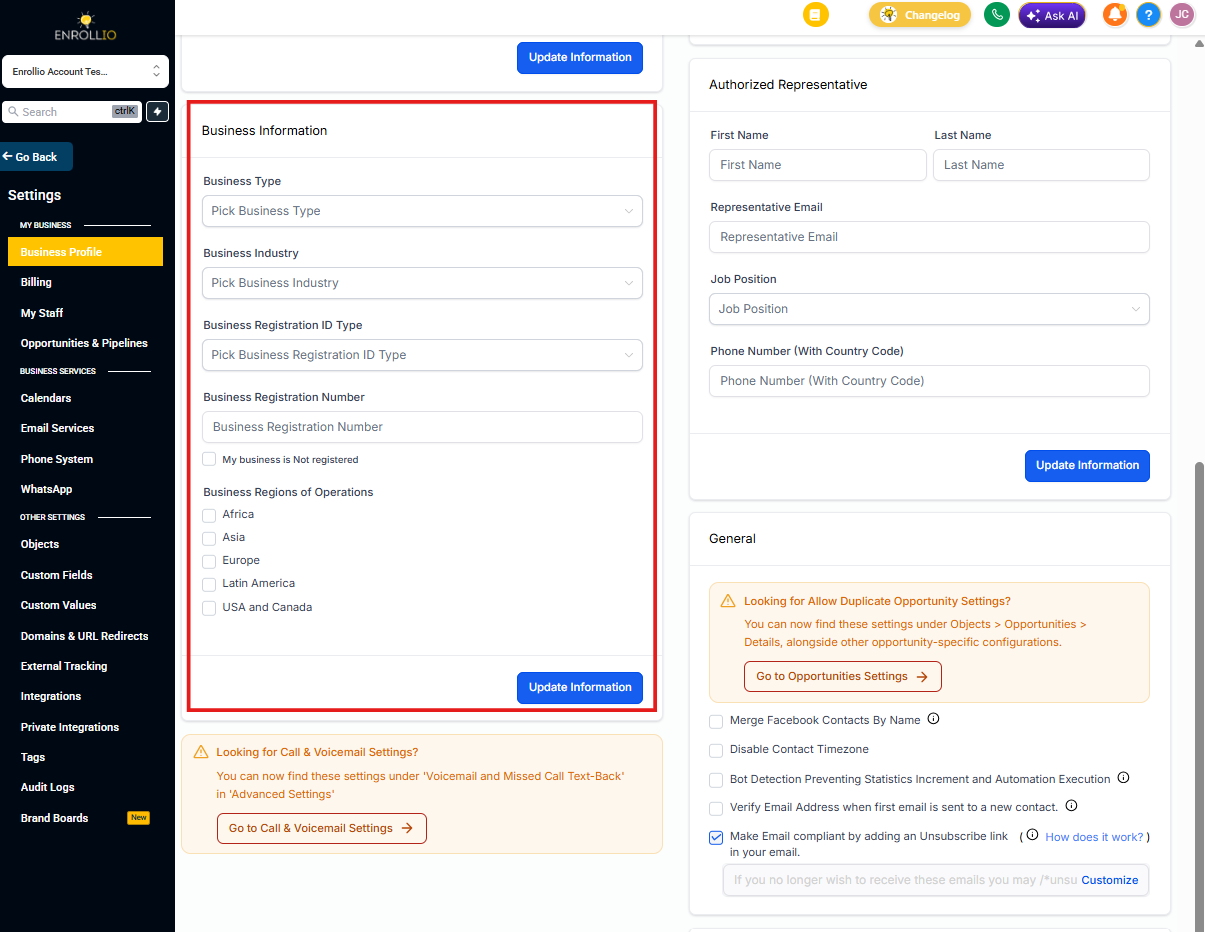
1. Business Type
Select the legal structure of your childcare business from the dropdown:
- Co-operative
- Corporation
- Limited Liability Company (LLC)
- Sole-Proprietorship
- Non-profit Corporation
- Partnership
Choose the option that matches your official business registration.
2. Business Industry
Select the industry that best describes your business. For most Enrollio users, this will be childcare, education, or a related field.
If your exact industry isn't listed, choose the closest match. This helps Enrollio route compliance requests appropriately.
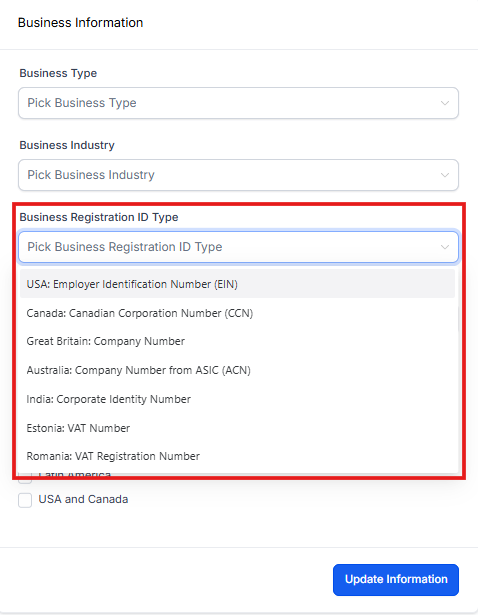
3. Business Registration ID Type
Select your business registration identifier type:
- U.S. businesses: Most will use an EIN (Employer Identification Number)
- International businesses: Select the appropriate option for your country (VAT, CCN, etc.)
4. Business Registration Number
Enter your business registration number exactly as it appears on your official documentation. For U.S. businesses, this is typically your EIN.
Double-check for accuracy — typos here can cause compliance delays.
5. Business Regions of Operation
Select all regions where your childcare center operates or serves families. This is a multi-select field, so you can choose more than one.
If you have multiple locations across different regions, select all that apply. For centers with families in multiple states or countries, choose your primary markets.
6. Save Your Changes
Always click Update Information after making any changes. Your updates won't be saved until you do.