
Fix Script Tag Placement Issues
If you've added custom JavaScript to your enrollment page and it's not working, the most common issue is where you've placed your <script> tag.
The Problem
Enrollio's page builder doesn't allow <script> tags to be nested inside <div> tags. If your code looks like this, it won't work:
<div>
  <script>
    // your code here
  </script>
</div>
The Solution
Separate the <script> tag from the <div> tag. Here's how:
- Open your enrollment page in the page builder
- Locate your custom code element
- Cut the entire
<script>tag (including opening and closing tags) - Paste it directly below the
<div>tag so they're separate
Your code should look like this instead:
<div>
  // your HTML content
</div>
<script>
  // your JavaScript here
</script>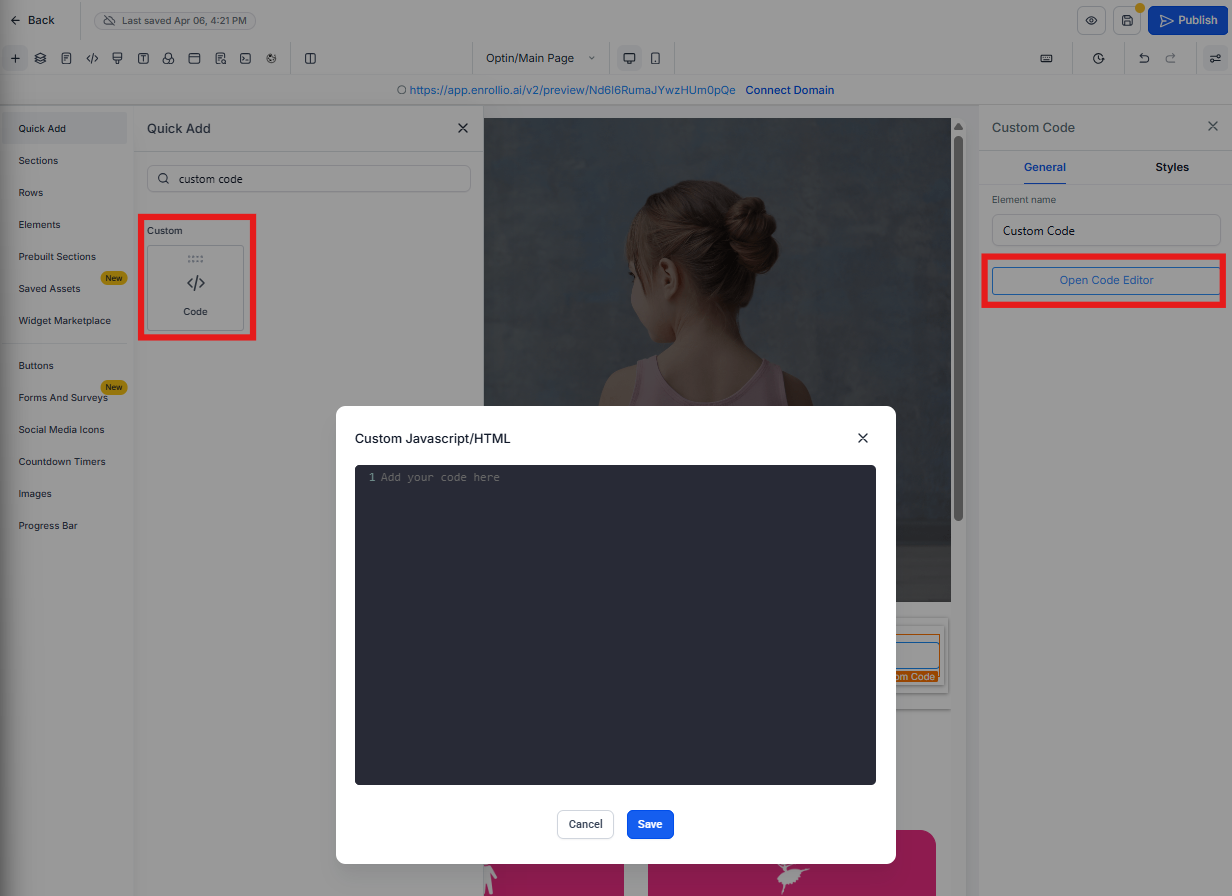
Pro Tip: Always keep your
<script> tags at the same level as your <div> tags — never nested inside them. This is a standard requirement in Enrollio's page builder.Still Not Working?
If your script still isn't functioning after moving it outside the <div> tag, check for these common issues:
- JavaScript syntax errors in your code
- Missing or incorrect element IDs that your script references
- Conflicts with other scripts on the page
Need help with custom code? Contact Enrollio support with your page URL and the code you're trying to add.