
Why This Matters to Your Studio
No more clicking around to track down essential student info! With custom fields now visible in your tables, it’s faster than ever to organize classes, prep for recitals, or send tailored info to families. Everything you need is right at your fingertips, saving you time for what really matters: dancing!
What You Can Do Now
- Head to your sub-account dashboard
- Open the Table Widget settings
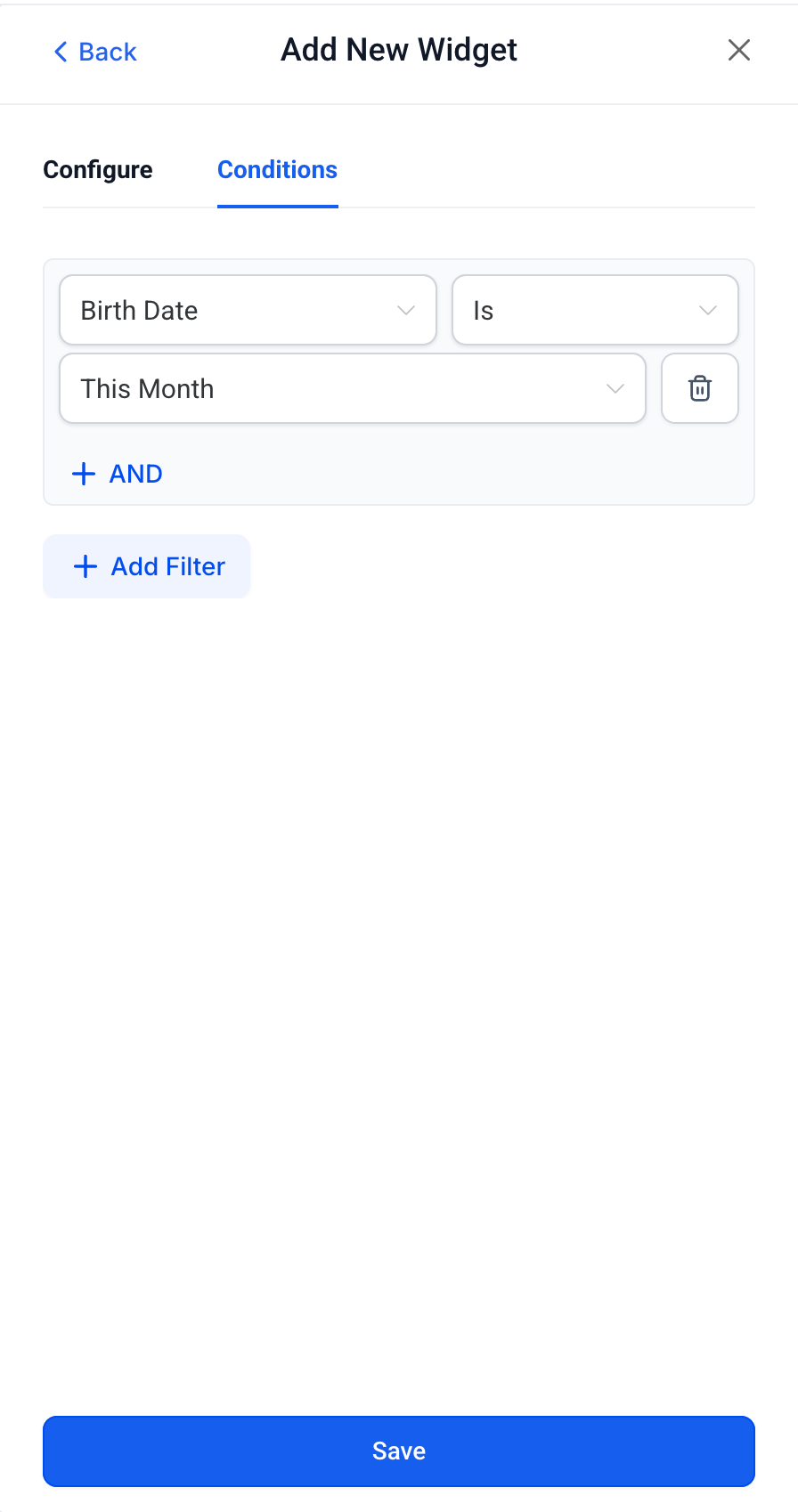
- Choose which custom fields you want to add to your table view
- Save changes—voila! Your custom fields now appear right where you need them
Real-Life Example
Let’s say you need to group dancers by costume size ahead of recital time. Now, just add your “Costume Size” custom field to the dancers’ table, sort by size, and assign costumes with zero guesswork!
Need Help?
Got questions or want tips on using custom fields? Our friendly support team is always here to help. Reach out anytime through Enrollio support, or browse more guides on Enrollio Campus. Happy organizing!