
Parents can opt out of automated texts. StudioBot respects SMS STOP-style opt-outs so you stay compliant and don’t keep messaging someone who asked to stop.
What parents do
A parent texts a STOP-style keyword (for example STOP, UNSUBSCRIBE, CANCEL, END, or QUIT) to your studio SMS number.
What StudioBot does
When an opt-out is recognized:
- StudioBot stops automated SMS to that contact
- The contact is treated as opted out for bot sends (including Approve & Send from Needs Review)
- Your team may get an alert / CRM indication depending on configuration
- Staff should not use StudioBot to keep texting that person
This is permanent for automated StudioBot SMS until compliance processes (and Enrollio support) say otherwise — don’t try to “force send” from the Review Queue.
What you’ll notice in the dashboard
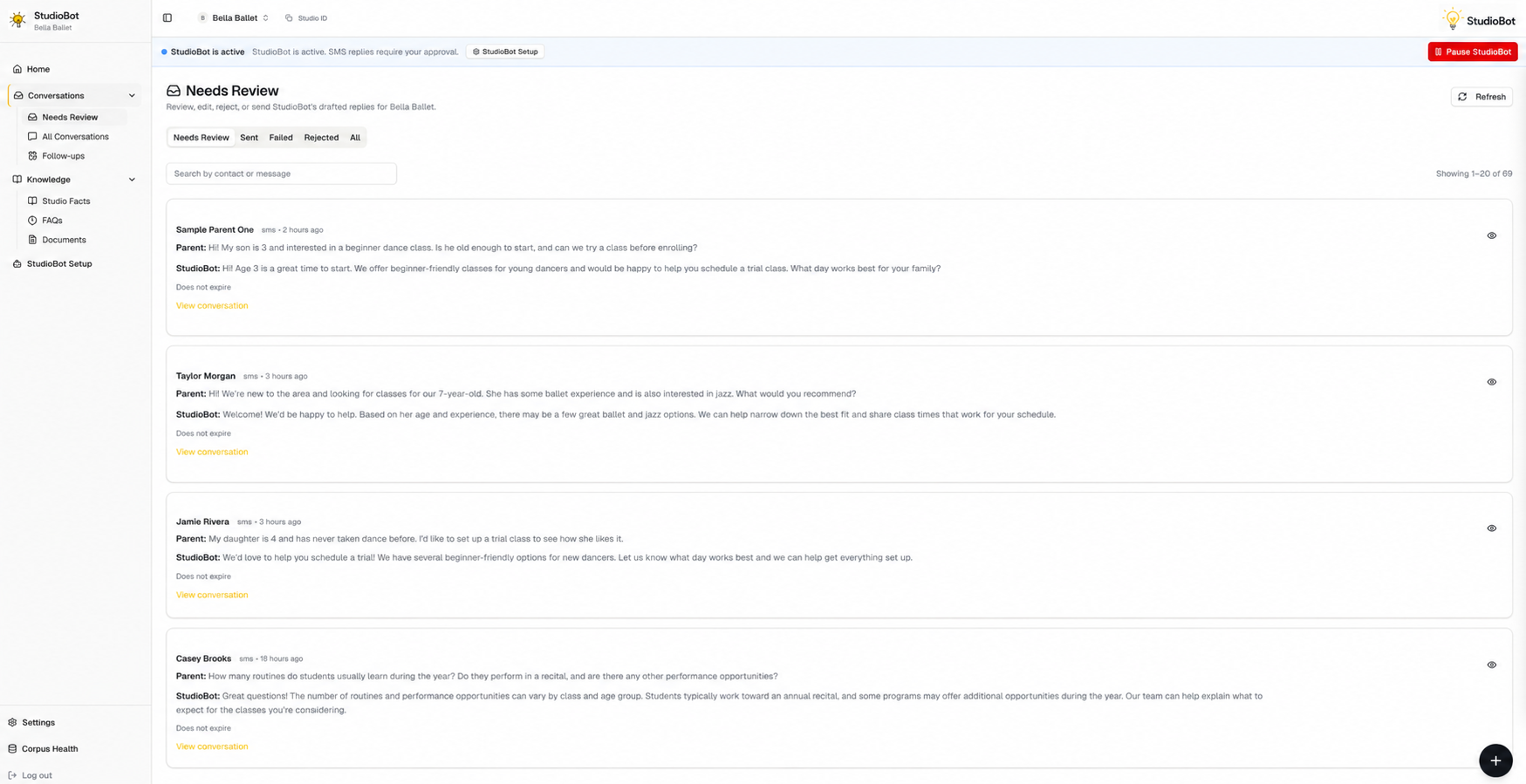
- Drafts for that contact may be blocked from sending
- The contact may appear paused or non-sendable in Needs Review / Conversations
- Home attention items may call out failed or blocked sends
There isn’t a separate “opt-out admin” screen today — treat blocked sends plus the CRM conversation as your source of truth, and ask Enrollio support if you’re unsure.
What staff should do
- Do not Approve & Send bot SMS to someone who opted out
- Handle any required follow-up through appropriate non-automated channels per your studio policy and local rules
- If a parent later wants texts again, contact Enrollio support before re-enabling automated messaging — don’t assume a dashboard toggle alone is enough
Related compliance notes
- Opt-out handling described here is for SMS
- Email / webchat opt-out may follow different CRM or channel rules
- When in doubt, don’t send — escalate to Enrollio support