
The Problem
Previously, users could accidentally set an end time earlier than the start time when scheduling campaigns. This created logical errors, scheduling failures, and unnecessary support tickets.
What’s New
Front-End Time Validation
If an end time is earlier than the start time, the system now displays:
“End time can’t be before start time.”If an end time is chosen before a start time is entered, the system displays:
“Please enter a valid start time.” under the start time field.Action buttons (Send/Schedule) are disabled until all errors are fixed.
Simplified Confirmation
Editing the start time now uses a single OK button for confirmation (with only one prompt).
Benefits
Prevents scheduling mistakes before they happen.
Reduces support tickets caused by invalid time ranges.
Provides fast, clear correction for timing errors.
Handles midnight transitions (12:00 AM) correctly without false errors.
How to Use
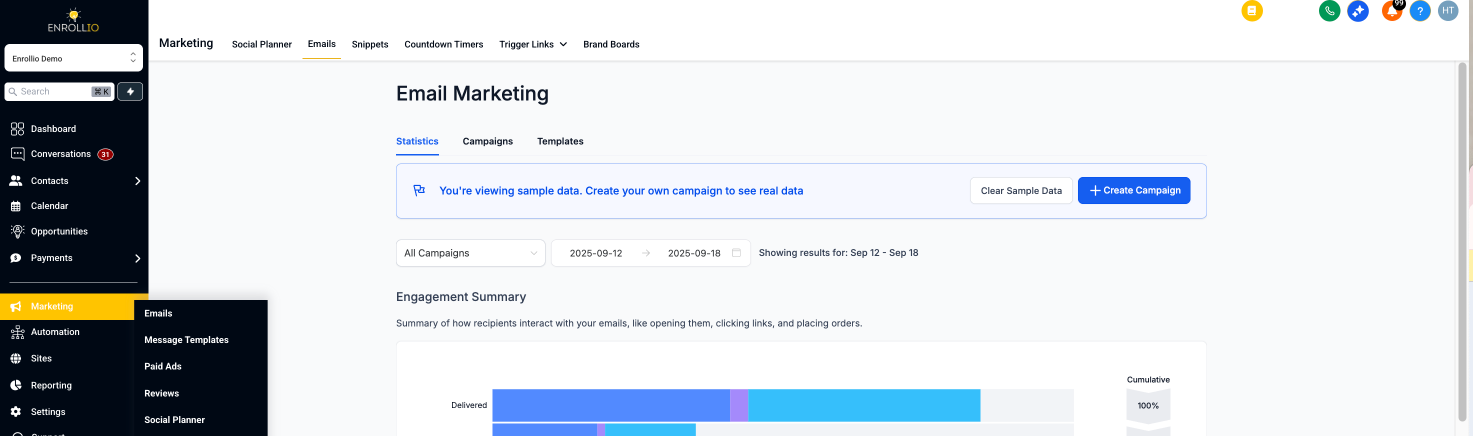
Go to Marketing → Email Builder.
-
Create a campaign and enter start and end times in the scheduling section.
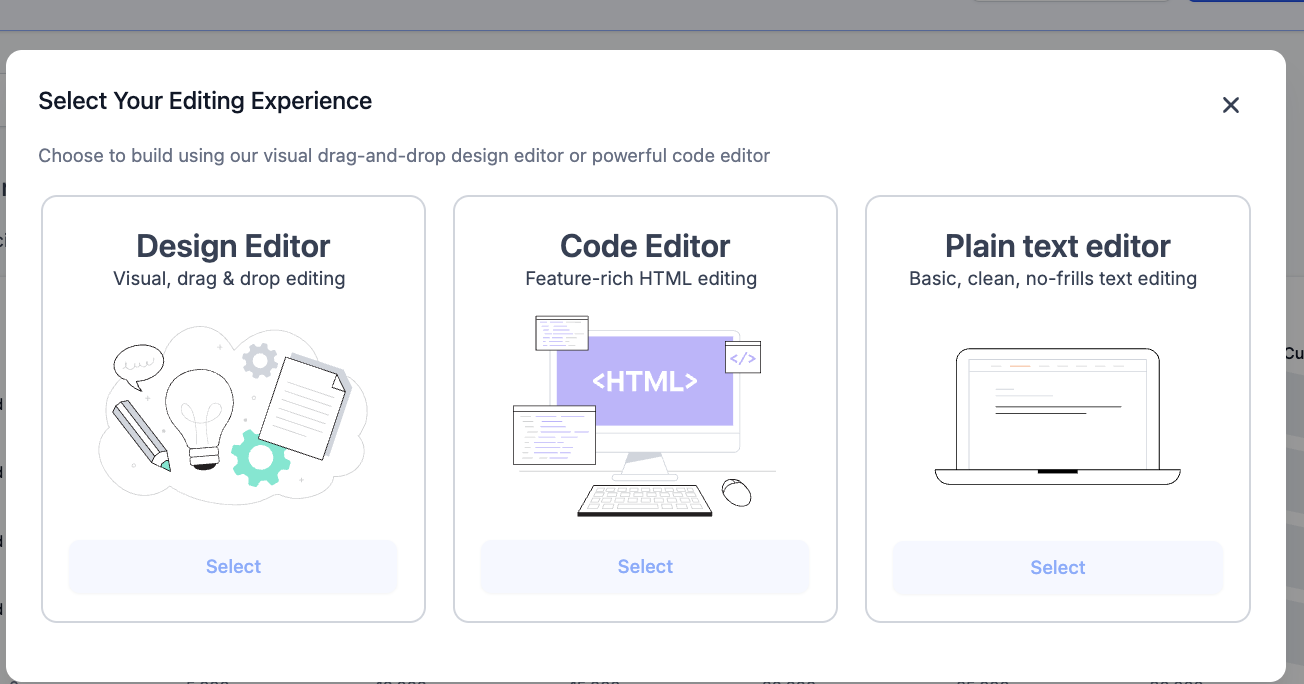
If the end time is before the start time, you’ll see an error and won’t be able to schedule until corrected.
If the start time is missing when you enter an end time, you’ll be prompted to add a valid start time first.
Confirm start time changes with the streamlined OK button.
Support
For assistance with campaign scheduling or validation errors, contact us at support@enrollio.ai.