
We’ve officially launched EasyCal, a bulk calendar management tool designed to save you hours of setup time. You’ll now see EasyCal on the left-hand side of your Enrollio window.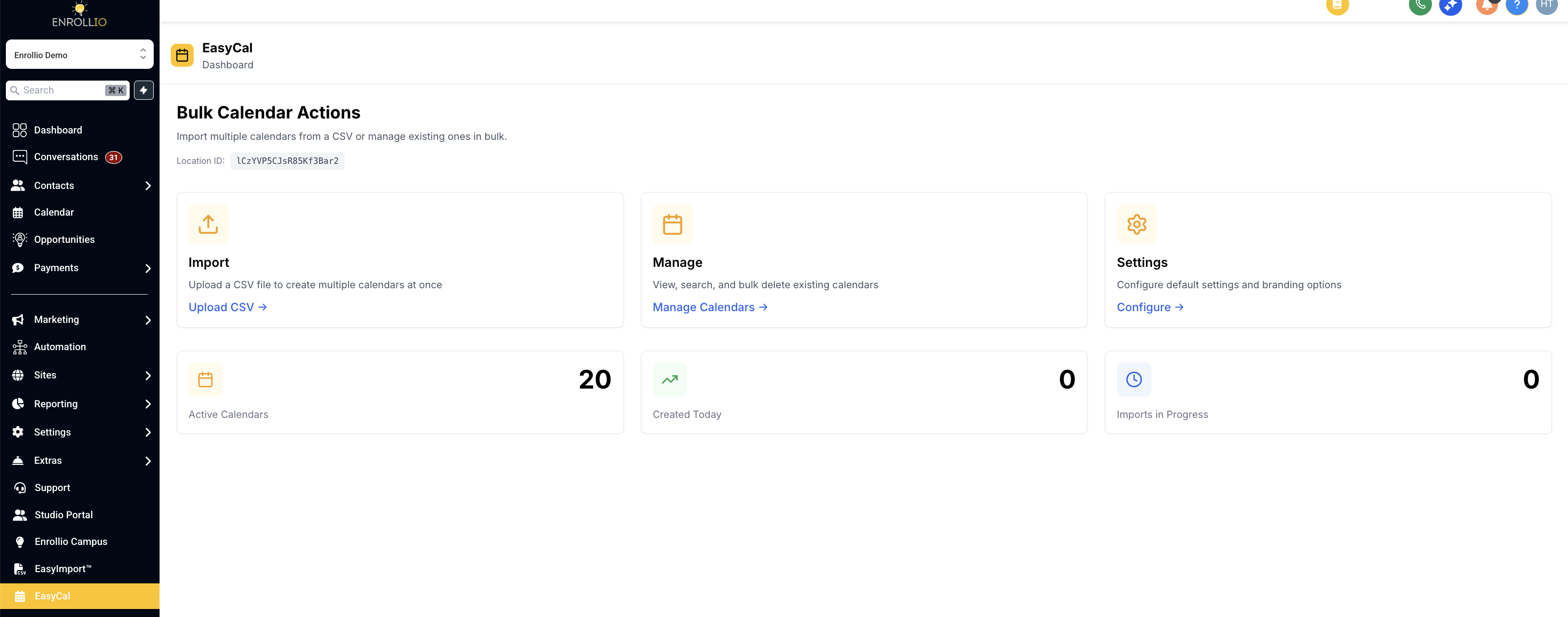
What’s New
Bulk Create
Upload a CSV to instantly generate multiple calendars.
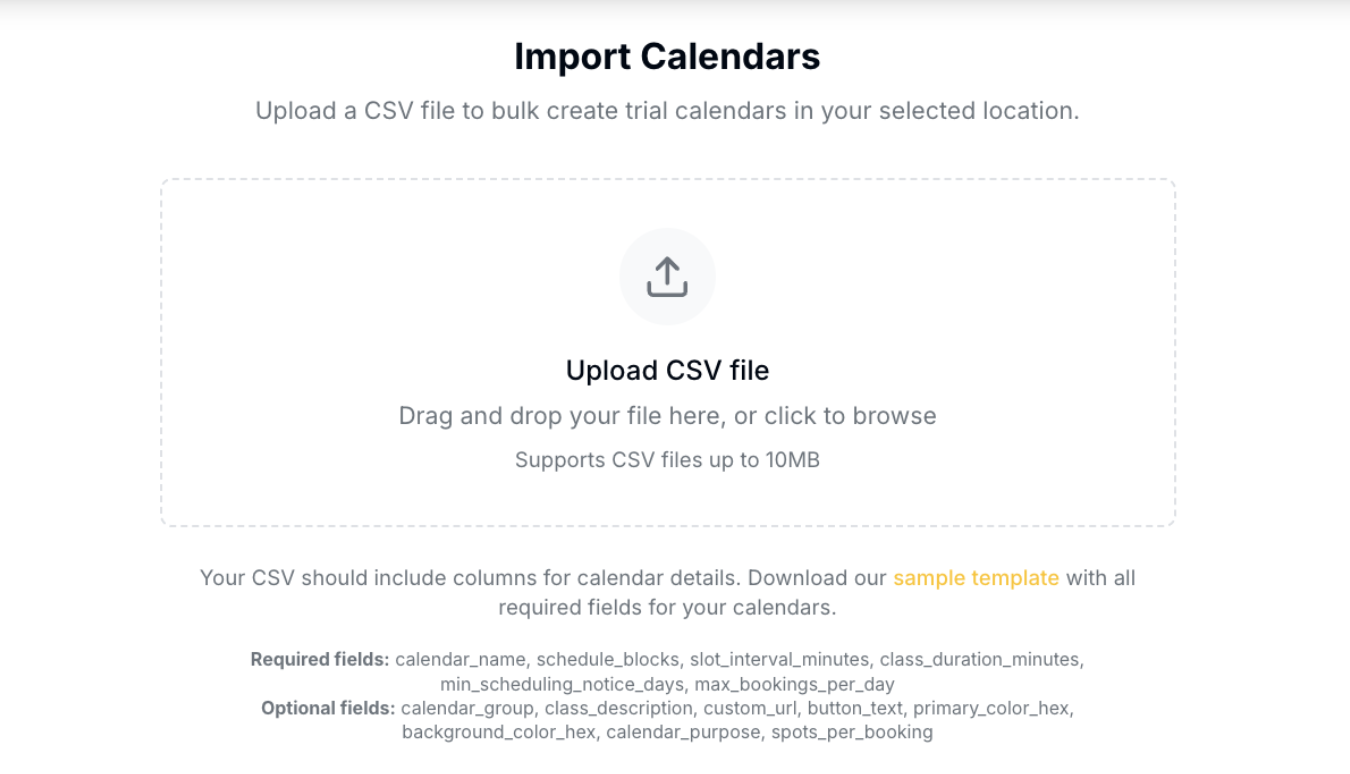
Use the provided sample template with calendar name, times, and other details.
Once uploaded, the system automatically creates all calendars in your Enrollio account.
Bulk Delete
Select multiple calendars at once and remove them in just a few clicks.
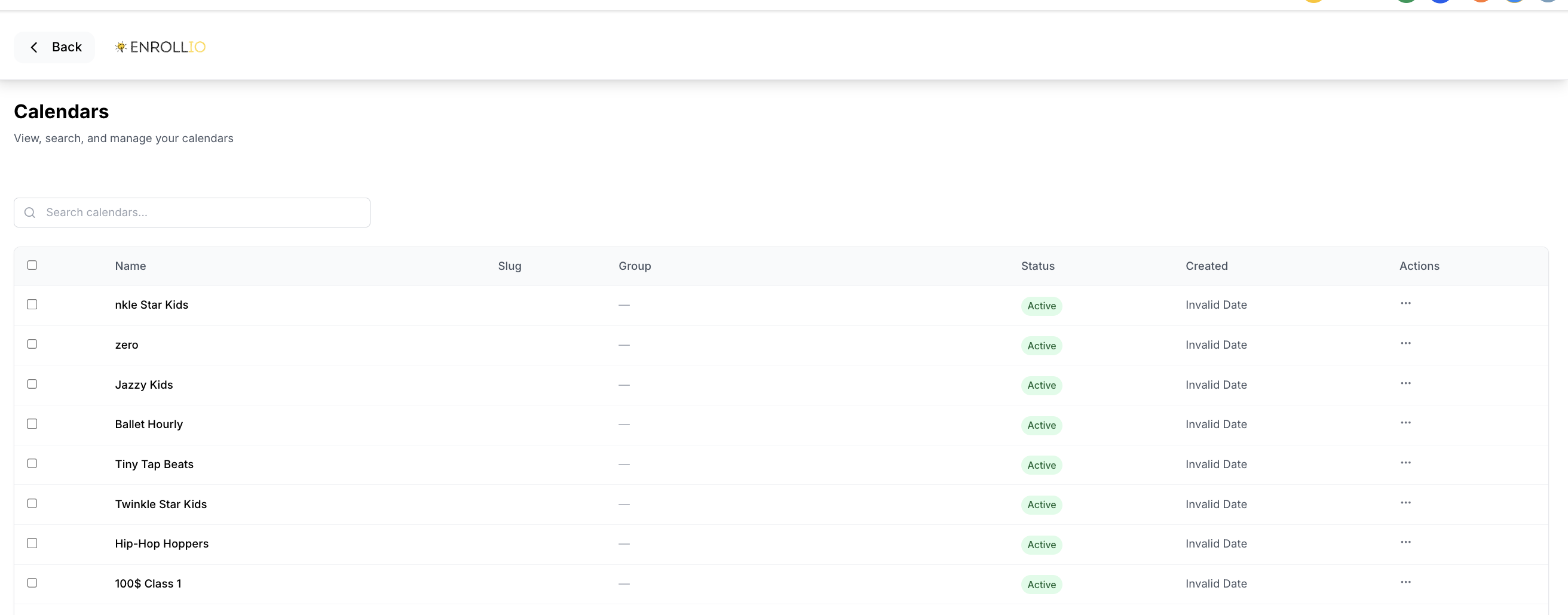
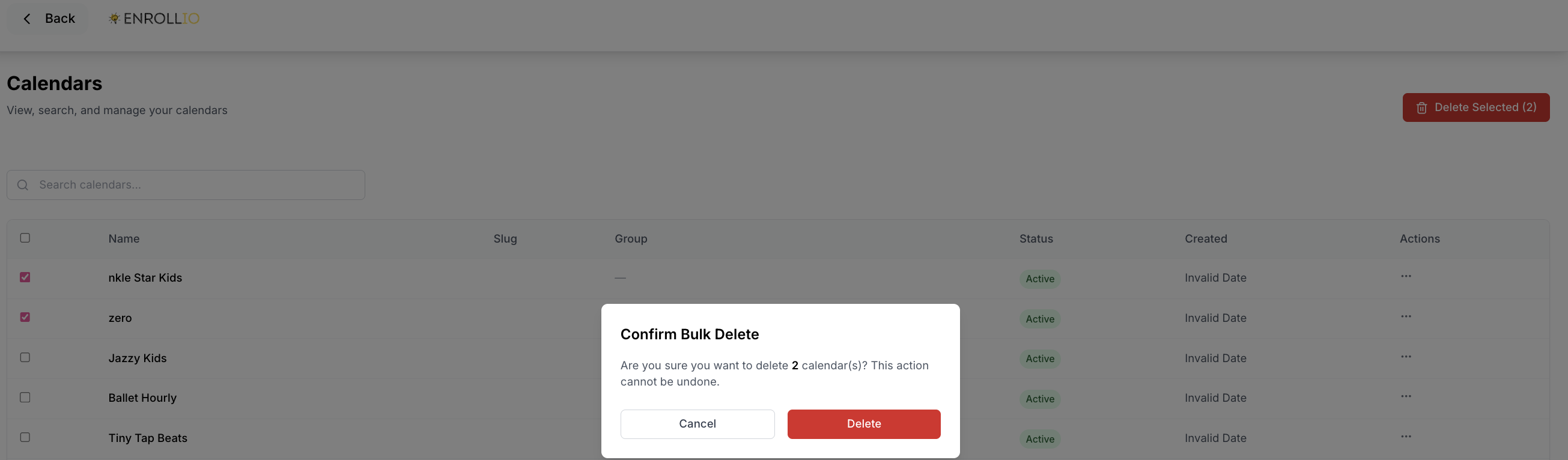
Previously, calendars had to be deleted one at a time, which was tedious during seasonal changes. EasyCal eliminates that bottleneck.
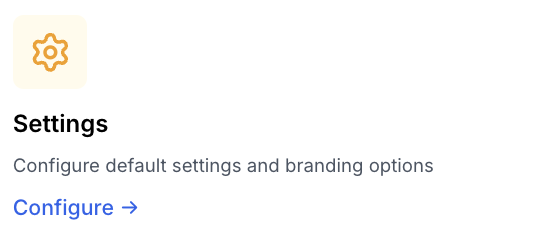
Settings
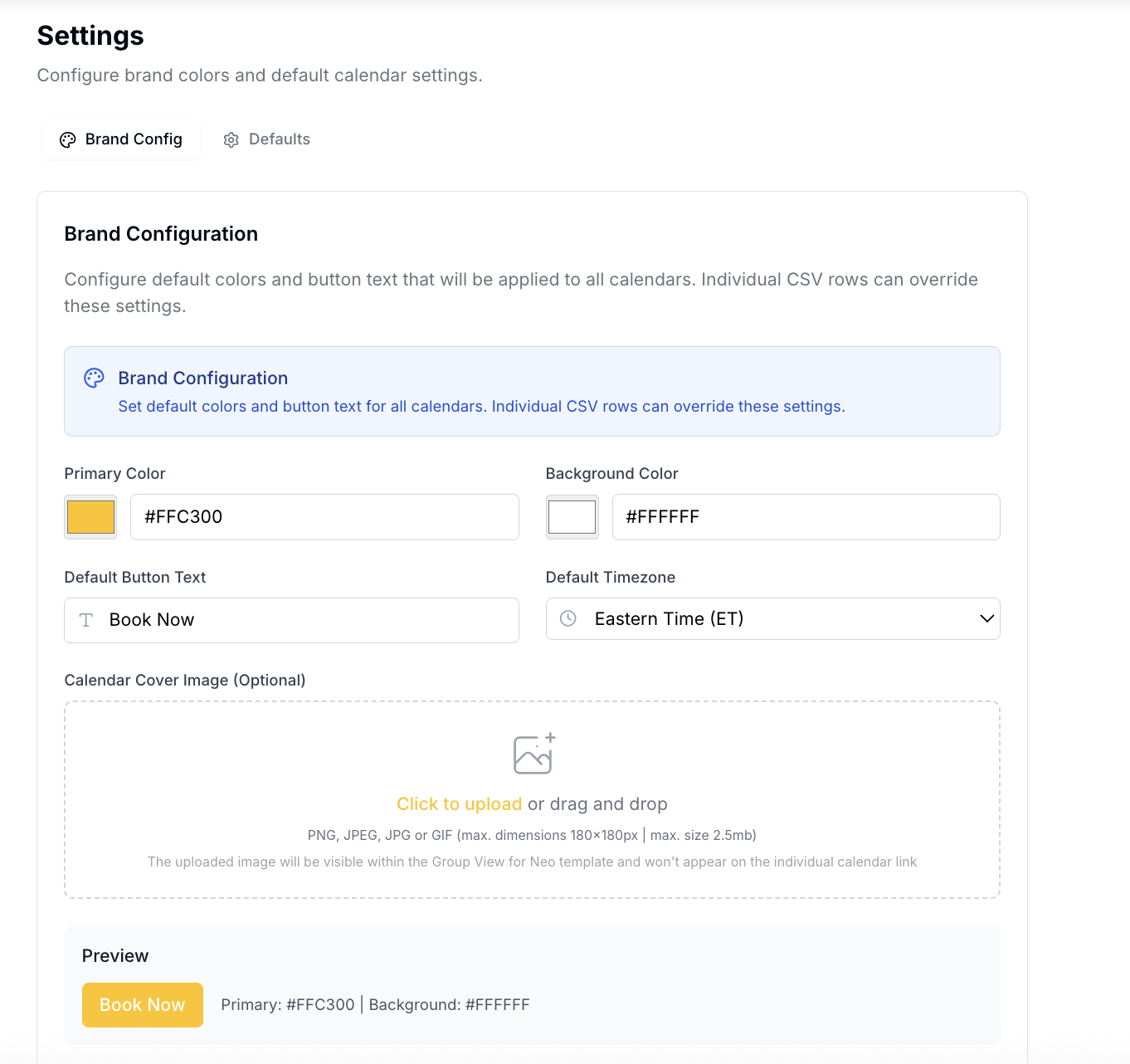
Configure defaults for calendar branding, primary colors, time zone, and button text.
Set booking rules, such as minimum notice, booking windows, and spots per booking (for example, limiting trial spots per class).
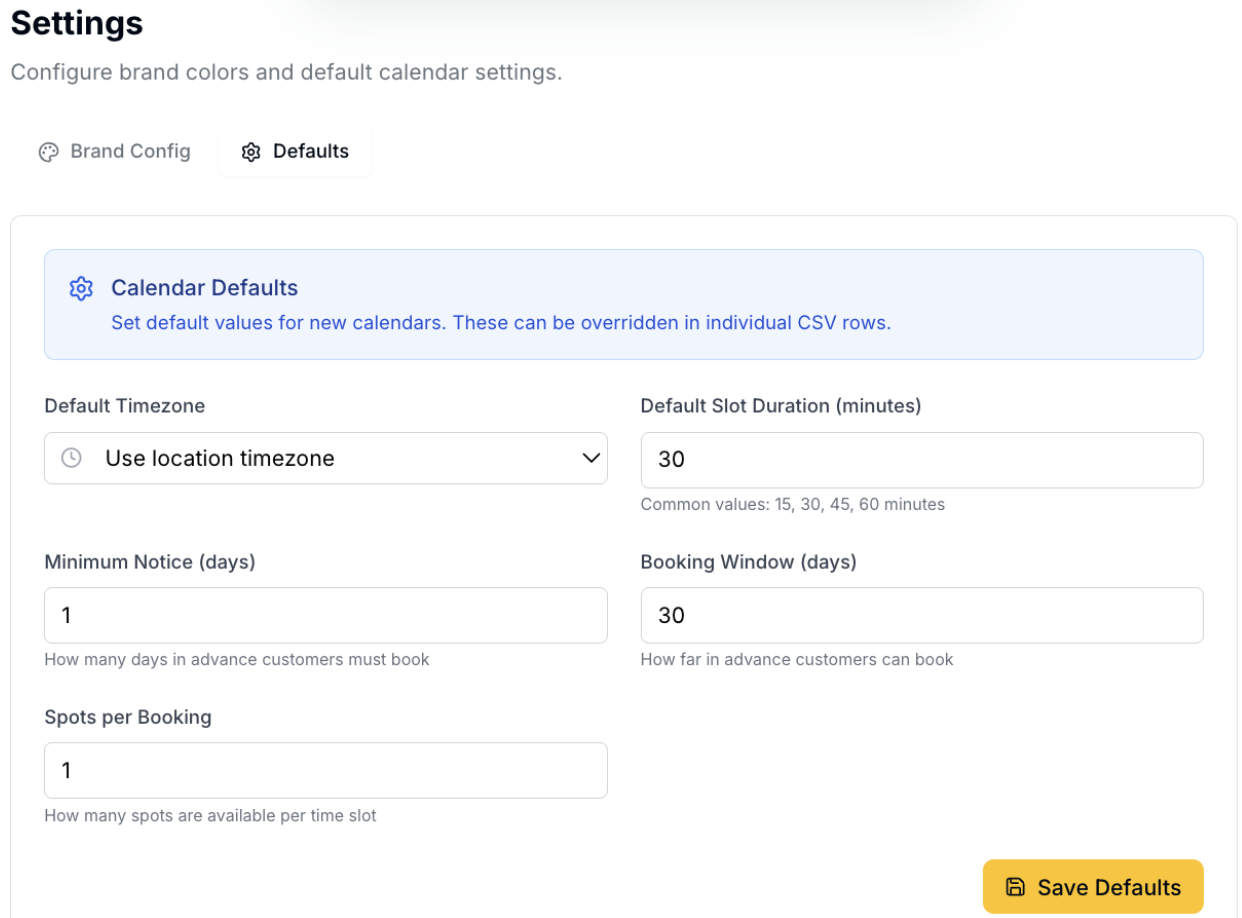
Any values not provided in the CSV will default to your EasyCal settings.
Why This Matters
EasyCal is built to make Enrollio as plug-and-play as possible. Studios can now set up or reset calendars in minutes instead of hours, allowing faster onboarding, seasonal transitions, and client success.
Support
If you have questions, you can reach us directly at support@enrollio.ai.