
Enrollio now allows you to connect ClickUp directly inside Workflows. This integration automatically converts actions within your CRM into ClickUp tasks, documents, and projects—without requiring manual setup or webhooks. Your sales operations and project delivery stay synced in real time, reducing duplicate work and saving time.
What’s New
Triggers (ClickUp → Enrollio)
These fire when activity happens inside ClickUp:
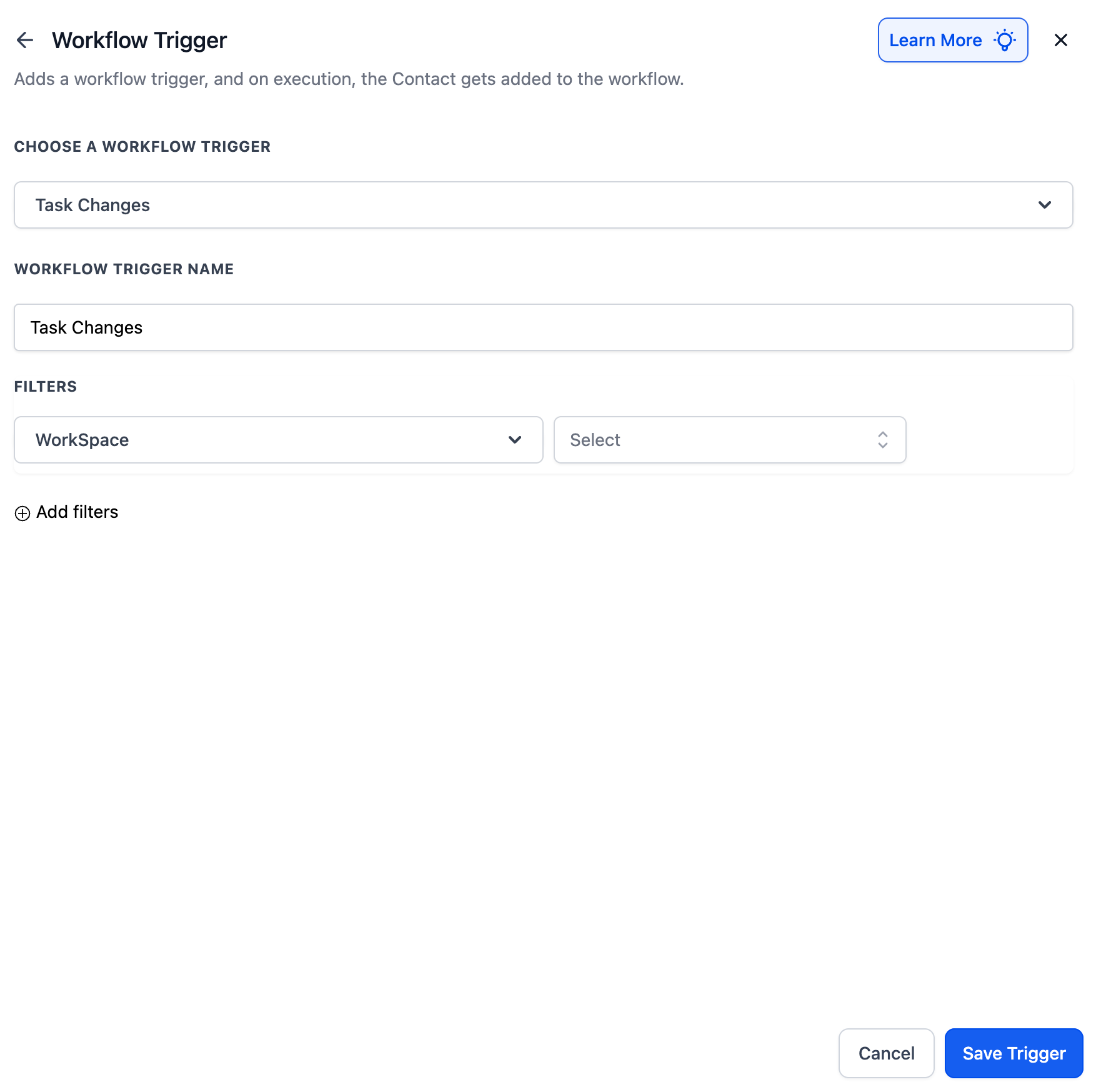
New Task – When a new task is created.
Task Changes – When updates are made (status, due date, priority).
New List – When a new task list is added.
New Folder – When a new folder is created.
New Comment on Task – When a comment is added.
New Attachment on Task – When a file is uploaded.
New Reaction on Task Comment – When someone reacts to a comment.
New Reaction on Chat Message – When someone reacts to a public chat message.
Actions (Enrollio → ClickUp)
These let Enrollio create or update items inside ClickUp automatically:
Create Task – Add a task with an assignee, a due date, and a priority.
Update Task – Modify existing task details.
Archive / Delete Task – Clean up tasks when no longer needed.
Create Space / Folder / List – Build project structures instantly.
Post Task Comment / Attachment – Add notes or files.
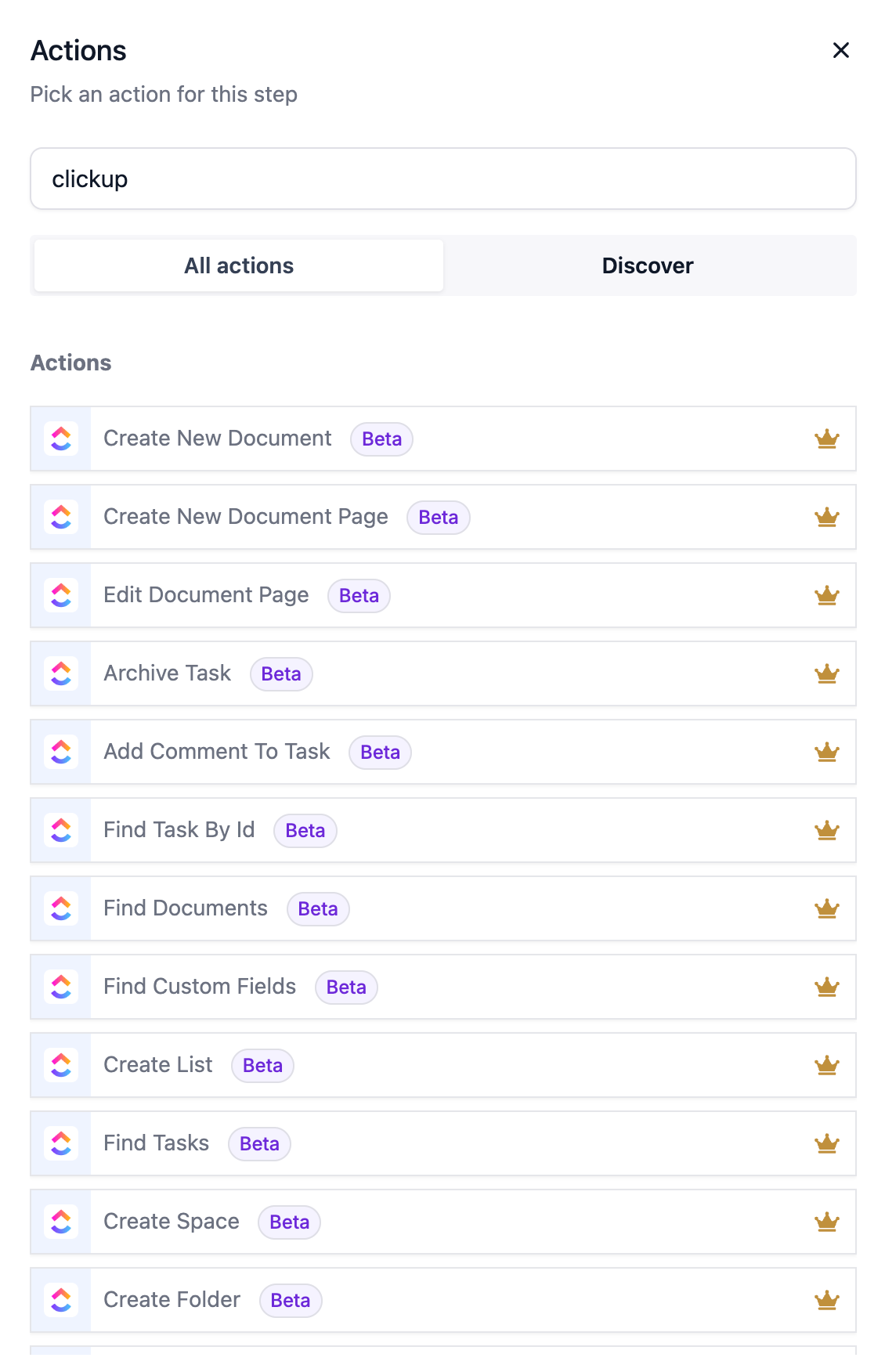
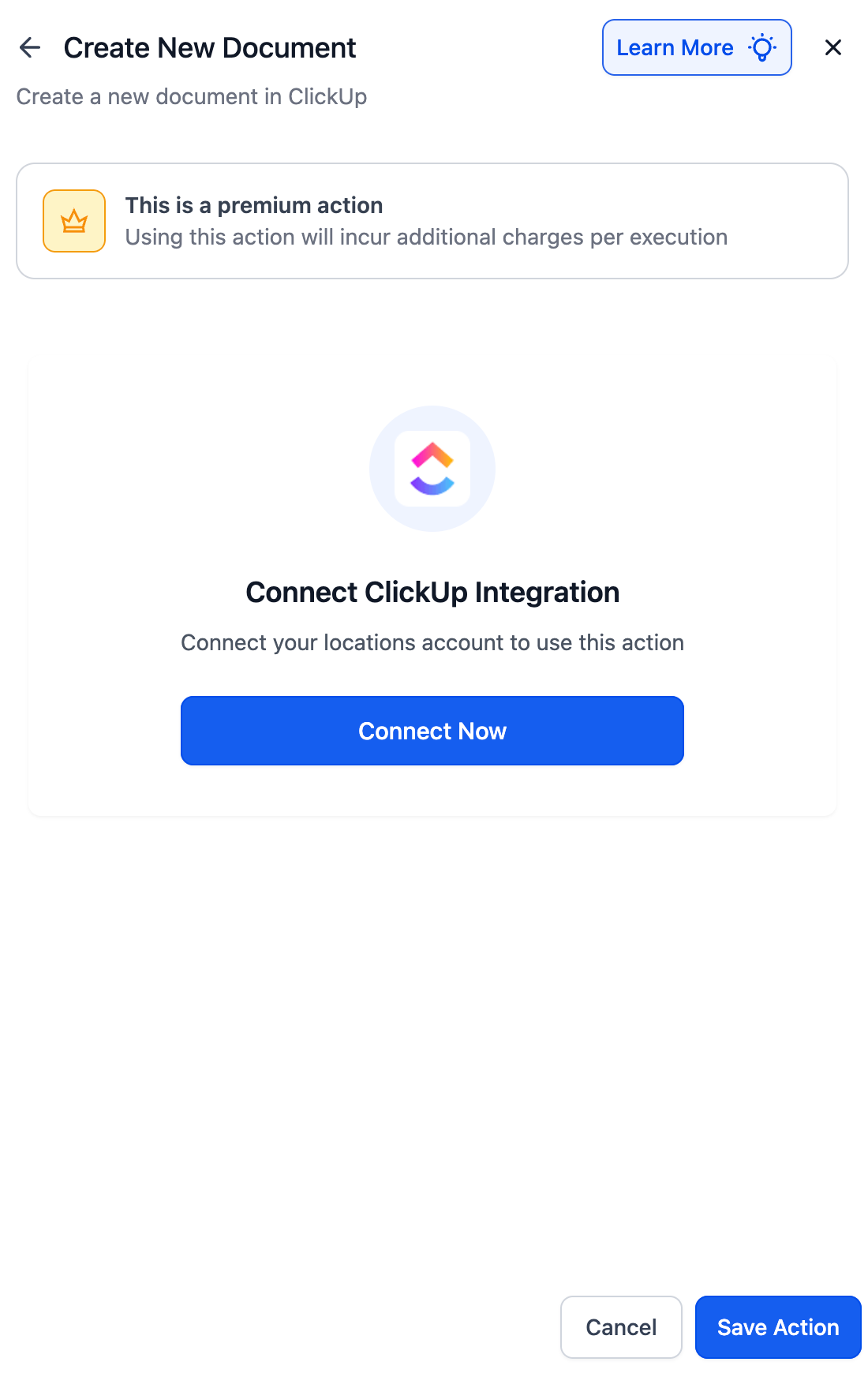
Create New Document – Generate docs for proposals, briefs, and notes.
Edit / Create Document Pages – Add or update pages inside a Doc.
Create / Update Custom Fields – Add or modify ClickUp fields.
- Find Tasks, Documents, Custom Fields, Users → Look up and link existing ClickUp resources into your workflow.
Why This Matters
Previously, teams had to duplicate updates between Enrollio and ClickUp manually. Now, your CRM activity can trigger tasks, documents, and entire project structures automatically—keeping everything aligned and reducing human error.
Example Use Cases
Onboarding Forms → Tasks
A lead or client completes an onboarding form in Enrollio → A task is automatically created in your ClickUp “Client Setup” list.Opportunities → Proposals
An opportunity moves to the Proposal stage → A personalized proposal document is created inside ClickUp.Contracts → Projects
A contract is marked Contract Signed → Enrollio creates a complete ClickUp Space with Lists and tasks (e.g., SEO, Ads, Landing Page), along with automated internal notifications.
How to Connect ClickUp
Open Workflows and search for any ClickUp trigger or action.
Select a step → click Connect Now → log in to your ClickUp account.
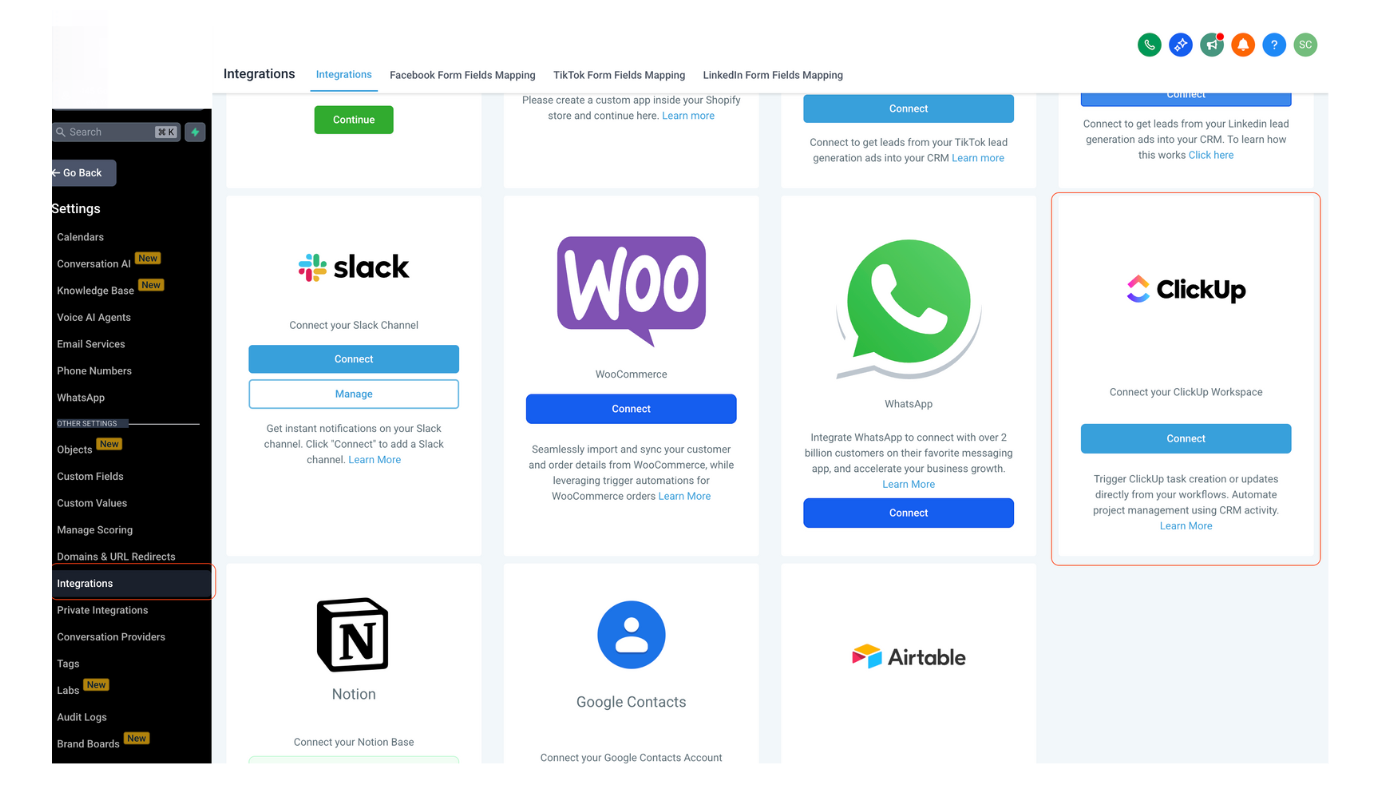
Or connect via Settings → Integrations → ClickUp.
Notes
ClickUp events sync instantly using webhooks.
Works with both free and paid ClickUp plans.
Some advanced features (e.g., advanced custom fields) may require a ClickUp paid plan.
Need Help?
If you need help configuring the ClickUp integration inside Enrollio, reach out to us at support@enrollio.ai.