What’s New
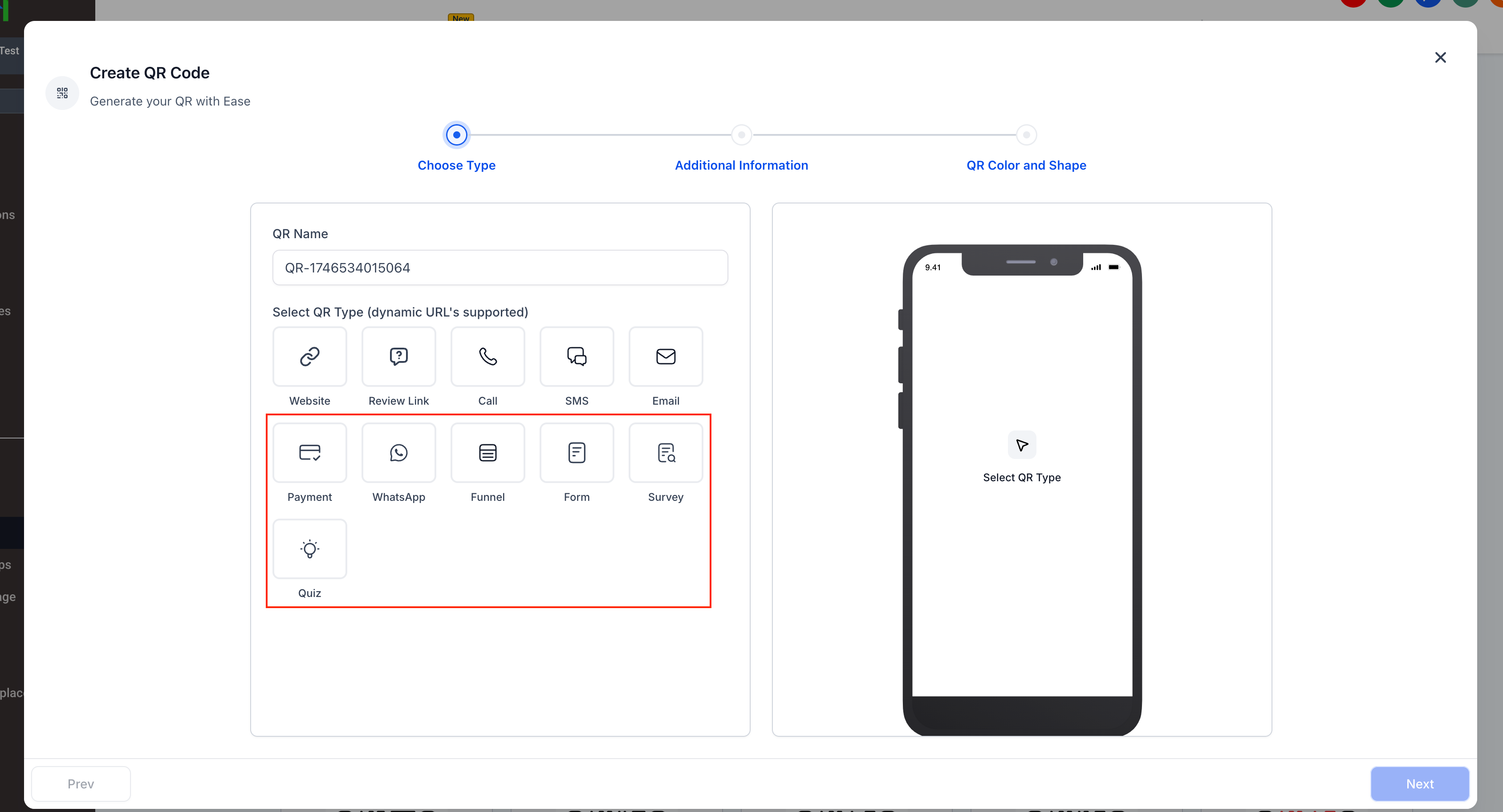
You can now create dynamic QR codes that redirect you to the following destinations:
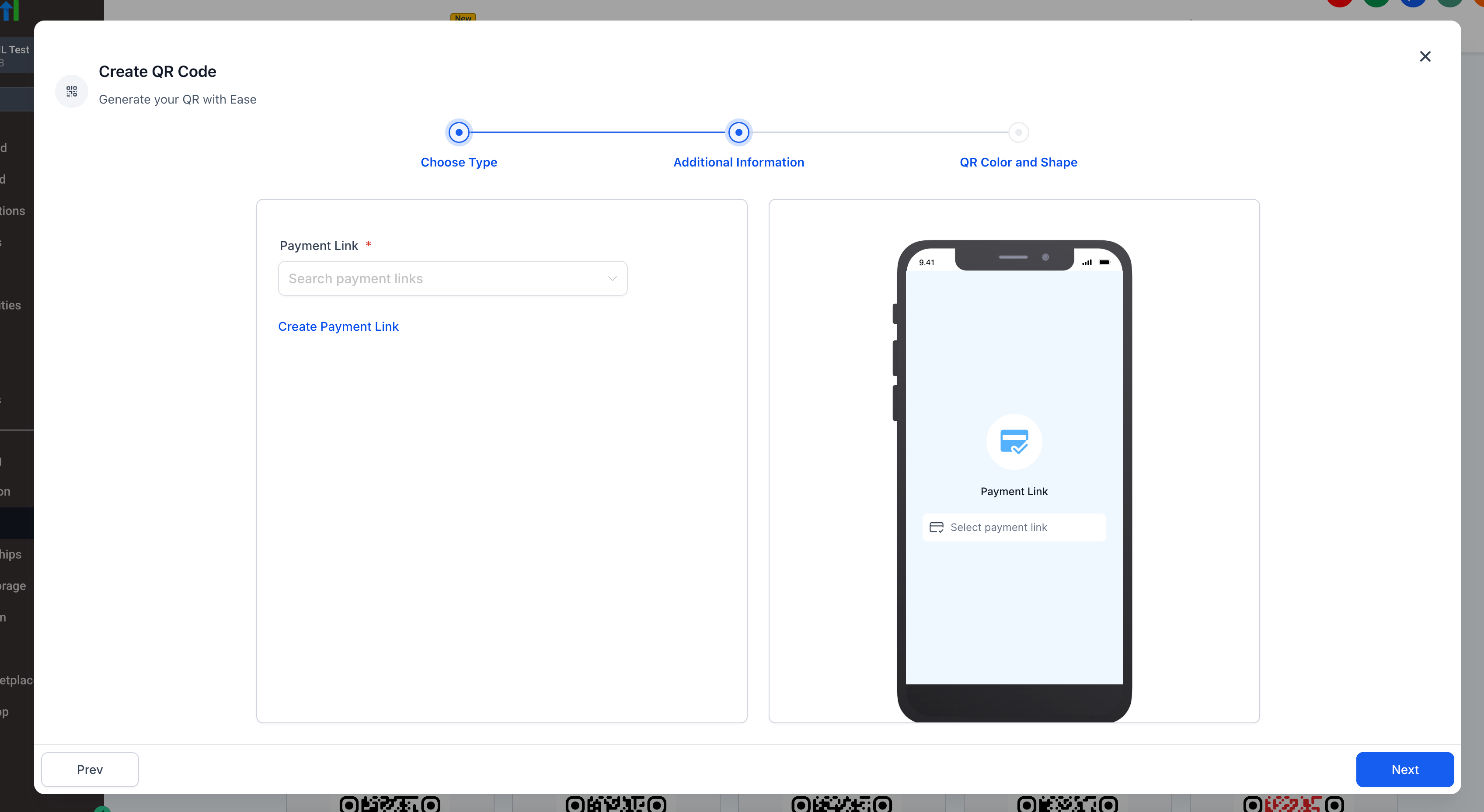
Payment Links
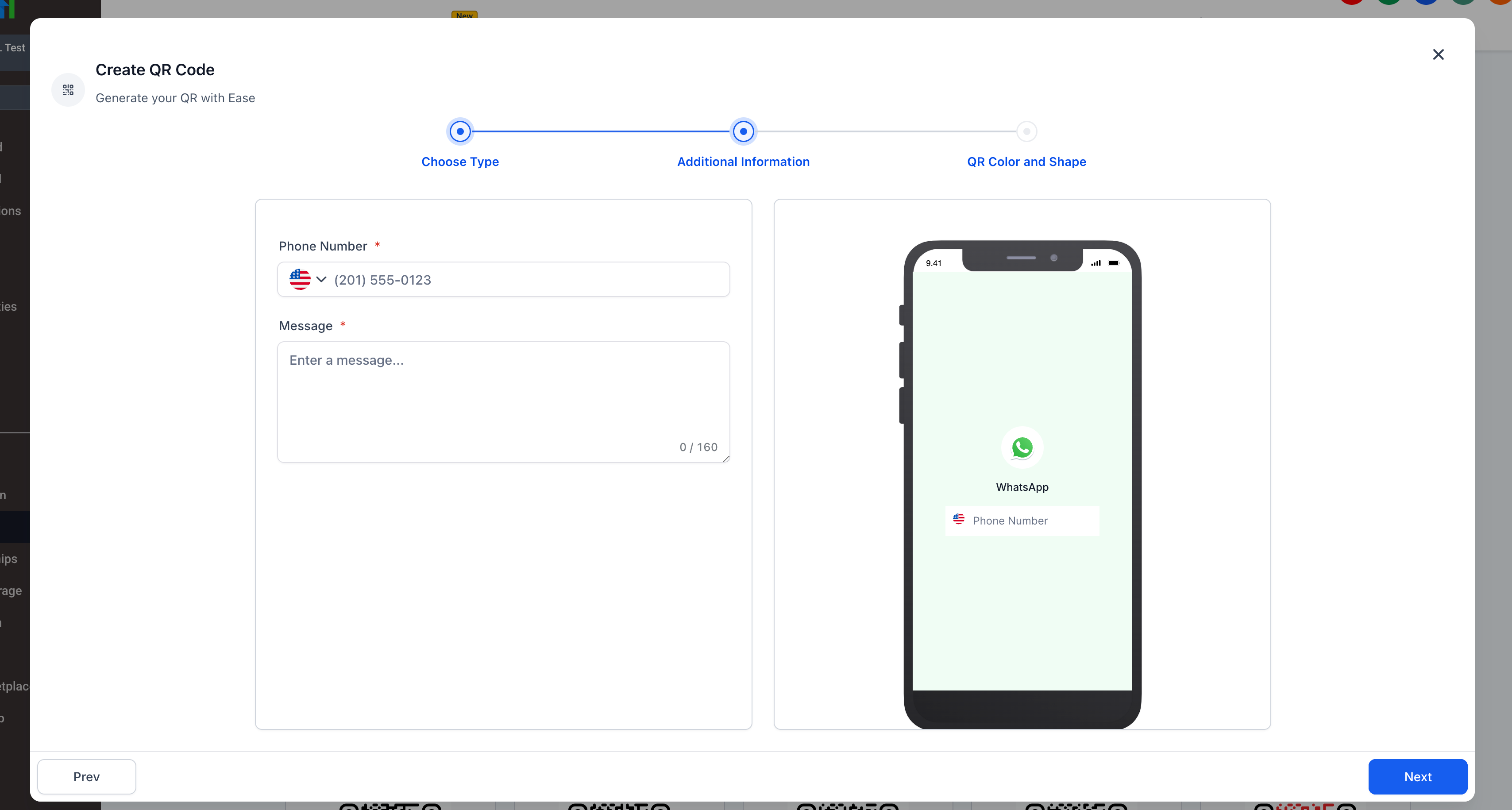
WhatsApp Chats
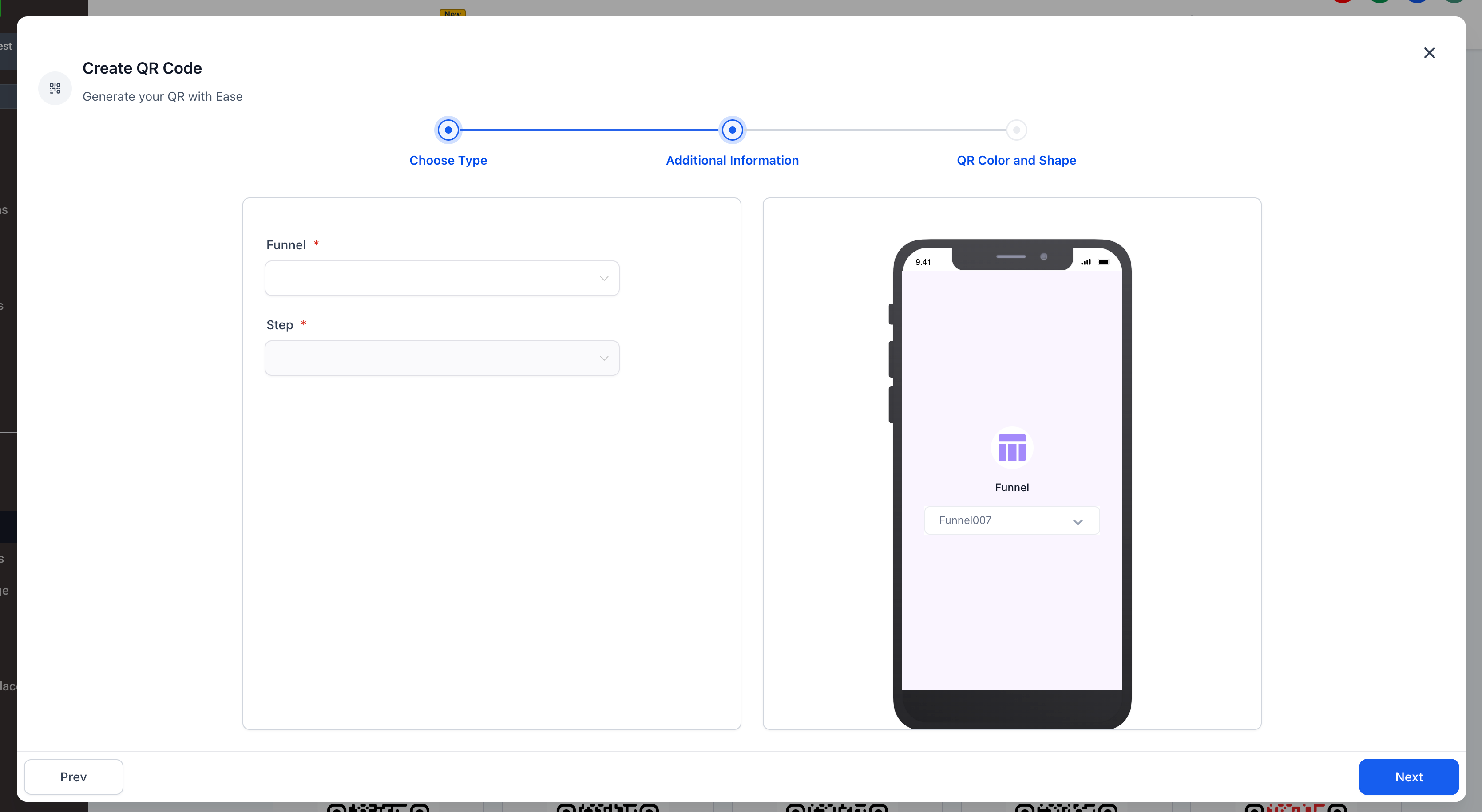
Funnels
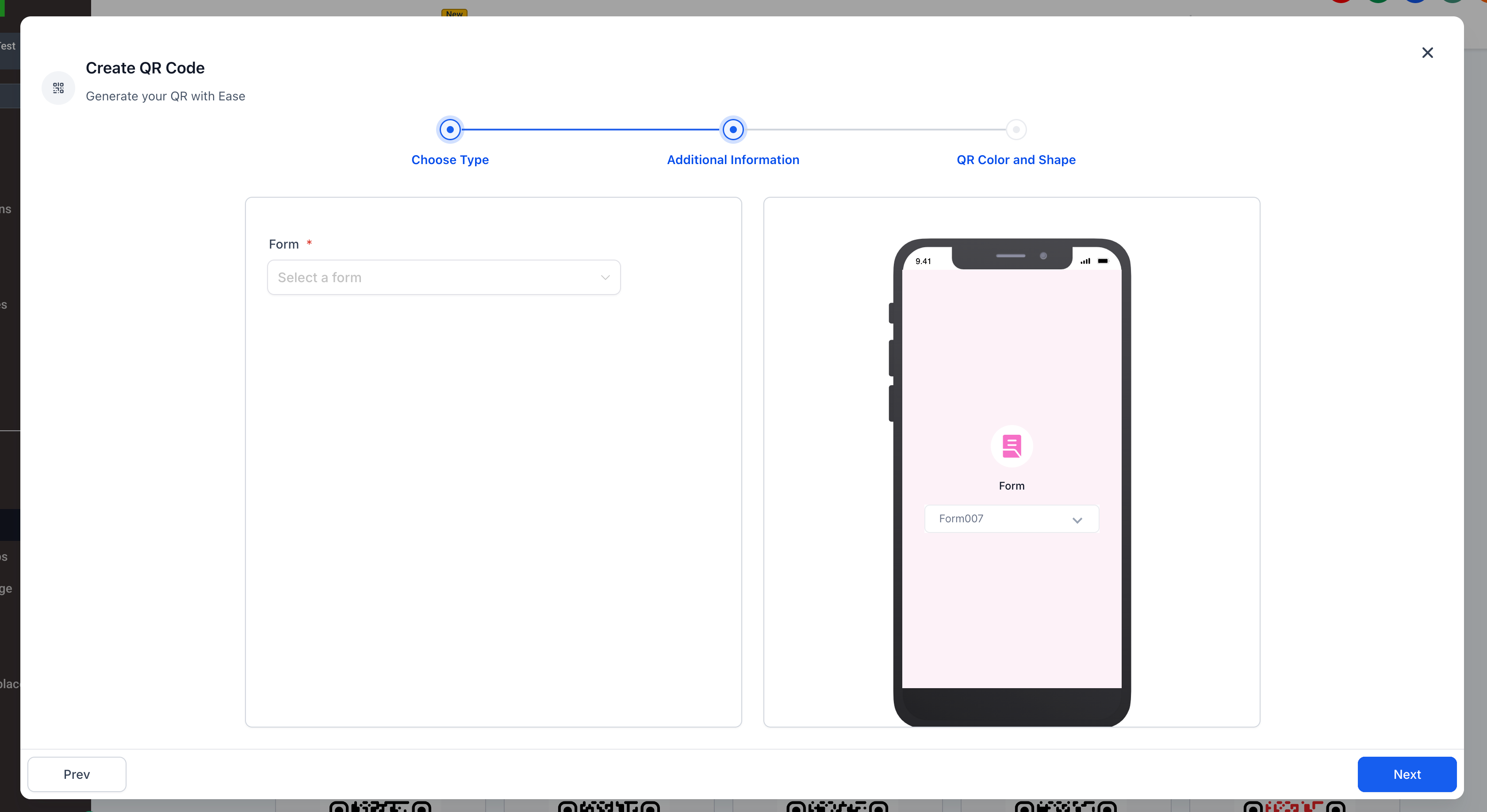
Forms
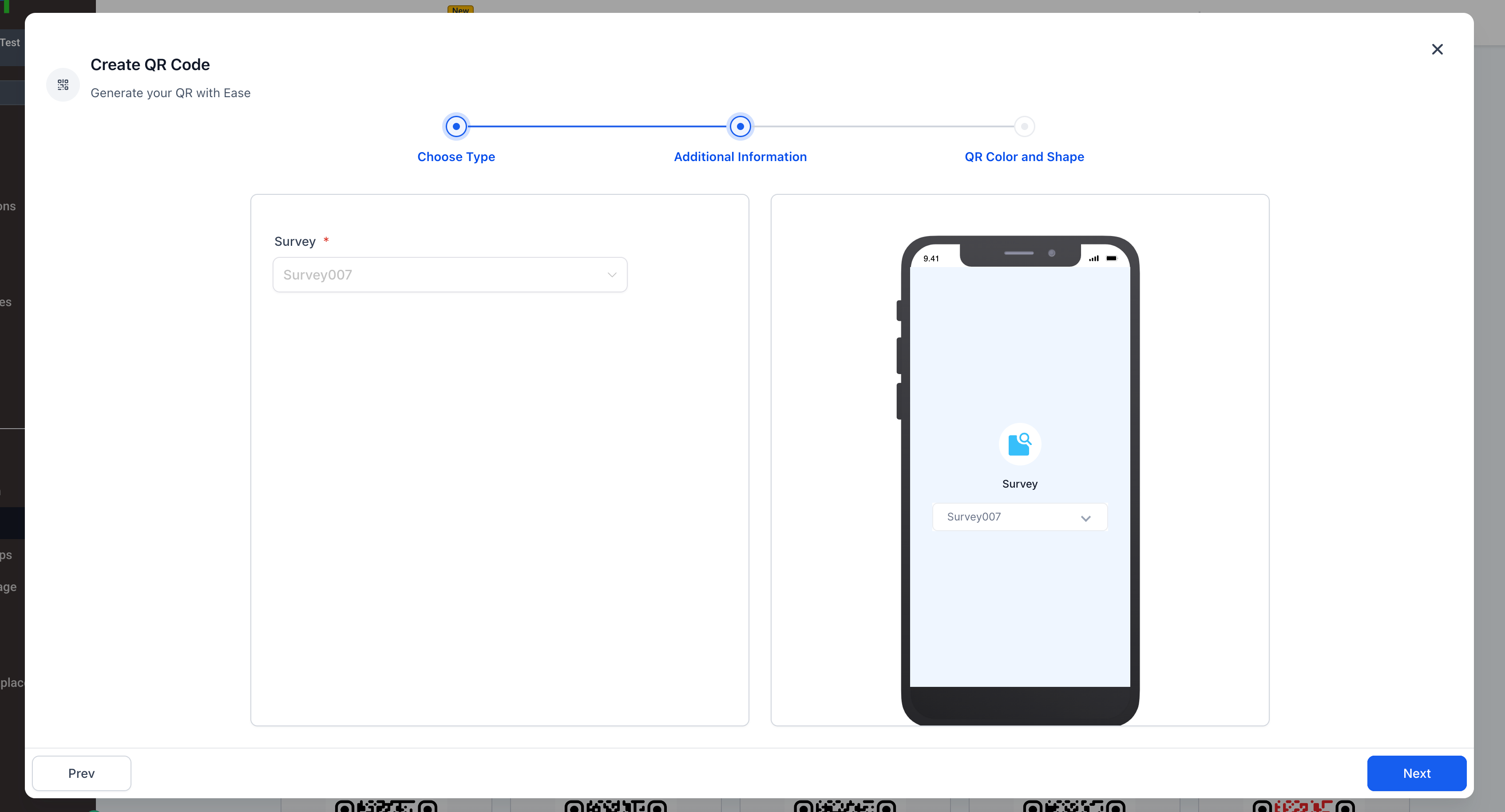
Surveys
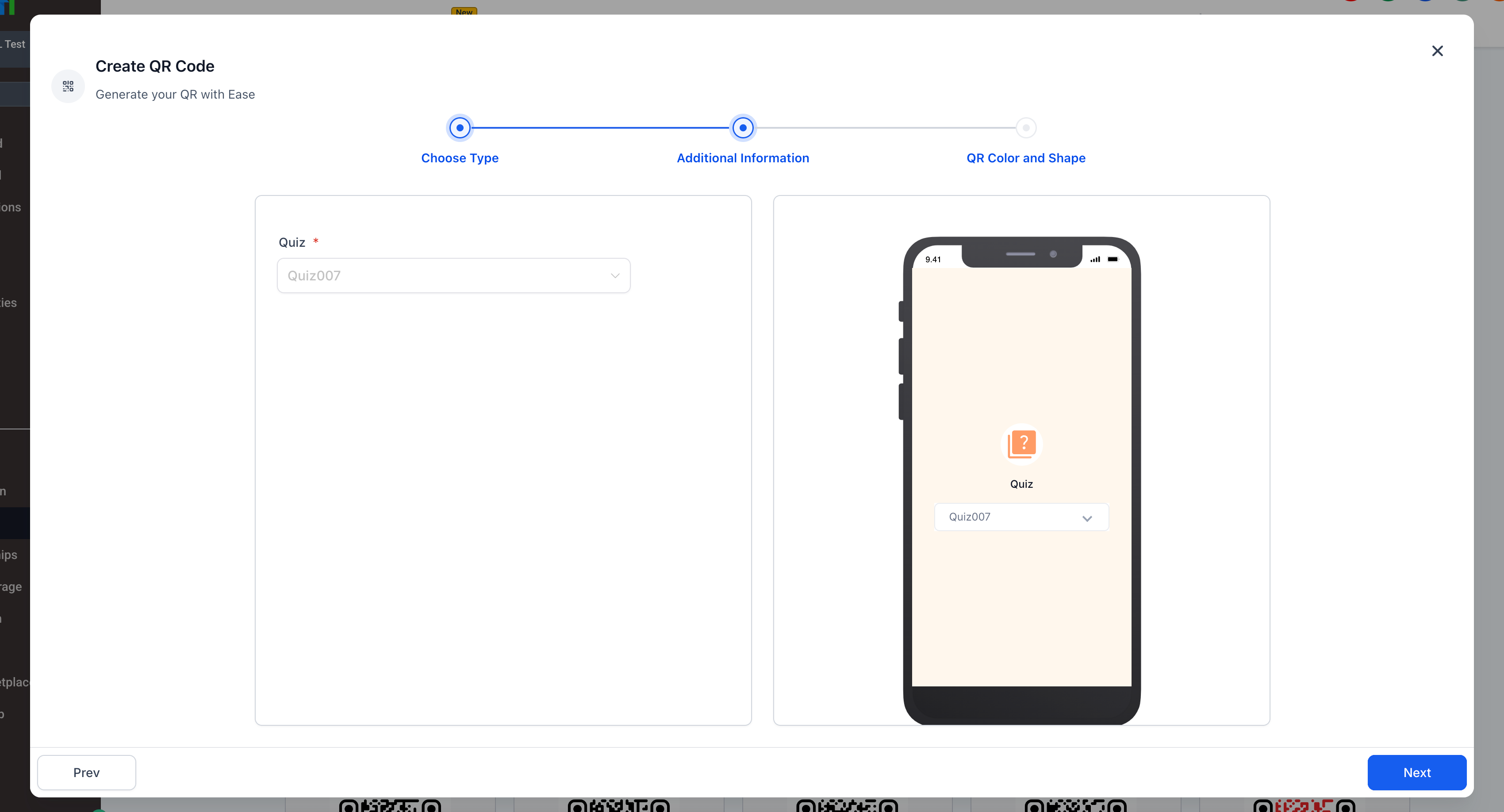
Quizzes
These new redirection types join the existing options Website, Review Link, Call, SMS, and Email, making the QR Code Builder a comprehensive tool for connecting online and offline experiences.
Key Highlights
-
Multi-Destination Support:
Each QR code can now connect you to a wider range of internal assets. This is ideal for marketing campaigns, lead capture, offline-to-online conversions, and more.
-
Payment QR Codes:
Select or create a payment link directly within the builder. Your QR code will send you to a secure checkout experience using the payment system.
-
WhatsApp Integration:
Easily redirect you to a WhatsApp chat with a preset phone number and message. Perfect for sales inquiries, customer support, or conversational funnels.
-
Funnel Targeting:
Link QR codes to specific funnel pages for more control over your journeys.
-
Form, Survey, and Quiz Redirection:
Connect QR codes to your lead capture tools with just a few clicks. Every scan can now launch a form, survey, or quiz from your asset library.
How It Works
Navigate to Sites > QR Code Builder
Choose one of the new QR types: Payment, WhatsApp, Funnel, Form, Survey, or Quiz
Configure your destination (e.g. select a funnel page, form, or add WhatsApp message)
Customize the QR code’s design (color, shape, etc.)
Click Next to generate your QR code
Dynamic URLs are supported so you can update the destination later without needing to regenerate the QR image.
Notes
WhatsApp redirection works on both mobile and desktop (if WhatsApp is installed)
-
Funnels, forms, surveys, and quizzes must be created in advance to appear in the dropdown selection