
StudioBot is Enrollio’s AI assistant for your studio. It lives in the same places parents already message you — SMS, website chat, and social DMs through Enrollio CRM — and helps turn “Do you have classes for my 6-year-old?” into a booked trial.
Think of StudioBot as an AI employee: it handles routine first-touch conversations so your team can focus on relationships, judgment, and anything sensitive.
What parents experience
When a parent texts or messages your studio, StudioBot can:
- Greet them and ask for the student’s age and interests
- Suggest classes that fit
- Offer open trial times from your CRM calendars
- Book a free trial and confirm the details
- Answer common questions (hours, location, what to wear) using your studio knowledge
A typical conversation takes under a couple of minutes. The trial appointment appears on your CRM calendar when booking succeeds.
Channels StudioBot works on
StudioBot uses the channels you already have connected in Enrollio CRM:
- SMS / text — parents text your studio number
- Webchat — chat on your website
- Facebook Messenger
- Instagram DMs
Parents don’t need a new app. You don’t change how they contact you.
What StudioBot handles vs. hands off
StudioBot handles:
- Class availability and age-appropriate options
- Scheduling preferences (days/times)
- Free trial booking and confirmation details
- Studio location, hours, and other facts you’ve verified in Knowledge
StudioBot hands off to your team for:
- Tuition, pricing, fees, billing, refunds
- Cancellations and membership changes
- Costume or recital questions (unless you’ve taught clear facts)
- Upset or frustrated parents
- Anyone who asks to speak with a person
- Anything it can’t answer confidently
When it hands off, it tells the parent someone will follow up, can pause itself for that family, and notifies your team based on your Human Handoff settings.
What your staff sees
-
StudioBot dashboard (
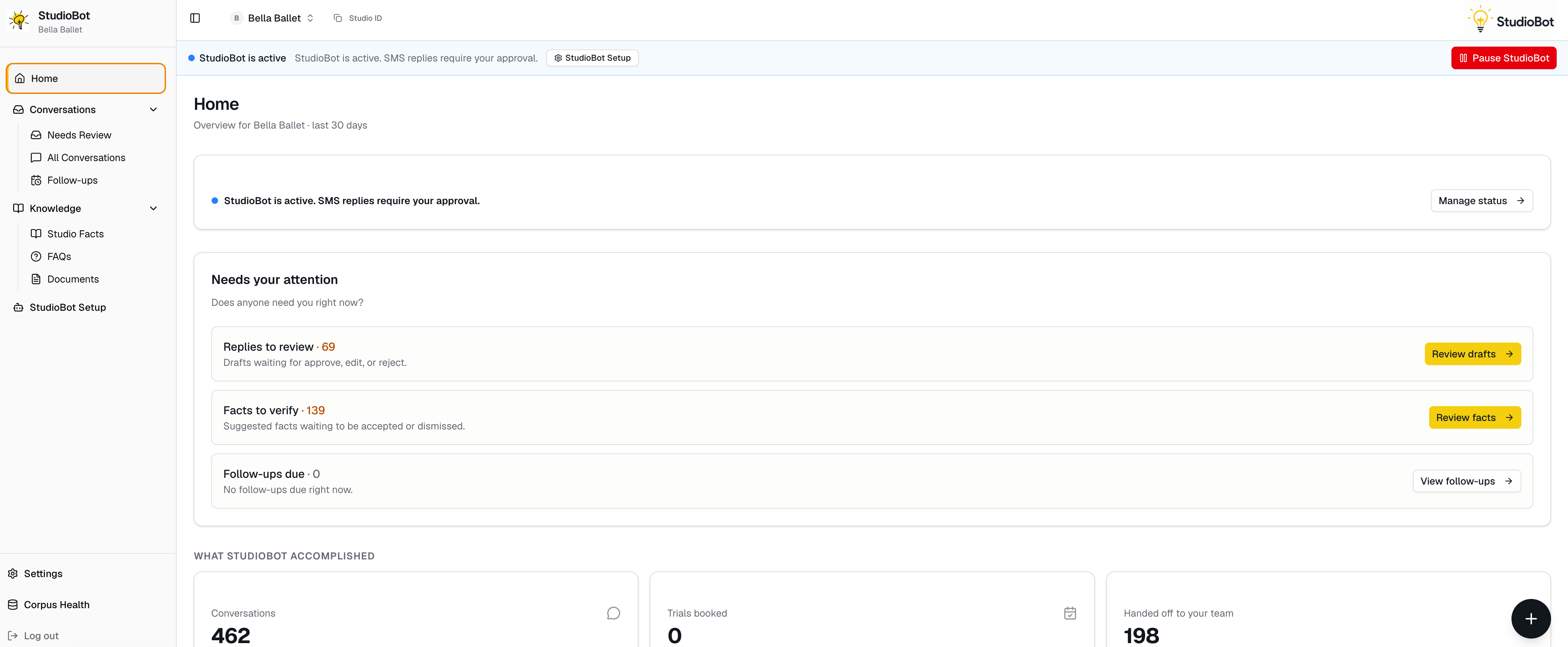
https://studiobot.enrollio.ai) — status, Needs Review, knowledge, setup, and testing - Enrollio CRM Conversations — the same thread parents see; you can jump in and reply anytime
- Optional Slack alerts — bookings and handoffs, if configured
Does StudioBot replace my staff?
No. It covers the repetitive first-touch messages that often arrive after hours. Your team still owns pricing conversations, exceptions, and relationship-building. StudioBot’s job is to reply quickly and move warm leads toward a booked trial — then get out of the way when a human should take over.