
This article explains how to save and update payment methods within the Enrollio portal.
1. Introduction
You'll learn how to manage card and bank account information for families and parents.
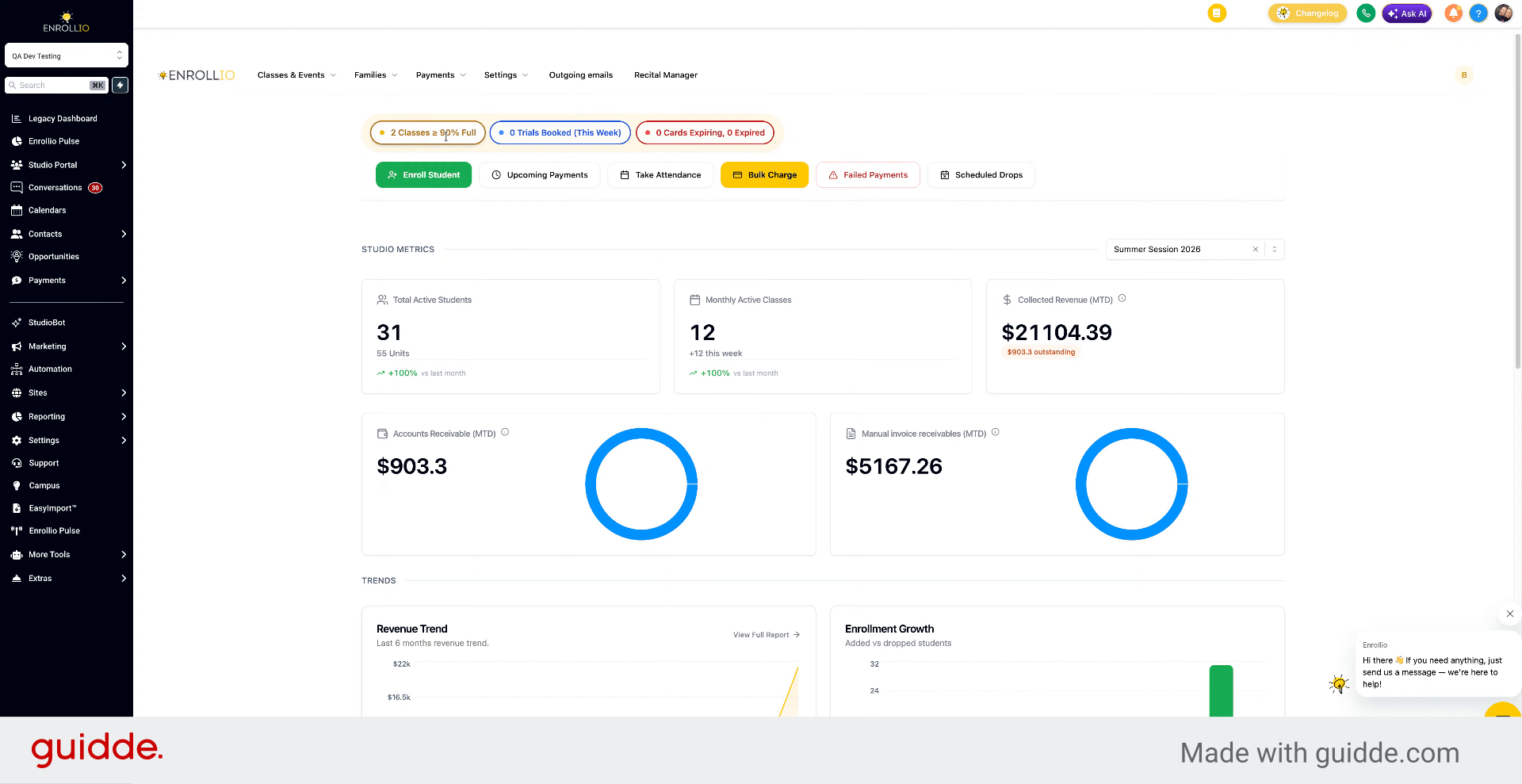
2. Access Parents Section
To save a card on file, go to Families and Parents.
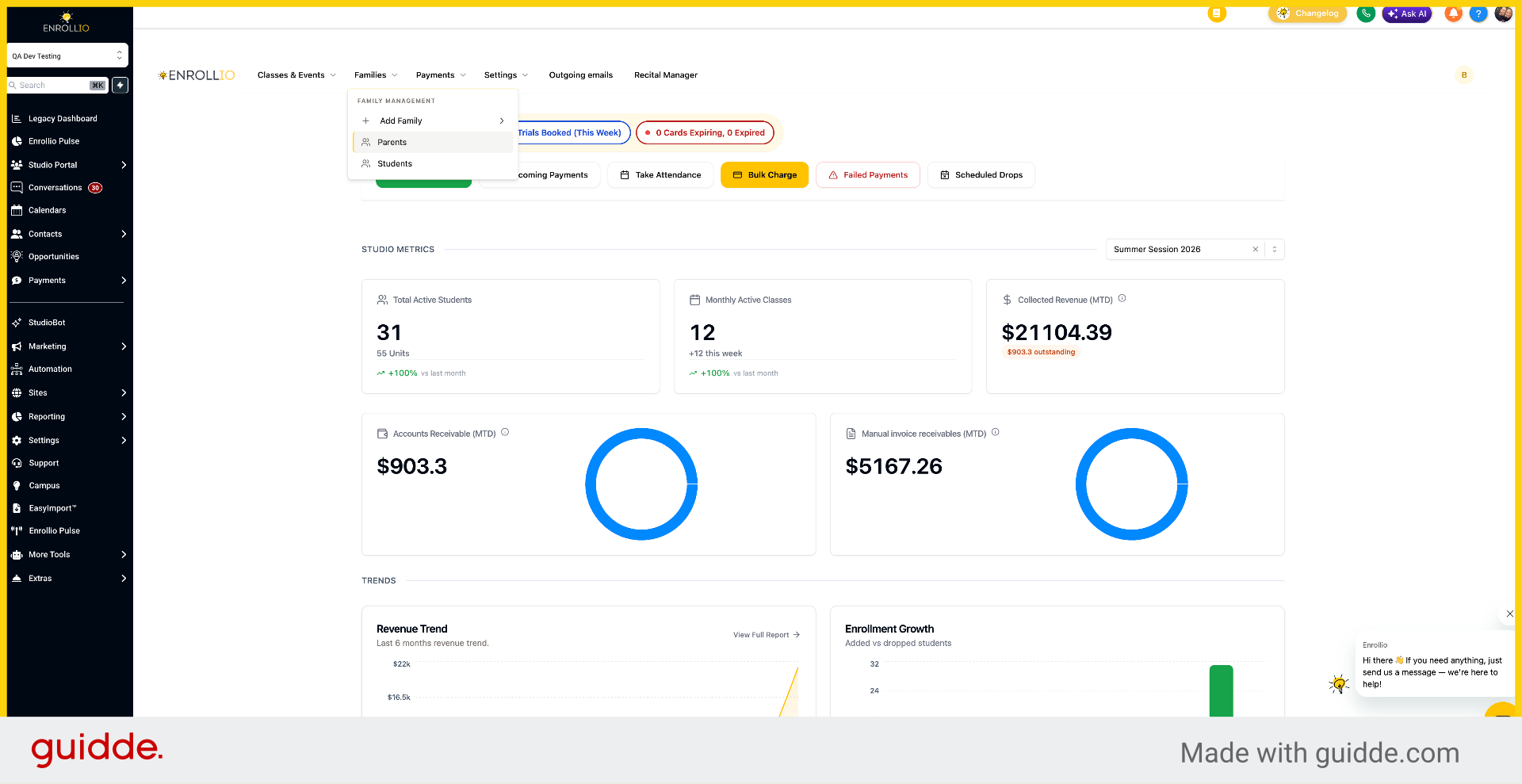
3. Select Family Record
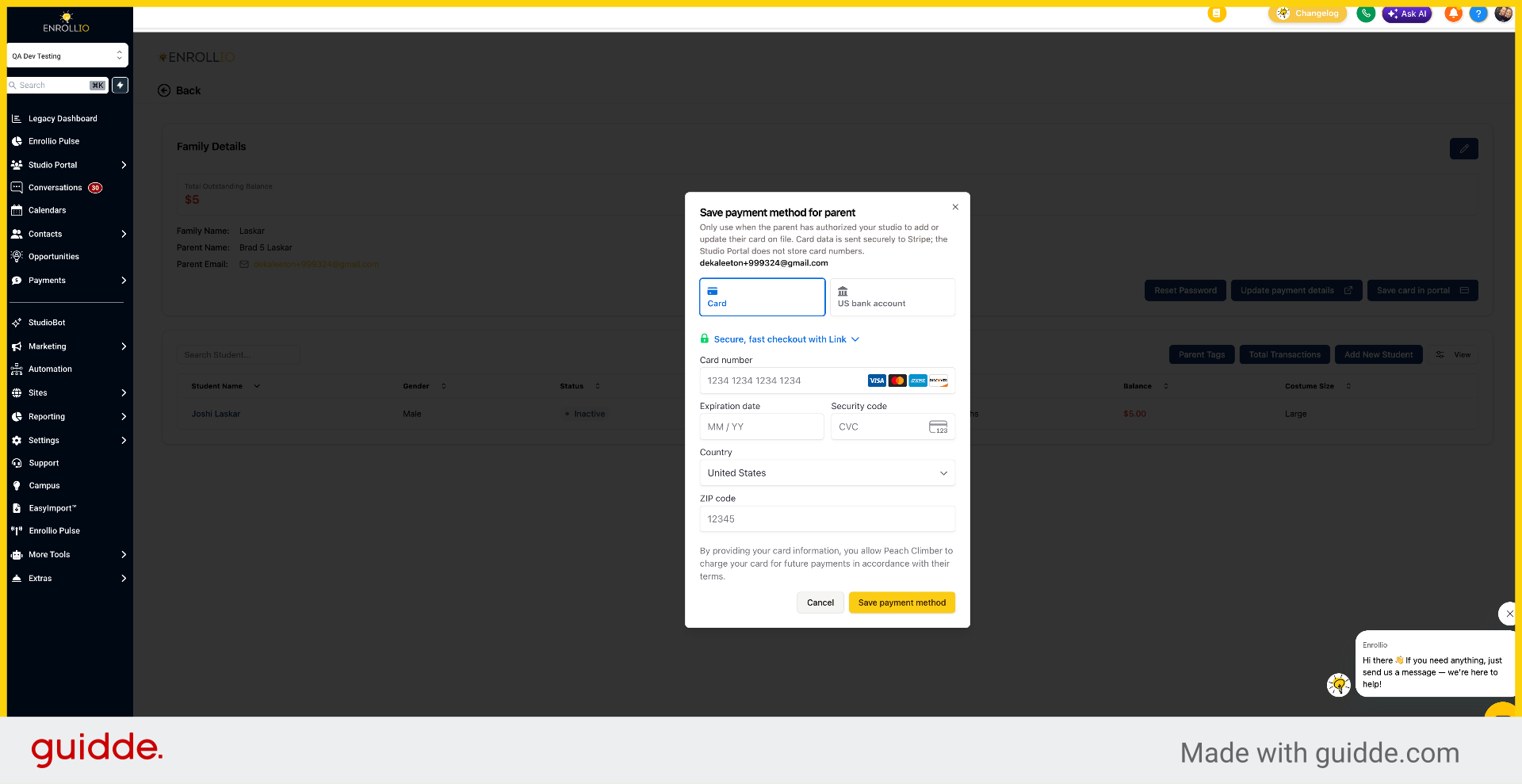
Select the family and click Save Card in Portal.
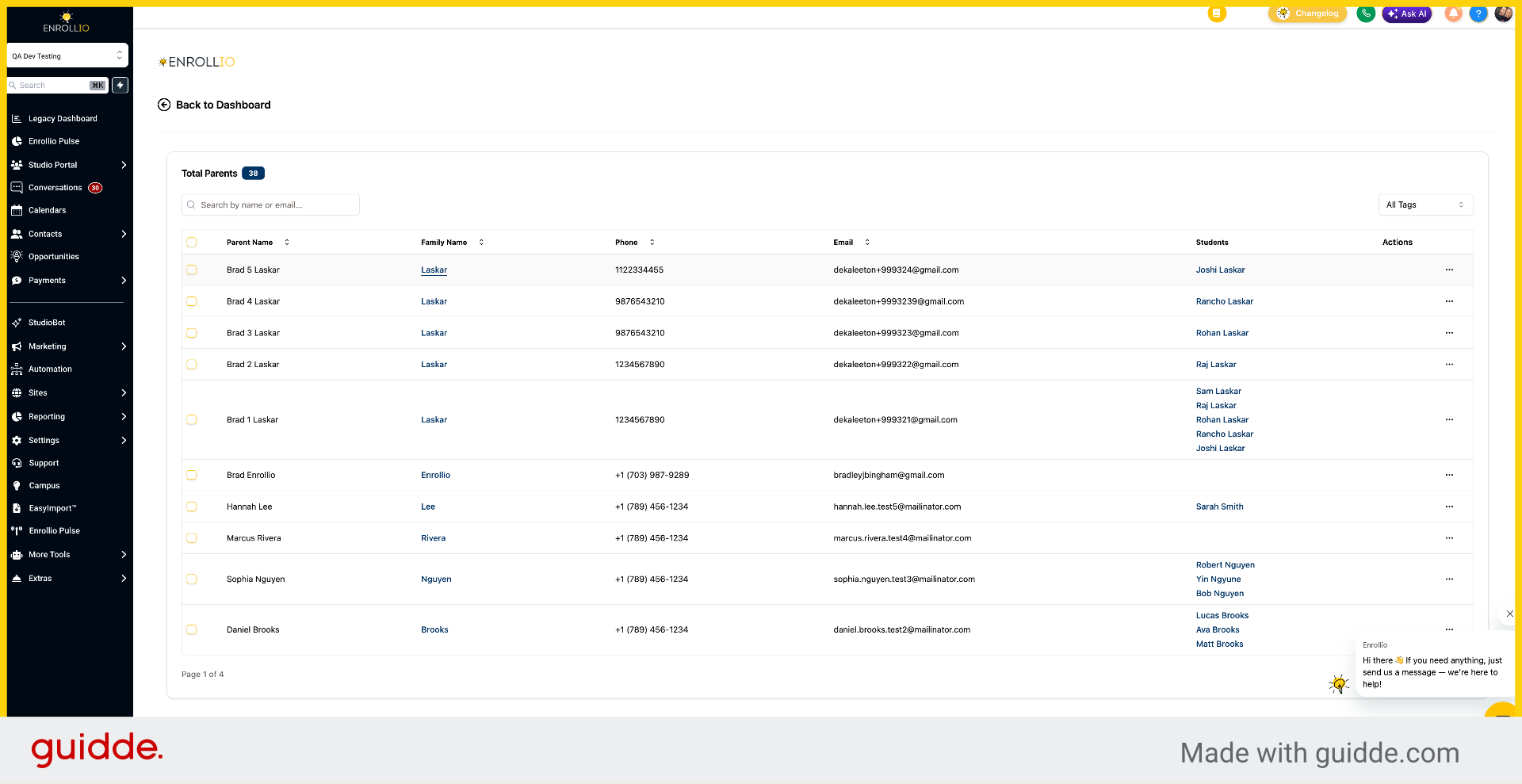
4. Save Card In Portal
Click Save Card in Portal. You can add card or bank account information here, and it will be saved to their profile.
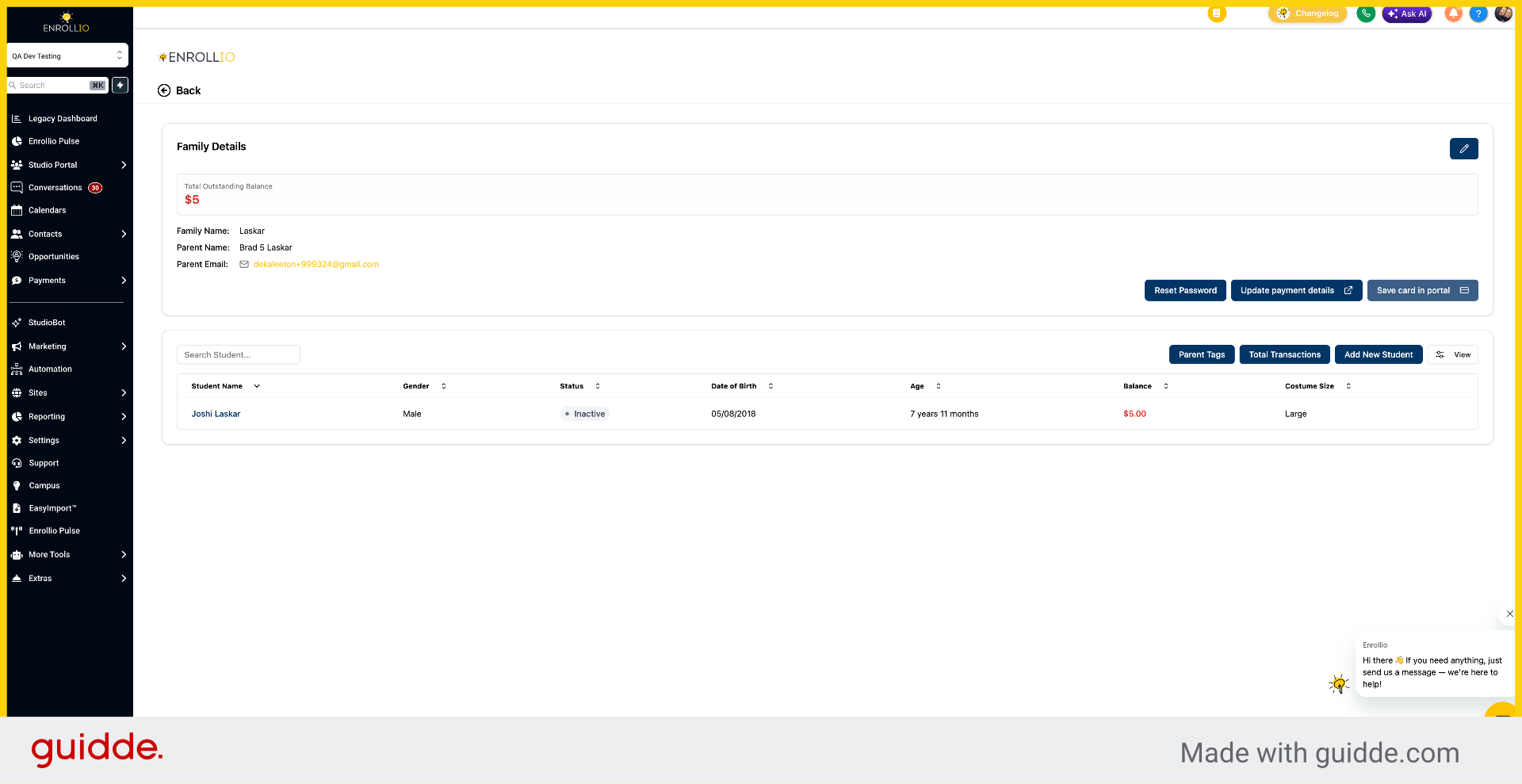
5. Cancel Card Update
Click Cancel.
6. Open Payment Details Update
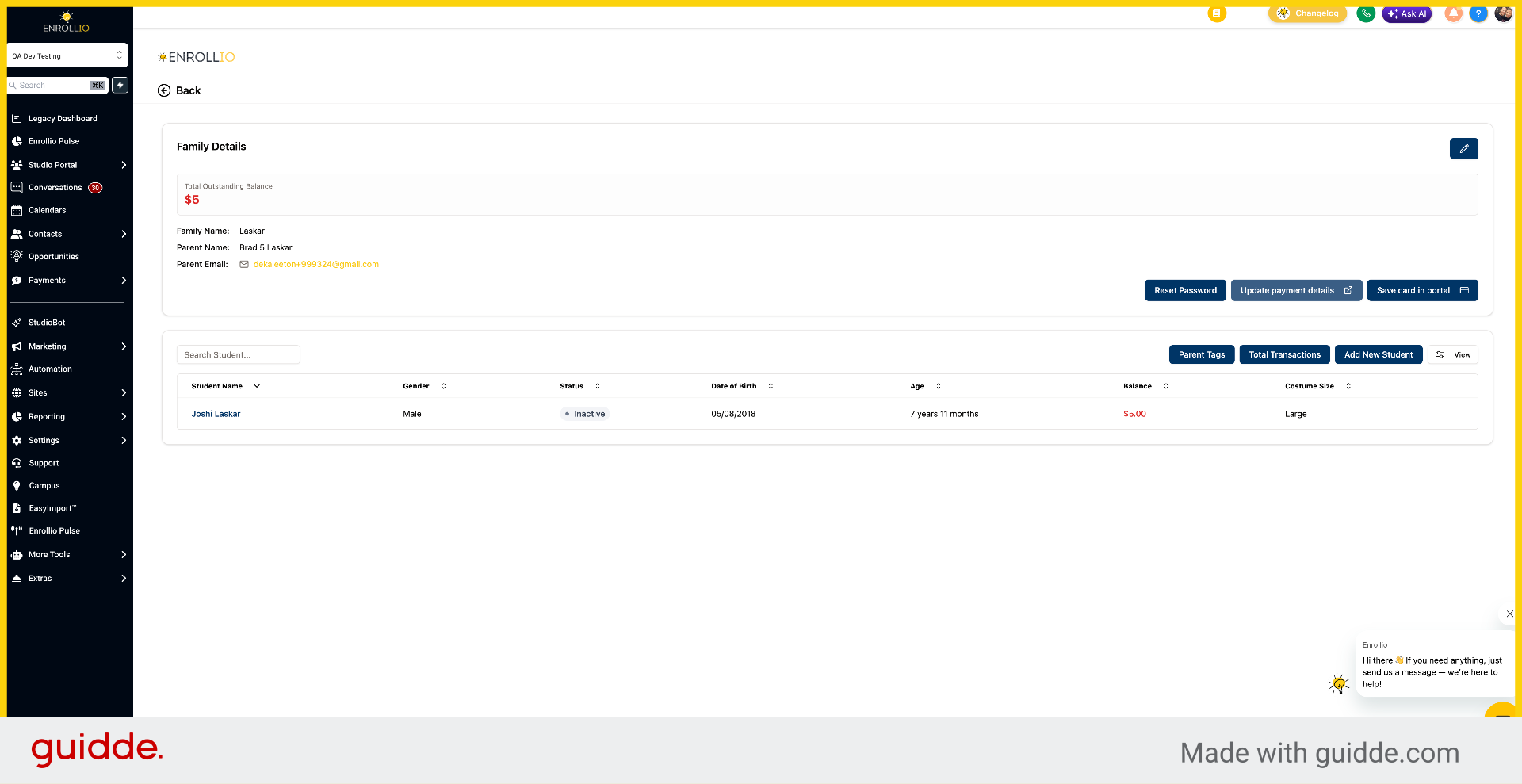
If they have multiple payment methods on file, you can click Update Payment Details.
7. Switch To Enrollio Portal
This opens a tab with their payment methods, where you can choose to change the default method.
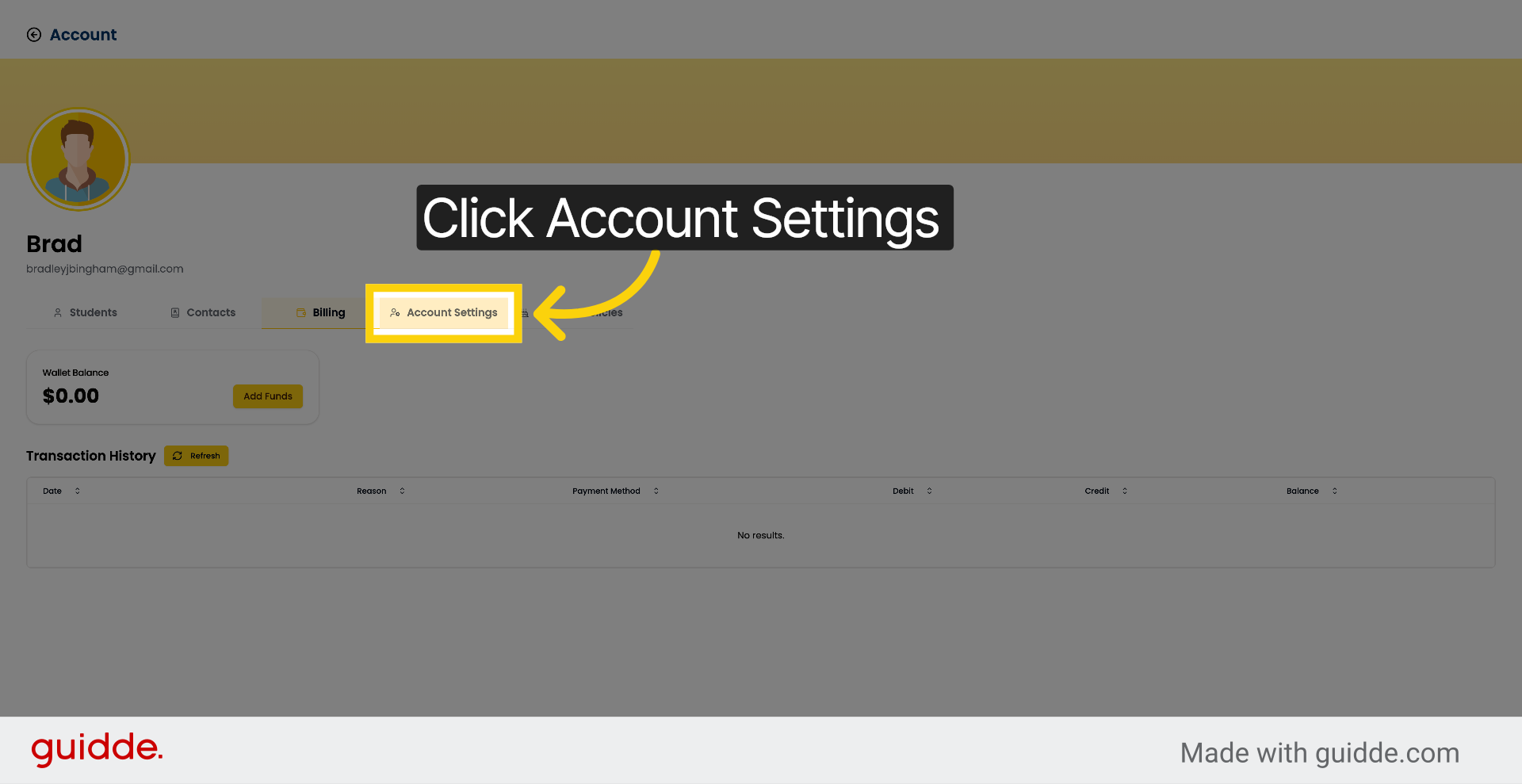
8. Access Account Settings
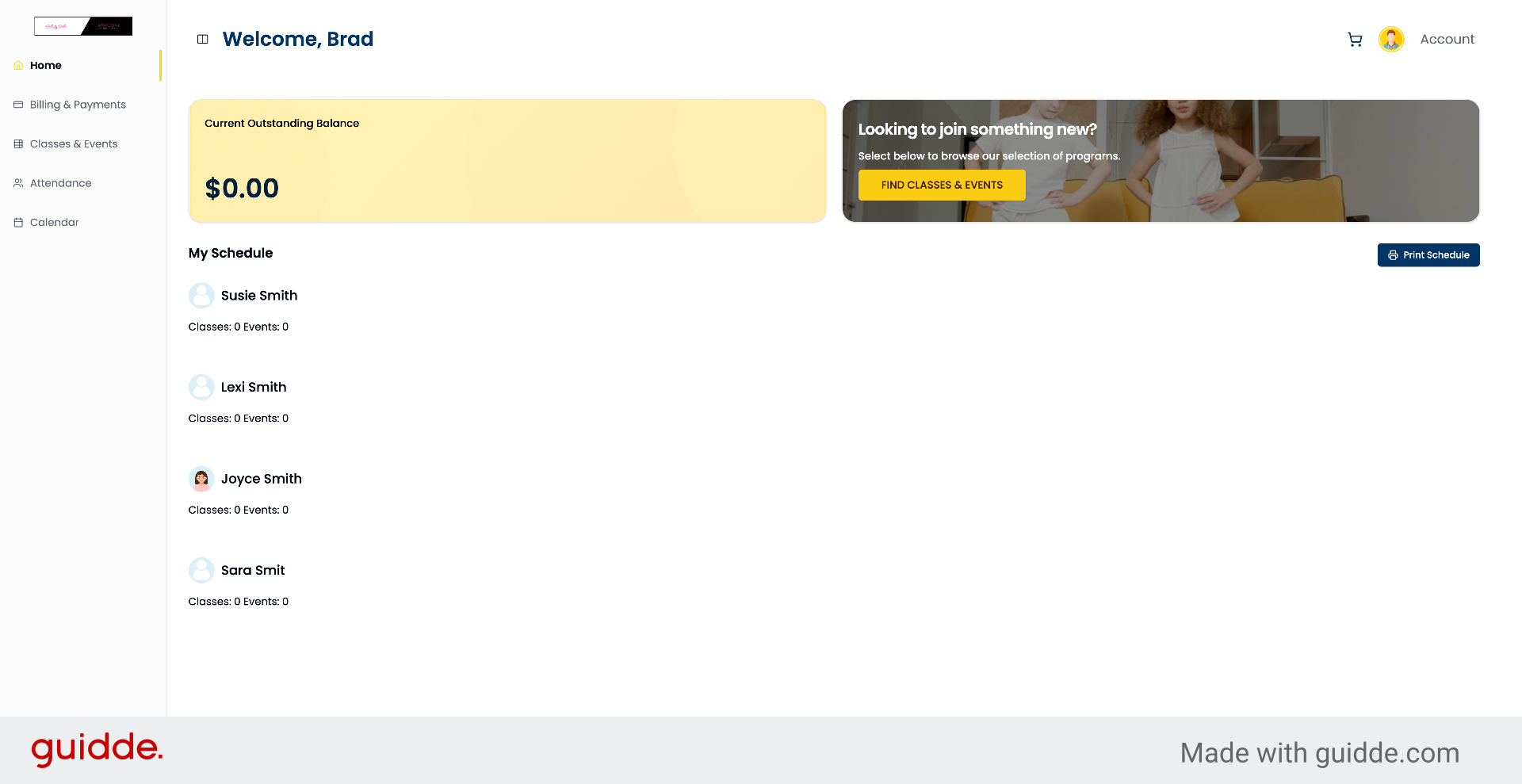
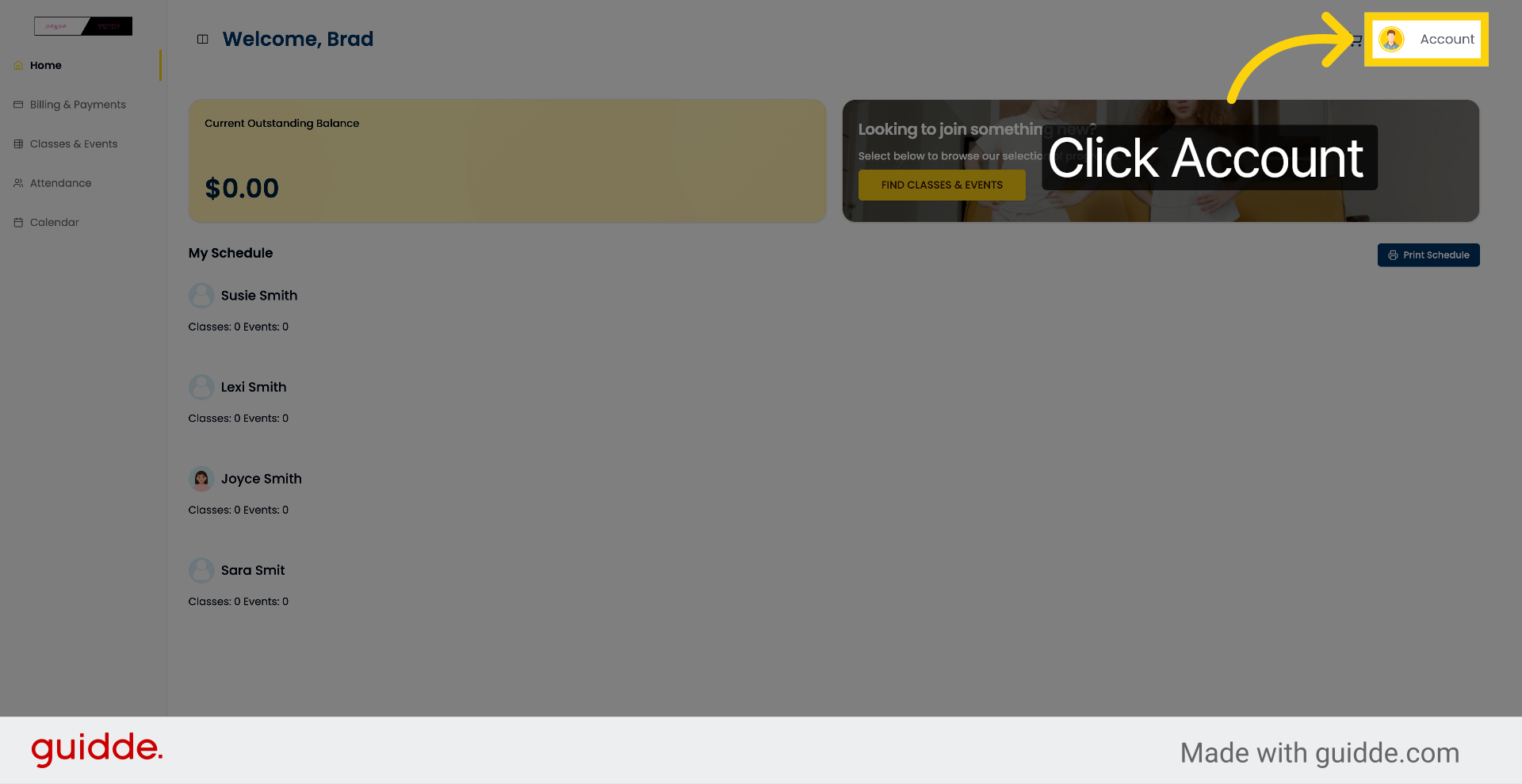
On the parent portal side, they can go to Account.
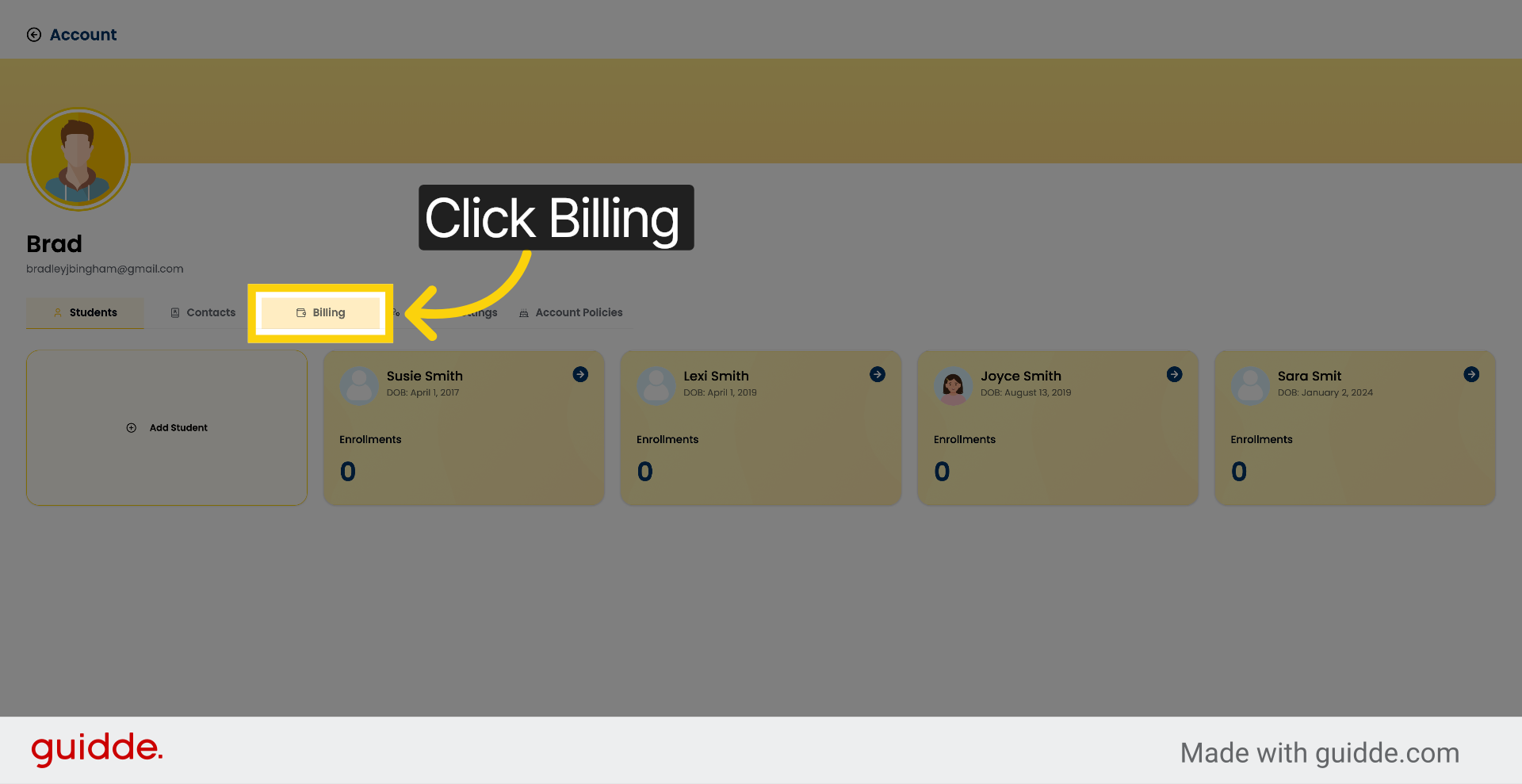
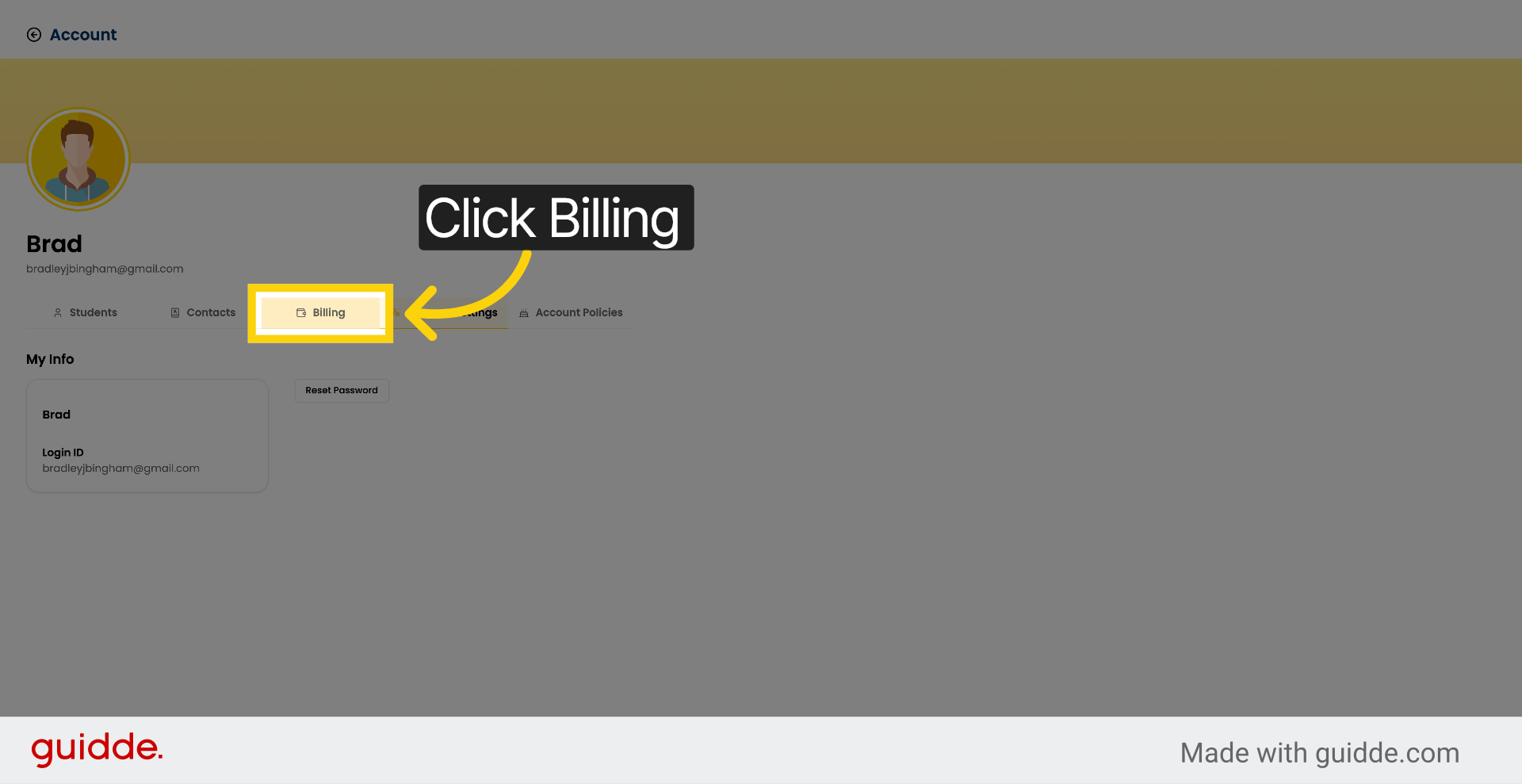
9. Open Billing Section
Then select Billing.
10. Navigate To Account Settings
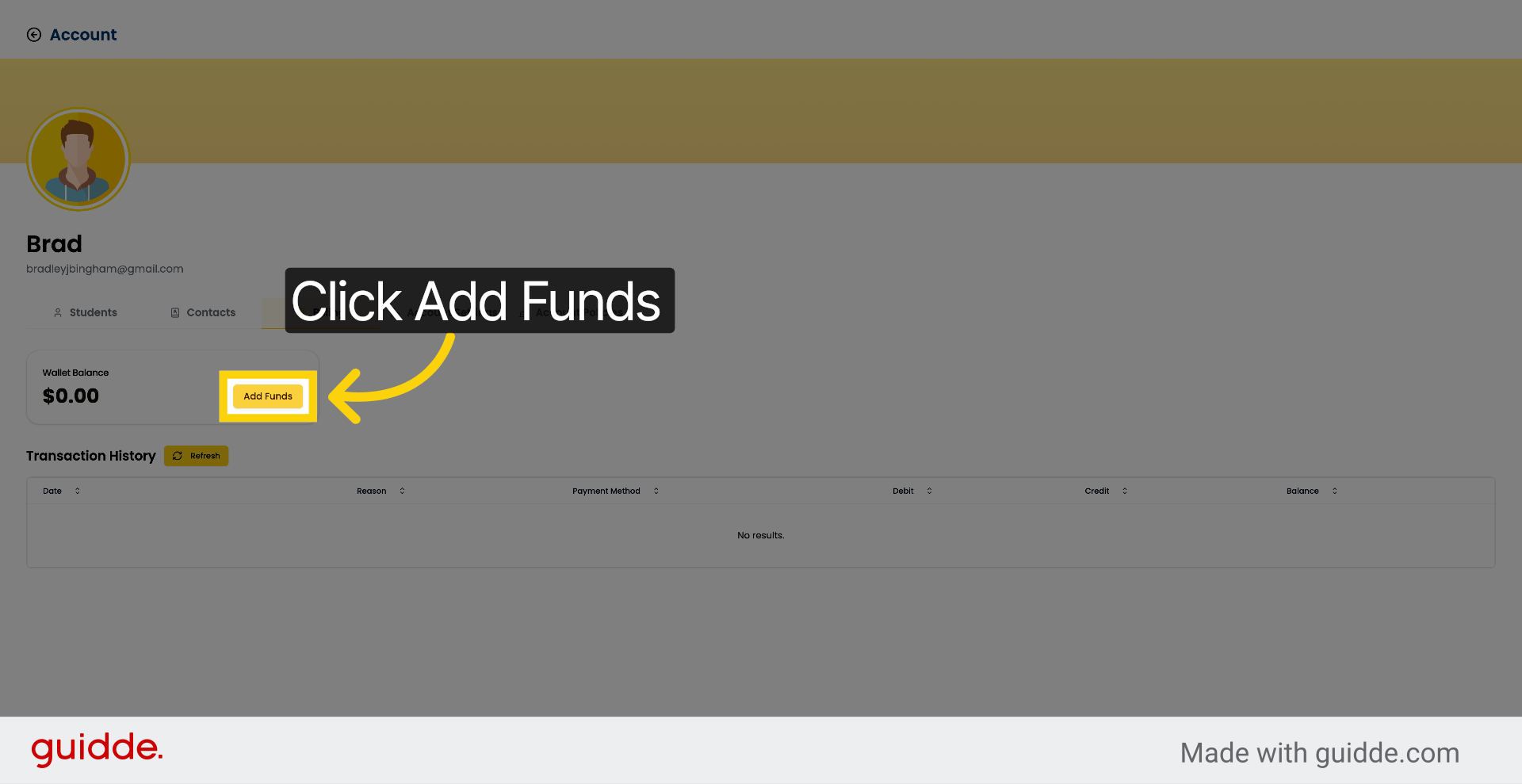
From here, they can add a card by clicking Add Funds.
11. Return To Billing Section
Click Add Funds to proceed.
12. Add Funds To Account
Click Add Funds.
You've now learned how to save and update payment methods for families within the Enrollio portal, manage card and bank account information, and add funds through the billing section.